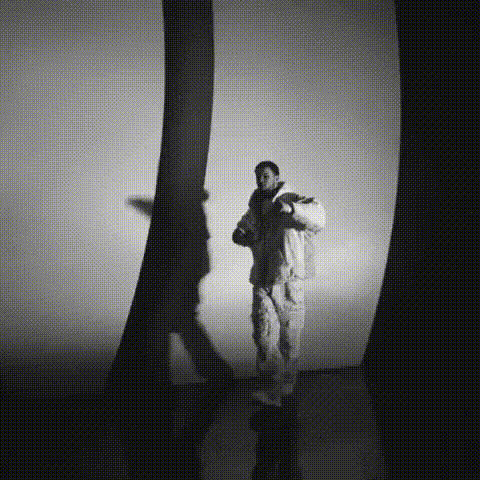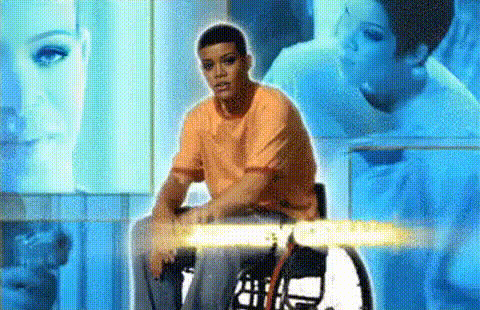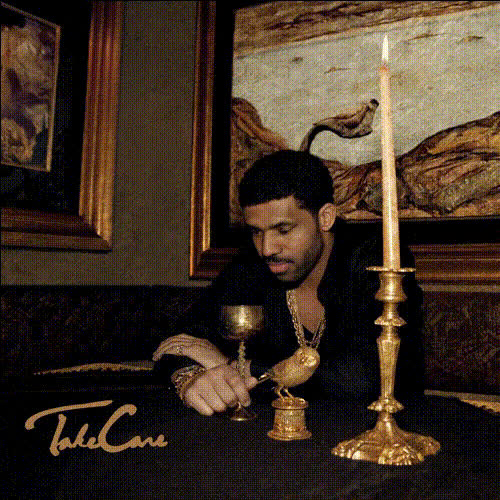
Drake Album Cover
face-swap
Any aspect ratio
Tags
transformationsTurn Any Face Into a Cinematic Reaction Meme (in Minutes)
Use this Face Swap template to turn yourself (or any character) into the star of an iconic reaction shot. Perfect for TikTok, Instagram Reels, YouTube Shorts, and Discord/Slack memes.
With Magic Hour’s AI Face Swap engine, you can drop in a single selfie and instantly replace the face in a short video clip—while keeping the original lighting, motion, and expressions.
What This Template Does
This template is built on Magic Hour’s Face Swap Video workflow. It:
- Replaces the main face in a video with your own (or any face you upload)
- Preserves head movement, expressions, and camera motion for realism
- Keeps the original video’s environment, colors, and cinematic feel
- Exports a short, shareable video ideal for social platforms and messaging
You can remix it to create:
- Reaction memes starring you or your friends
- Creator-branded reaction clips for recurring use in content
- Persona-based reactions (e.g., “CEO mode”, “gamer mode”, “founder meltdown”)
- Character-based reactions for fictional universes or fan content
How to Remix This Template in Magic Hour
You can recreate and customize this template in a few minutes:
Open Face Swap Video
- Go to Face Swap Video.
Upload Your Base Clip
- Use a short clip with a clear, front-facing or ¾ view of the person whose face you want to replace.
- For meme-style reactions, clips with strong expressions or punchy reactions work best.
Upload Your Face
- Add a selfie or portrait of the new face you want to insert.
- For best results:
- Use a clear, well-lit image
- Avoid heavy filters or extreme angles
- Make sure the face is unobstructed (no big sunglasses, masks, etc.)
Generate the Swap
- Run the Face Swap and let Magic Hour handle the heavy lifting: alignment, blending, and color matching.
- Review the preview and re-run with a different source image if you want a different look.
Export and Reuse
- Download your video and reuse it as a recurring reaction asset across your channels.
- You can build a library of reaction memes with the same face across different iconic clips.
Advanced Remix Ideas for Creators & Teams
If you’re a marketer, creator, or founder, this template can be systematized into reusable assets:
Brand Reaction Pack
- Put your face (or your brand mascot) into multiple reaction clips using Face Swap Video.
- Build a consistent visual language for replies, comments, and community management.
Character-Driven Content
- Combine this with AI Character Generator or Avatar Generator to design a character, then recreate their face across multiple live-action clips with Face Swap.
Founder / Executive Thought-Leader Memes
- Turn keynote screenshots, podcast clips, or meme templates into consistent “founder reaction” videos you can drop into social threads and newsletters.
Localized / Multilingual Variants
- Use AI Voice Generator or AI Voice Cloner with your swapped-face clips to create localized reaction content in different languages while keeping the same on-screen persona.
Tips for High-Quality Face Swaps
To get convincing, shareable results:
Choose the right base clip
- Stable framing and clear, unobstructed faces work best.
- Strong expression = better meme value.
Feed the model clean faces
- Use well-lit, sharp selfies. You can enhance old or blurry photos with AI Image Upscaler or Unblur Image before swapping.
Refine your identity asset
- Test a few different selfies to find the one that produces the most consistent, recognizable results across many clips.
Keep it short and punchy
- Meme-style reaction clips perform best at 3–10 seconds on TikTok, Reels, Shorts, Slack, and Discord.
Chain This Template With Other Magic Hour Tools
You can turn this single reaction Face Swap into full-funnel, multi-format content by chaining Magic Hour tools:
Turn Still Images into Motion
- If you start from an image instead of video, animate it with Image to Video or Animation, then apply Face Swap to match your persona.
Sync Lip Movements to Audio
- After face swapping, add speech with Lip Sync or make a talking avatar with AI Talking Photo.
- Combine with AI Voice Generator or AI Voice Cloner to give your reaction character a distinct voice.
Re-style the Scene or Character
- Use Video to Video to restyle the entire clip (cartoon, cinematic, painterly, etc.) while keeping your swapped face and motion.
- Experiment with AI Art Generator or AI Anime Generator to create stylized frames and then animate them.
Create Static and Social Variants
- Generate still reaction images with AI Face Generator or AI Image Generator.
- Turn them into GIFs with AI GIF Generator or meme formats with AI Meme Generator.
Clean-Up and Polish
- Fix backgrounds or remove unwanted elements with Image Background Remover or AI Remover.
- Enhance older reaction source clips with Video Upscaler or restore vintage material first using Old Photo Restoration.
Use Cases for Creators, Marketers, and Startups
This template is optimized for people who care about speed and repeatability:
Creators & Streamers
- Build a library of high-quality, on-brand reaction clips for overlays, alerts, and shorts.
- Reuse the same “reaction persona” across platforms using Face Swap and Face Swap GIF.
Marketing & Growth Teams
- Rapidly prototype A/B-tested reactions for ads, landing pages, and social threads.
- Turn founders, customers, or mascots into recognizable meme characters for campaigns.
Product & Startup Teams
- Use swapped-face reactions in onboarding flows, product tours, or changelog videos.
- Quickly generate persona variations for pitch decks or investor updates, then illustrate them further with AI Illustration Generator or Book Cover Generator.
How to Build Your Own Version of This Template
You don’t need direct access to this exact template to recreate it. In Magic Hour, you can:
- Start from Face Swap Video.
- Pick a few high-impact reaction clips as your base.
- Create and test a set of 2–3 “identity” photos of yourself or your character.
- Save the best-performing clips as your personal “reaction set” and reuse them across projects.
- Optionally chain in:
- Lip Sync for talking reactions
- Video to Video for stylized versions
- AI GIF Generator for fast-sharing formats
By treating this workflow as a modular building block—Face Swap → (optional) Lip Sync → (optional) Video to Video—you can quickly build a repeatable system for reaction content that’s easy to scale, repurpose, and automate.