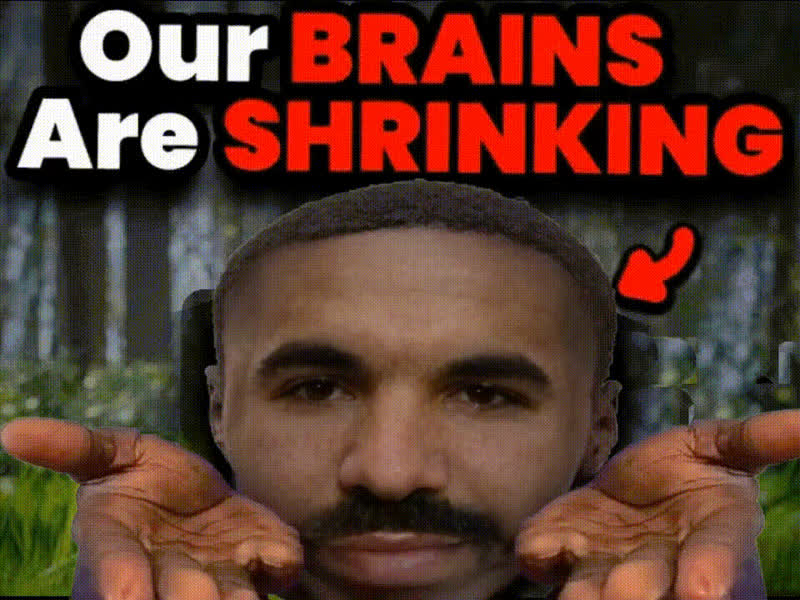
Brian Molko Portrait
Overview
The Brian Molko Portrait Video Face Swap template allows you to swap faces seamlessly with the iconic frontman of Placebo. Ideal for both personal fun and creative professional projects, this template lets you create memorable content that stands out.
What It Does
This template provides an easy way to exchange faces in video content, specifically tailored to work with Brian Molko's portrait. It utilizes advanced algorithms to map your face onto a video, creating a seamless blend while preserving natural expressions and movements. The output can be used in various formats, enhancing videos for social media, marketing, or entertainment. Explore more Face Swap options for different styles.
Who It's For
This tool is perfect for video creators, marketers, and fans of Brian Molko. Whether you're producing content for a social media ad or just looking to have some fun with your friends online, this template is your go-to resource. It's also ideal for agencies looking to add an entertaining twist to their client projects.
Summary
With the Brian Molko Portrait Video Face Swap template, you can create engaging and unique video content effortlessly. Simply choose the template, upload the necessary video, and let the editing magic happen. To expand your creative toolkit further, check out our AI Video Generator and AI Image Editor for more advanced video and image manipulations.
How To
Choose Your Template

Customize Your Input

Generate Your Video

Use Cases
Social Media Content
- Instagram Reels
- Facebook Stories
- TikTok Videos
Marketing Campaigns
- Product Launch Videos
- Ecommerce Ads
Entertainment Projects
- Fan Tribute Videos
- Music Video Enhancements
Best Practices
Select High-Quality Footage
Ensure that your input video is high-quality and well-lit for the best face swap results.Match Angles and Expressions
Try to use videos where the facial expressions and angles match Brian Molko's portrait for a more realistic swap.Use Complementary Tools
For more advanced editing, integrate with our Image to Video converter for a complete creative workflow.