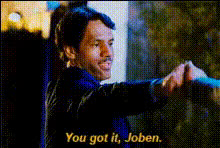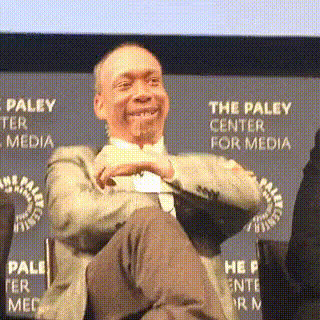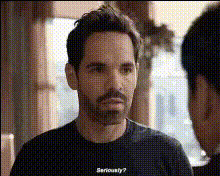
paul-rudd-smiling
Overview
Transform your videos into engaging and fun content with the Paul Rudd Smiling Video Face Swap template. This template is designed to bring a smile to your viewers' faces, perfect for injecting some humor into your social media posts or personal projects.
What It Does
This Video Face Swap template allows users to replace a face in their video with a smiling Paul Rudd. Simply upload your video, select the face to swap, and let the AI do the work.
Our template seamlessly integrates with the Image to Video and AI Video Generator products, expanding your creative possibilities.
Who It's For
If you're a social media influencer, marketer, or just someone looking to create entertaining content, this template is for you. Easily add a touch of celebrity charm to your videos or make personalized jokes that entertain and engage your audience.
Summary
Combine the recognizable charm of Paul Rudd with your unique content using the Paul Rudd Smiling Video Face Swap. Whether for personal amusement or professional use, this template helps create memorable video experiences.
How to Use
Choose the Template

Customize Your Inputs

Generate Your Video

Use Cases
Social Media Content
- Instagram stories
- TikTok trends
- YouTube intros
Marketing and Ads
- Brand campaigns
- Interactive ads
Personal Projects
- Birthday greetings
- Event highlights
Best Practices
Select Clear Video Footage
Ensure the video you upload is of high quality for the best face swap results.Adjust Lighting
Brightness and contrast settings can help with blending the swapped face effectively.Experiment with Angles
Test different video angles to find the most convincing face swap position.