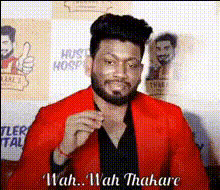
wah-wah-thakare-portrait
Overview
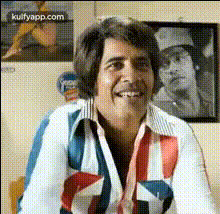
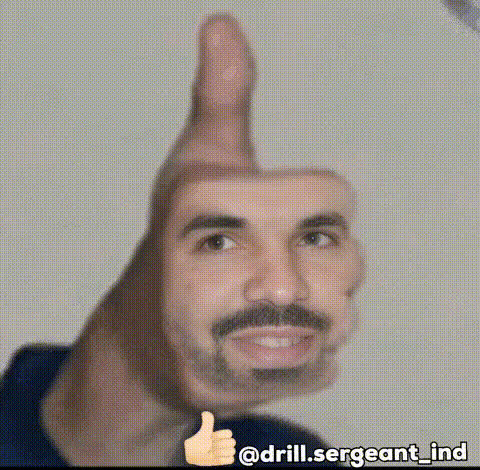
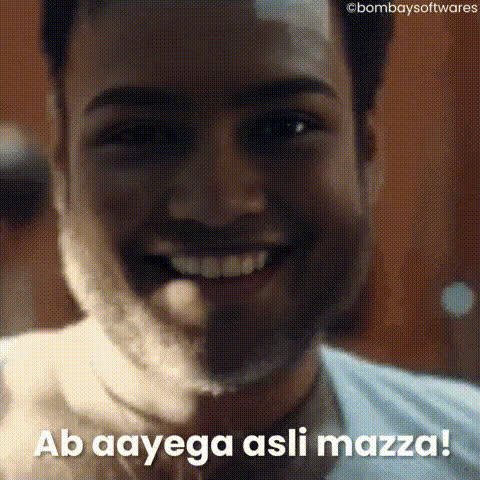
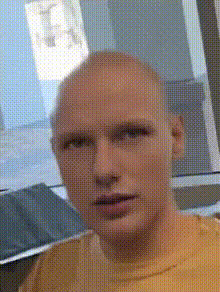
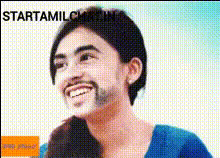
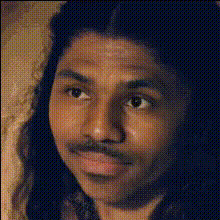
With the Wah-Wah-Thakare Portrait template, bring a touch of whimsy and uniqueness to your videos through a creative face swap experience. This tool enables you to integrate dynamic transitions and enhance various Video Face Swap projects, injecting joy and innovation into your work.
What It Does
The template uses advanced facial transformation technologies to replace faces in your videos with the Wah-Wah-Thakare style, creating an entertaining effect. You’ll find intuitive transitions designed to automate the visual transformation, making it ideal for lively video presentations and creative storytelling. It pairs smoothly with AI Image Editor to further customize the surrounding visual elements.
Who It's For
This template is perfect for creators looking to add a whimsical flair to their productions. Video editors, social media influencers, and marketers can all benefit from using face swaps to capture viewer attention. It’s also a valuable resource for educational content creators and explainer videos who wish to add a fun element to their tutorials.
Summary
The Wah-Wah-Thakare Portrait template simplifies the process of enhancing your videos with quirky face swaps. By seamlessly integrating this tool into projects requiring vibrant facial transformations, you gain access to a range of possibilities from personal creativity to commercial video production. Explore more about similar capabilities under our Head Swap product.
How To
Choose Wah-Wah-Thakare Portrait Template

Customize the Face Swap Inputs

Generate and Download Your Video

Use Cases
Social Media Content
- Instagram stories
- Tiktok challenges
- Facebook posts
Marketing Campaigns
- Product ads
- Branding videos
Educational Content
- Animated lessons
- Interactive tutorials
Best Practices
Select High-Quality Videos
Start with high-resolution video files to ensure the face swap appears seamless. This step is crucial for maintaining professional quality.Fine-Tune Face Selection
Carefully align the facial features when choosing faces to swap. This alignment helps achieve better transformation results.Combine with Complementary Tools
Consider using the AI GIF Generator to transform parts of your video into shareable GIFs, further expanding your creative reach.