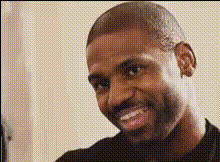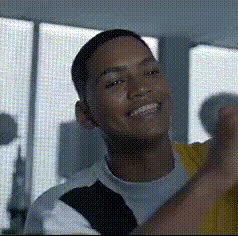
rob-lowe-smiling
Overview
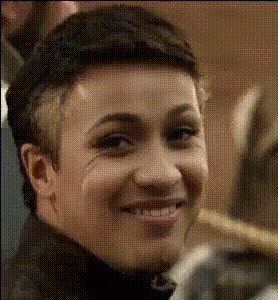
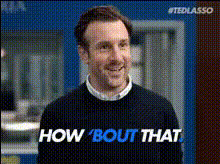
Give your videos a new twist with the Rob Lowe Smiling Video Face Swap template. This tool allows you to replace faces in your videos seamlessly with Rob Lowe's smiling visage, providing a unique and relatable charm to your content. Whether you're aiming for fun or creating engaging media that captures attention, this template delivers both entertainment and quality.
What It Does
This Video Face Swap template swaps the existing face in your video with a pre-trained model of Rob Lowe's smile. It keeps the facial expressions natural and the moment picture-perfect, whether you're editing a clip for social media or crafting a playful compliance training video. The output is rendered in standard video file formats, ready for immediate use or further enhancement in AI Video Generator.
Who It's For
This template is perfect for creators and marketers looking to add a touch of celebrity appeal to their projects. Ideal users include social media influencers, video editors working on comedy or entertainment clips, and marketing teams seeking to produce lively and memorable video advertisements. Its ease of use makes it accessible to both novice and professional editors.
Summary
The Rob Lowe Smiling Video Face Swap template provides a fun and effective way to customize your videos. It combines simplicity with advanced facial recognition technology to help you create distinctive and engaging content. With its integration options, like those in the Text-to-Video feature, it ensures your projects are both creative and professional.
How-To
Choose the Rob Lowe Smiling Template

Customize Your Video

Generate and Download Your Video

Use Cases
Social Media Content
- Increase engagement through humor and novelty
- Attract new followers with creative edits
Marketing Campaigns
- Boost ad recall and conversion rates
- Develop memorable campaign visuals
Entertainment Projects
- Generate laughter with unexpected face swaps
- Integrate into platform-specific videos
Best Practices
Choose High-Quality Footage
For the best results, use clear and well-lit video footage. This helps the face swap align more naturally with Rob Lowe's expressions.Fine-Tune Adjustments
Take time to adjust face alignment and scaling to ensure a natural look and feel in the final video.Preview Before Finalizing
Always preview the video effect to make sure the face swap integrates seamlessly before downloading your final version.