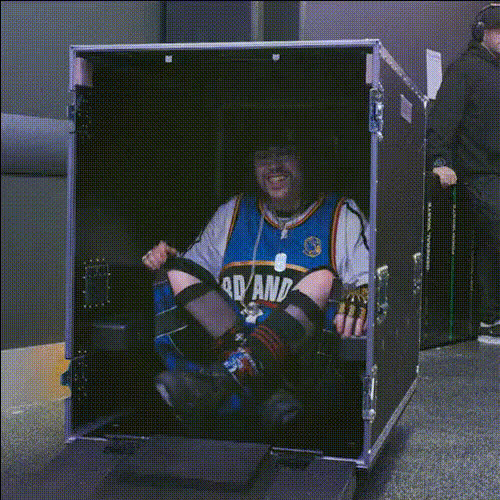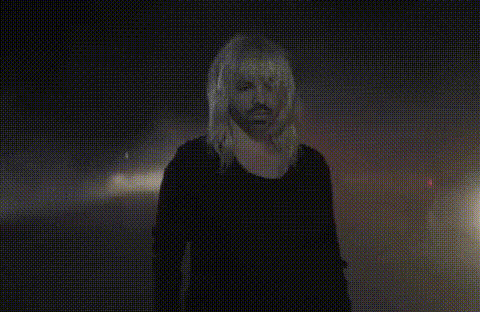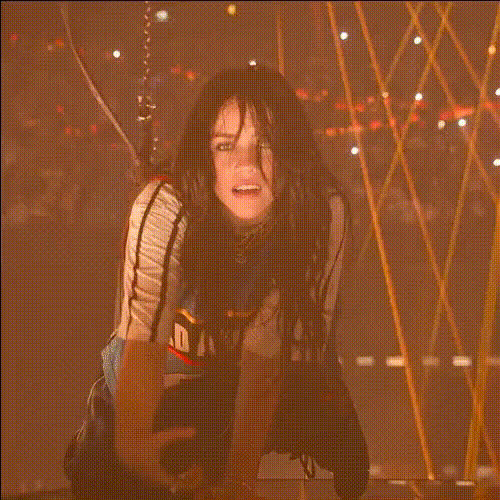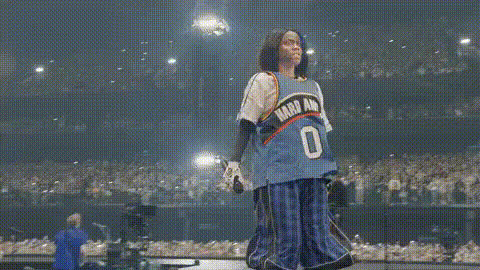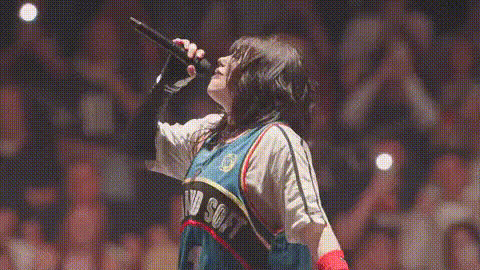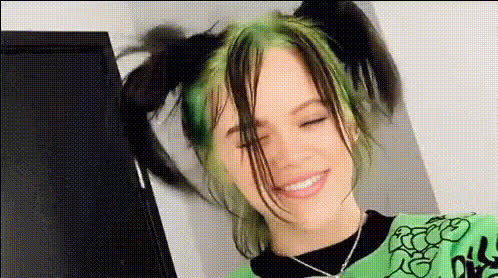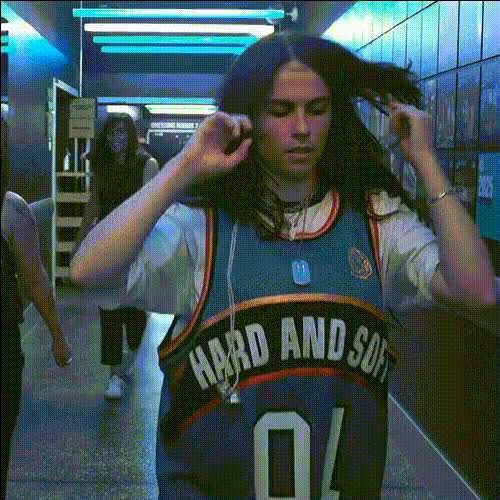
Billie Eilish In Hallway
Overview
Transform your videos with the "Billie Eilish In Hallway" video face swap template. This tool allows you to place Billie Eilish's face on anyone in a typical video. Perfect for creating engaging and viral content for social media platforms, this template brings a touch of celebrity to your projects without any complex editing skills.
What It Does
This Video Face Swap template cleverly merges Billie Eilish's face onto your chosen video subject. Leveraging sophisticated AI, it analyzes facial expressions and motions within the video to ensure Billie’s likeness integrates naturally. This approach results in high-quality, shareable content that appears professional and unique.
Who It's For
The "Billie Eilish In Hallway" template is ideal for social media influencers, content creators, and brands looking to boost engagement. It's particularly well-suited for those aiming to create captivating YouTube Shorts or TikTok videos. With its ease of use, even users with minimal editing experience can produce polished results.
Summary
Integrate Billie Eilish's celebrity appeal into your video content with seamless face swapping technology. This tool supports a range of video formats, delivering results that captivate audiences and enhance your online presence. Explore other innovative tools like the AI Image Editor and AI GIF Generator to further elevate your creative projects.
How To Structure
Choose Template

Customize Your Video

Generate and Download

Use Cases
Social Media Engagement
- Viral TikToks
- Instagram Reels
- Facebook stories
Brand Promotion
- Product launches with a twist
- Uniquely themed ad campaigns
Personal Entertainment
- Fun birthday messages
- Creative video memes
Best Practices
High-Quality Source Video
For best results, use a video that is clear and well-lit. This helps the AI accurately map facial features and expressions.Correct Face Alignment
Ensure the face in the original video is aligned similarly to Billie’s face model to prevent unnatural positions.Experiment with Different Scenarios
Try using the template with videos of different settings to discover unique and creative outputs.