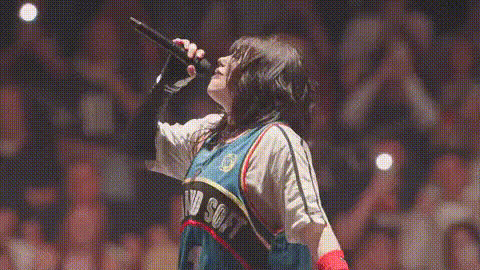
Billie Eilish Singing Live
Overview
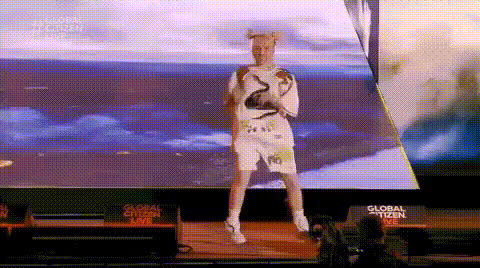
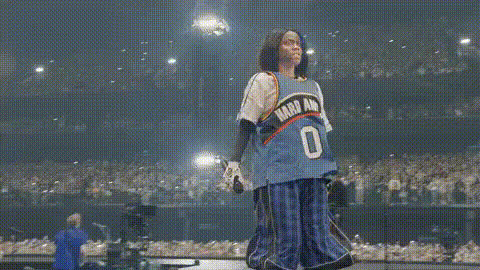
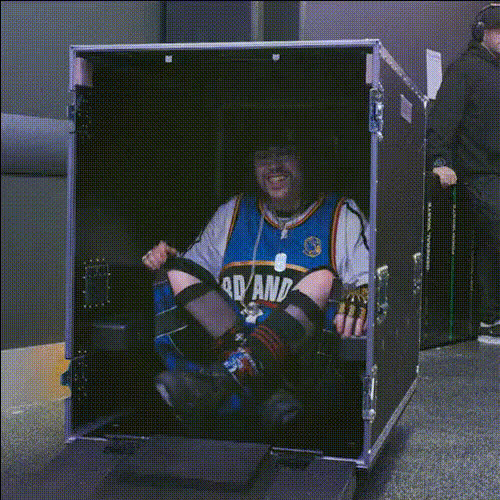
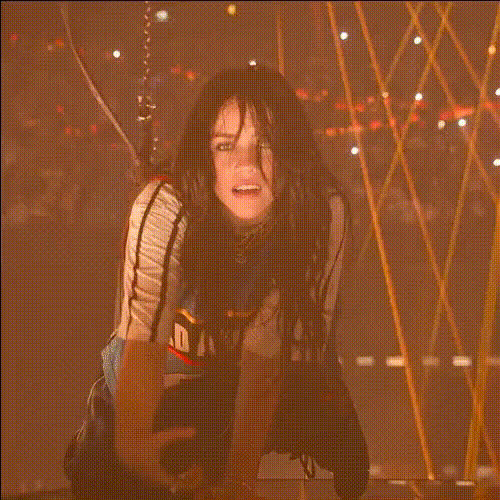
The "Billie Eilish Singing Live" template is designed for video enthusiasts who want to create a personalized experience by swapping faces in a live concert setting. This template offers you a straightforward way to insert a face of your choice into a video of Billie Eilish performing live on stage. Make your content stand out by putting yourself or someone else at the mic with this captivating Video Face Swap tool.
What It Does
This template uses advanced face swap technology to replace Billie's face in concert footage with any face you choose. The result is a seamless, realistic appearance that matches the lighting and expressions of the live show. It's perfect for creating one-of-a-kind content that feels genuinely collaborative, much like using our AI Video Generator to craft amazing visuals.
Who It's For
Whether you're a social media influencer, a content creator, or just someone who loves innovating with video Face Swap effects, this template is perfect for you. It's suitable for users interested in experimenting with transformations and creating engaging, shareable content. Even musicians and performing artists can use this to visualize collaborations with famous performers.
Summary
Offering the thrill of a live performance with a personal twist, this template empowers users to reimagine videos in new ways. You can achieve incredible results by pairing this template with other tools like the AI Clothes Changer for fully customized content. Make your projects unforgettable with the power of this face swap transformation.
How-To
Choose Your Template

Customize the Experience

Generate and Download

Use Cases
Social Media Content
- Personalized concert clips for Instagram stories
- TikTok challenges with a unique twist
Event Promotions
- Announce virtual concerts with a special guest appearance
- Tease collaborations in marketing videos
Music Video Production
- Stylize concert footage for fan engagement
- Create mashups with other songs using the <a href="/products/text-to-video">Text-to-Video</a> tool
Best Practices
Select High-Quality Images
Use high-resolution images for the best face swap results, ensuring that details and expressions are preserved.Consider Lighting Conditions
Match the lighting of the face image with the concert footage to enhance the realism of the swap.Experiment with Angles
Try different angles and facial expressions to see which works best in various segments of the video.