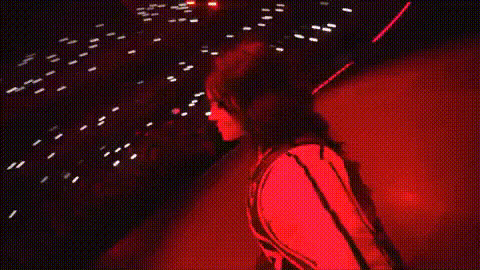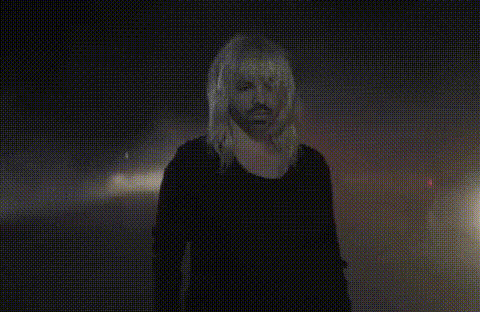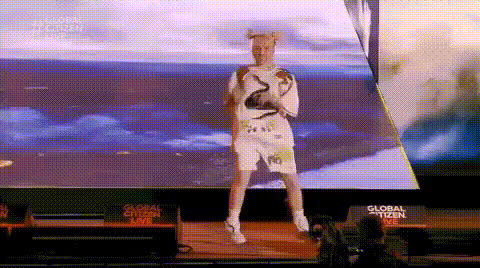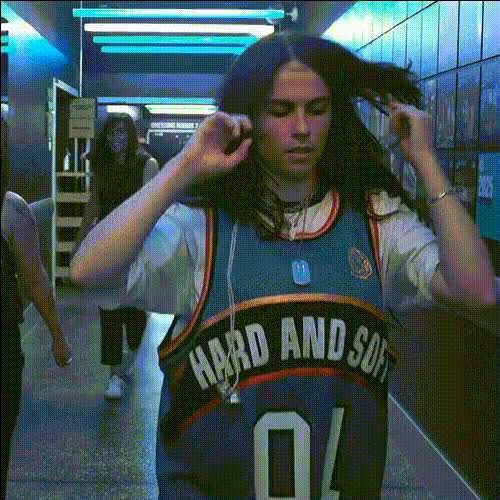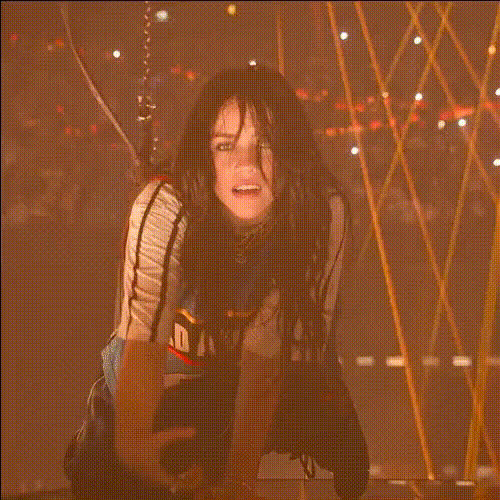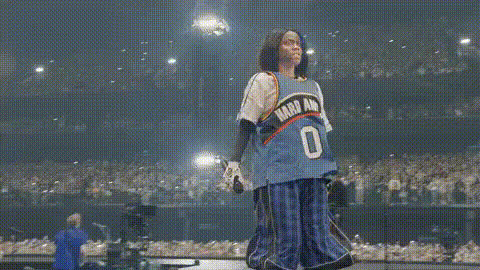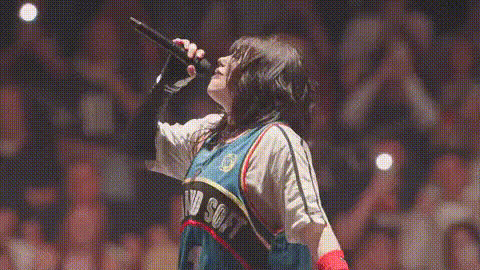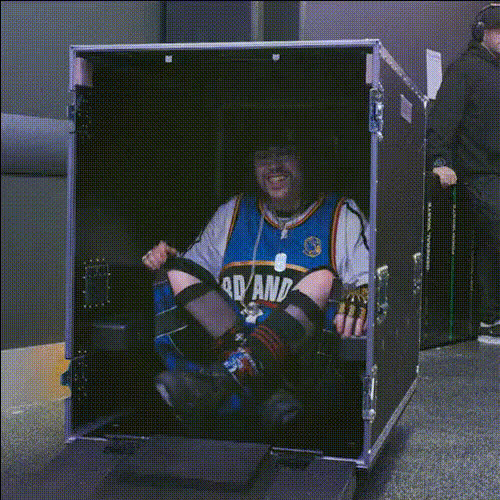
Billie Eilish In Concert Box
Overview
Bring the electrifying presence of Billie Eilish into your own videos with the Video Face Swap template. Perfect for creators looking to add a unique twist to their content, this template enables you to swap faces in concert settings, making any performance look truly personalized. Dive into the world of creative video transformations.
What It Does
This Video Face Swap template lets you overlay Billie's face onto performers in your concert footage, preserving essential expressions and movements. Designed to work with various video formats, this tool provides a seamless way to reimagine live performances, benefiting from the integrated models for high-fidelity face mapping.
Who It's For
Ideal for social media influencers, content creators, and event videographers, this template opens up new avenues for engagement. Whether you're spicing up Instagram reels or enhancing TikTok videos, our face swap technology allows you to align with personal or brand aesthetics easily. Additionally, those interested in producing creative social media ads will find this tool invaluable.
Summary
Our Face Swap Billie Eilish Concert Template is a specialized transformation tool designed for video creators seeking to make their footage stand out. By adapting real performances, you can bring a fresh and engaging layer to your media projects. It's an effortless blend of technology and creativity that captivates audiences.
How To
Choose Your Template

Customize Your Inputs

Generate Your Video

Use Cases
Social Media Content
- Increased viewer engagement
- Unique content novelty
Event Promotion
- Elevate promotional material
- Highlight key performances creatively
Fan Edits
- Personalized fan experience
- Increased fan interaction and engagement
Best Practices
Choose High-Quality Footage
Ensure that input videos are of high resolution for superior face mapping and output quality.Adjust Lighting
Make sure the lighting in the base video is stable to maintain consistency post-swap.Fine-Tune Expressions
Use available tools to tweak facial expressions, preserving the dynamic nature of performance.