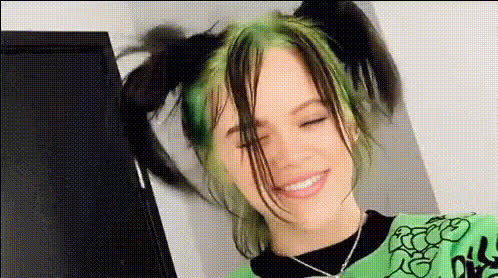
Billie Eilish Smiling
Overview
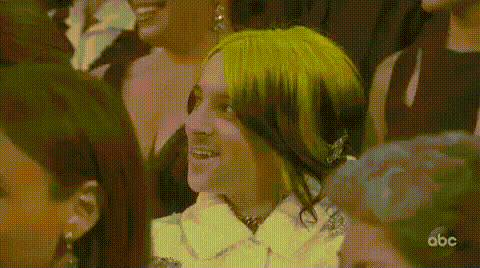
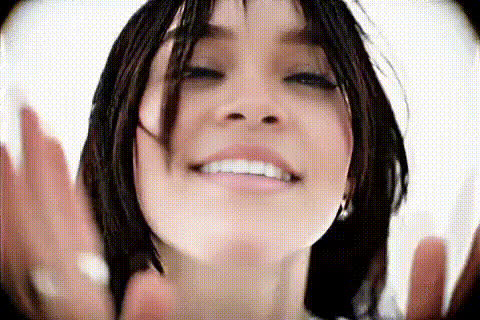
Step into the world of fun transformations with the Billie Eilish Smiling template, a part of our Video Face Swap collection. This template allows you to inject some humor into your content by swapping Billie's face onto your media, showcasing a unique smiling visage. In conjunction with tools like our Face Swap and Video Face Swap products, you can achieve hilarious and shareable results.
What It Does
This tool swaps Billie Eilish's face onto any faces in your video content, uniquely capturing her expressions with a smile. Utilize it to create whimsical and memorable videos perfect for social media. Compatible with popular formats, this tool simplifies the transformation without compromising on quality.
Pair this with other tools like the AI Meme Generator to enhance your creative projects, making your videos stand out with engaging and comedic elements.
Who It's For
This template is ideal for content creators, social media managers, and influencers looking to engage their audience with unique, playful content. Whether you are crafting a funny clip for TikTok or a light-hearted post for Instagram, this face swap is a perfect choice. Its ease of use also makes it suitable for individuals wanting to explore new creative avenues without extensive technical skills.
Summary
Transform your media by making Billie Eilish smile in your photos and videos with our user-friendly template. This creative tool in our Video Face Swap series offers an entertaining twist for your content creation needs. Explore this along with other innovative tools like the AI GIF Generator to expand your content strategies.
How To
Choose Your Template

Customize Your Media

Generate and Download

Use Cases
Social Media Content
- Generate buzz with funny transformations
- Engage followers with unique video content
Event Promotions
- Add humor to event teasers
- Utilize recognizable expressions for marketing
Personal Entertainment
- Turn ordinary videos into funny clips
- Share unique transformations in group chats
Best Practices
Select High-Quality Source Media
Ensure your source video is clear and well-lit for the best face swap results. High-resolution content yields better outcomes.Preview Before Download
Preview the changes to ensure the swap appears natural and adjustments are not needed before downloading your final product.Combine Tools for Effect
Use this template in conjunction with the AI Image Editor for enhanced effects, providing a polished and professional look to your media.