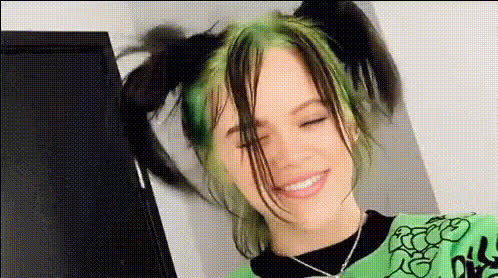
Billie Eilish On Tv Show
Overview
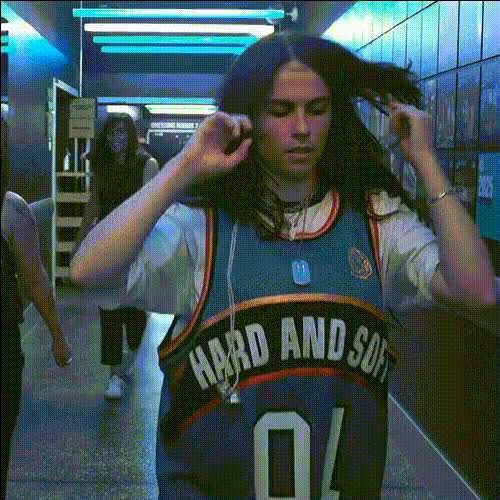
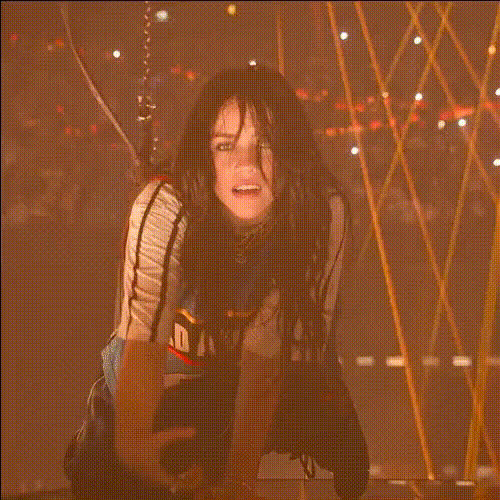
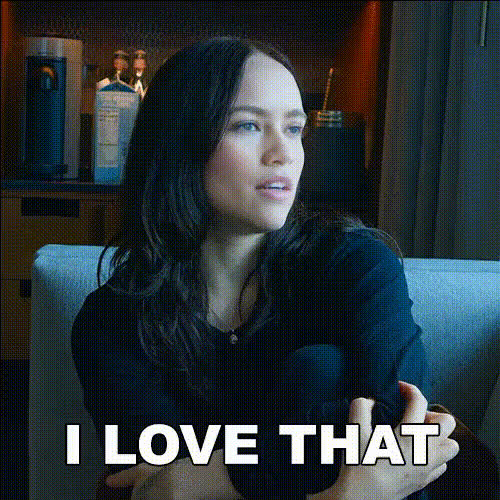
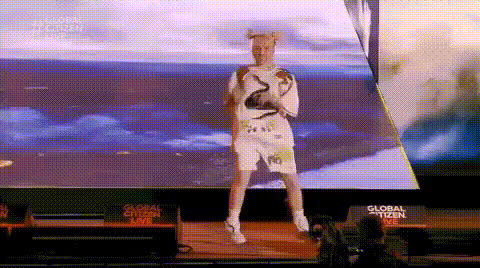
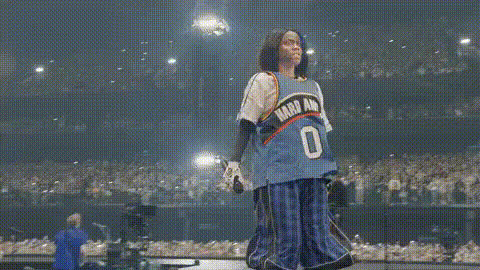
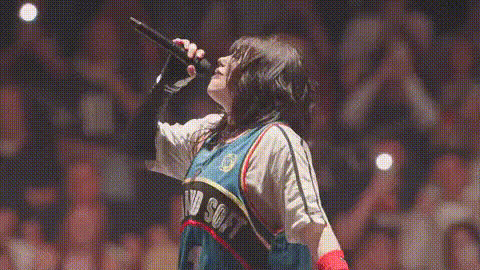
Unlock the possibility of diving into the world of entertainment with the Billie Eilish On TV Show template. This Video Face Swap template lets you insert yourself into a classic moment of your favorite show alongside the star herself. It's perfect for fans looking to create personalized fan edits or anyone wanting to light up their content with a unique twist.
What It Does
The template facilitates a seamless Video Face Swap, putting your face right into a TV scene featuring Billie Eilish. Using advanced AI models, it matches your facial expressions and integrates them naturally into the video. This allows for an entertaining blend of familiarity and surprise as you see yourself behind the scenes of a TV drama or comedy.
Explore other similar tools like the Face Swap for different experiences and styles to expand your editing toolkit.
Who It's For
This tool is ideal for content creators, social media influencers, and fans of Billie Eilish who wish to craft engaging stories. It's also a hit with video editing enthusiasts wanting to explore new possibilities in transforming personal footage into scene-stealing performances. Whether you're making an TikTok video or generating meme content, this template allows you to stand out by creatively merging fantasy with reality.
Summary
With the Billie Eilish On TV Show template, you're equipped to transform your presence on digital media through the art of video face swap. It opens new avenues for creativity by placing you on the same screen as famous personalities. Dive into related tools such as Image to Video and Lip Sync to even further elevate your content creation capabilities.
How To
Select the Template

Customize Your Scene

Create Your Video

Use Cases
Fan Edits
Meme Creation
Best Practices
Choose High-Quality Images
For the most convincing results, use high-resolution images with good lighting to ensure the AI can accurately map your face onto the scene.Align Face Properly
Make sure your face is aligned correctly in the preview. Adjust as necessary to match facial features before generating the final video.Experiment with Scenes
Don't hesitate to try different scenes or expressions to find the most engaging and believable outcome.