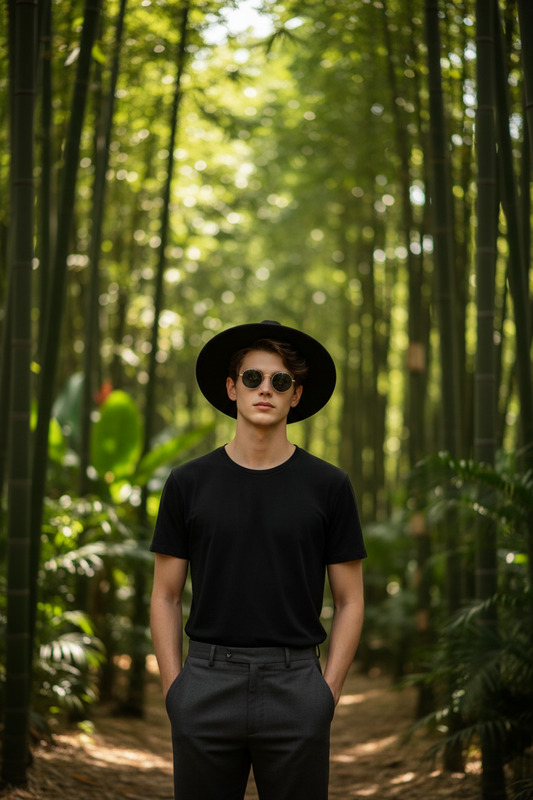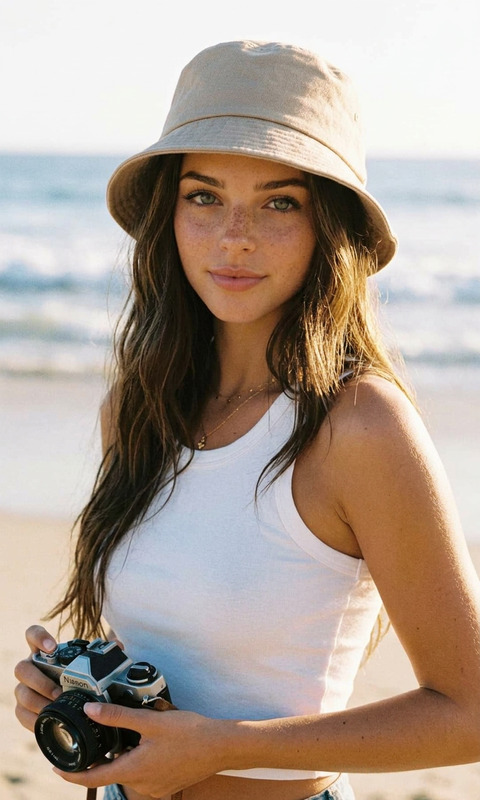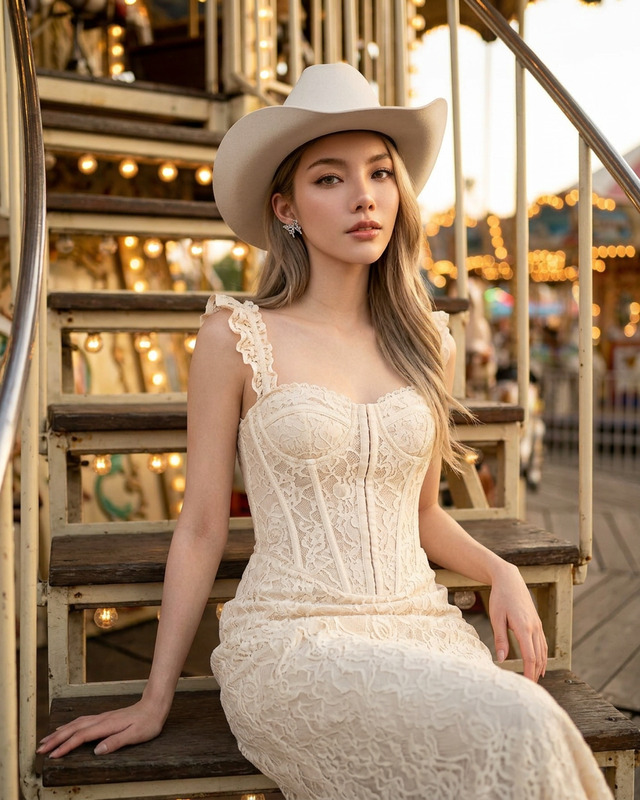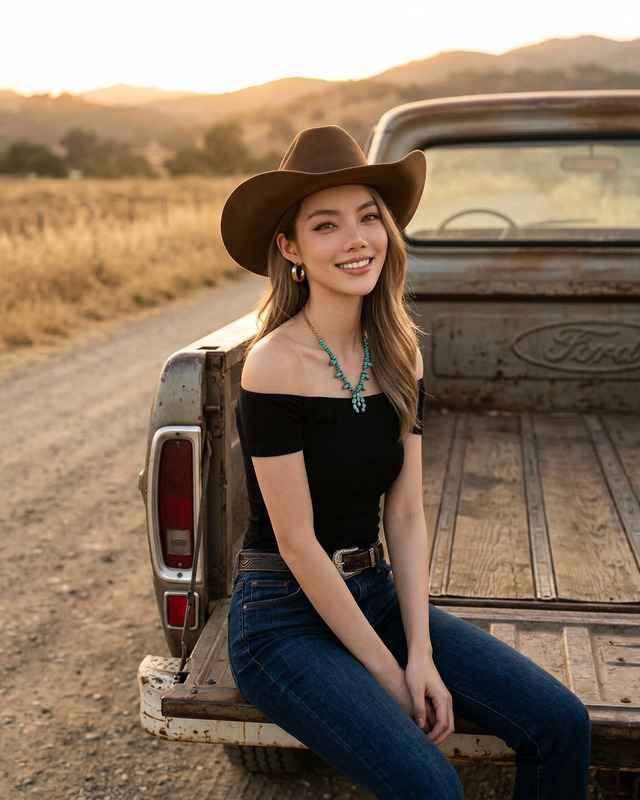
Hat Moment
- Model
- Nano Banana 2
- Image
- 922 × 1152 px
Prompt
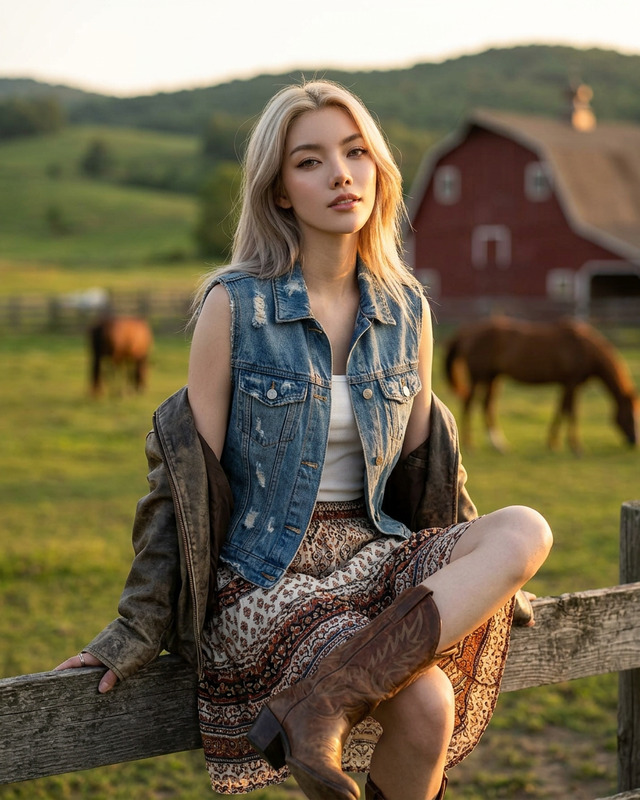
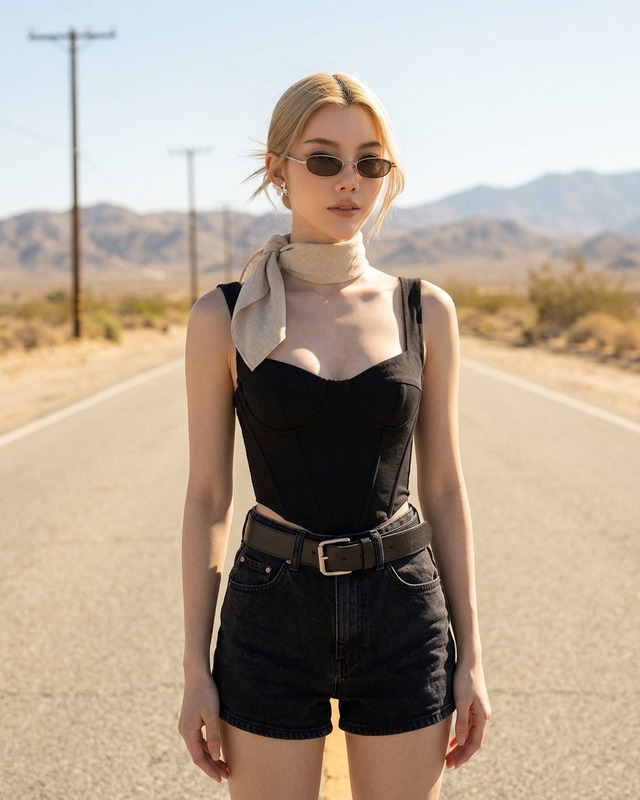
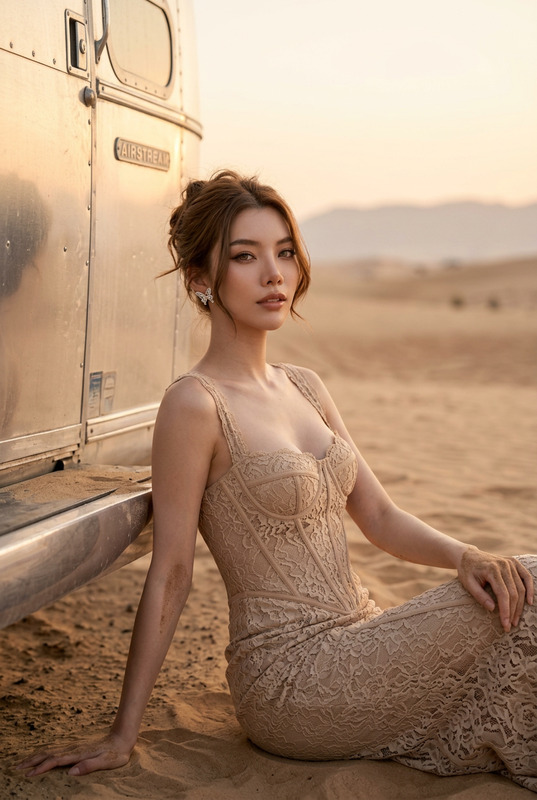
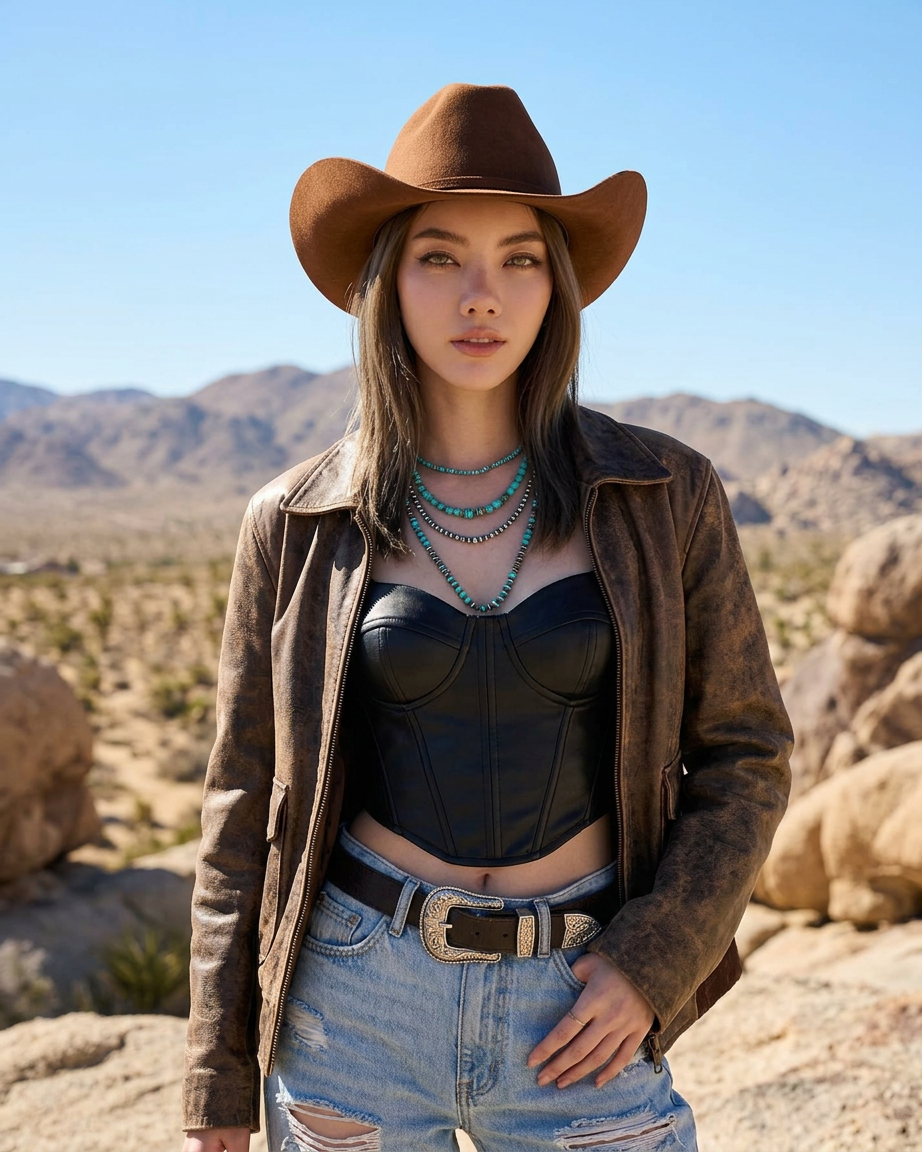
A fashionable outdoor portrait of a subject in a modern cowgirl style. She wears a brown cowboy hat, a brown jacket, a black leather corset top, and ripped jeans with a Western silver buckle belt. She is also wearing layered turquoise necklaces. She is posing in a sunny desert with sand and rocks in the background under a clear sky. Bright natural daylight, cinematic and stylish look.
Any aspect ratio
Overview
Transform your photography with the Hat Moment template, an AI Image Editor designed to capture the essence of modern cowgirl style. This template leverages the nano-banana-2 model, providing high-quality, dynamic images that stand out. Perfect for adding a unique, fashionable flair to outdoor portraits.
What It Does
The Hat Moment template enables users to craft stunning images featuring a modern cowgirl look. Utilizing the nano-banana-2 model, this template provides tools to enhance images with a brown cowboy hat, leather corset top, and turquoise necklaces against a desert backdrop. This editor works seamlessly with other Magic Hour products like the AI Image Editor and AI Background Changer.
Who It's For
This template is ideal for photographers, social media influencers, and fashion brands aiming to create striking images that capture attention. Whether you're updating a portfolio or creating campaign visuals, the Hat Moment template offers the style and quality needed for high-impact visuals. Pair it with our AI Multi-Angle Generator for varied perspectives in your shoots.
Summary
Overall, the Hat Moment template provides an easy-to-use solution for enhancing images with a contemporary Western flair. It's perfect for those looking to create images that are both stylish and professional, set amongst a sun-kissed desert landscape. Explore more with tools like the AI Image Upscaler to ensure top-notch image clarity.
How to Use
Choose Your Template

Customize Your Image

Generate Final Image

Use Cases
Fashion Photography
- Fashion editorials
- Brand campaigns
Social Media Content
- Personal branding
- Influencer campaigns
Promotional Materials
- Online ads
- Print campaigns
Portfolio Enhancement
- Client portfolios
- Professional showcasing
Best Practices
Optimal Image Selection
Choose high-resolution images to ensure the final product is crisp and clear.Attention to Detail
Use the editing tools to fine-tune accessories like jewelry or belts for added realism.Lighting Adjustments
Adjust the brightness and contrast to mimic natural daylight for a more authentic outdoor look.