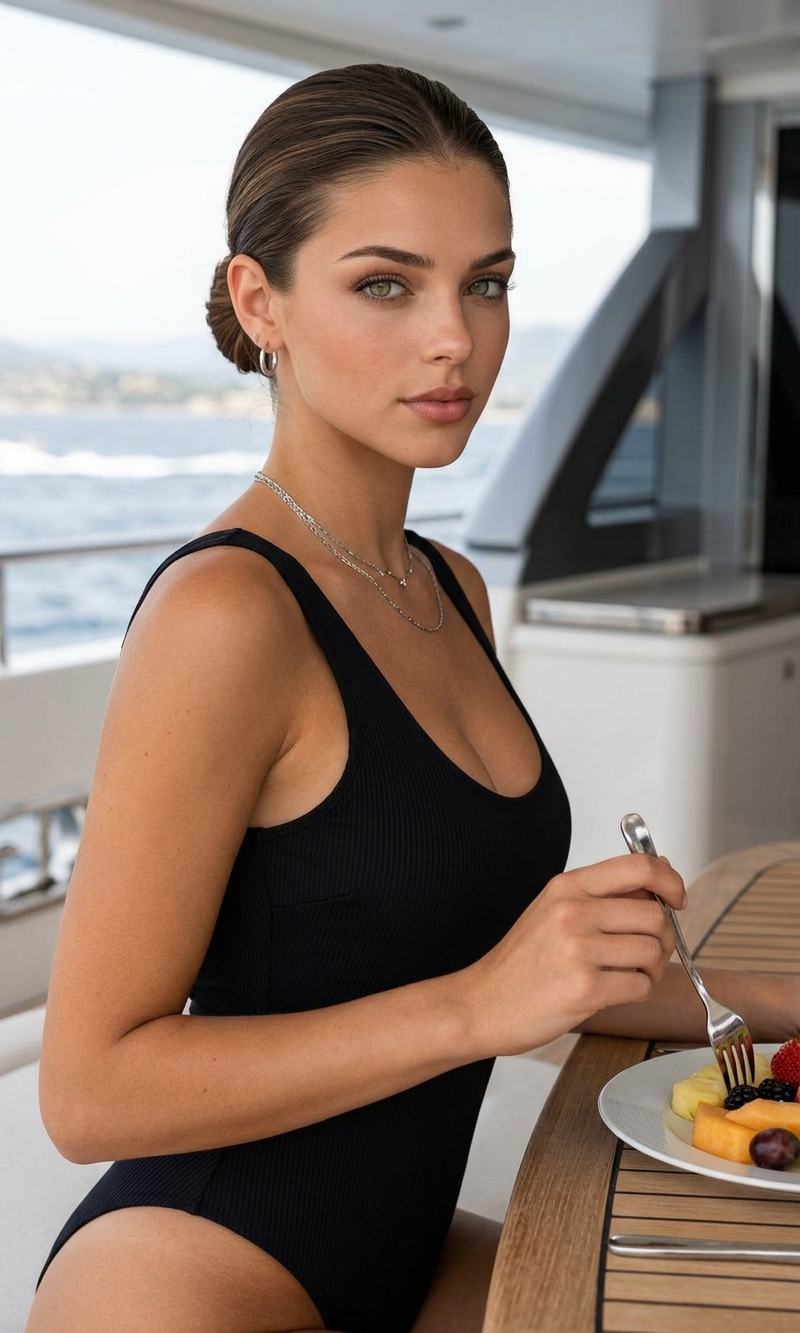
Yacht Morning

Yacht Morning

ai-image-editor

1 clip
6 uses

Any aspect ratio

Prompt

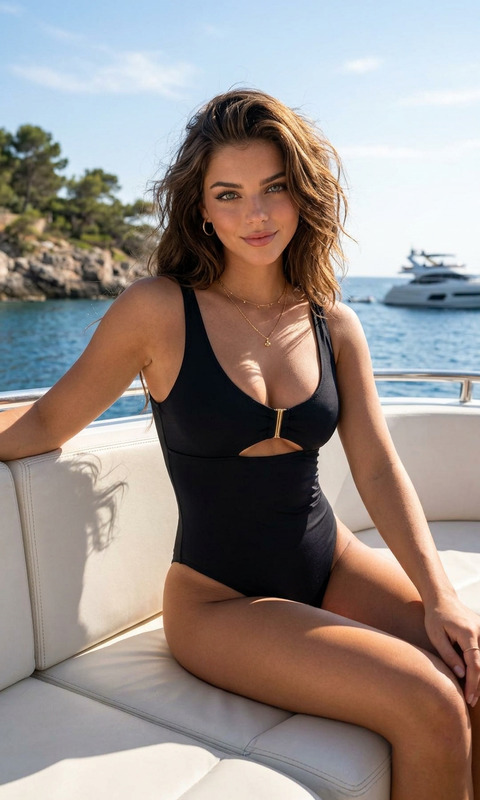
A cinematic, medium shot portrait of a subject with slicked-back brown hair tied in a low bun, sitting at a wooden dining table on the deck of a luxury yacht. The subject is wearing a classic black one-piece swimsuit and delicate silver jewelry, holding a fork to eat a plate of fresh sliced tropical fruits like papaya, melon, and figs. The subject is looking directly into the camera with a serene expression. In the background, tinted glass sliding doors reflect the ocean and distant hills under soft, bright daylight. Photorealistic, clean lines, high detail, luxury lifestyle vacation photography style.

AI Image Editor Template: Smart, Precise Image Editing for Product Shots, Social Posts, and Pro Mockups

Use this template to quickly turn any photo into a polished, on-brand image using Magic Hour’s AI Image Editor. It’s built for creators and teams who need fast, repeatable edits—without opening Photoshop or writing complex prompts from scratch.

This template is ideal for:

  • Cleaning up product photos (e‑commerce, marketplaces, pitch decks)
  • Creating social media visuals from existing images
  • Rebranding assets (new colors, styles, or layouts)
  • Removing distractions or objects from photos
  • Turning rough concepts into production-ready visuals

What This Template Does

This AI Image Editor–based template helps you:

  1. Edit any image with natural language

    • Describe what you want (“make the background clean white,” “turn this into a cinematic portrait,” “convert to comic-book style”) and the editor applies it.
    • Works well with product photos, portraits, marketing graphics, and concept art.
  2. Remove and replace elements cleanly

    • Erase unwanted objects, people, or text from photos using the same underlying tech as Magic Hour’s AI Remover and remove-object-from-photo tools.
    • Fill or replace removed areas with realistic, context-aware content.
  3. Change backgrounds and environments

    • Swap messy or generic backgrounds for on-brand scenes using logic similar to image-background-remover and the AI Background Generator.
    • Useful for:
      • Marketplace-ready product photos
      • Social banners and thumbnails
      • Clean profile and founder images for pitch decks
  4. Restyle and re-theme existing images

  5. Enhance quality and fix issues


How to Remix This Template in Magic Hour

You can use this template as-is or turn it into your own reusable editing system. To remix it inside Magic Hour:

  1. Open the AI Image Editor

  2. Apply prompt-based edits

    • Start with simple, reusable edit instructions, for example:
      • “Clean white background, studio lighting, keep original colors.”
      • “Turn into a cinematic movie still with dramatic lighting.”
      • “Make this look like a polished SaaS marketing screenshot.”
    • Save and reuse the best instructions as your “house style” for future remixing.
  3. Chain edits across other Magic Hour tools (optional)

  4. Create your own “house templates”

    • For startups and teams, define 2–5 repeatable editing recipes:
      • “Pitch deck product shot”
      • “LinkedIn founder headshot”
      • “Twitter/X thread visual”
      • “App store / landing page visual”
    • Use the editor to lock in a consistent look—color palette, style, and framing—then remix the approach for each new asset.

Example Use Cases for Creators, Marketers, and Builders

For founders & marketers

For content creators

For designers & product teams


Combine With Other Magic Hour Templates

If you like this AI Image Editor template, you can extend it with other Magic Hour creation flows:


Tips for High-Quality AI Image Editing

To get the most out of this template:

  • Start with the best possible input

    • Clear, well-lit, reasonably high-resolution images produce far better results.
    • If your source is low-res or blurry, first upscale it with the AI Image Upscaler or Unblur Image.
  • Be specific but concise in your instructions

    • Useful patterns:
      • “Clean e‑commerce product photo, white background, soft shadows.”
      • “Professional LinkedIn headshot, neutral background, natural skin tones.”
      • “Minimalist SaaS landing page hero illustration, flat colors.”
    • Avoid stacking conflicting instructions (e.g., “bright and dark, vivid and muted”).
  • Use this template as a “layer,” not a final destination

    • Many teams run assets through multiple Magic Hour steps:
      1. Generate a concept with AI Image Generator or AI Photo Generator.
      2. Refine and clean with this AI Image Editor template.
      3. Upscale, animate, or repurpose across channels.
  • Think in systems, not one-offs

    • For teams, define a limited set of visual “recipes” and stick to them.
    • This makes your brand look consistent and is easier to automate or hand off.

Related Magic Hour Tools Worth Exploring

Depending on your workflow, this Image Editor template pairs well with:


Why Use an AI Image Editor Template Instead of Manual Editing?

For startups, lean teams, and individual creators, this template is designed to:

  • Reduce time-to-asset – turn ideas into production-ready images in minutes.
  • Ensure consistency – apply the same visual logic across campaigns, decks, and channels.
  • Scale without design bottlenecks – empower non-designers to make good-looking edits safely.
  • Integrate with broader AI workflows – plug into face swap, lip sync, animation, text-to-video, and voice tools with minimal friction.

Use this template as your base layer for AI-assisted image editing in Magic Hour, then remix and extend it into your own custom workflows as your brand and product evolve.

More Like This

Insufficient credits