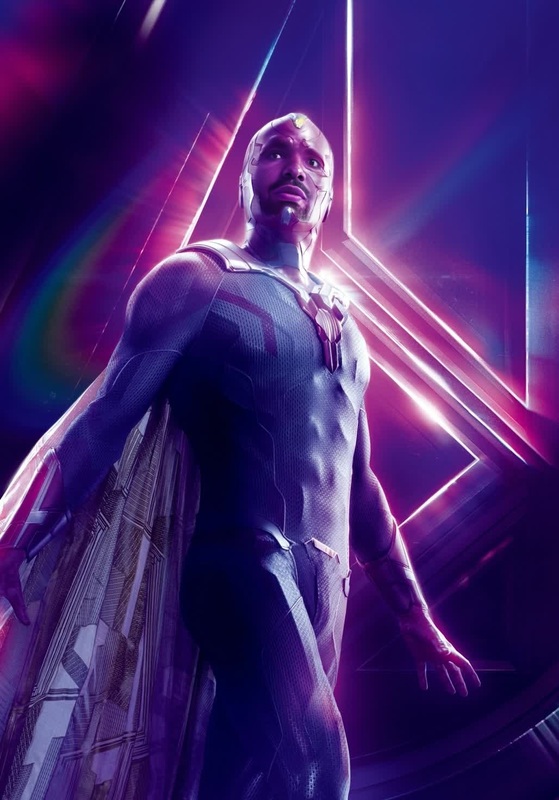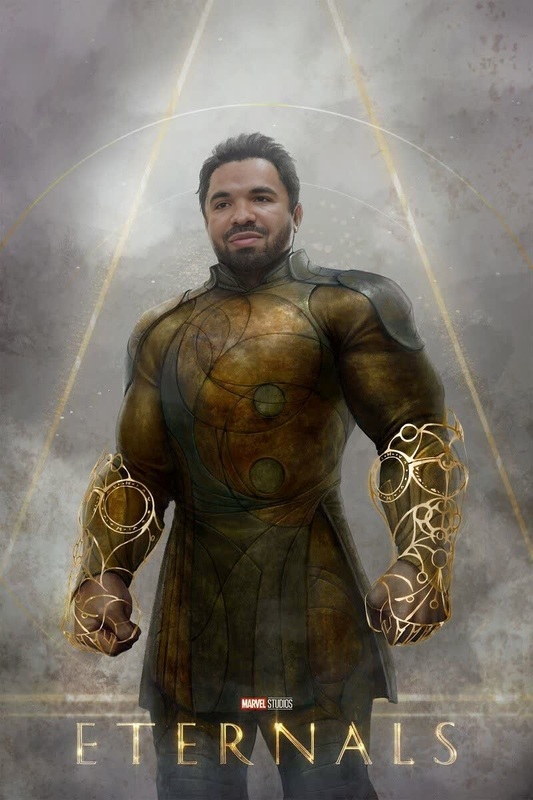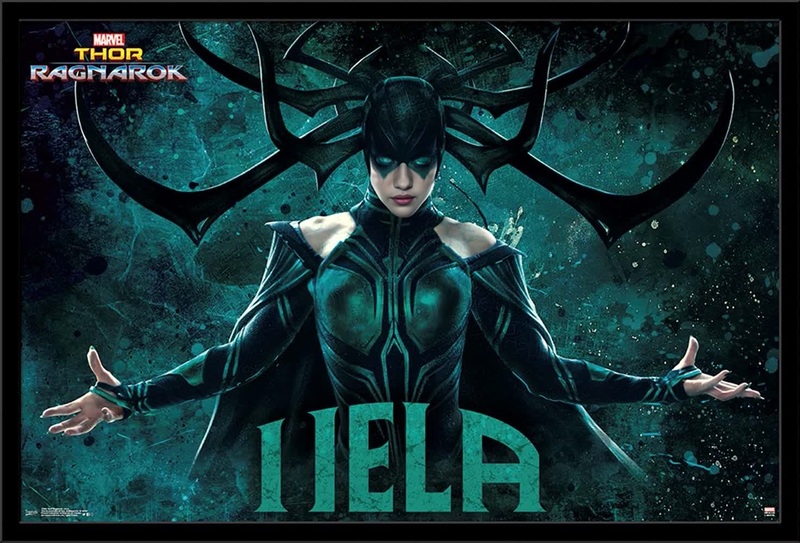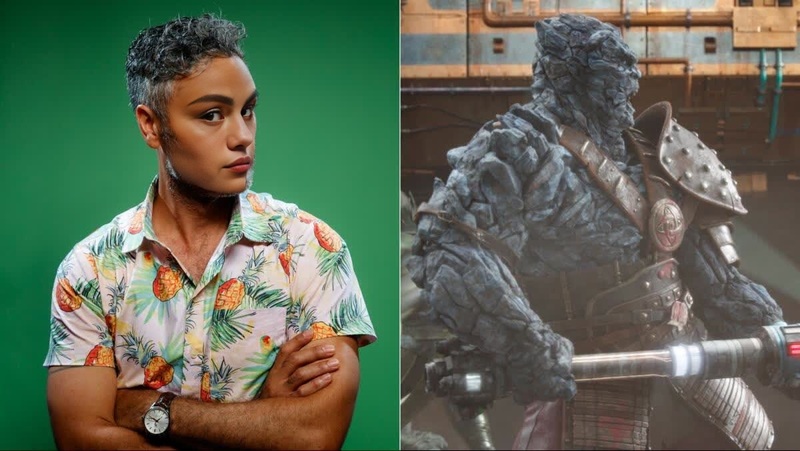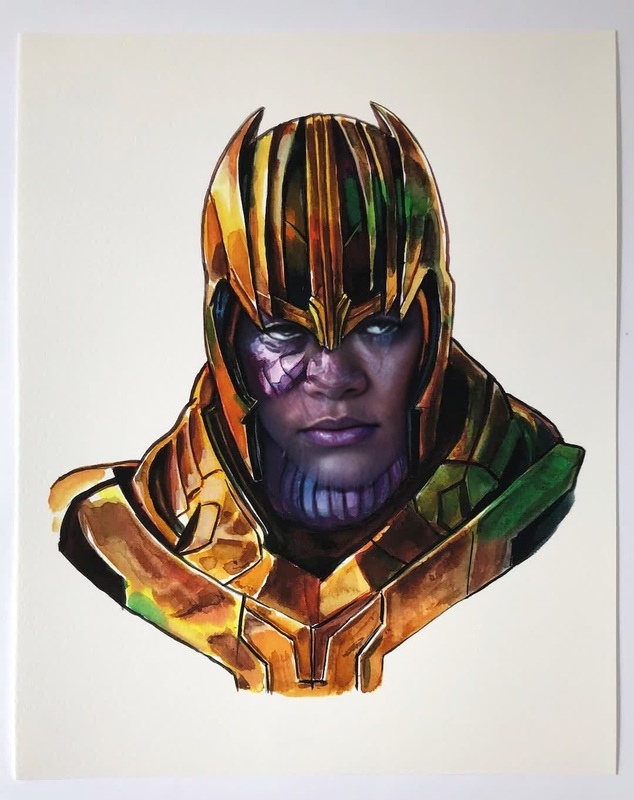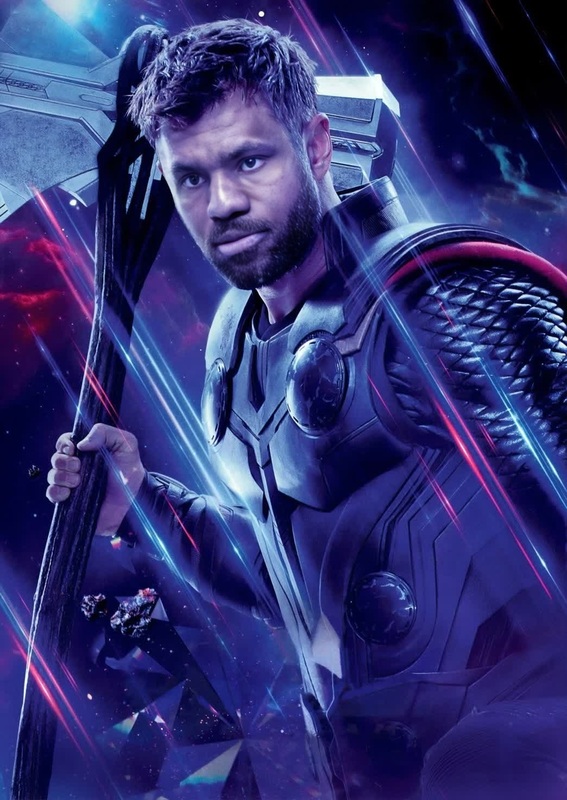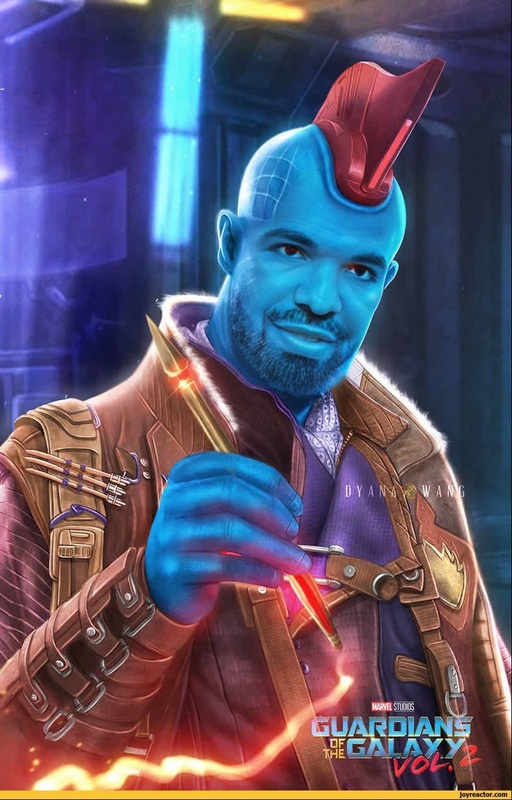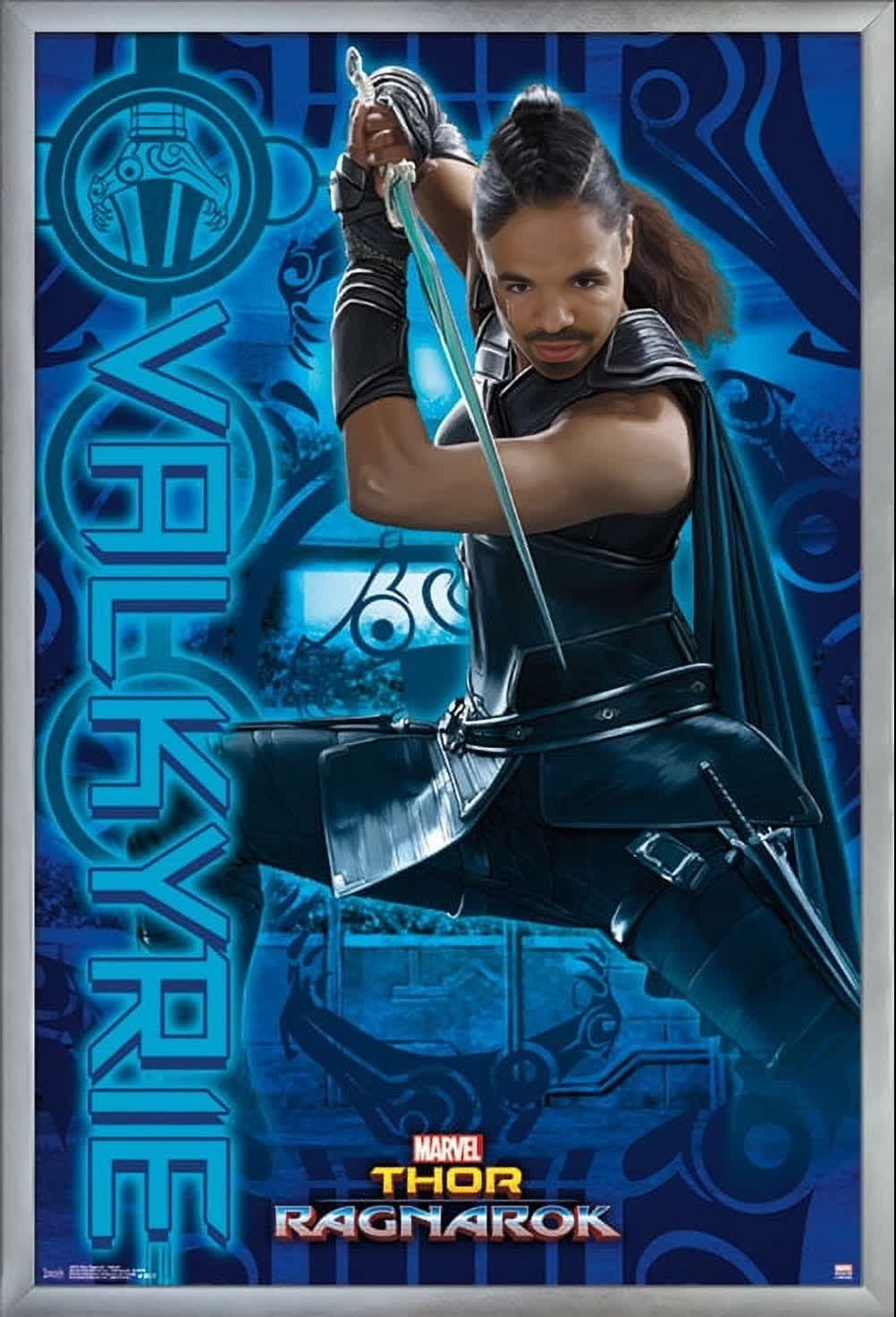
Valkyrie Thor Ragnarok Marvel Cinematic Universe
Overview
Step into the shoes of Valkyrie from the Marvel Cinematic Universe's Thor: Ragnarok. This Video Face Swap template allows you to overlay your face onto Valkyrie's character in the iconic scenes from the movie. Bring your own style and personality to the screen as you share your personalized Marvel adventure with friends and fans.
What It Does
This template uses advanced face-swapping technology to map your face onto Valkyrie's, offering a realistic and high-quality transformation. Perfect for fans of movies and cosplay enthusiasts, it's a fun way to engage with the cinematic universe. For sophisticated customization needs, pair it with our AI Face Editor to refine details and enhance accuracy.
Who It's For
Designed for Marvel fans, filmmakers, and digital content creators who want to explore the world of Video Face Swap with a creative edge. It's an excellent tool for cosplay artists and movie enthusiasts seeking novel ways to connect with their favorite characters and share on social media platforms.
Summary
This template offers a gateway to create a Valkyrie persona in your own videos. With the extensive capabilities of Image to Video technology, you can ensure output that aligns with cinematic standards. Transform your vision into reality as you navigate the realms of Asgard with your unique mark.
How-To
Choose

Customize

Generate

Use Cases
Cosplay Preparations
- Visualize cosplay ideas
- Share on social media
- Feature in fan videos
Creative Storytelling
- Create engaging narratives
- Include in fan films
- Experiment with character arcs
Social Media Content
- Increase engagement
- Build a fanbase
- Collaborate with other creators
Best Practices
Choose High-Quality Images
Select clear and well-lit images to ensure the face mapping appears natural and convincing.Use with Consistent Lighting
Try to match lighting conditions of the original scenes for a seamless integration.Leverage Additional Tools
Use the AI Image Editor for any final adjustments to enhance your video's overall look.
Frequently asked questions
More Like This