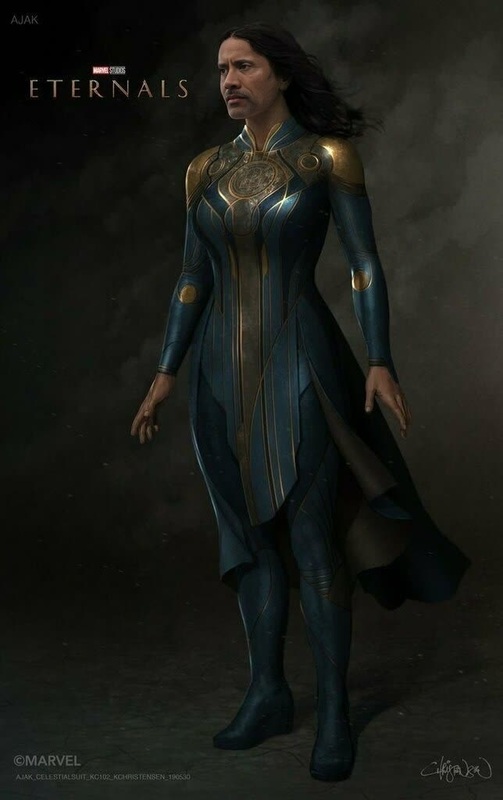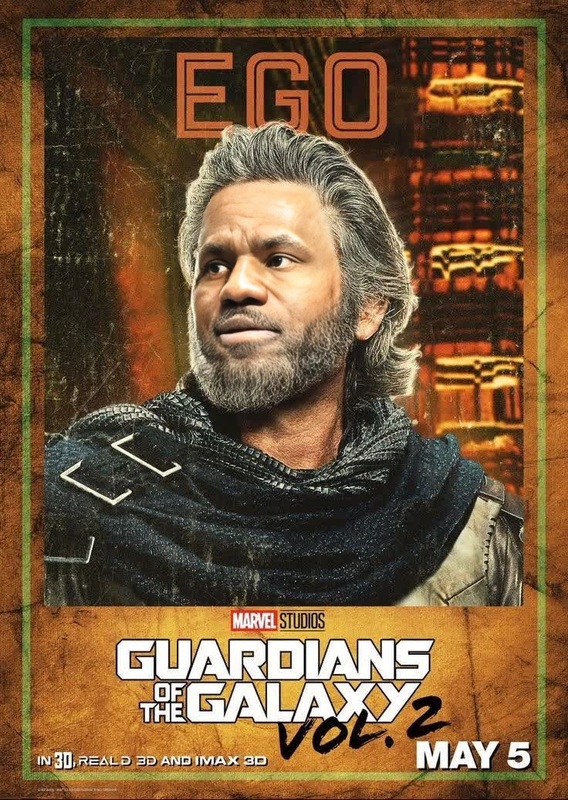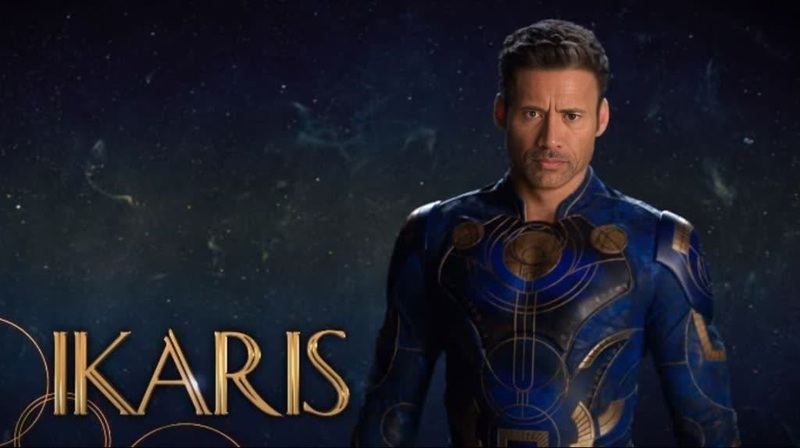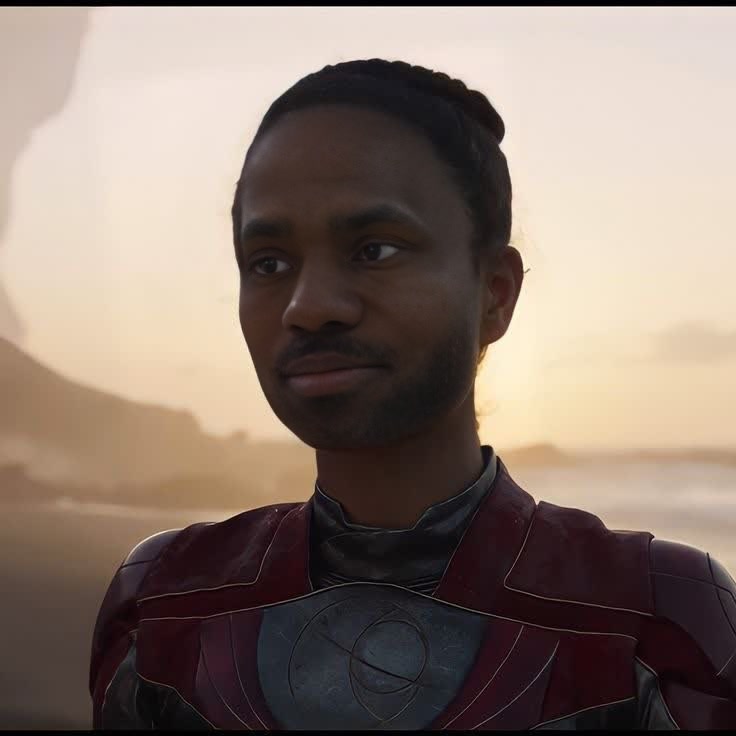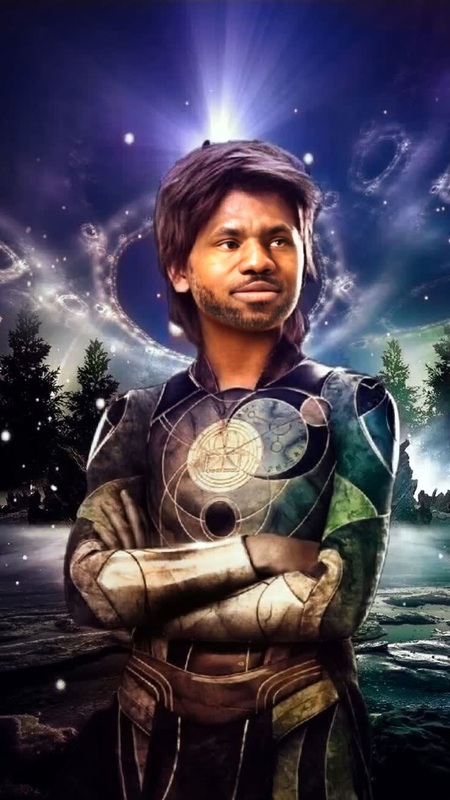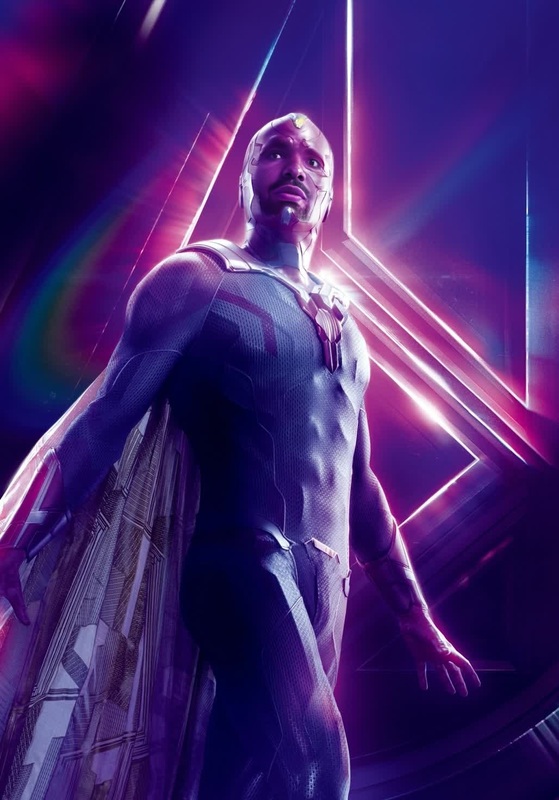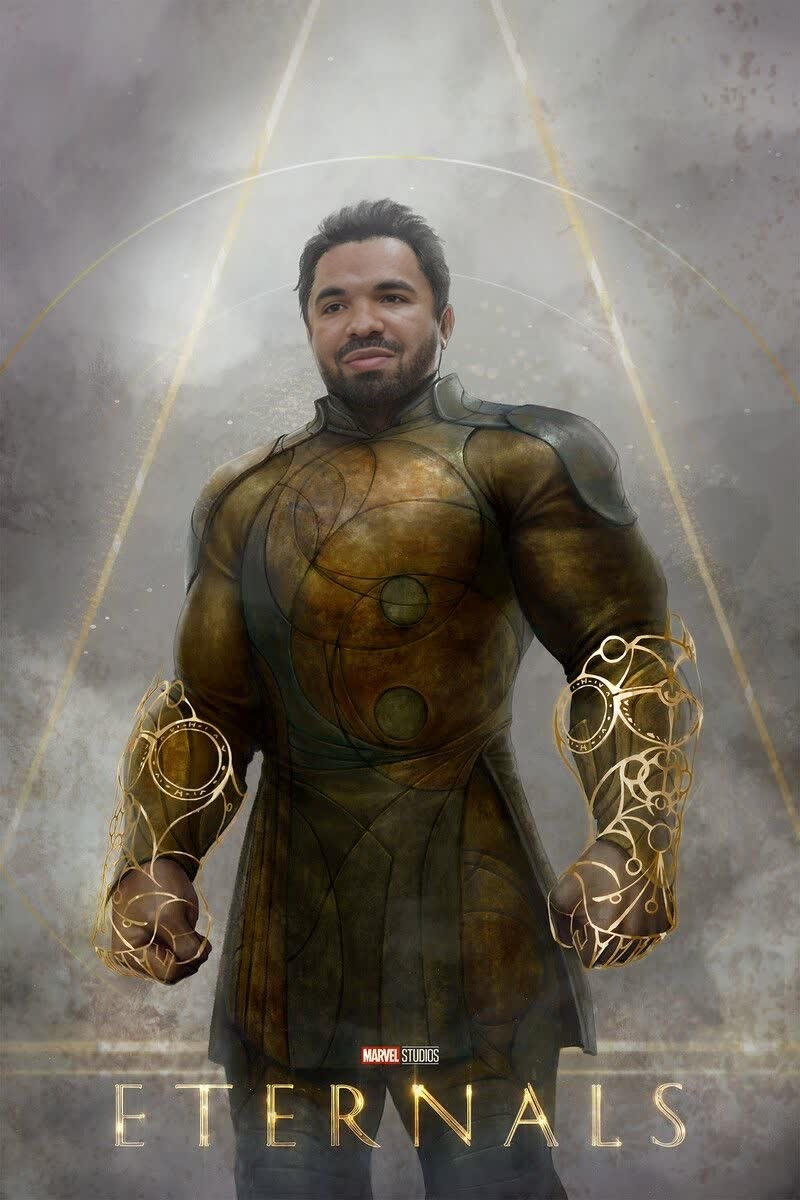
Gilgamesh Eternals Marvel Cinematic Universe
- Image
- 800 × 1200 px
Any aspect ratio
Overview
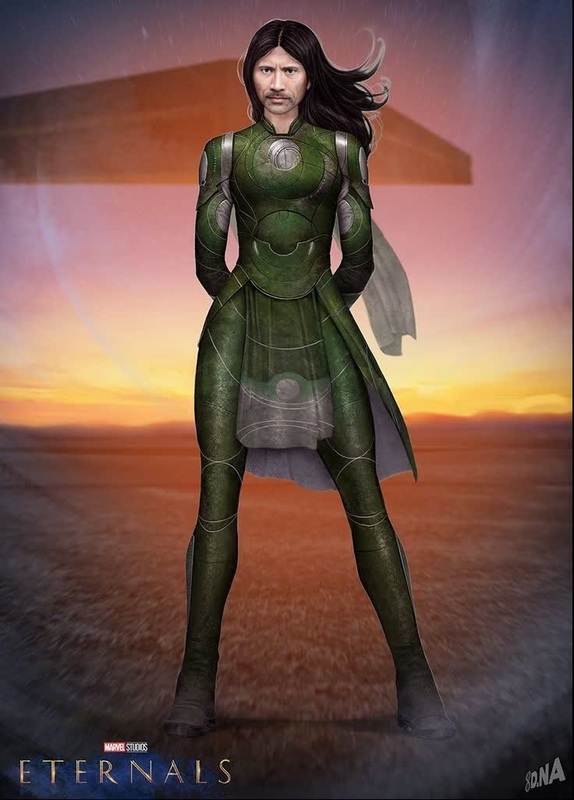
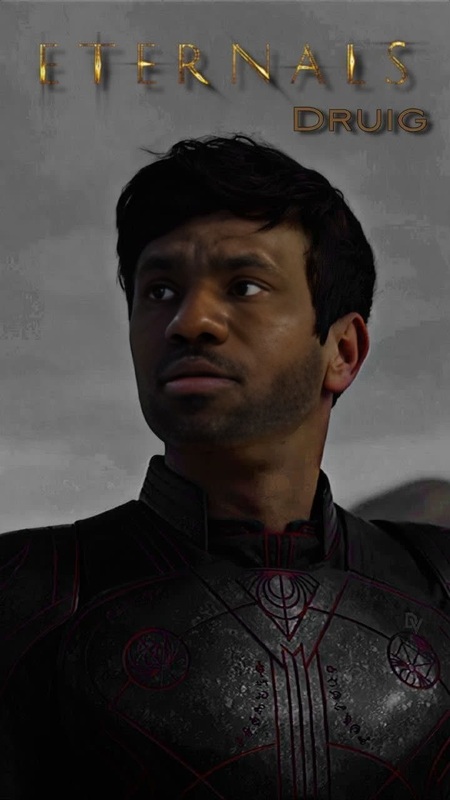
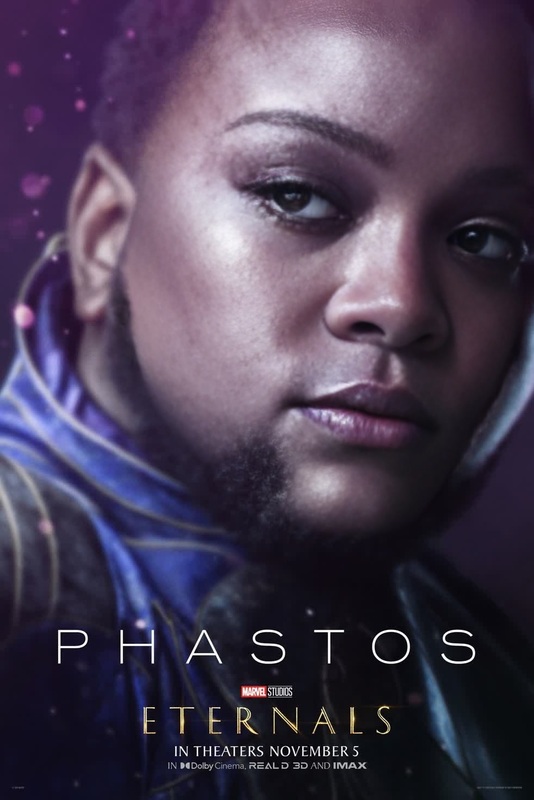
Transform your ordinary videos into extraordinary creations featuring Gilgamesh from Marvel's Eternals with the Video Face Swap template. This tool allows you to swap your face or someone else's with this iconic character, offering a fun and creative way to engage with Marvel fandom. Perfect for video editors looking to add a unique twist to their projects or social media content.
What It Does
The Video Face Swap template enables you to integrate Gilgamesh's face into your videos, creating seamless transformations with advanced AI technology. Utilize the Face Swap product family for consistent quality and realistic outcomes. Whether you're crafting a short clip or a full scene, this template provides the precision and performance needed for professional-grade swaps.
Who It's For
This tool is designed for video content creators, Marvel enthusiasts, and anyone interested in exploring creative video editing. Whether you're a seasoned editor seeking to enhance your skills or a beginner inspired by Marvel's cinematic universe, this template serves as an accessible and powerful resource. Additionally, digital marketing professionals can utilize this for engaging ecommerce ads or promotional materials.
Summary
Redefine your video content with the Gilgamesh Video Face Swap template. Dive into the world of Marvel and allow your creativity to flow, crafting content that resonates with audiences. Leveraging the capabilities of the Video Face Swap, you can achieve new levels of creativity and audience engagement.
How to Use
Choose the Template

Customize Your Video

Generate Your Video

Use Cases
Social Media Content
- High engagement potential
- Stand out in feeds
- Shareable moments
Fan Art and Tribute Videos
- Personalized fan art
- Tribute to favorite characters
Promotional Videos
- Catchy visuals
- Resonate with audiences
Best Practices
Choose High-Quality Source Material
Make sure your original video and face images are high resolution to avoid pixelation during the swap.Align Features Carefully
Spend time aligning the features accurately to maintain realism in the face swap.Experiment with Lighting and Angles
Adjust lighting and angles within the source video to maintain consistency with the swapped face.
Frequently asked questions
More Like This