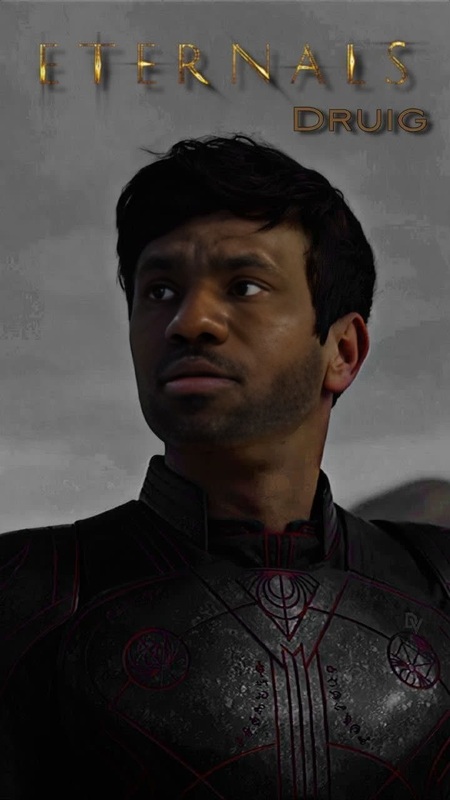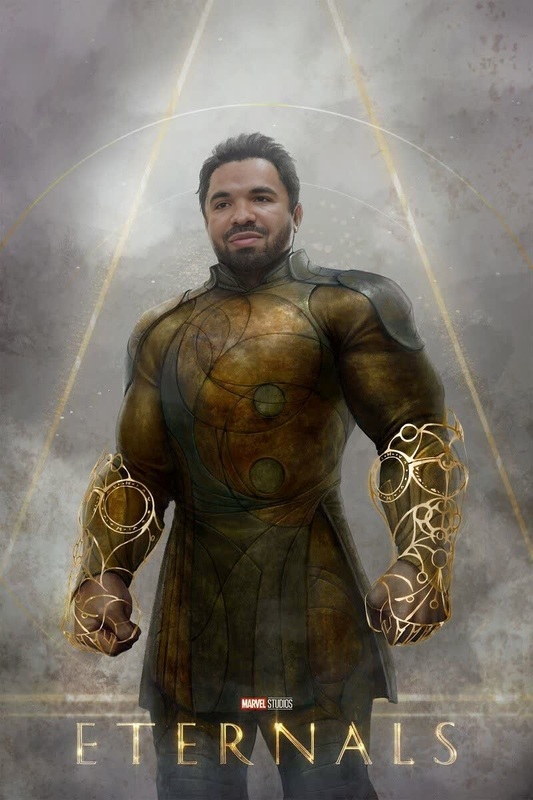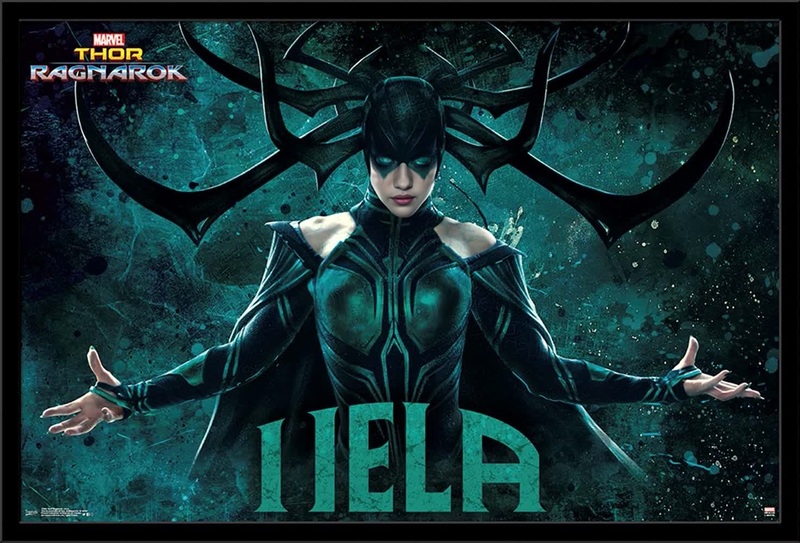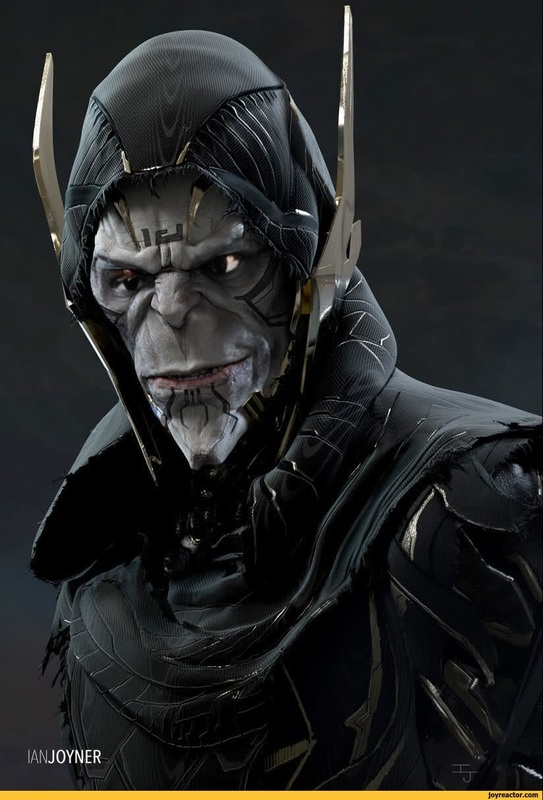
Korg Thor Ragnarok Marvel Cinematic Universe
- Image
- 1200 × 676 px
Any aspect ratio
Overview
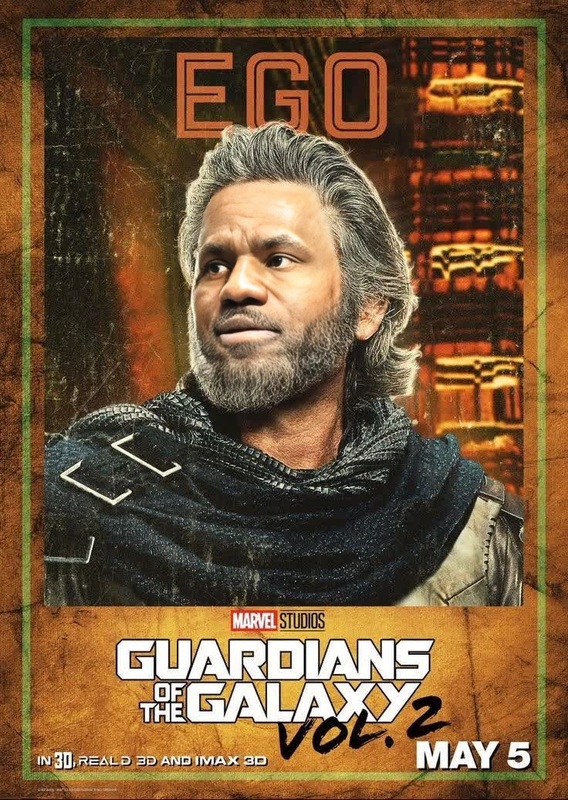
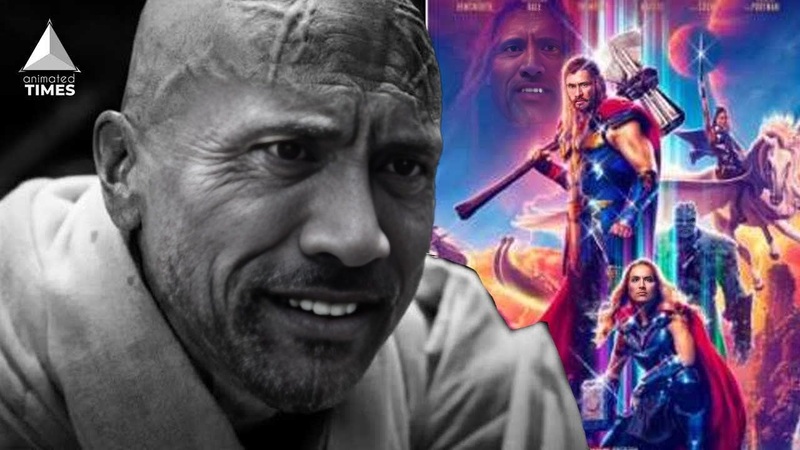
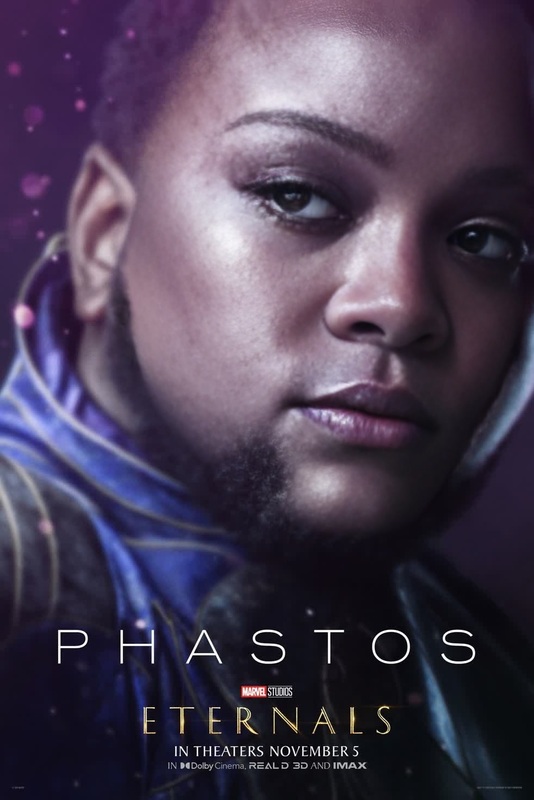
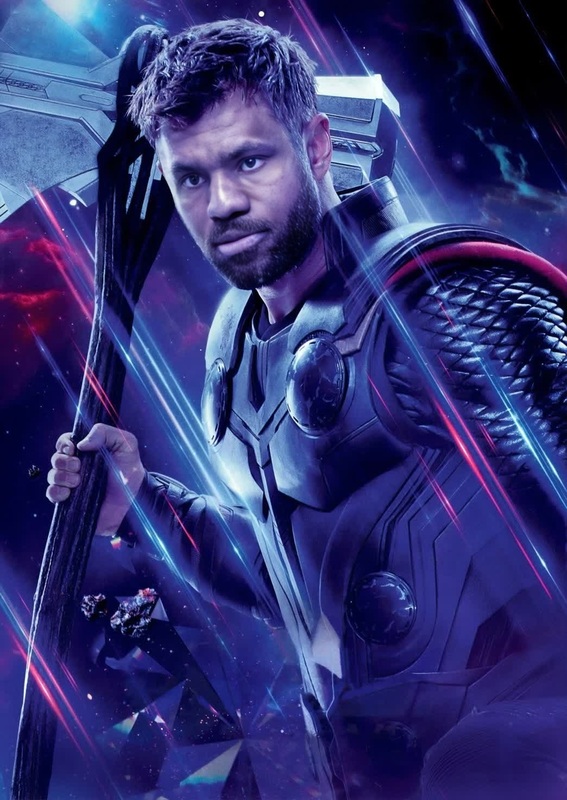
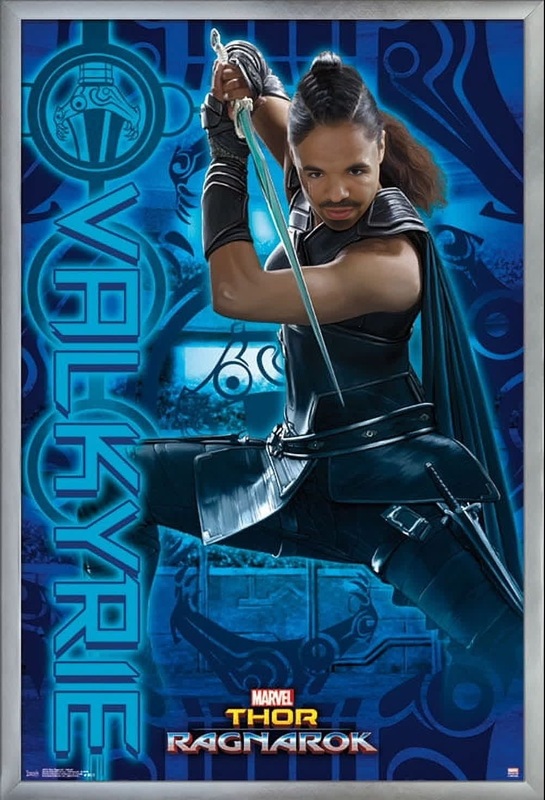
Step into the shoes of your favorite Marvel character with the Korg Thor Ragnarok Marvel Cinematic Universe template. This Video Face Swap template allows you to infuse your likeness into iconic scenes, making you the lead in your own superhero saga. Perfect for personal projects or creative storytelling, this tool brings cinematic flair to your video creations.
What It Does
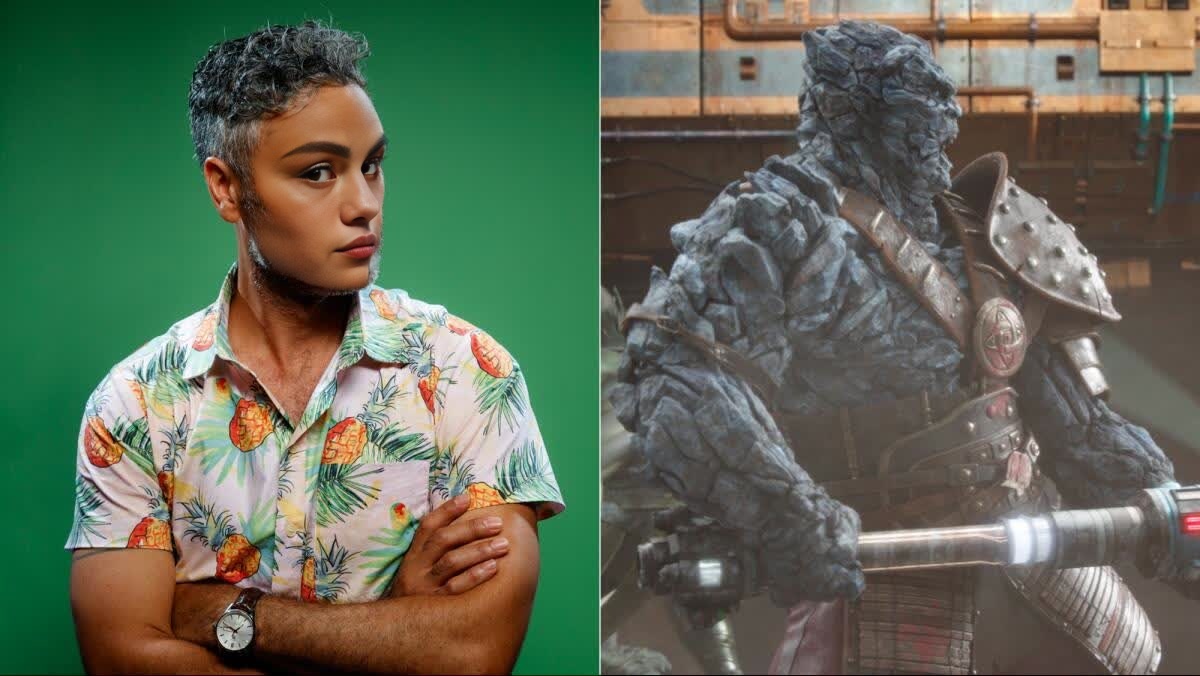
Our Video Face Swap technology seamlessly integrates your face into footage of Korg from Thor: Ragnarok. By using state-of-the-art AI, your facial expressions and movements are convincingly mapped, maintaining a natural and authentic appearance. This template supports various video formats, ensuring compatibility with your media editing software.
Who It's For
This template is ideal for content creators, Marvel fans, and marketers looking to leverage popular culture in their media. Whether you're crafting content for YouTube, social media, or personal enjoyment, the easy-to-use face swap feature brings a professional touch to your video projects. Pair it with our AI GIF Generator or explore further customization with our AI Video Generator.
Summary
Transform your video content with the Korg Thor Ragnarok Video Face Swap template. Suitable for a variety of projects, this tool offers an innovative way to engage audiences by placing yourself in the Marvel Cinematic Universe. To enhance your creative projects further, consider using the AI Image Editor for image adjustments or Lip Sync to match voiceovers seamlessly.
How to Use the Template
Choose Your Template

Customize Your Video

Generate and Download

Use Cases
Social Media Content
- Increase user engagement
- Capitalize on trending topics
Promotional Videos
- Innovative marketing strategy
- Attention-grabbing visuals
Fan Edits
- Personalized movie clips
- Fun as gifts or keepsakes
Best Practices
Select High-Quality Images
Ensure that the input images are high-quality with good lighting to achieve the best results.Use Compatible Video Formats
Check that your original video files are in compatible formats for smooth processing.Adjust Features Appropriately
Use the customization settings to fine-tune the swap for more realistic results.
Frequently asked questions
More Like This