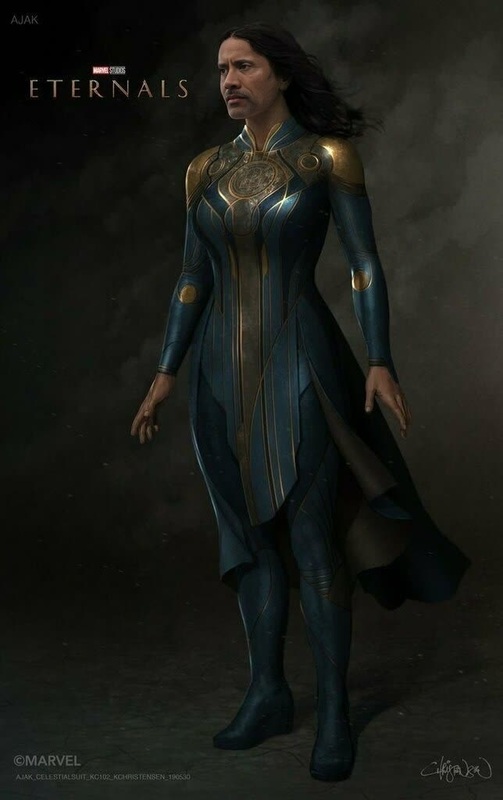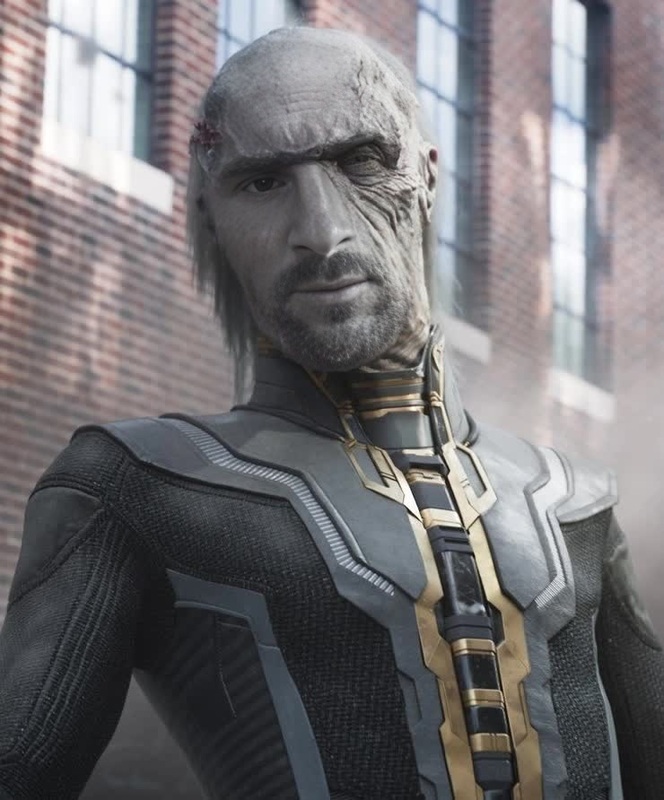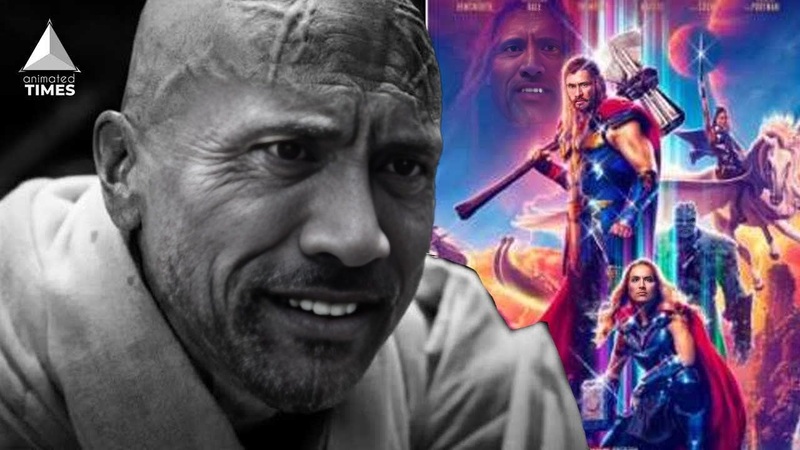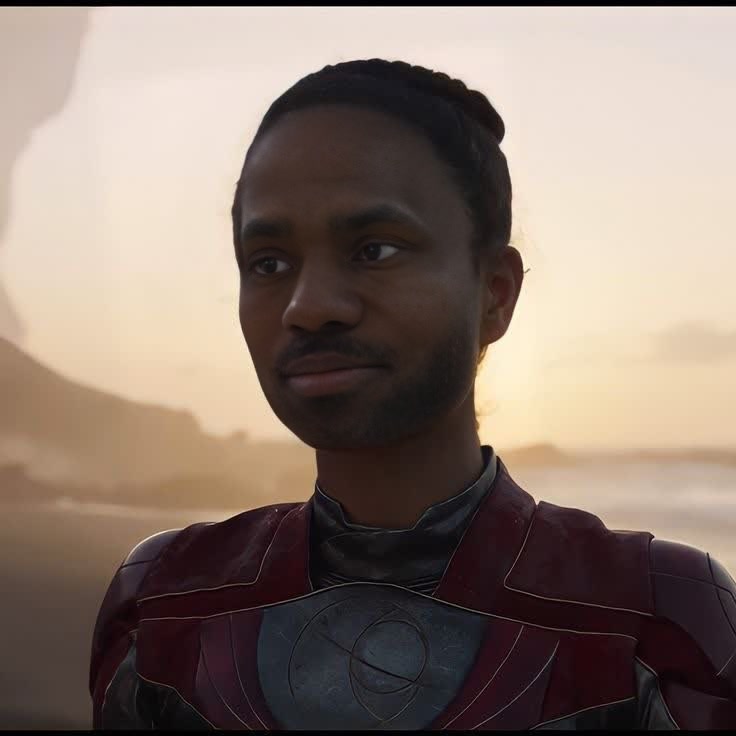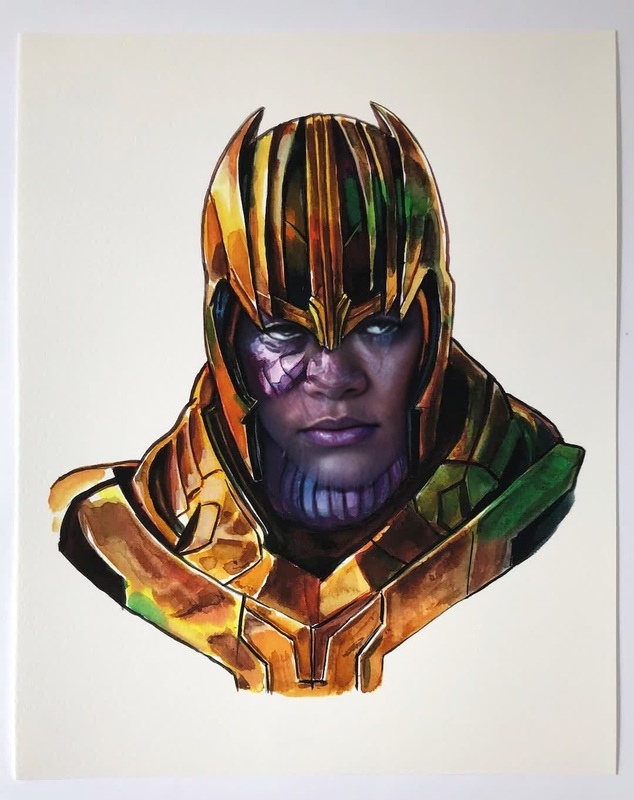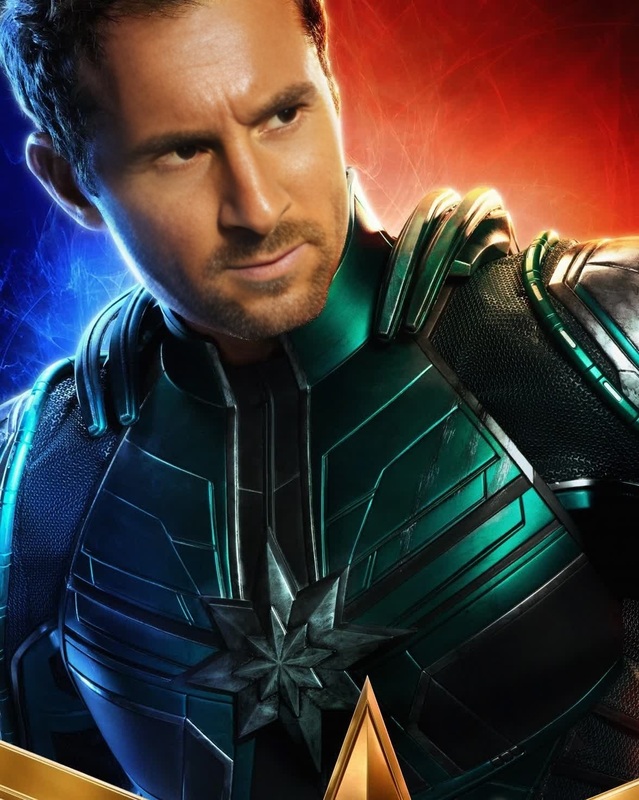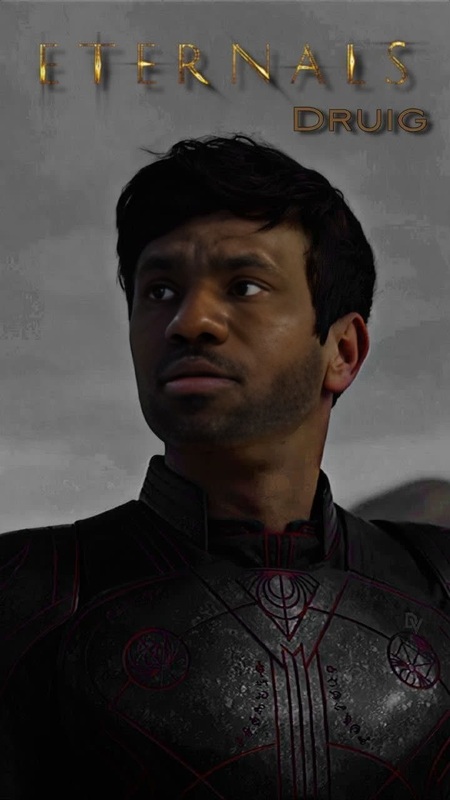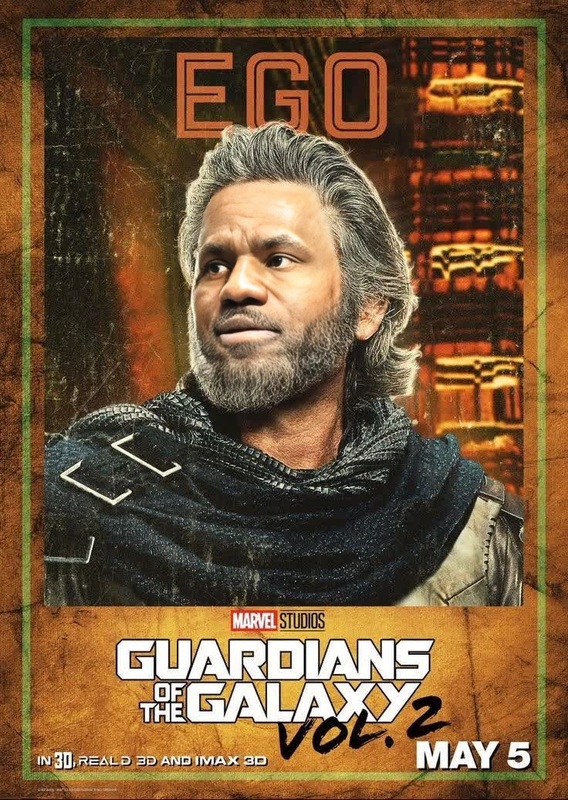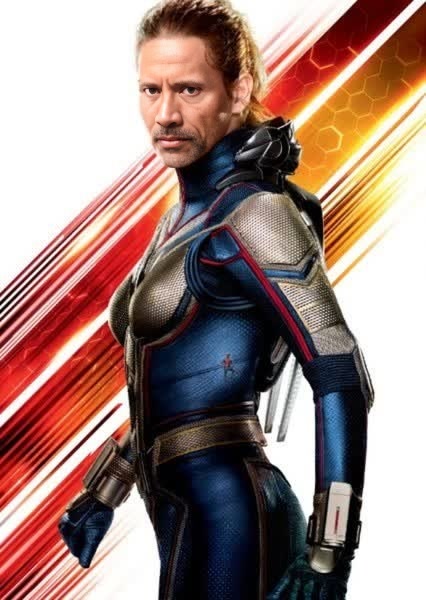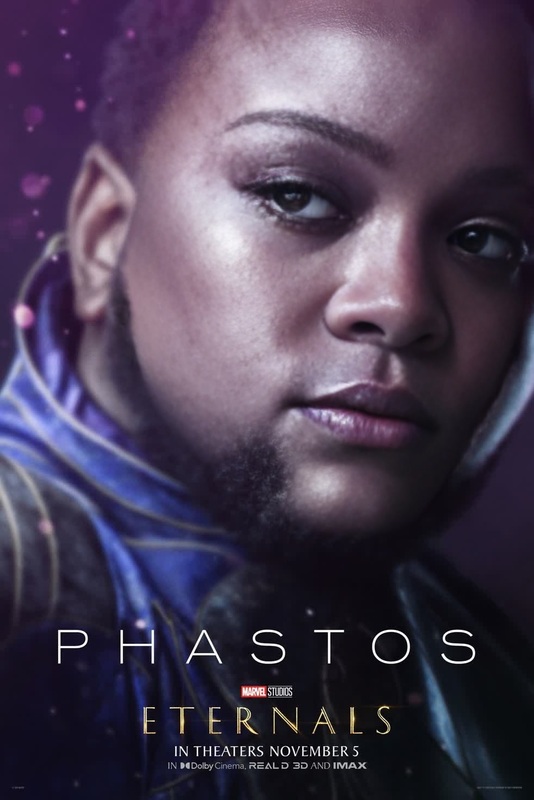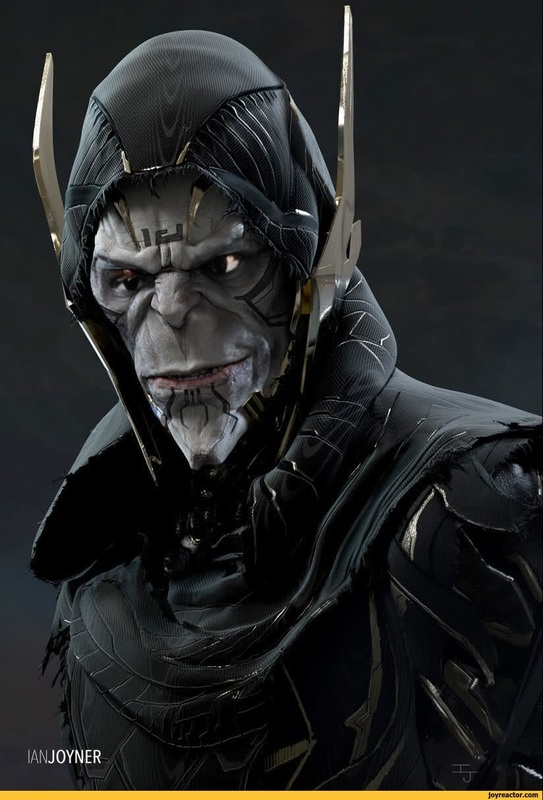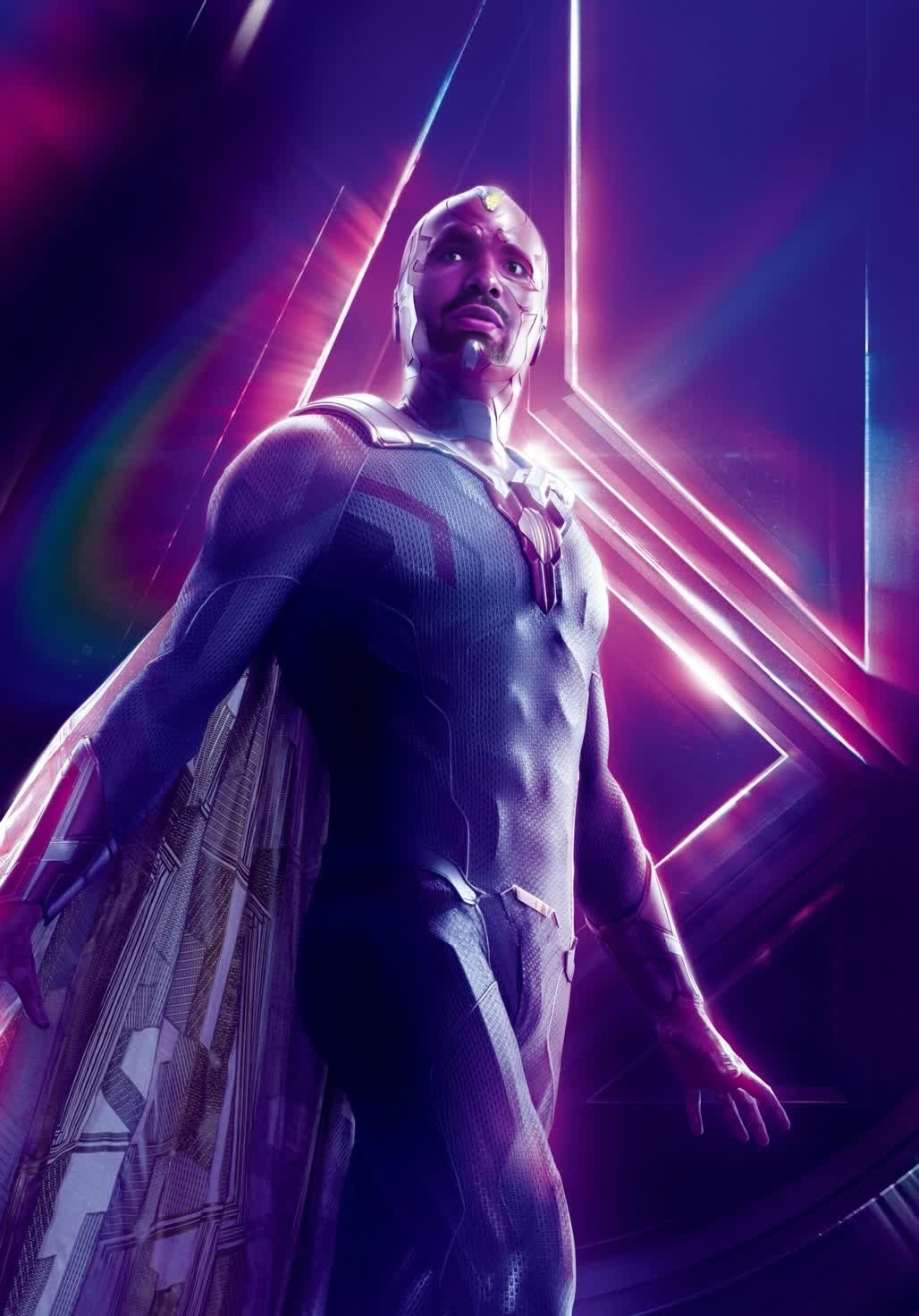
Vision Marvel Cinematic Universe
face-swap
Any aspect ratio
Tags
transformationsTransform Any Video with AI Face Swap (Template)
This template was built with Magic Hour’s AI Face Swap, and you can remix it in minutes to create your own version—no editing experience required.
Use it to:
- Put yourself (or your character) into existing footage
- Create hyper-personalized marketing clips
- Localize or adapt content for different audiences
- Prototype concepts for films, games, or social campaigns
What This Template Does
This template takes a source video and replaces the original face with a new one using AI-powered face replacement. It preserves:
- Original body, motion, lighting, and camera angles
- Facial expressions and head movements
- Overall style and context of the original footage
Under the hood, it relies on the same tech that powers Magic Hour’s Face Swap and Face Swap Video tools, which use deep learning to map, track, and blend faces frame by frame.
You can also use a similar pipeline with:
- Face Swap GIF for short looping memes
- AI Face Editor if you only need static image swaps
How to Remix This Template in Magic Hour
You can recreate or customize this template directly inside Magic Hour. A typical remix flow looks like:
Start from a Face Swap Video template
- Go to Face Swap Video.
- Choose this template (if you’re viewing it in the Magic Hour gallery) or a similar example clip as a starting point.
Upload or choose your target video
- Use your own footage (talking head, vlog, reaction video, product demo, etc.).
- Or start from existing content you have rights to use (brand footage, stock content, UGC you own, etc.).
Add the face you want to swap in
- Upload a clear image or video of the face you want to insert.
- For best results, use a face that is:
- Front-facing or slightly angled
- Well lit (no heavy shadows)
- Not heavily obstructed (no big sunglasses, masks, etc.)
Preview and refine
- Generate a preview to confirm identity, alignment, and expression feel correct.
- If the likeness isn’t strong enough, try:
- Uploading a higher-resolution face source
- Using a face image that better matches the angle and expression of the original video
Export and repurpose
- Download the final video and distribute across your channels (TikTok, Reels, YouTube Shorts, email, landing pages, etc.).
- For shorts and clips, consider pairing the face swap result with:
- Auto Subtitle Generator for captions
- Video Upscaler to clean up low-res footage
You can repeat this workflow to generate multiple variations—same video, different faces—for A/B testing or multi-segment personalization.
Practical Use Cases for Creators & Teams
This face swap template is designed for serious workflows, not just novelty use. Common applications include:
1. Marketing & Growth
Creator-style ads at scale
- Record one base performance and swap in different “hosts” for different markets or brands.
- Fit a single script to multiple influencer or UGC faces.
Localization & market testing
- Create culturally relevant variations by swapping in different faces while keeping the same message and structure.
- Pair with Lip Sync or AI Talking Photo for language variations and voiceovers.
Dynamic personalization
- Generate versions of a pitch or demo featuring an account rep’s face or a brand ambassador.
- Combine with AI Voice Generator or AI Voice Cloner to fully personalize delivery.
2. Content Creators & Influencers
Concept testing
- Quickly test how different on-screen personas perform with identical scripts and edits.
- Swap your face into different aesthetic contexts created with Video-to-Video or Animation.
Storytelling & characters
- Maintain a fictional persona by consistently swapping your face onto stylized footage.
- Use Animated Characters Generator or AI Character Generator to define characters, then build videos that visually match them.
Memes & social content
- Create short, shareable swaps as GIFs with AI GIF Generator or face-swap GIFs with Face Swap GIF.
- Combine with AI Meme Generator for fast meme concepts.
3. Product, UX, and Startup Teams
Product explainers with consistent hosts
- Use a single “virtual presenter” across multiple markets or product lines by swapping faces onto your core explainer footage.
- Tie in with Text-to-Video for quick script-to-video generation.
Prototyping branded characters
- Create brand mascots or virtual agents using AI Avatar Generator, then test how they look in live-action-style footage via face swap.
- Refine identity, style, and tone before investing in full production.
Internal training & onboarding
- Standardize training content with a single “host” regardless of who actually recorded the raw footage.
Getting High-Quality Results: Practical Tips
To make this template work at a professional level:
Match lighting and angles
- Use a source face image with similar lighting direction and angle as the target video.
- If your target video is side-lit, avoid perfectly flat front-lit face images.
Use clean, high-resolution inputs
- Higher-res source faces generally produce better identity preservation.
- You can upscale images beforehand with AI Image Upscaler or sharpen blurry inputs with Unblur Image.
Keep expressions coherent
- Big expression mismatches (e.g., neutral source face vs. laughing target video) are harder.
- Choose source images with neutral or lightly expressive faces for maximum flexibility.
Respect realism vs. stylization
- For stylized content (anime, comic, illustration), you can first convert footage using:
- Then apply face swap in that stylized domain to keep consistency.
Combine Face Swap with Other Magic Hour Tools
To build more advanced pipelines from this template, you can chain multiple Magic Hour products:
From image → animated face → swapped video
- Generate a face with AI Face Generator or AI Photo Generator.
- Animate it with AI Talking Photo or Image-to-Video.
- Face-swap that identity into a longer live-action clip with Face Swap Video.
From script → virtual host → localized variations
- Draft a script and turn it into a base video via Text-to-Video or manual recording.
- Clone a voice with AI Voice Cloner and generate narration with AI Voice Generator.
- Use Lip Sync to align speech to the video.
- Swap in different faces per market or persona with Face Swap Video.
Upscale, clean, and repurpose
- Remove distracting elements using AI Remover or Remove Object from Photo on stills used in your pipeline.
- Improve old assets with Old Photo Restoration and Photo Colorizer before building new videos.
Ethical & Legal Considerations
Face swap is powerful; use it responsibly:
Consent and rights
- Only use faces (your own, collaborators, actors, or properly licensed assets) where you have clear permission.
- Respect privacy and likeness rights, especially for non-public individuals.
Disclosure
- When used in marketing, it’s often advisable to disclose that content includes AI-generated or AI-edited elements.
- Avoid misleading viewers into believing footage is authentic documentary material when it is not.
Brand and reputation risk
- Only associate people’s faces with messages, products, or contexts they’ve approved.
- Align with platform policies (e.g., TikTok, Meta, YouTube) regarding synthetic and manipulated media.
For reference, major platforms have public guidelines on manipulated media and synthetic content (e.g., YouTube’s “Altered or Synthetic Content” policies and Meta’s misinformation and deepfake policies). Align your workflows with these expectations.
Who This Template Is For
This face swap template is built for:
- Creators and influencers who want fast experimentation with on-screen personas and formats.
- Performance marketers and growth teams running multi-variant creative testing and localized campaigns.
- Startups and product teams building consistent video explainers, virtual hosts, or brand characters.
- Studios, agencies, and production teams prototyping ideas before committing to full shoots and reshoots.
If you’re comfortable working with scripts, funnels, and metrics—but not necessarily with heavy video software—this template gives you a high-leverage, low-friction way to generate on-brand, face-swapped video content at scale.
Next Steps
To build your own version of this template:
- Open Face Swap Video.
- Select a similar template or start from scratch with your own video.
- Upload the face you want to feature and generate your preview.
- Iterate quickly, then export and ship.
From there, you can expand into more advanced setups using AI Talking Photo, Lip Sync, Text-to-Video, and other tools in the Magic Hour ecosystem as your needs grow.