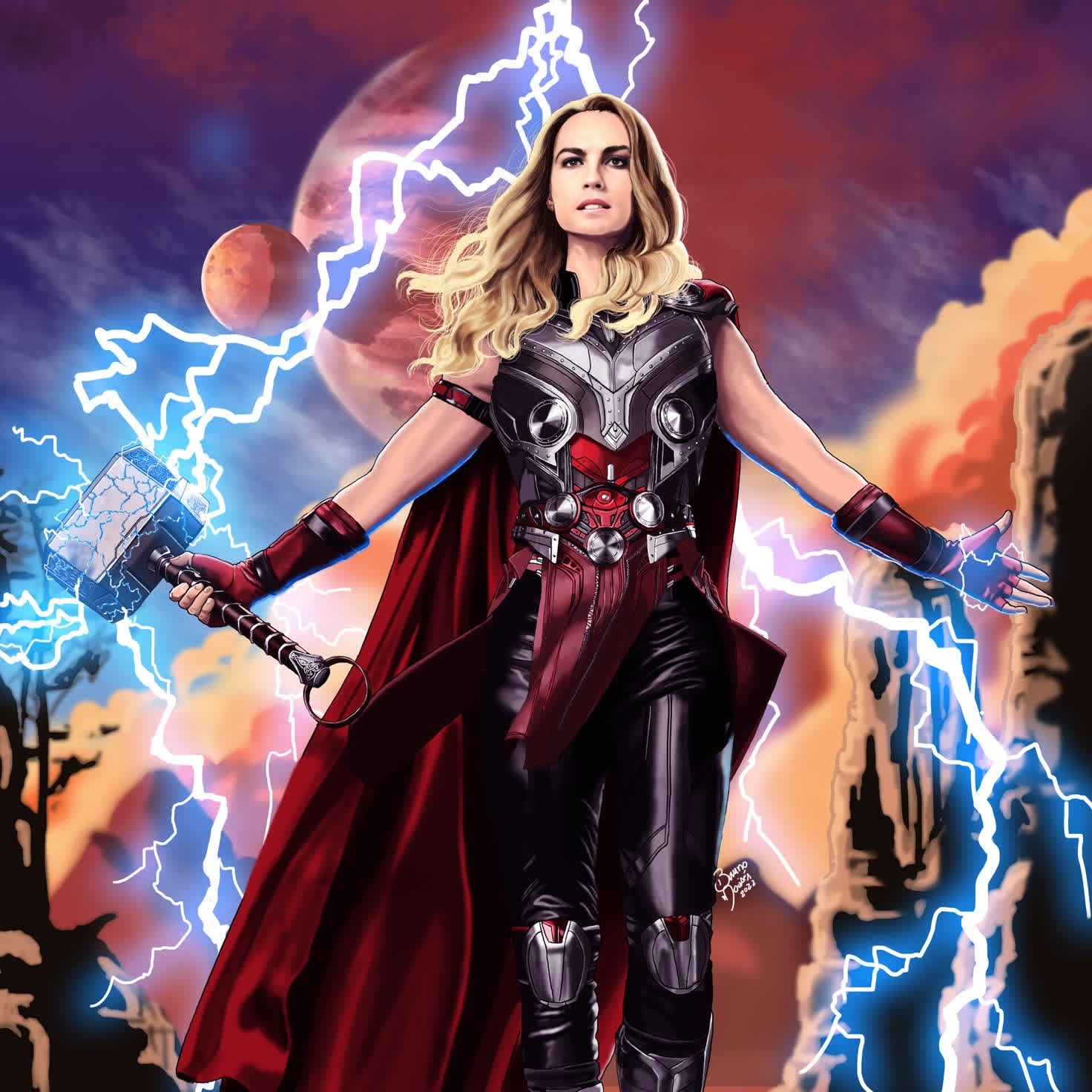
Jane Foster Thor Marvel Cinematic Universe
- Image
- 1472 × 1472 px
Any aspect ratio
Overview
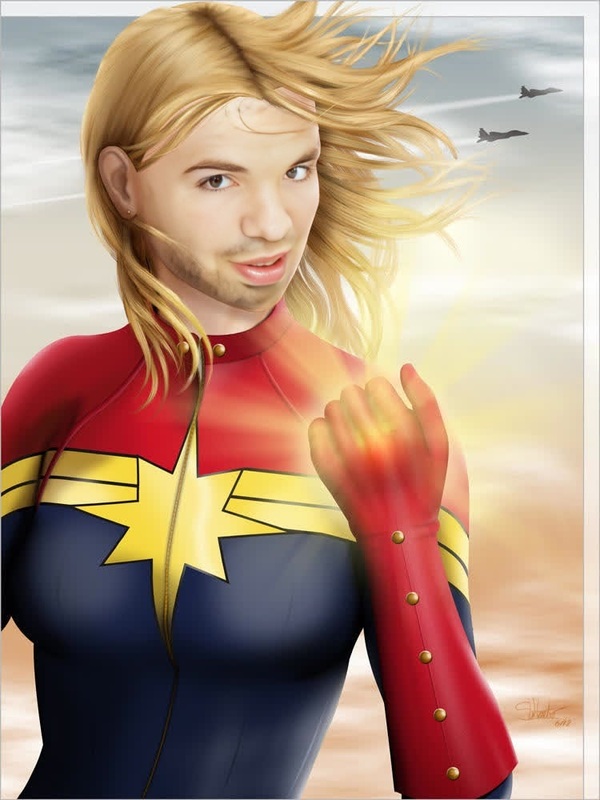
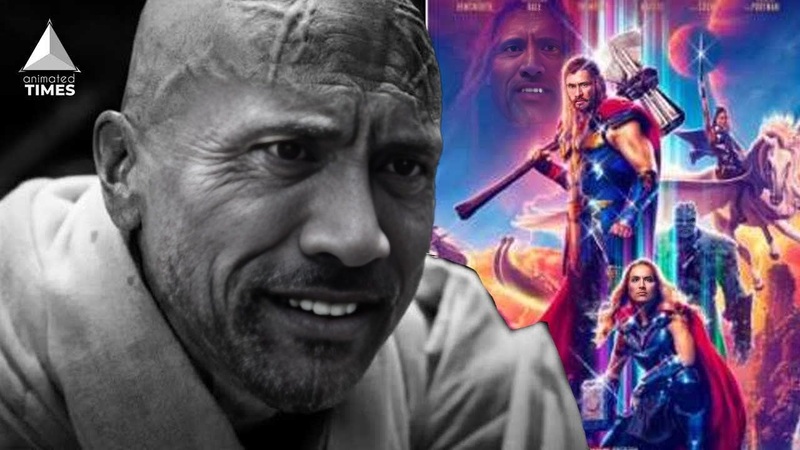
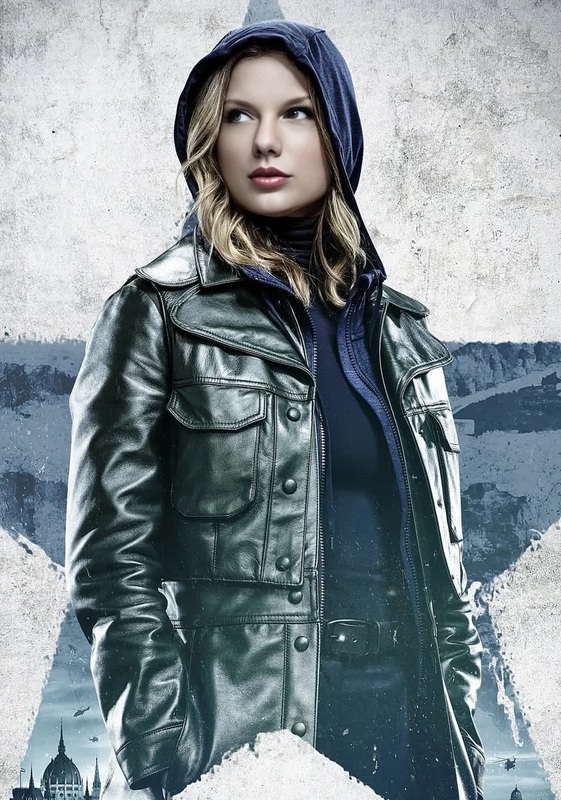
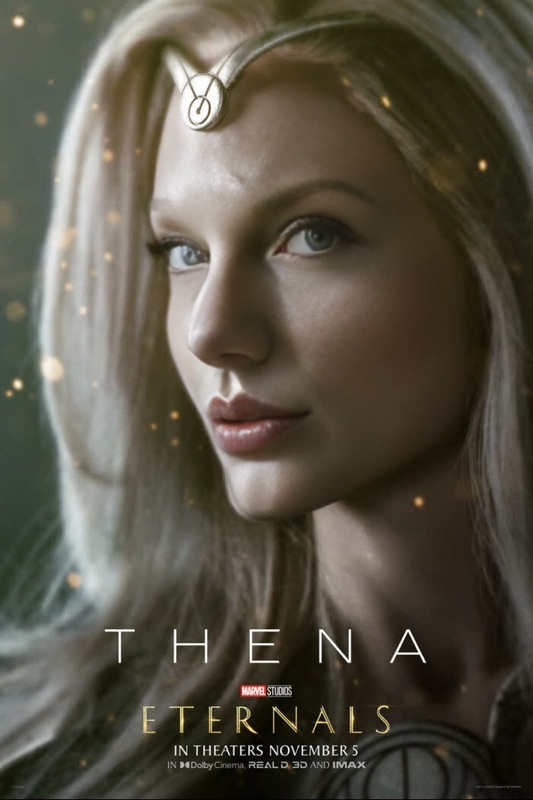
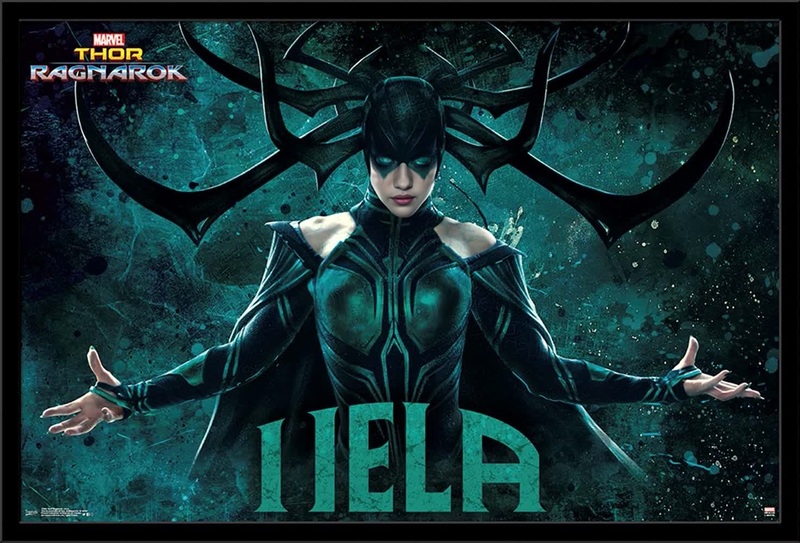
Step into the Marvel Cinematic Universe with the Jane Foster Thor Video Face Swap template. This dynamic tool lets you seamlessly merge your face onto Jane Foster's iconic portrayal as Thor, delivering awe-inspiring results worthy of a superhero.
What It Does
The Jane Foster Thor template leverages powerful AI technology to replace faces in video clips, allowing you to become Thor in a scene from the Marvel Cinematic Universe. This Video Face Swap tool is designed to keep the original video's quality and authenticity intact, providing a realistic and polished transformation.
Who It's For
Perfect for content creators, Marvel enthusiasts, or anyone looking to add a creative twist to their videos. Whether you’re a YouTuber wanting to engage your audience with unique content or a fan wishing to see yourself wield the mighty Mjolnir, this template makes it easy to explore new dimensions of creativity. Check out our AI Video Generator for more advanced editing options.
Summary
Transform your videos with this powerful template by integrating your likeness into a Marvel cinematic scene as Jane Foster, Thor. It's an easy-to-use tool designed for creative minds ready to explore cool, new possibilities. For further personalized video transformations, you might be interested in our Image to Video services.
How to Use
Choose the Template

Customize Your Inputs

Generate Your Video

Use Cases
Fan Edits and Tributes
- Make personal tribute videos
- Join the Marvel character universe
Social Media Content
- Boost engagement with dynamic content
- Explore themed content strategies
Creative Storytelling
- Explore alternative storylines
- Add creativity to personal projects
Cosplay Enhancements
- Elevate your cosplay videos
- Create virtual cosplay transformations
Best Practices
Select High-Quality Images
Ensure your photo is well-lit with a clear view of your face to optimize face swap results.Align Face and Lighting
For the best swap outcomes, align your photo's angle and lighting closely with the original video scene.Experiment with Settings
Tweak the blending and swap intensity settings to achieve the desired aesthetic for your video.
Frequently asked questions
More Like This