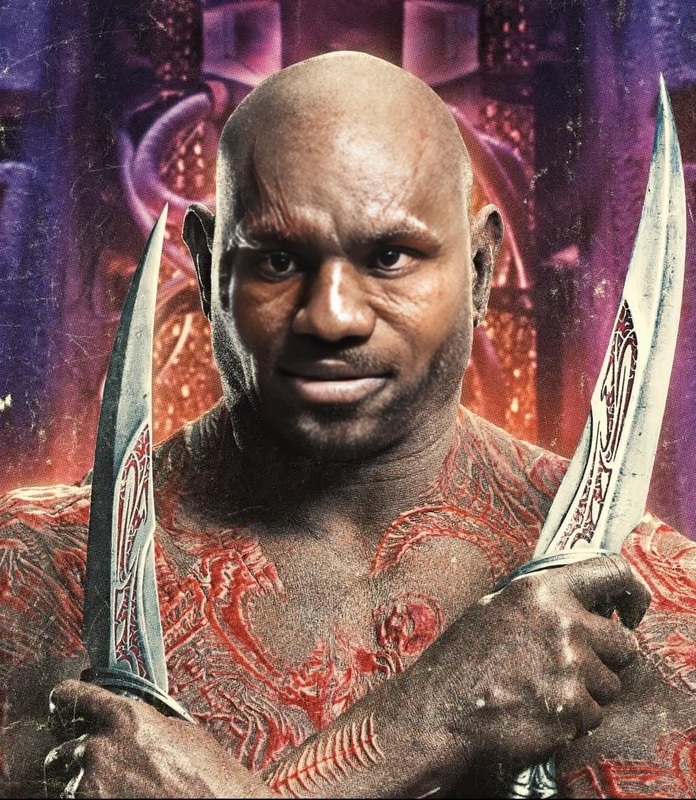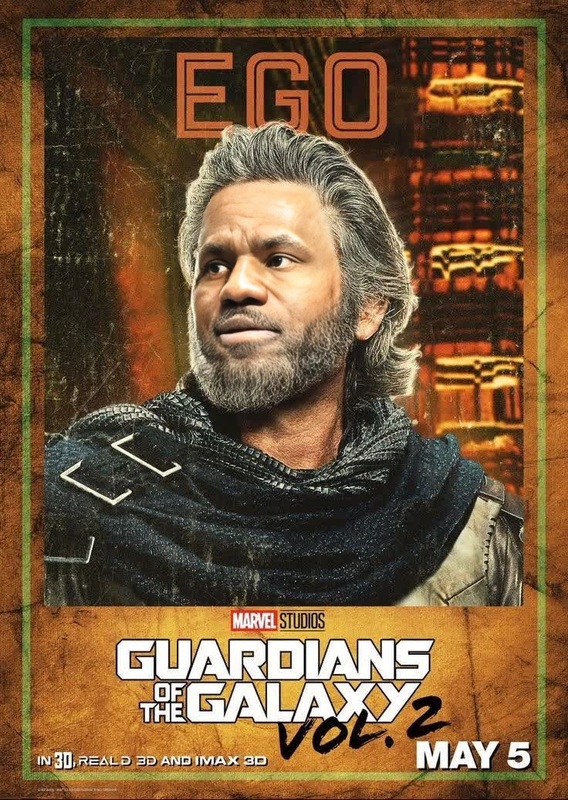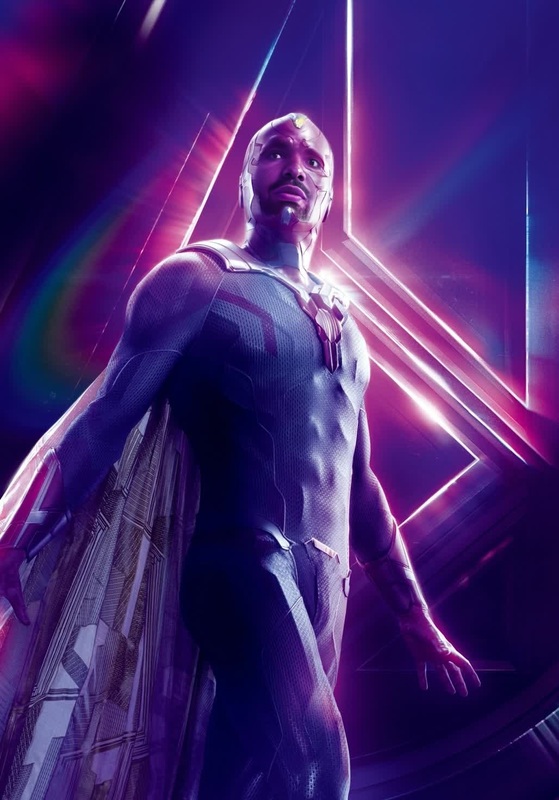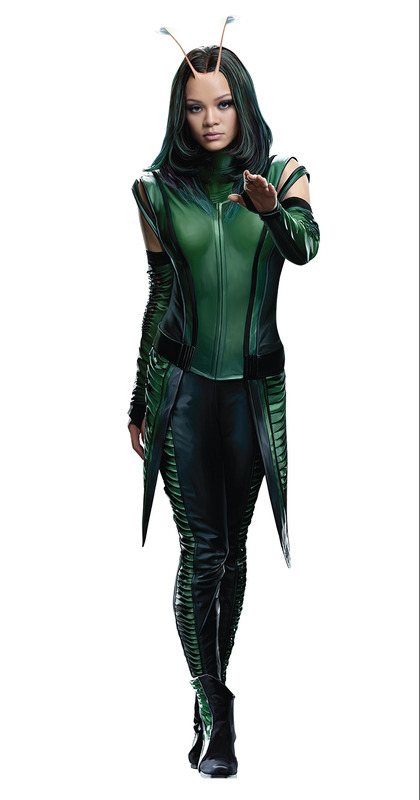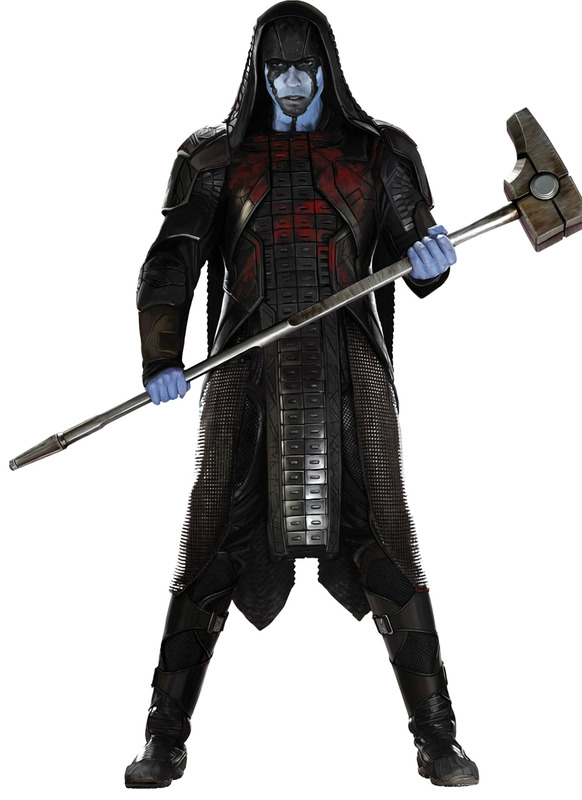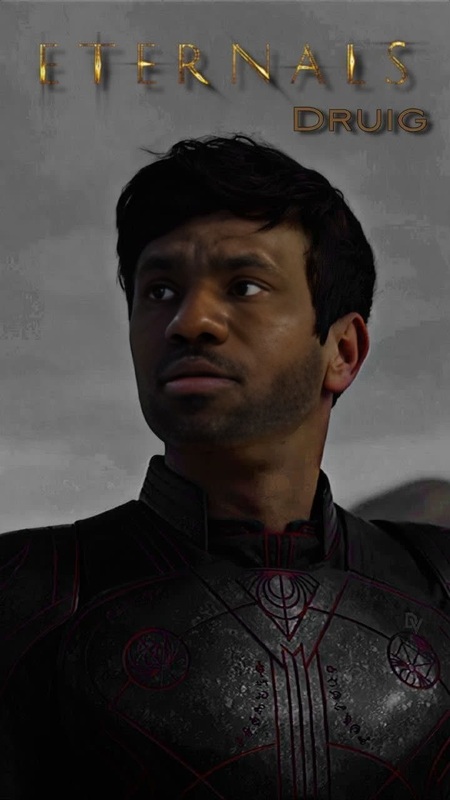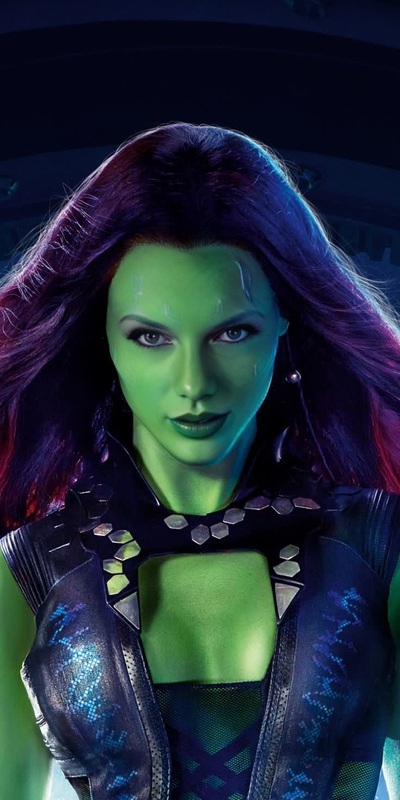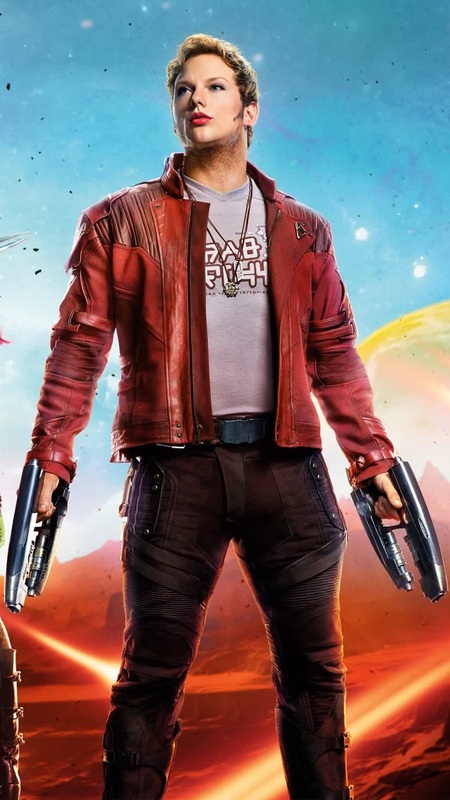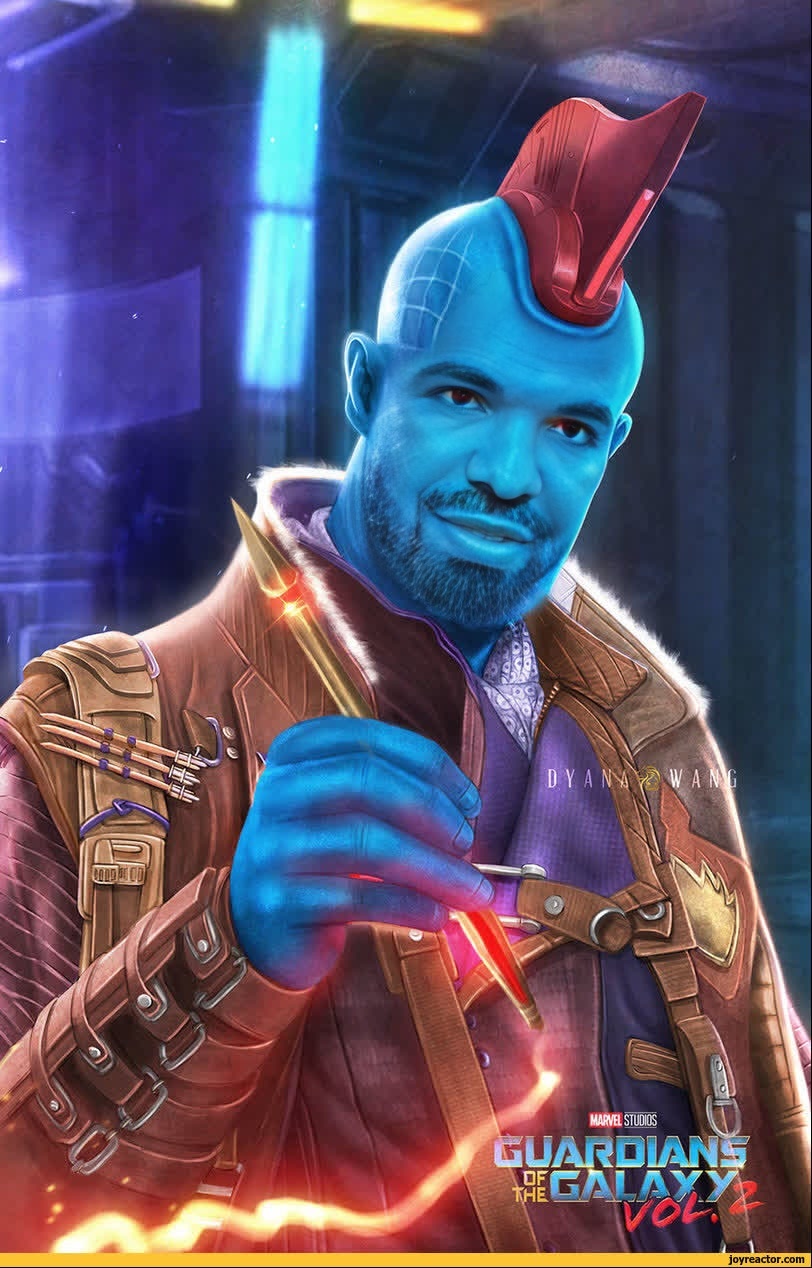
swap_Yondu Guardians Of The Galaxy Marvel Cinematic Universe
Overview
Transform your videos into cosmic adventures with the Yondu Video Face Swap template. This engaging tool allows users to integrate their faces with Yondu, a beloved character from the Marvel Cinematic Universe's Guardians of the Galaxy. Elevate your content with a futuristic twist by sharing your fandom in dynamic, personalized ways.
What It Does
The Video Face Swap template allows you to merge your face with Yondu's, adding a unique layer of creativity to your projects. It's powered by a robust AI model, making it easy to create high-quality, cinematic-grade videos. Use the template's outputs in formats like MP4 and MOV, suitable for various digital platforms.
Looking to edit your images further? Try the AI Image Editor for advanced customization. If you're aiming to switch multiple faces in your video, explore our Head Swap tool for more comprehensive face changes.
Who It's For
This Video Face Swap template is ideal for Marvel fans, content creators, and social media influencers seeking to enhance their videos with iconic characters. It's perfect for anyone wanting to add a distinctive touch to their movie-themed video projects. Whether you're a fan of Video-to-Video transformations or just love creative expression, this tool is for you.
Summary
Bring the world of Guardians of the Galaxy to your content with the Yondu Video Face Swap. It's a simple and effective way to manifest your creativity. Get started today and experience a new dimension of video personalization with our Image-to-Video transformation features.
How-To
Choose the Template

Customize Your Inputs

Generate Your Video

Use Cases
Fan Engagement
- Upload themed content to celebrate new Marvel releases.
- Enhance viewer interaction with personalized videos.
Event Promotions
- Create teaser trailers featuring Yondu.
- Design event-specific marketing materials.
Content Creation
- Combine with other effects from the <a href="/products/ai-image-editor">AI Image Editor</a>.
- Integrate with <a href="/products/lip-sync">Lip Sync</a> features for added realism.
Best Practices
Use High-Quality Videos
For the best results, start with high-resolution videos to maintain detail and clarity in the finished product.Experiment with Angles
Different angles can impact the effectiveness of the face swap. Experiment to find the most convincing shots.Combine Tools for Impact
Use alongside the AI GIF Generator to create shareable mini-clips.
FAQs
More Like This