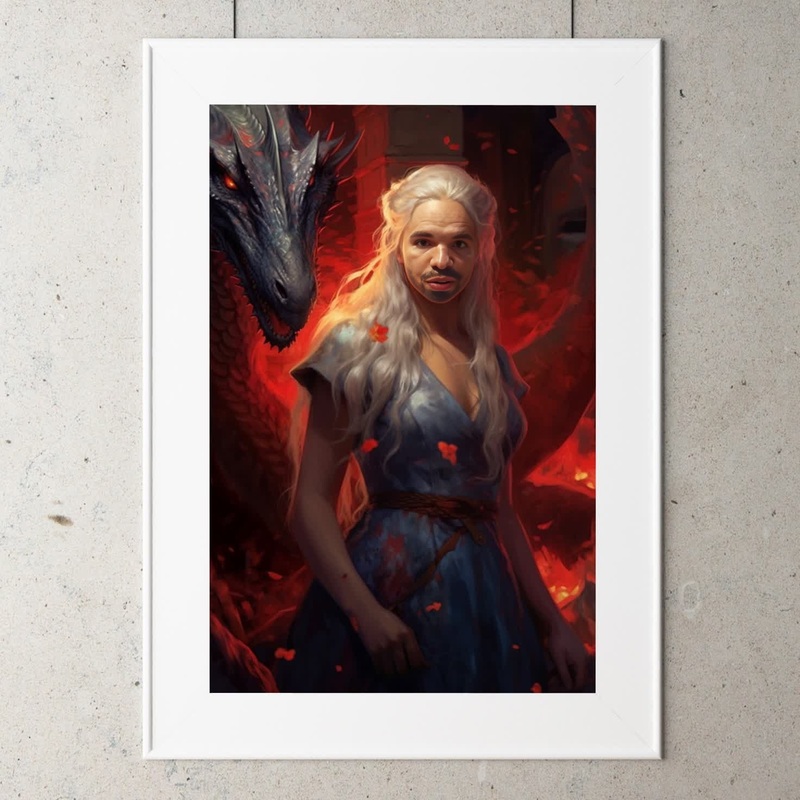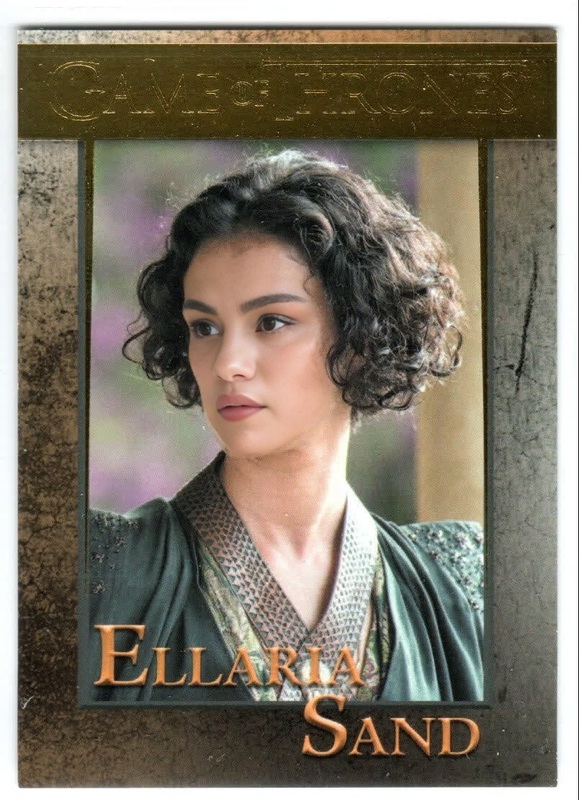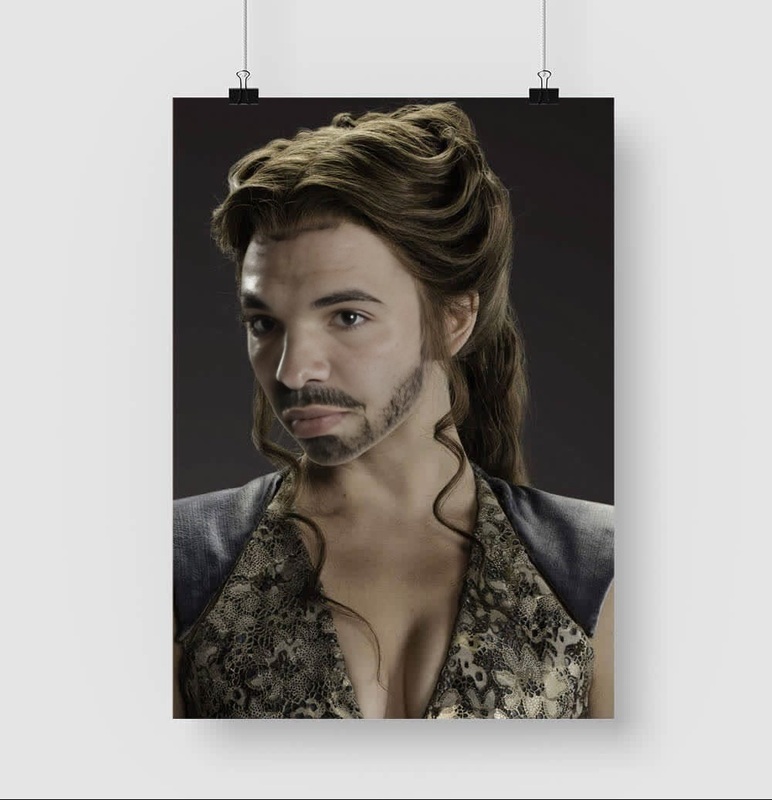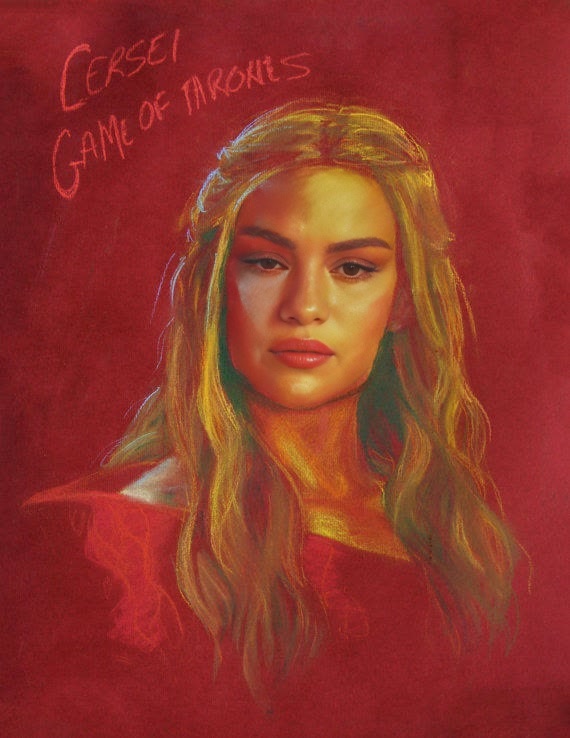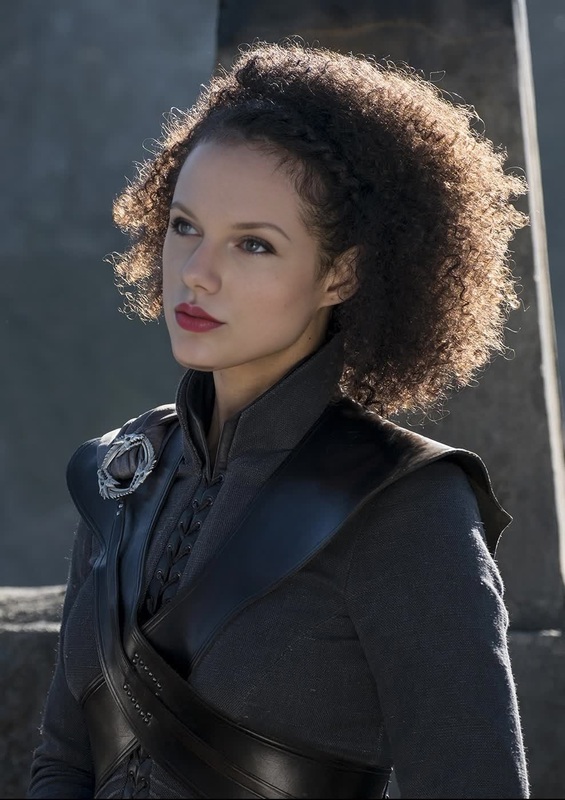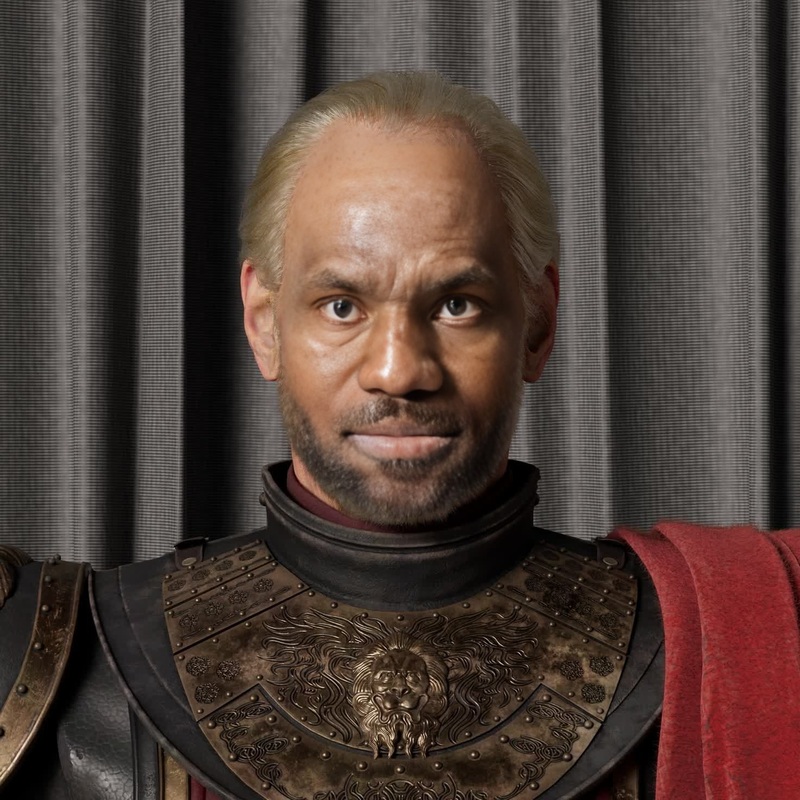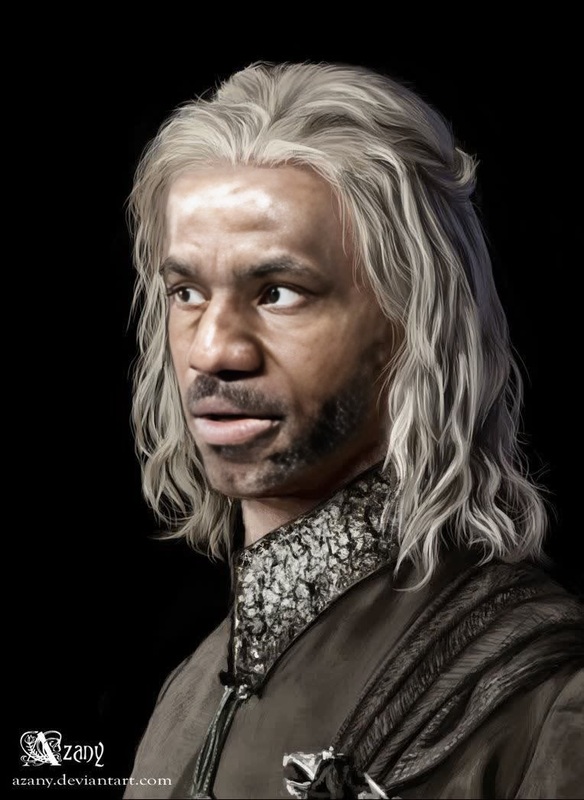
Olenna Tyrell Game Of Thrones
- Image
- 1200 × 676 px
Any aspect ratio
Overview
Bring the allure of Westeros into your projects with the Olenna Tyrell Game of Thrones Video Face Swap template. Perfect for creators looking to infuse medieval charm into their videos, this tool allows you to transform any face into the iconic character, Olenna Tyrell. Use it to craft captivating content that stands out in the realms of fantasy and drama.
What It Does
The template utilizes advanced face swap technology to seamlessly replace any face in your video with Olenna Tyrell's, maintaining authentic expressions and movements. By leveraging this capability, you can ensure that your content carries the same gravitas and authenticity as seen in the Game of Thrones series. For video manipulation beyond simple swaps, consider exploring our AI Video Generator.
Who It's For
This template is ideal for content creators, video editors, and fantasy enthusiasts looking to enhance their productions with a touch of Westeros elegance. Whether you're crafting a parody, a fan tribute, or a creative project that requires a regal transformation, this tool provides the versatility and ease of use needed. Enhance your editing toolkit with more transformative options like the AI Clothes Changer.
Summary
Transform any video by swapping faces to become the esteemed Olenna Tyrell. With its intuitive interface and powerful results, this template simplifies the process of creating immersive, themed content. For editors who need additional image editing capabilities, the AI Image Editor offers further customization options.
How To
Choose the Template

Customize Your Inputs

Generate Your Video

Use Cases
Fan Tribute Videos
- Customize videos using memorable scenes
- Infuse personal creativity into prequel-style content
Social Media Content
- Create themed content for TikTok or Instagram
- Invite viewers to guess the transformed character
Event Promotions
- Swap faces in teaser trailers
- Add excitement to conference and event promos
Best Practices
Use High-Quality Video
Ensure your source video is of high quality for the best transformation results. This helps the face swap technology work more effectively.Mind the Lighting
Even lighting conditions will provide a more realistic and seamless transformation. Avoid videos with harsh shadows or glare.Adjust for Facial Expression
Match the expression of the source video as closely as possible with Olenna Tyrell’s original expressions for a believable output.