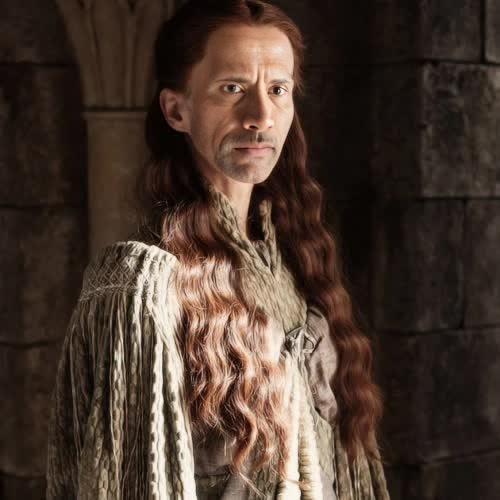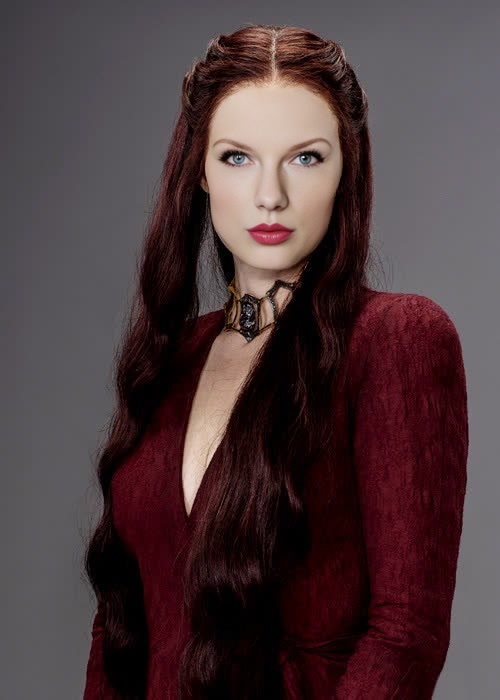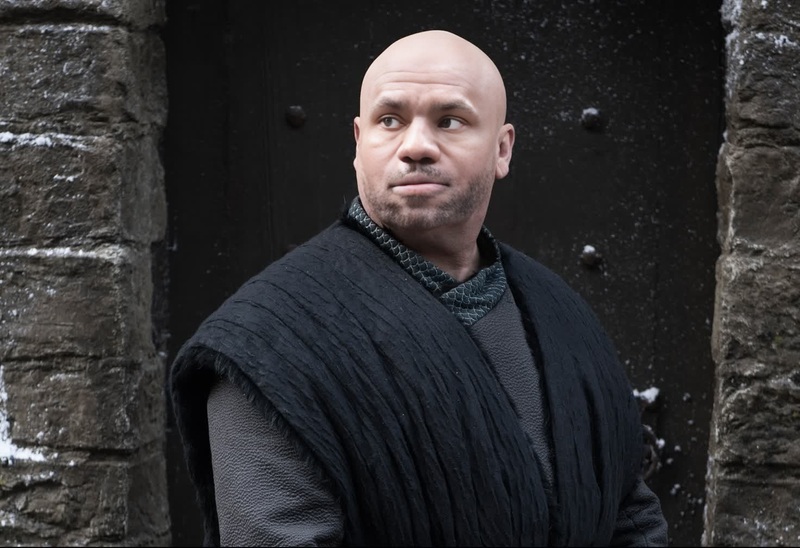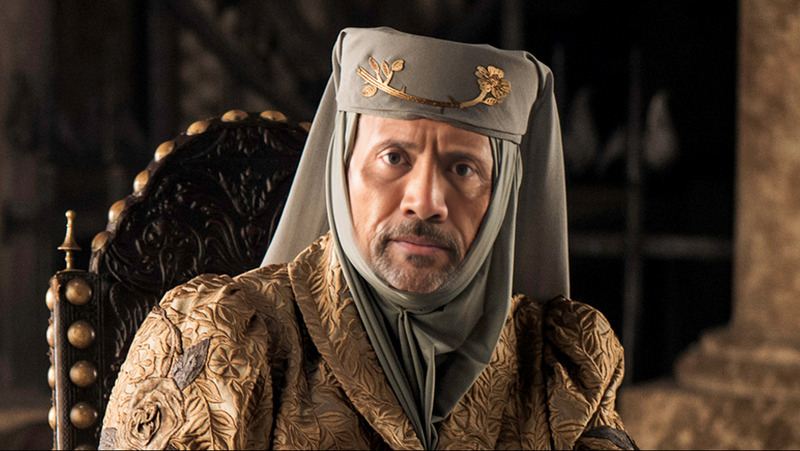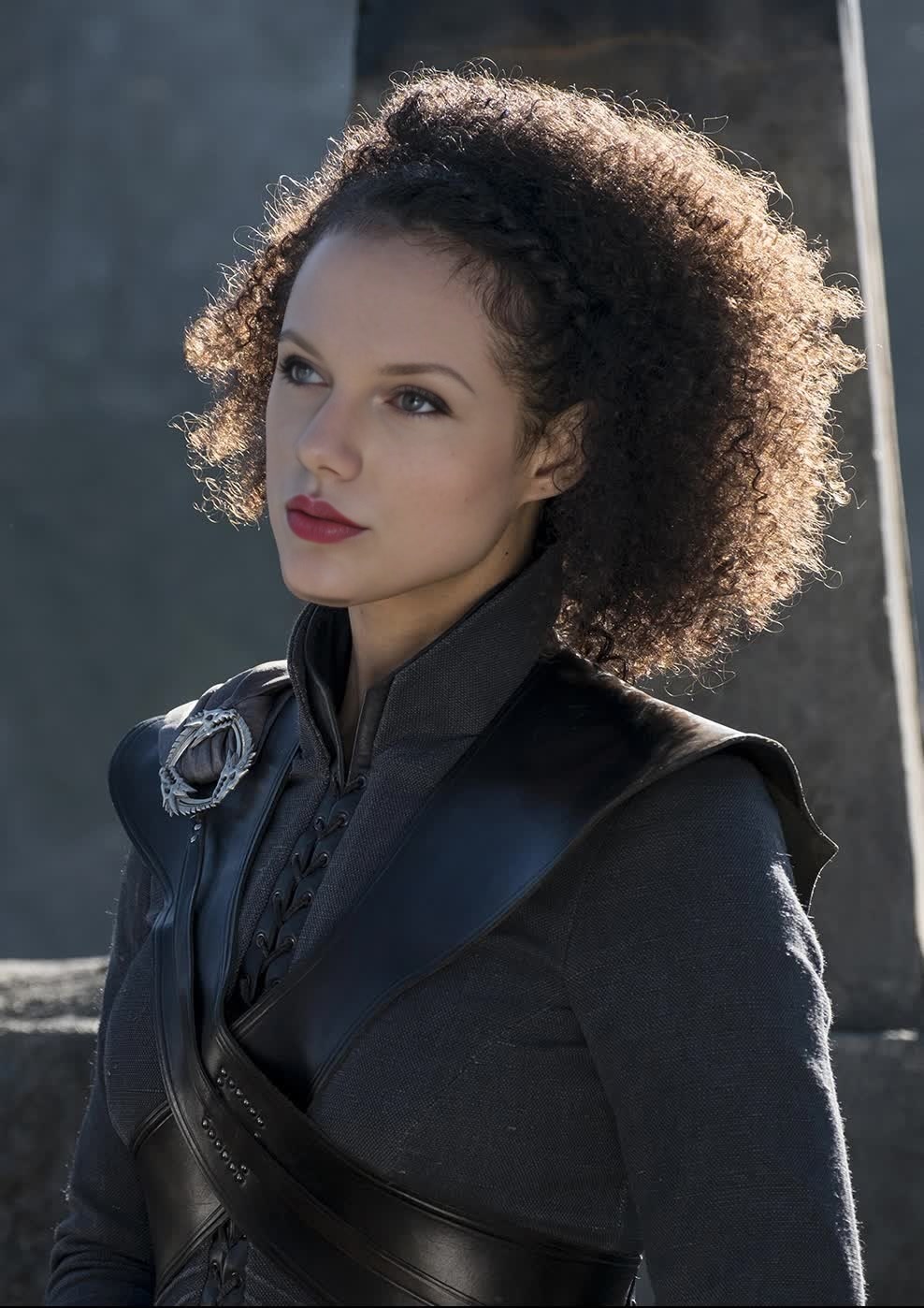
Missandei Game Of Thrones
- Image
- 988 × 1398 px
Any aspect ratio
Overview
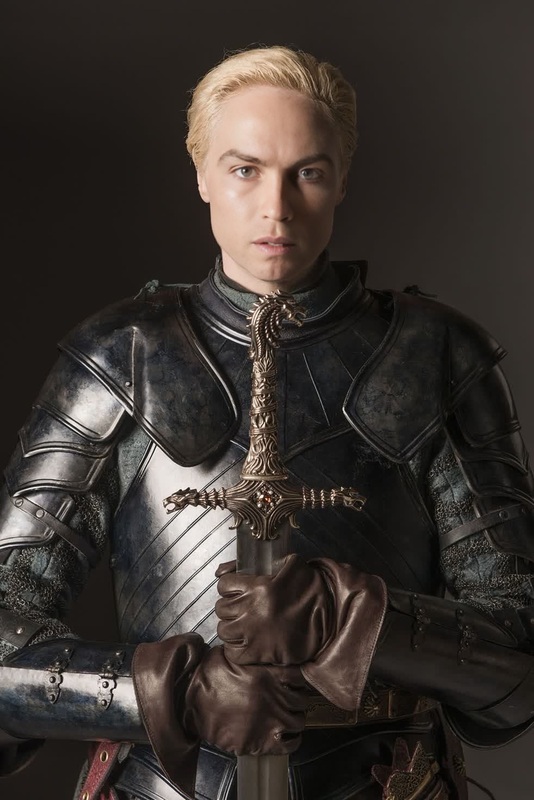
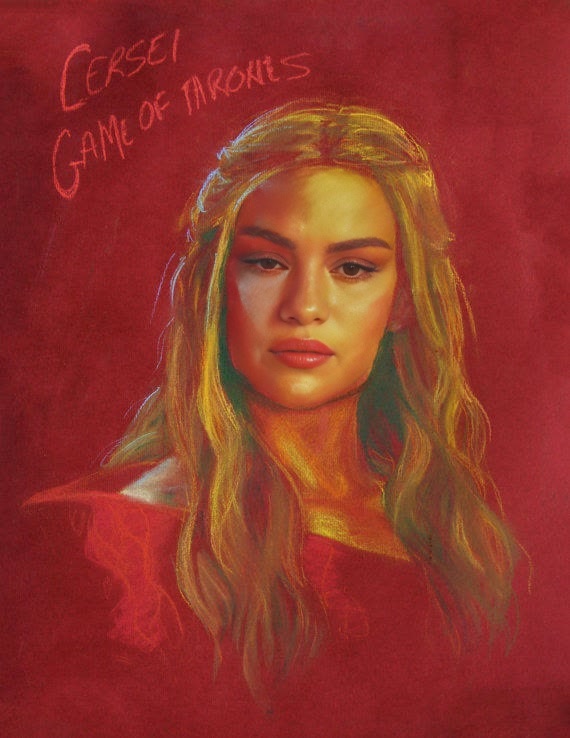
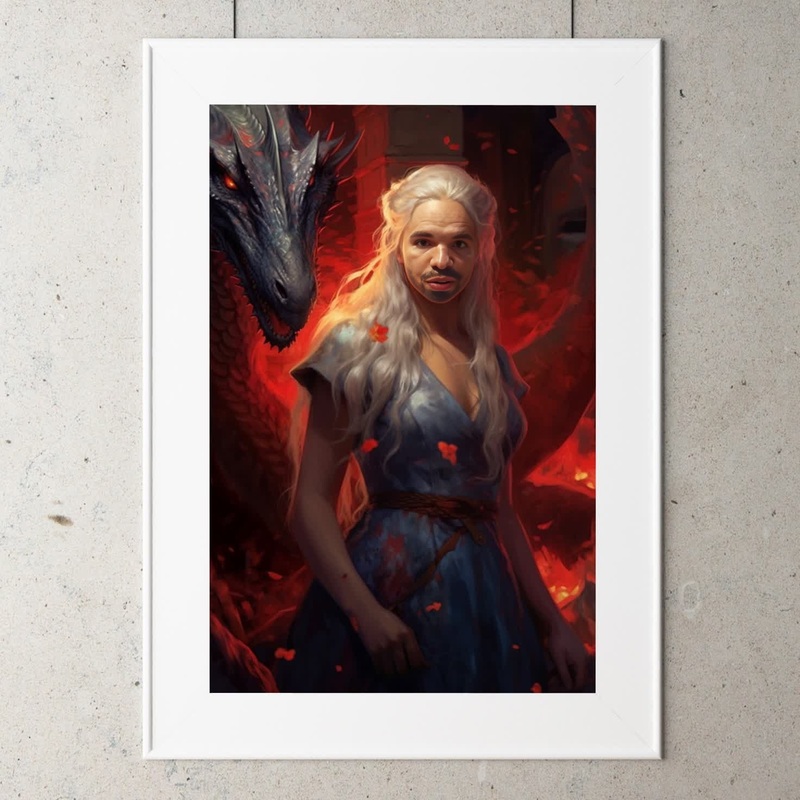
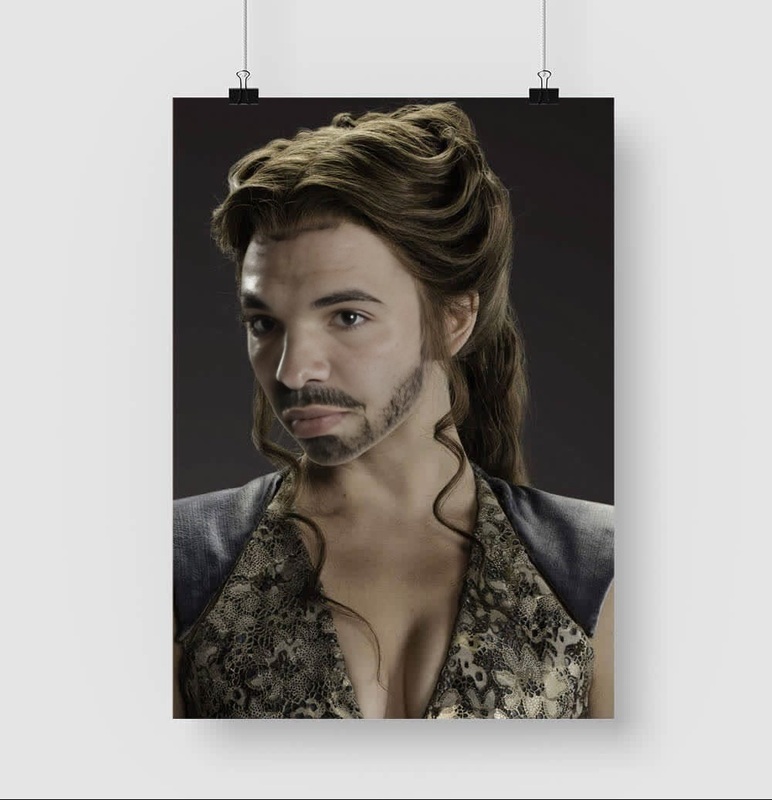
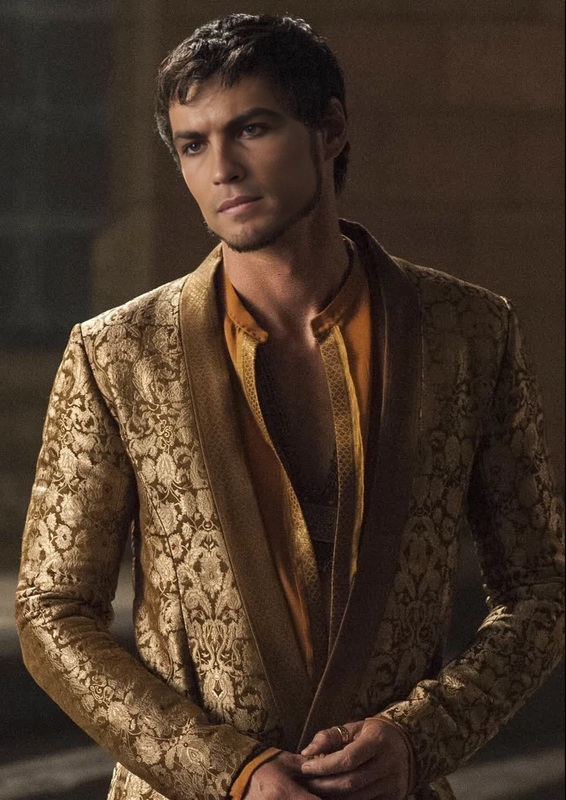
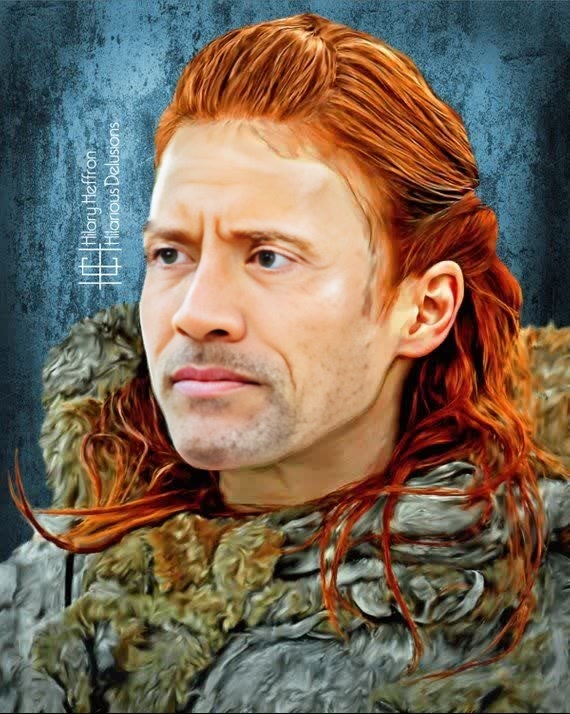
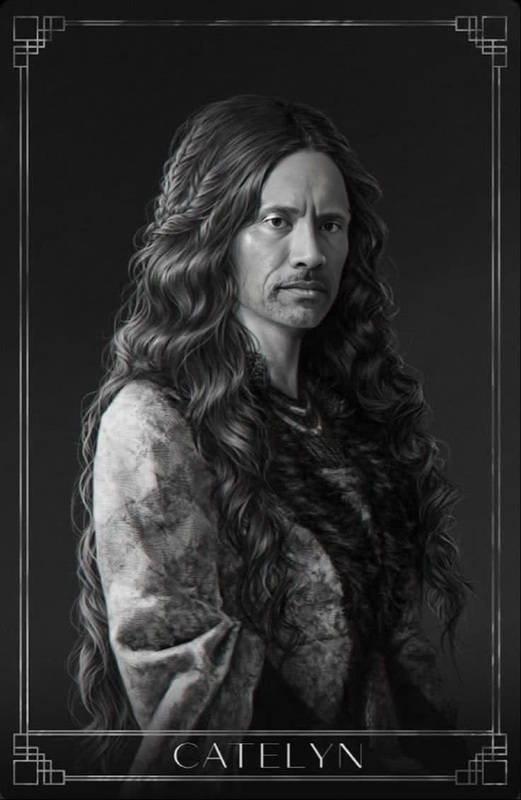
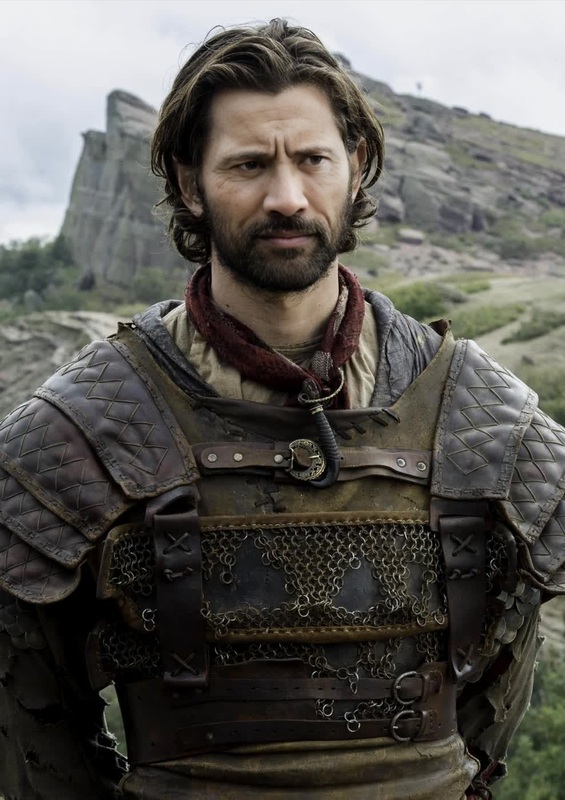
Step into the world of Westeros with the Missandei Game of Thrones video face swap template. This tool allows you to immerse yourself or others into memorable scenes by swapping faces with one of Game of Thrones' beloved characters, Missandei. Ideal for creating unique content that stands out, this template leverages advanced AI technology for seamless integration.
What It Does
This template utilizes face swap technology to replace the original actor's face in any video with the face of Missandei from Game of Thrones. It adjusts for movements, lighting, and emotions to ensure the transition looks natural and convincing. Your final output can bring a new layer of fun and creativity to videos.
For those interested in more, explore our Video-to-Video solutions to enhance your projects further.
Who It's For
The Missandei Game of Thrones face swap template is perfect for content creators, Game of Thrones fans, and anyone looking to create eye-catching media. Whether you're crafting social media posts, creating marketing materials, or simply having fun, this tool provides an engaging and entertaining way to transform your videos.
If you're exploring deeper graphic modifications, you might also be interested in our AI Image Editor.
Summary
Bring dynamic creativity to your projects with the Missandei Game of Thrones template. This video face swap tool efficiently transforms characters in your videos, providing countless possibilities for imaginative content creation. It’s a great fit for fans and professionals alike looking to add a distinct edge to their visual work.
To complement this tool, consider our AI GIF Generator to explore new formats and avenues for your content.
How To
Choose

Customize

Generate

Use Cases
Fan Edits
- Custom fan fiction creation
- Social media content
- Instagram reels
Marketing Campaigns
- Promotional videos
- Advertising magic
- Dashboard displays
Social Media Fun
- TikTok challenges
- Instagram stories
- Facebook video posts
Best Practices
Video Quality
Ensure the video quality is high for the best results. Higher-resolution videos capture details that make face swaps appear more realistic.Lighting Consistency
Try to match the lighting conditions of the source video with those of the target video to achieve smoother transitions.Face Selection
Select video scenes where facial expressions of the original character are relatively clear to ensure a convincing swap.