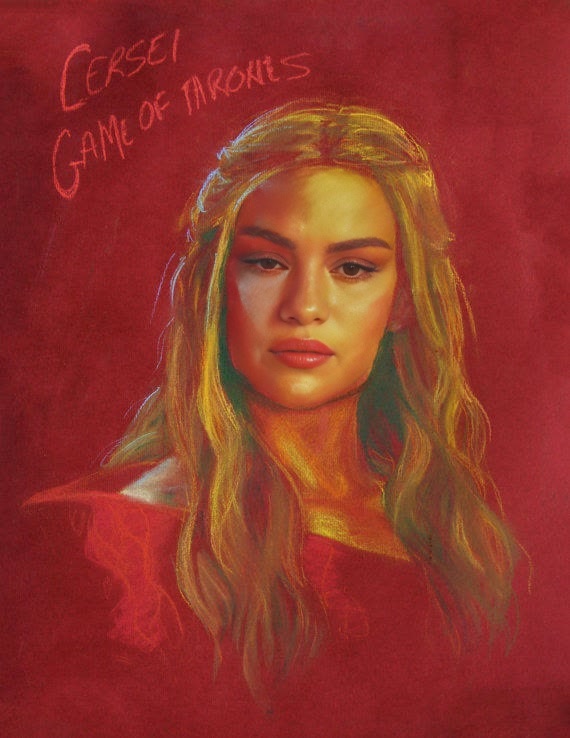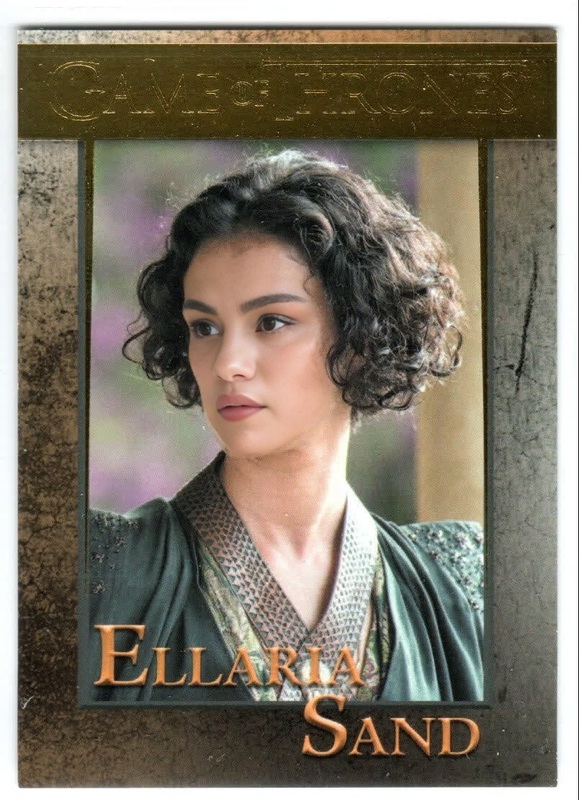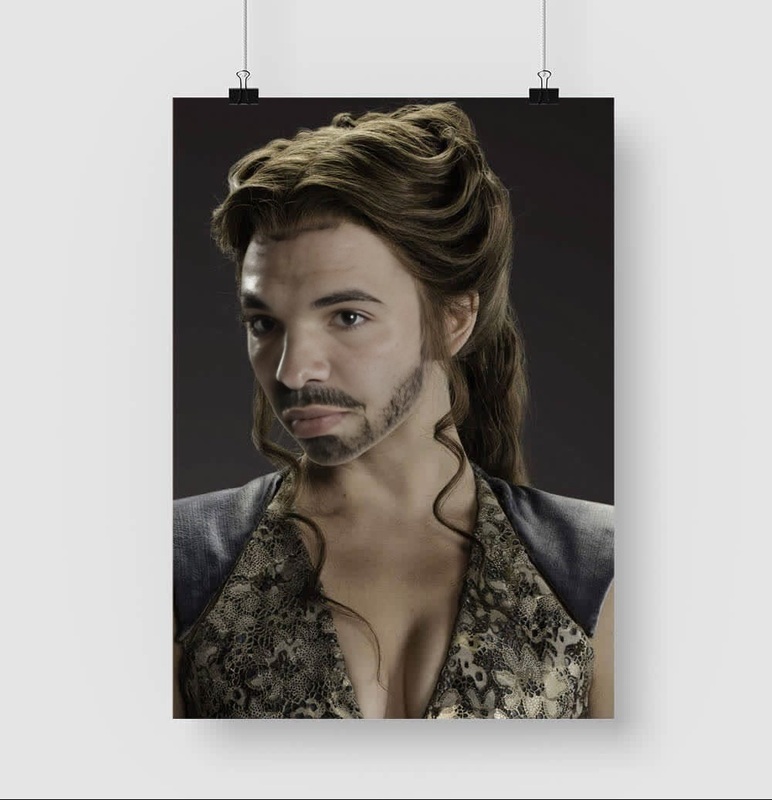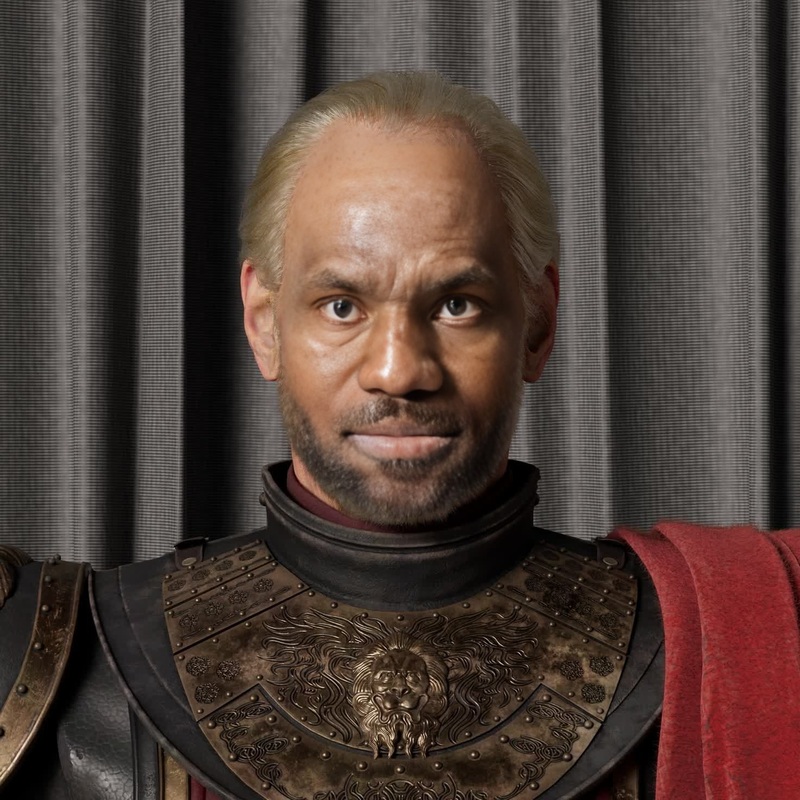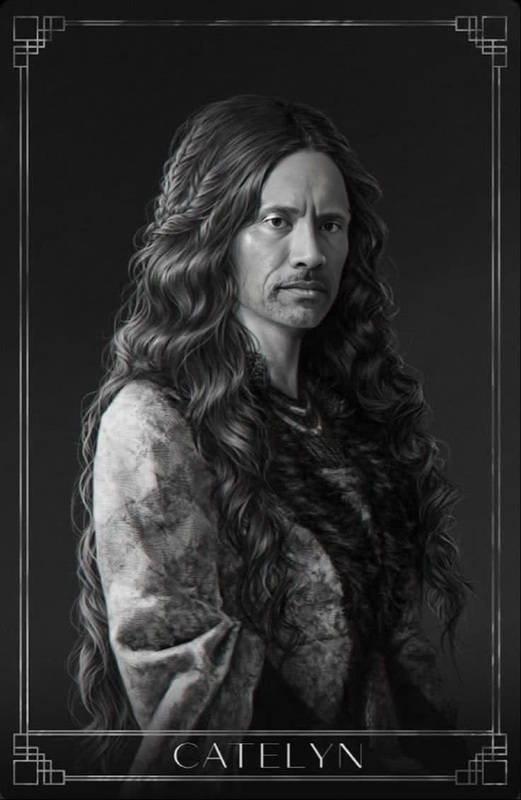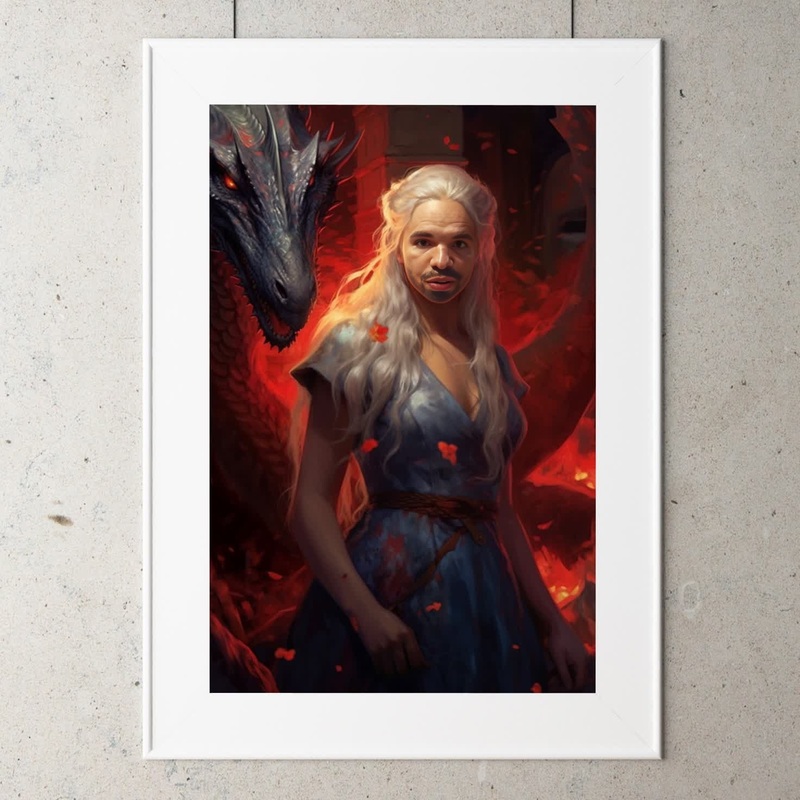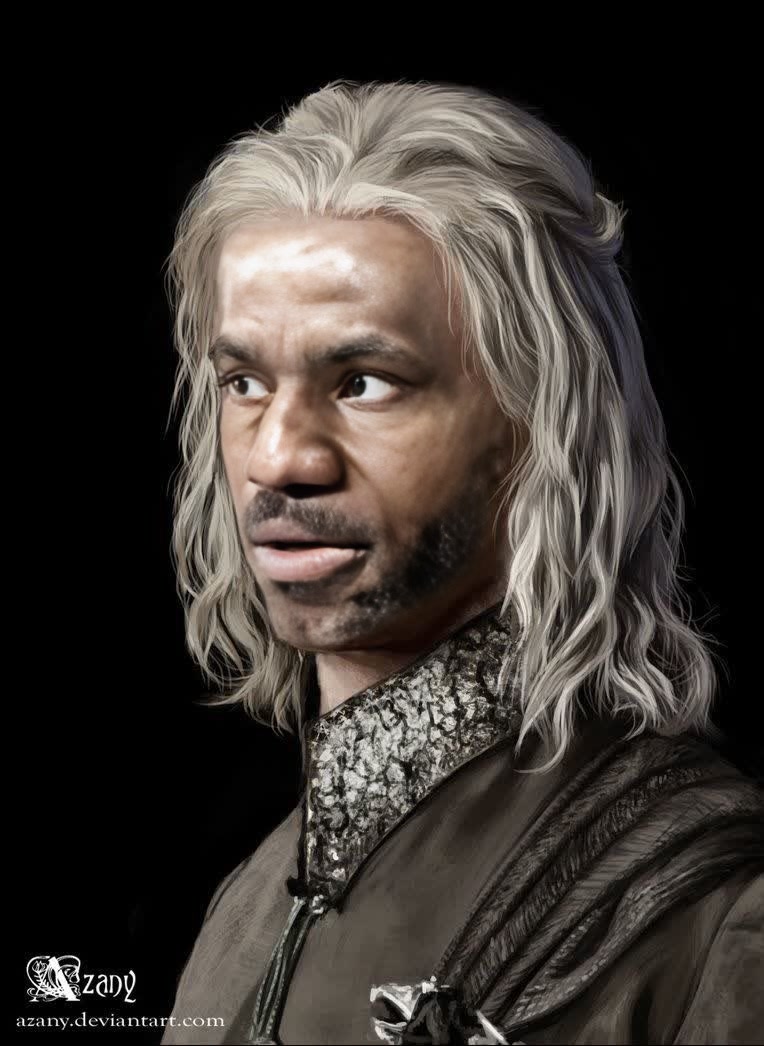
Viserys Targaryen Game Of Thrones

Viserys Targaryen Game Of Thrones

face-swap

1 clip
0 uses

Any aspect ratio

Tags

transformations

Turn any clip into a cinematic face-swap in minutes. This Magic Hour template uses the same underlying tech as the core Face Swap engine, wrapped into a remixable workflow so you can drop in your own source face and video and get studio-quality results fast.


What this template does

This template is built on the Face Swap Video creator and is optimized for:

  • Swapping one face into an existing video (ads, UGC, short-form content, memes)
  • Preserving lighting, perspective, and motion so the swap looks natural
  • Handling close‑ups, talking shots, and dynamic camera movement
  • Quickly experimenting with multiple identities for the same video

It’s ideal for:

  • Creative testing & growth teams: Test different “actors” or personas in the same ad.
  • Founders & solo creators: Put yourself into your product demo or trailer without reshooting.
  • Agencies & studios: Localize or personalize content for different markets or clients.
  • Developers & tool builders: Prototype AI-powered video workflows and products on top of Magic Hour.

How to remix this template in Magic Hour

You can recreate and customize this template directly in Magic Hour by starting from Face Swap Video and following a simple pattern:

  1. Choose your target video

    • Upload or select the clip you want to transform (ad, TikTok, YouTube Short, B‑roll, etc.).
    • For best results, use videos where the main face is visible for at least a few seconds and not heavily obstructed.
  2. Add your source face

    • Upload a clear, front-facing photo of the person you want to insert.
    • Faces with good lighting and neutral expressions typically transfer best.
    • You can also generate source images first with the AI Face Generator or AI Photo Generator, then use those as your swap face.
  3. Run the face swap

    • Let Magic Hour process the video with the Face Swap Video pipeline.
    • The system automatically handles facial alignment, blending, and motion consistency.
  4. Review and iterate

    • Play back your output and see how it performs on:
      • Expressions and lip movement
      • Angles and profile shots
      • Lighting transitions and scene cuts
    • If needed, swap in a different source face, refine your input images, or try another base clip.
  5. Optional: chain with other Magic Hour tools


Tips for high‑quality face swap videos

Drawing on best practices from research on face reenactment and deepfake detection (see, for example, “FaceForensics++” and Google’s Deepfake Detection Dataset), strong inputs still matter:

  1. Use high‑resolution sources

    • Sharper face photos produce more believable swaps.
    • If your source image is low-res or blurry, try enhancing it with Unblur Image or AI Image Upscaler.
  2. Match lighting and angle when possible

    • Faces shot under similar lighting to your target video blend more naturally.
    • A few varied angles of the same face can help you test which one gives the cleanest result.
  3. Avoid heavy occlusions

    • Glasses, masks, and hands over the face can reduce realism.
    • Choose clips where the main face is mostly visible and remains on screen.
  4. Test with short clips first

    • Start with 5–15 second segments to validate the look and performance.
    • Once you’re satisfied, move to longer videos or a full creative.
  5. Refine the surrounding visuals


Popular use cases & workflows

You can treat this template as a starting point for more advanced pipelines:

1. Personalized ads and landing pages

  • Put your founder, brand mascot, or local spokesperson into the same high-performing ad.
  • Combine:

2. Creator-style demos and tutorials

  • Reuse a single well-lit product demo while swapping in different faces (founder, influencer, customer archetypes).
  • Use AI Headshot Generator or AI Selfie Generator to quickly generate personas, then insert them into your core demo.

3. Character & story experiments

4. Rapid meme and social content

5. Style, fashion & product visualization


Extending this template: chaining with other Magic Hour creators

If you want to go beyond straightforward face swaps, this template can be part of a multi-step pipeline:

  1. Generate the base scene

    • Use Text-to-Video to create a synthetic scene from a script, or
    • Transform a reference video using Video-to-Video to get a specific art style or visual mood.
  2. Insert or refine the face

  3. Add voice and timing

  4. Polish and ship


Responsible use and considerations

Face swap technology is powerful and widely studied in both creative and security contexts. Research such as “DeepFakes and Beyond: A Survey of Face Manipulation and Fake Detection” highlights the importance of consent, disclosure, and context in synthetic media.

When using this template:

  • Obtain consent from any identifiable people whose faces you use.
  • Label synthetic or heavily edited media when appropriate, especially in ads, political content, or news-adjacent contexts.
  • Respect platform policies (TikTok, Meta, YouTube) around manipulated media and AI-generated content.
  • Avoid misleading, harmful, or non-consensual uses (e.g., impersonation, harassment, or deepfake abuse).

How to get started now

To create your own version of this template:

  1. Open Face Swap Video.
  2. Upload the video you want to modify.
  3. Add the face image you want to swap in (or generate one first using AI Face Generator).
  4. Run the face swap and review your output.
  5. (Optional) Chain into Lip Sync, Video-to-Video, or other tools above to build a more advanced workflow.

This template is designed to be a repeatable building block: once you’re happy with your setup, you can reuse the same structure for new campaigns, new personas, or entirely new creative concepts with just a few asset swaps.

More Like This

Insufficient credits