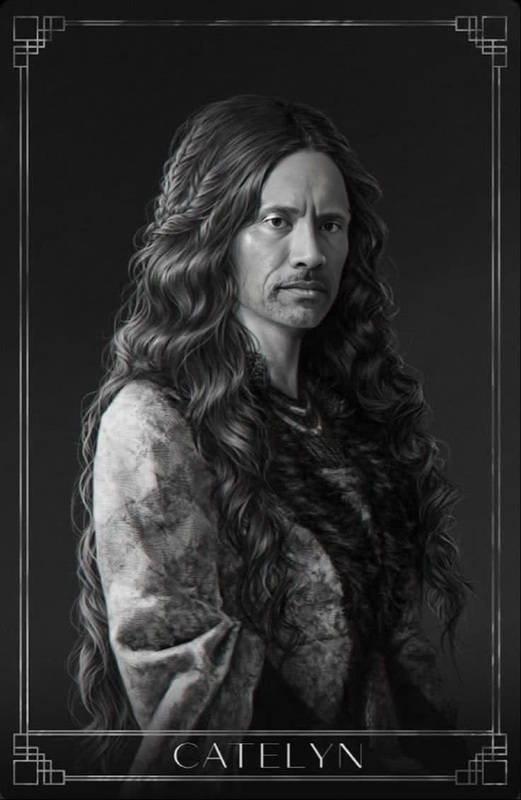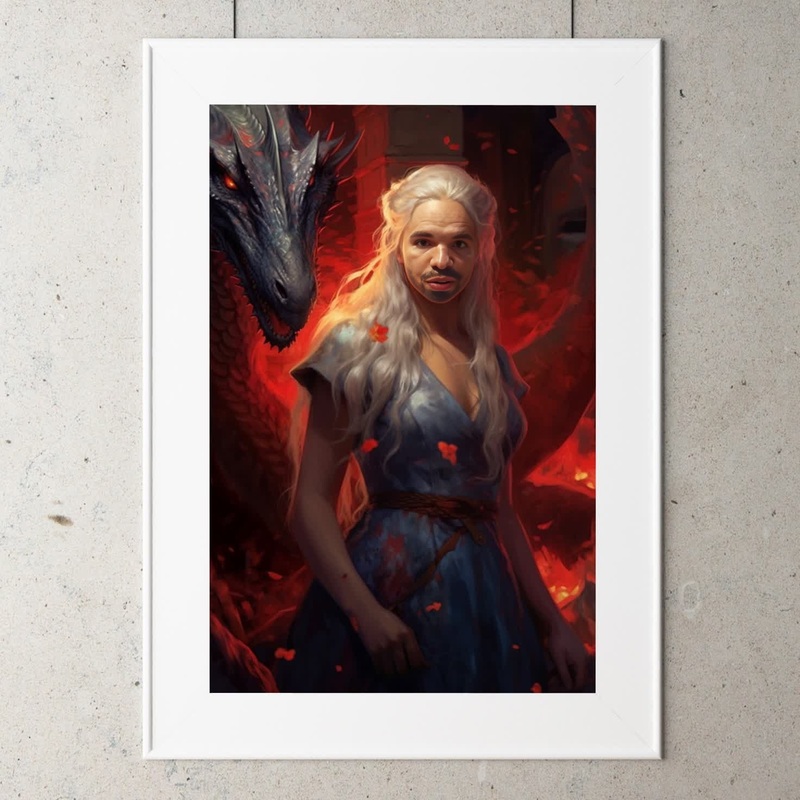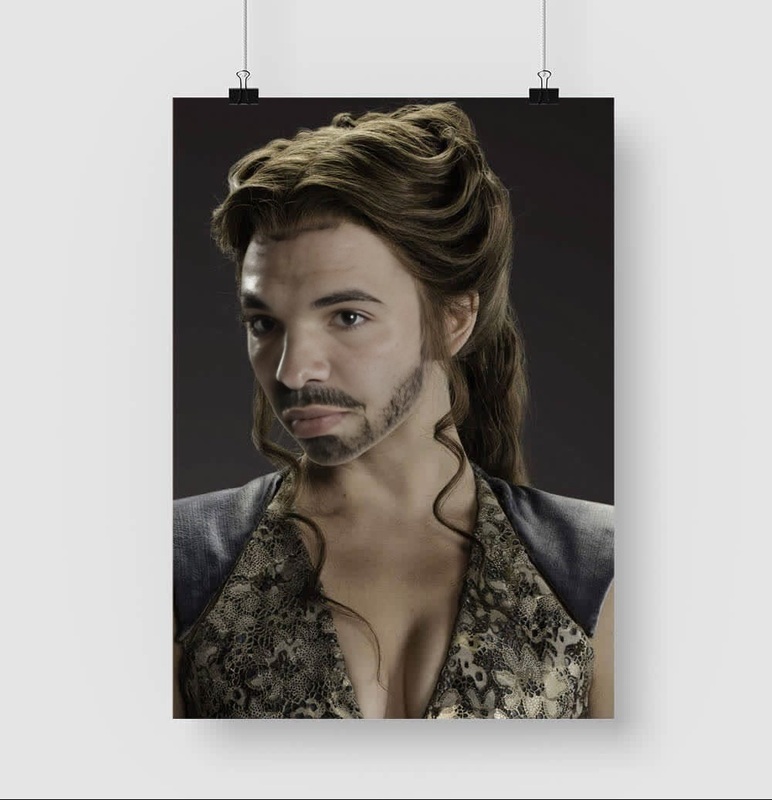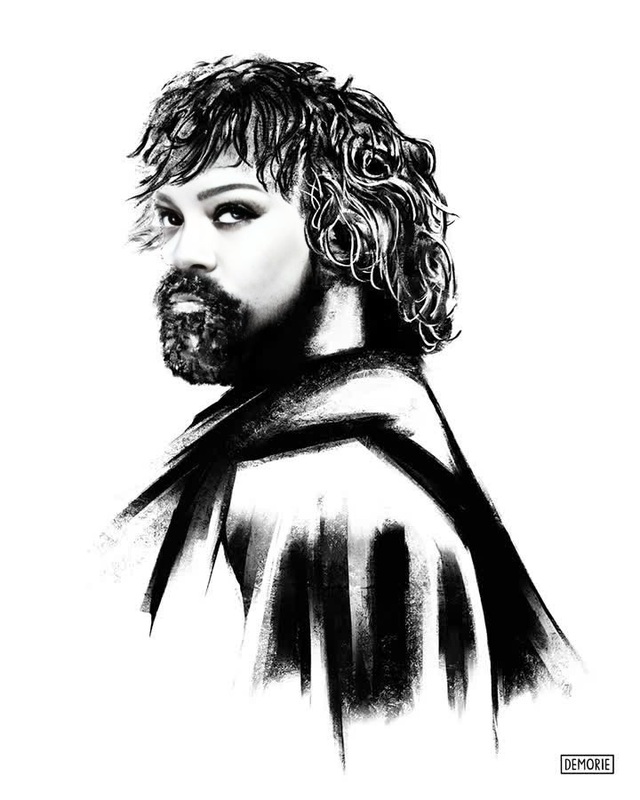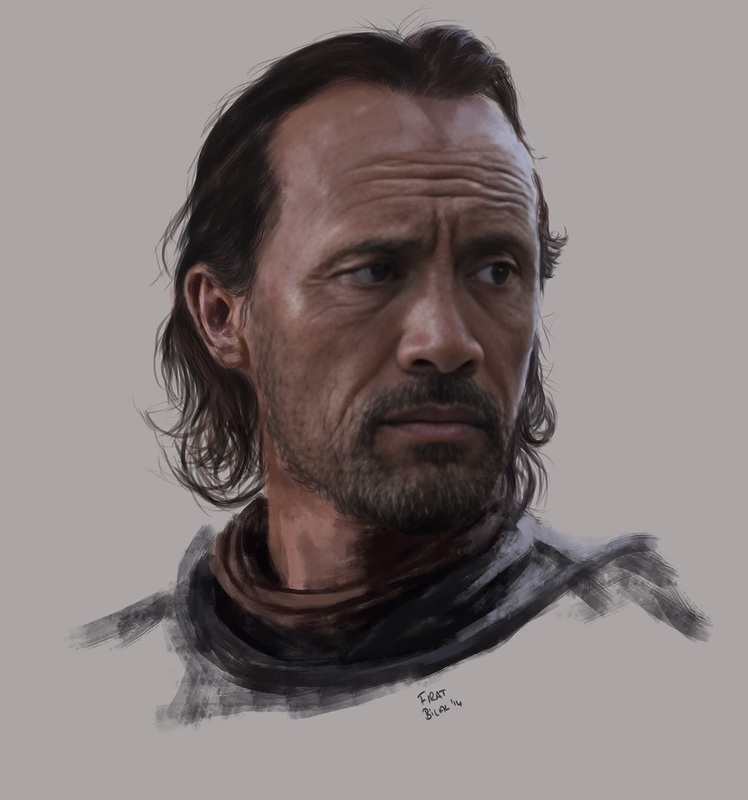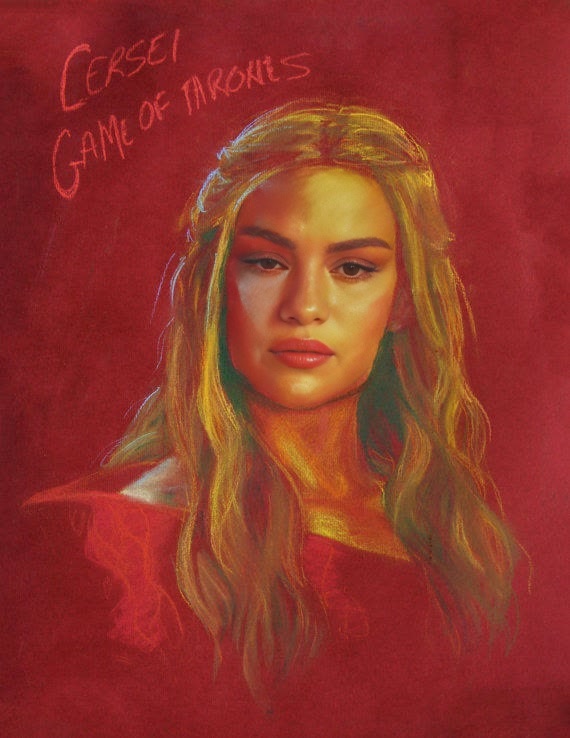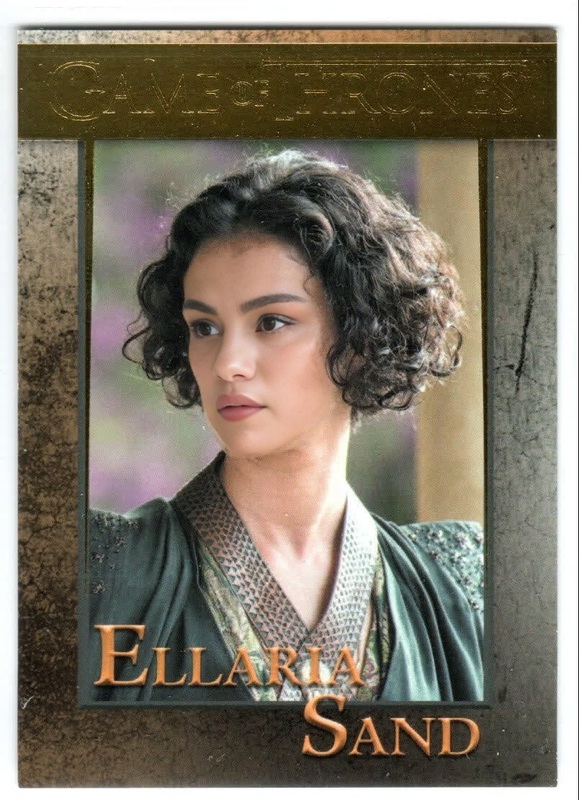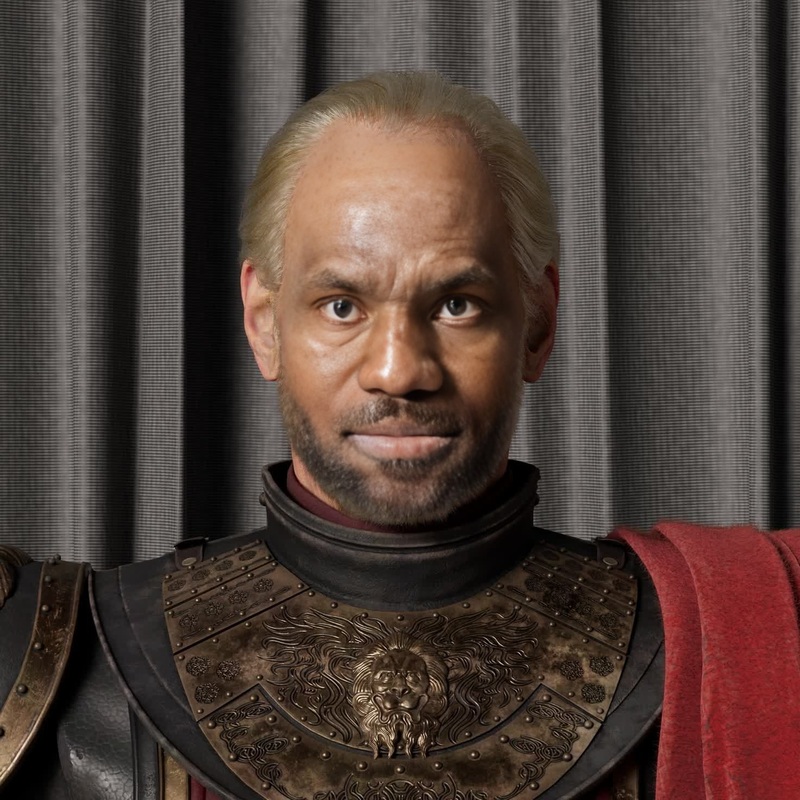
Lysa Tully Game Of Thrones
- Image
- 500 × 500 px
Any aspect ratio
Overview
Step into the world of Westeros with the Lysa Tully Game of Thrones video face swap template. This template enables you to transpose your facial expressions onto the iconic character of Lysa Tully, effectively transforming your presence into the realm of fantasy and drama. Immerse yourself into a cinematic experience that captures the essence of the beloved series.
What It Does
This template uses advanced video face swap technology to map your facial features onto Lysa Tully's character. Leveraging the capabilities of AI, it maintains accurate expressions and movements, ensuring a seamless transition while preserving the quality of the original video. For a broader range of face swap options, explore our Face Swap and Head Swap tools.
Who It's For
The Lysa Tully Game of Thrones template is ideal for fans of the series looking to step into their favorite scenes. It's perfect for social media influencers, content creators, or anyone seeking to create fan-made content with a professional touch. Enhance your storytelling capabilities by leveraging this tool alongside our Character Replace feature.
Summary
Transform your video content by becoming Lysa Tully with our specialized face swap template. Whether you're creating content for personal entertainment or audience engagement, this tool provides a captivating way to reimagine yourself within the Game of Thrones universe. Dive into this cinematic journey and enhance your projects with our comprehensive Video to Video editing suites.
How To
Select the Template

Personalize Your Input

Create Your Video

Use Cases
Fan Edits and Tributes
- Transform fan tribute videos into iconic series moments
- Engage your audience with personalized character appearances
Social Media Content
- Increase engagement with creative video posts
- Share custom clips across Instagram, TikTok, and more
Creative Storytelling
- Incorporate into short films for compelling character arcs
- Use in storytelling workshops for educational purposes
Best Practices
Choose High-Quality Input
Use well-lit and clear video footage to ensure the face swap effect appears natural and detailed.Fine-Tune Settings
Adjust facial feature settings within the tool to match the orientation and expressions of Lysa Tully closely.Preview Before Finalizing
Take advantage of preview options to review the effects and make necessary adjustments before downloading the final output.