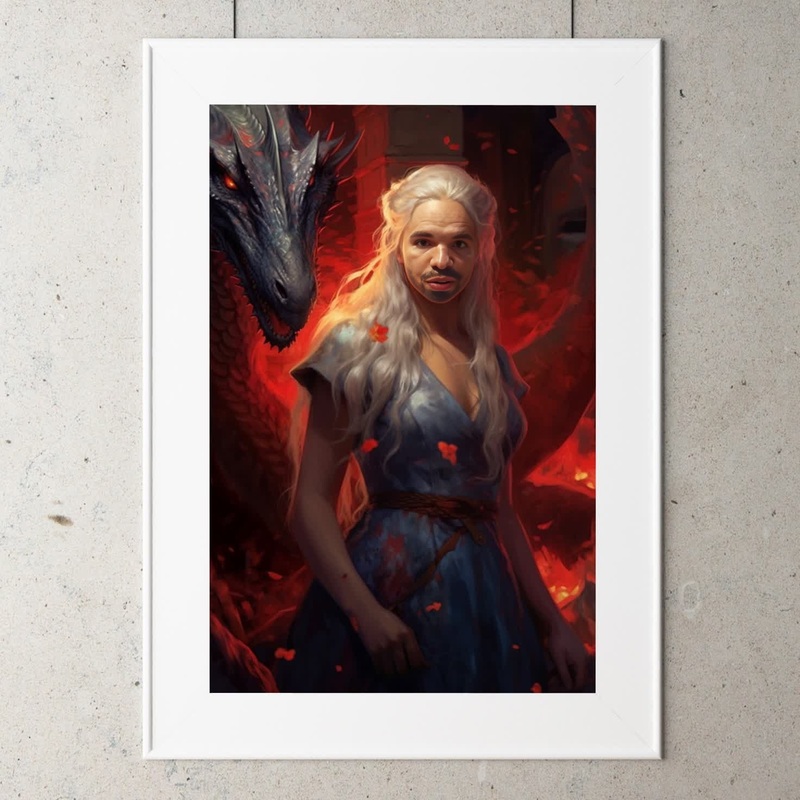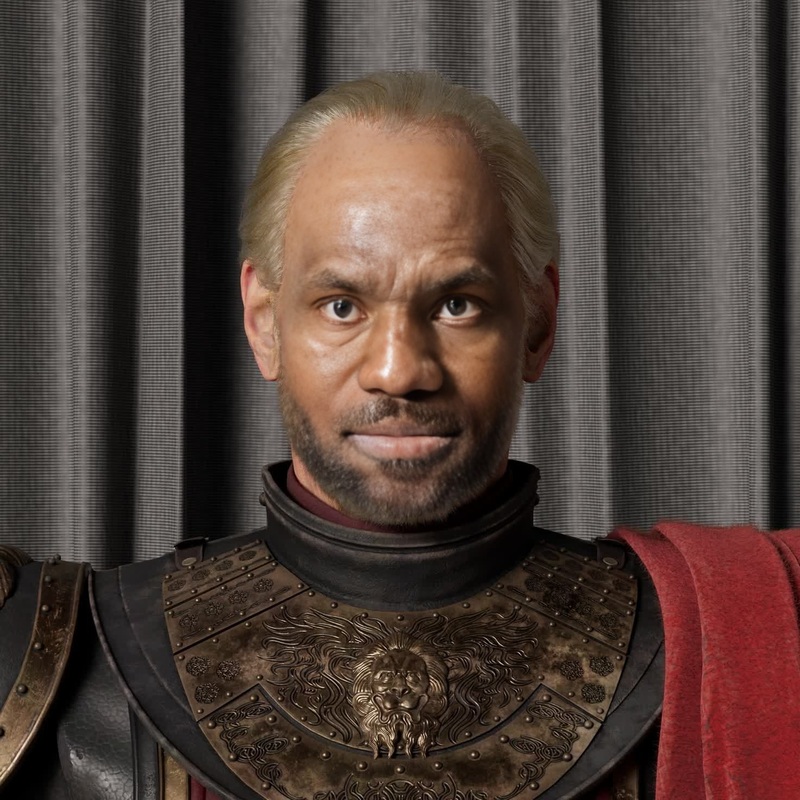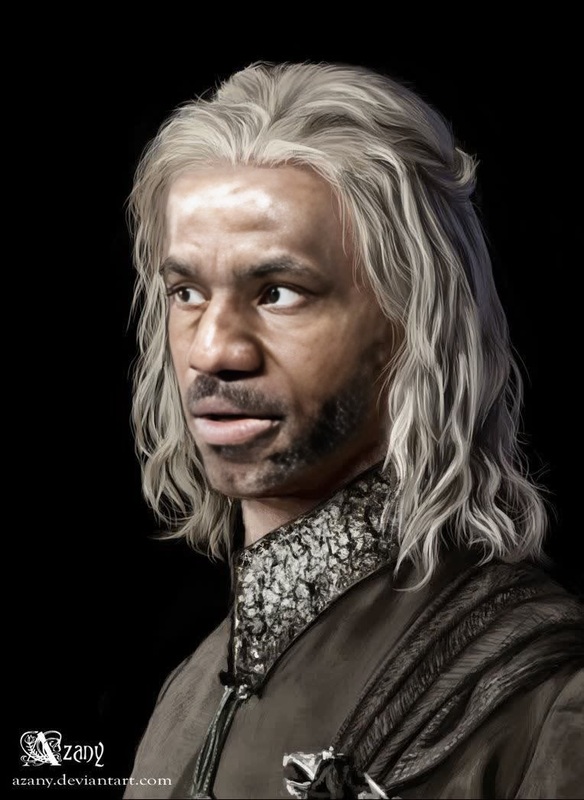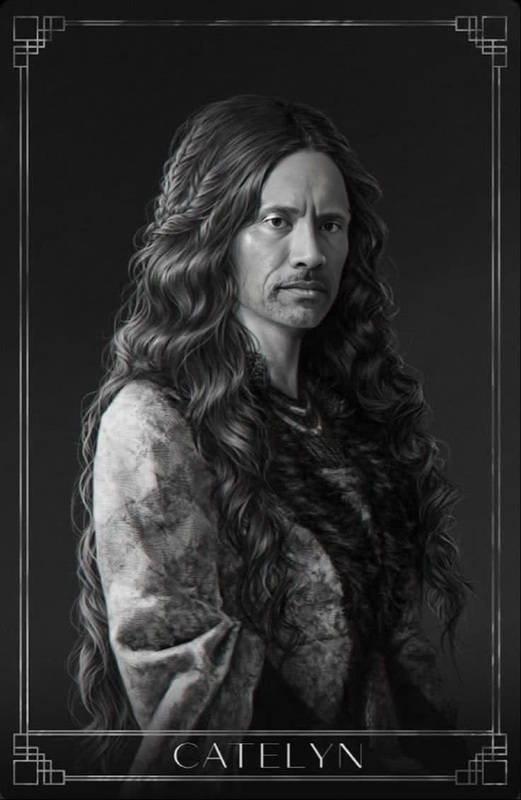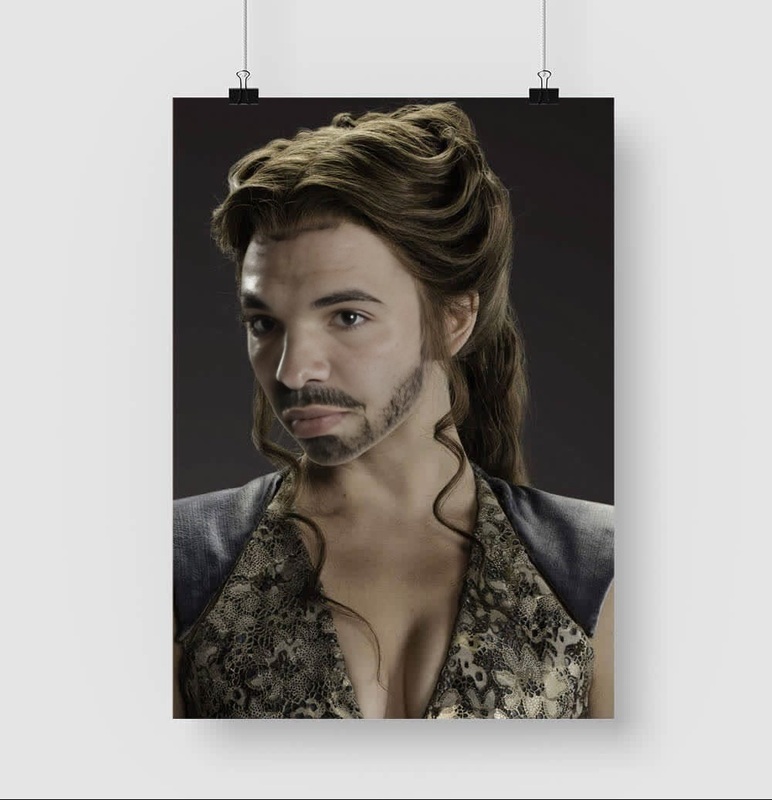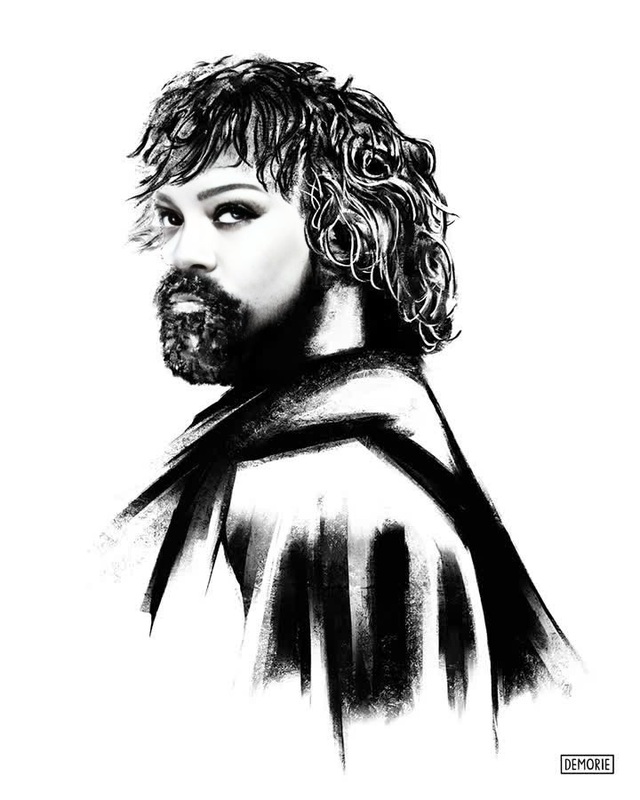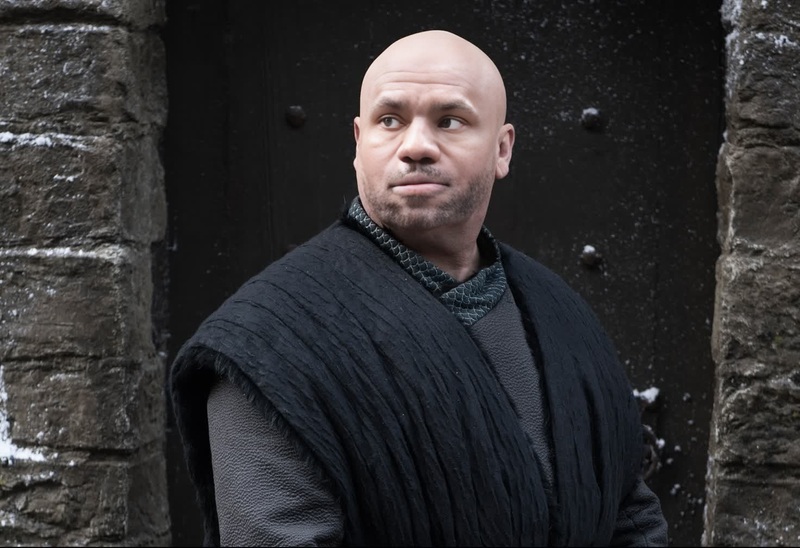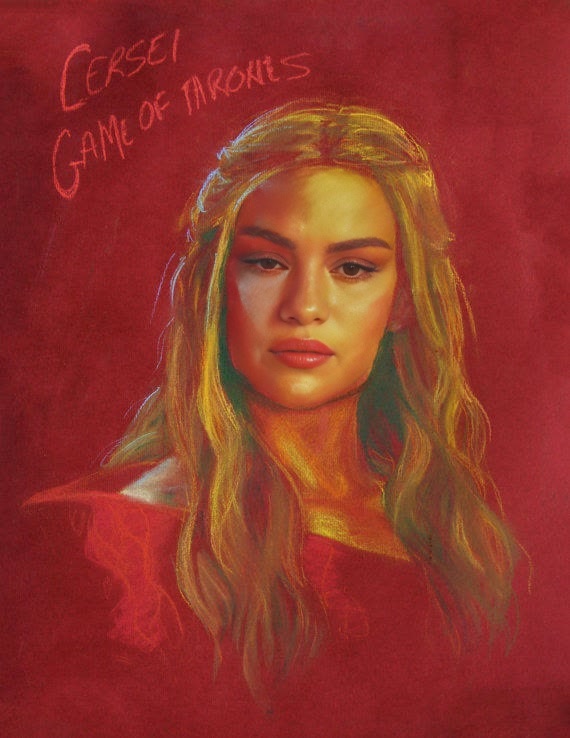
Cersei Lannister Game Of Thrones

Cersei Lannister Game Of Thrones

face-swap

1 clip
0 uses

Any aspect ratio

Tags

transformations

Turn any clip into a hyper-realistic face swap video with this Magic Hour template. Swap yourself, your actors, or your characters into existing footage in minutes—no VFX team, no manual masking, no 3D tools required.

This template is built on Magic Hour’s AI Face Swap Video pipeline, so you can:

  • Replace the face in any video while keeping original expressions, lighting, and motion
  • Create “what if” concept videos for campaigns, founders, or clients
  • Localize or personalize content at scale (different faces, same edit)
  • Prototype film, game, or character ideas without reshoots

What this template does

This template demonstrates a realistic, production-ready AI face swap:

  • Input: A source face (photo or video) + a target video clip
  • Output: A new video where the target subject’s face is replaced with the source face, while body, background, and camera motion remain intact
  • Ideal for:
    • Marketing & ads mockups
    • Founder-led and creator-led content variants
    • UGC-style campaigns without new shoots
    • Storyboards and proof-of-concept visuals
    • Educational, explainer, and demo videos with consistent talent

Under the hood, it uses the same core technology as the Magic Hour Face Swap and AI Face Editor products, optimized specifically for video continuity and realism.


How to remix this template in Magic Hour

You can create your own version of this template in a few minutes:

  1. Open Face Swap Video
    Go to the Face Swap Video page.

  2. Choose your target video

    • Upload a clip you own the rights to (talking head, vlog, product demo, short scene, etc.).
    • For best results: good lighting, face visible, minimal obstruction.
  3. Provide the source face

    • Upload a clear image or video of the face you want to insert (yourself, your client, your actor, or a generated face).
    • If you need a new face from scratch, you can create one with the AI Face Generator or Avatar Generator, then use that as your source.
  4. Run the face swap

    • Start the generation and let Magic Hour handle the tracking, blending, and facial consistency automatically.
    • You’ll get a video where the face is replaced but the original timing, movement, and context are preserved.
  5. Polish and iterate

    • Not happy with the original video quality? Enhance it first with the Video Upscaler.
    • Need to remove distracting objects or logos before distributing? Use the AI Remover or Remove Object from Photo for stills you’ll cut into the edit.
    • If you want GIF outputs instead of full video, check out Face Swap GIF.

Use this workflow as a base, then “remix” by changing your target footage (different scenes), your source faces (different people), or pairing it with other Magic Hour tools.


Suggested use cases

1. Founder & creator content at scale

  • Put your founder or spokesperson into multiple ad variations and hooks without new shoots.
  • Combine with Auto Subtitle Generator for fast, social-ready clips.
  • For talking photos or static assets, pair with AI Talking Photo.

2. Hyper-personalized outbound and sales assets

  • Create personalized intros for key accounts by swapping your face or your AE’s face into a generic explainer.
  • Use AI Voice Cloner or AI Voice Generator to match or synthesize voiceovers for each segment or persona.

3. Creative concepting for campaigns and storyboards

4. Social content, memes, and entertainment

5. Product, fashion, and lifestyle visuals


Advanced remix ideas for teams and builders

For creators, marketers, and technical teams looking to push this template further:


Tips for better face swap results

While you don’t need to manage technical settings, a few practical guidelines help:

  • Quality inputs

    • Use sharp, well-lit source face images where eyes and mouth are clearly visible.
    • Avoid extreme angles or heavy occlusions (masks, sunglasses) for both source and target videos.
  • Consistent framing

    • Clips where the face stays within the frame and isn’t completely turned away tend to yield more stable swaps.
    • For fast-moving or action-heavy scenes, consider testing shorter segments.
  • Clean up and enhance


Related Magic Hour tools to explore

If you like this template, you can build richer video systems around it using:


Ethical and practical considerations

Face swap technology is powerful. Use it responsibly:

  • Only use faces and footage you have the right to use (your own, licensed, or explicitly permissioned).
  • Avoid misleading, deceptive, or harmful content.
  • Clearly disclose synthetic or AI-altered media where relevant to your audience, customers, or stakeholders.

For teams building long-term creative or marketing systems, consider adding internal review and consent processes around AI-generated and face-swapped content.


Start remixing

Use this template as your starting point, then:

  • Change the target video to match your campaign or product
  • Swap in different faces for different audiences, founders, or characters
  • Combine with Lip Sync, Animation, or Video to Video to explore entirely new formats

Open Face Swap Video, plug in your assets, and iterate until you’ve built a version of this template that fits your brand, product, or story.

More Like This

Insufficient credits