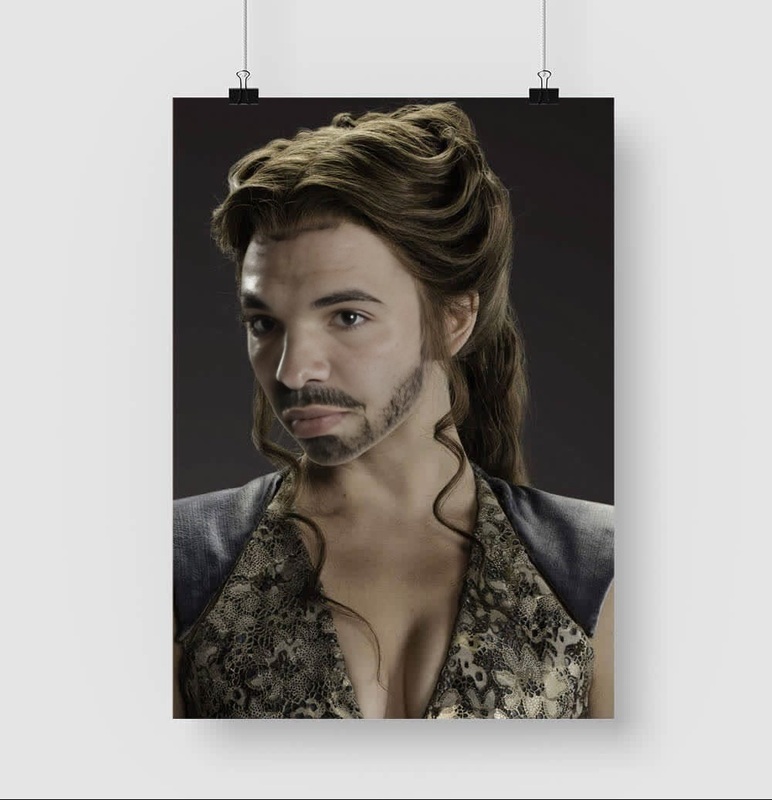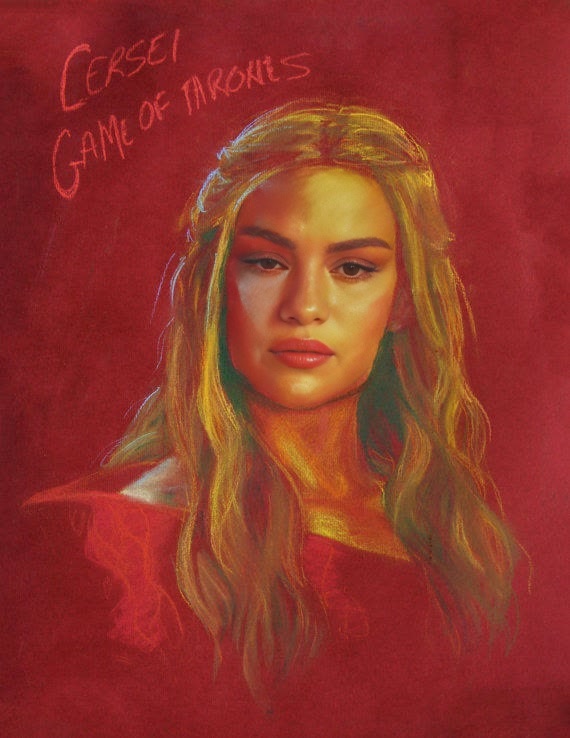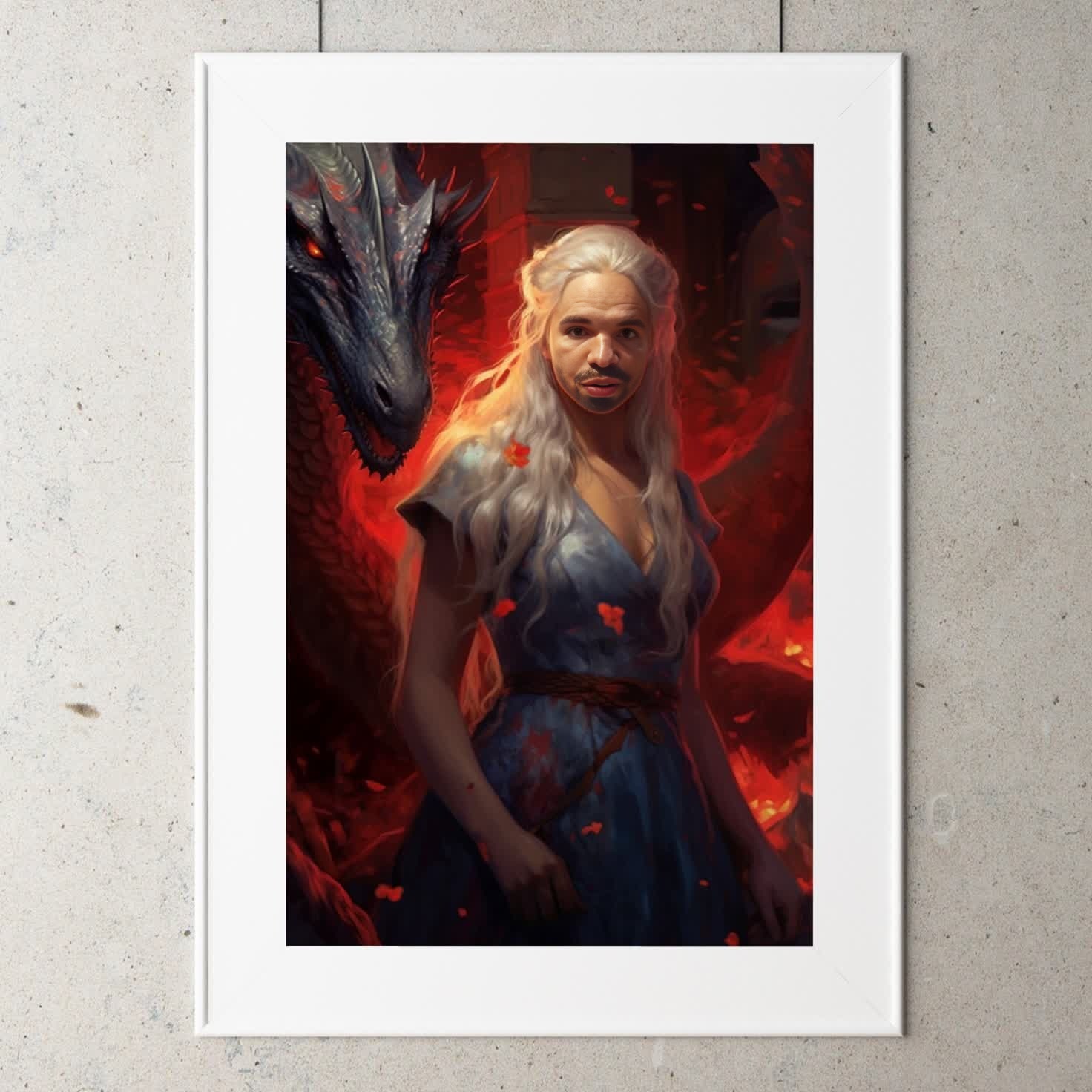
Daenerys Targaryen Game Of Thrones

Daenerys Targaryen Game Of Thrones

face-swap

1 clip
0 uses

Any aspect ratio

Tags

transformations

Turn any face into a cinematic reaction in seconds. This template uses Magic Hour’s Face Swap to map your face (or any photo you own the rights to use) onto a short reaction clip—perfect for meme replies, social posts, marketing assets, and fast A/B testing of creative.


What this template does

This template takes a source video (the “reaction clip”) and automatically swaps the face in the video with a face from your uploaded image. The result is a short, high‑quality reaction video where:

  • Facial expressions, head turns, and timing from the original clip are preserved
  • Your chosen face is realistically blended into the scene
  • Lighting, perspective, and motion look natural and consistent

It’s built on the same tech that powers the core Face Swap product, optimized here for quick, reusable reaction content.


How to remix this template in Magic Hour

You can create your own version of this reaction in a few minutes by remixing it inside Magic Hour:

  1. Open Face Swap Video
    Go to the Face Swap Video tool. This is where you’ll control the base clip and the face you want to swap in.

  2. Choose your base reaction clip

    • Upload a short video or GIF you have rights to use (reaction, scene, B‑roll)
    • For best results, choose clips where the face is clearly visible for at least a couple of seconds
    • Many users pull from their own footage, stock libraries, or brand content
  3. Upload the face to swap in

  4. Generate the swap

    • Magic Hour automatically tracks the face in the base clip and applies your uploaded face
    • Preview the result, then export when you’re happy with it
  5. Save as your own template

    • Once you have a reaction format you like, you can keep reusing the same base clip and just swap in new faces for different campaigns, personas, or audiences.

Practical use cases

This Face Swap reaction template is designed for fast, iterative content creation. Teams typically use formats like this for:

  • Social media reactions

    • Turn founders, creators, or mascots into reusable “reaction” characters
    • Reply to threads on X, LinkedIn, or Reddit with on‑brand video reactions
    • Quickly spin up localized reactions by swapping in different regional faces
  • Performance marketing & A/B testing

    • Test different spokespersons or personas in the same creative format
    • Run rapid experiments in ads by swapping faces while keeping the script, motion, and pacing identical
    • Pair with Text to Video or Image to Video workflows to scale variations
  • Community & product marketing

    • Turn power users, ambassadors, or team members into reaction content
    • Localize reactions for different markets by swapping in regional teams
    • Integrate with product launches, feature announcements, or meme‑driven campaigns
  • Internal communication

    • Create quick, informal reaction clips for Slack/Teams
    • Make recurring “reaction characters” for all‑hands updates or async communication

Tips for best results

To get the most realistic, high‑impact face swaps:

  • Use high‑quality, well‑lit source photos

    • Clear eyes and visible facial features give the model more detail to work with
    • If your source image is low‑res, consider first enhancing it with the AI Image Upscaler
  • Pick base videos with clean, unobstructed faces

    • Avoid heavy motion blur, fast cuts, or faces covered by hands/objects
    • Clips that hold one main face on screen perform best
  • Stay consistent with your character

    • Reuse the same uploaded face across multiple reaction templates to build a recognizable “reaction persona” for your brand or channel
  • Think in systems, not one‑offs

    • Build a small library of base reaction clips (happy, shocked, confused, impressed, disappointed, celebratory)
    • Then just swap faces or slightly adjust your scripts or overlaid text to create endless variants

Advanced workflows for power users

If you’re building a more sophisticated content pipeline, you can combine this Face Swap template with other Magic Hour tools:


Content quality, rights, and safety

Responsible use is critical, especially with face technologies:

  • Only upload faces you have clear rights and permission to use (your own, collaborators, authorized talent, or licensed content).
  • Follow platform rules for synthetic media if you’re publishing on social networks or ad platforms.
  • Avoid using public figures or celebrities unless you have explicit, documented permission or licensing to do so.
  • Consider labeling AI‑generated or AI‑modified media when context or policy requires it.

For more controlled, brand‑safe production, many teams pair Face Swap with:


How this template fits into a broader content stack

For creators, marketers, and startups shipping content daily, this Face Swap reaction template is most effective when treated as a reusable module in a larger system:

  • Acquisition: Test different reaction formats and personas quickly in paid or organic channels
  • Engagement: Use consistent reaction characters to create familiarity in comment replies and community interactions
  • Brand: Turn founders, PMs, or fictional characters into recurring on‑screen “voices” your audience recognizes
  • Localization: Use the same reaction structure but swap in locally relevant faces or characters for new markets

From there, you can expand into adjacent formats:


Getting started

To create your own version of this Face Swap reaction template:

  1. Open Face Swap Video
  2. Upload your reaction clip and face image
  3. Generate, review, and export
  4. Reuse the same setup to produce new reaction variants in minutes

Use this template as a base, then remix it to match your brand, character system, or content pipeline.

More Like This

Insufficient credits