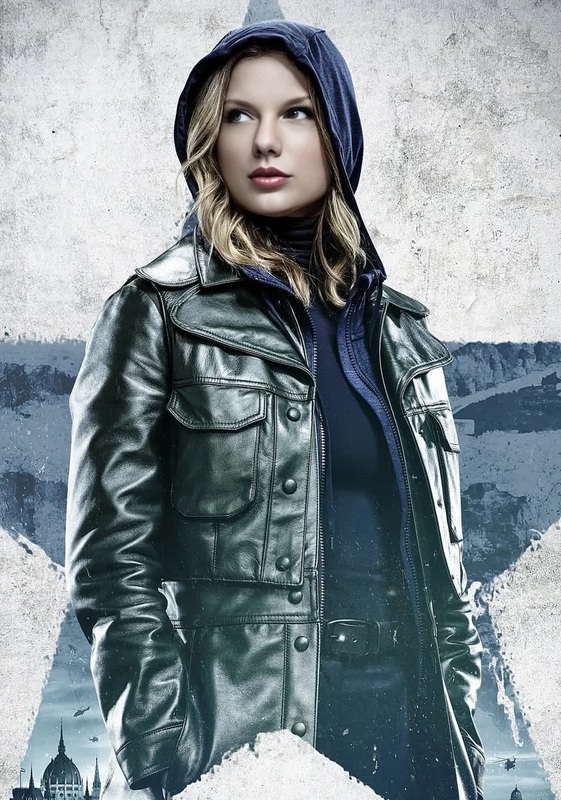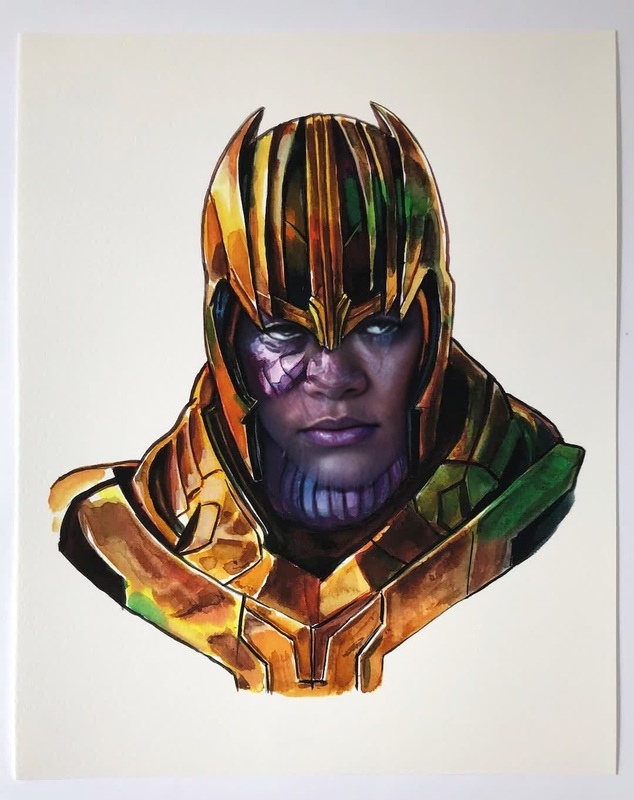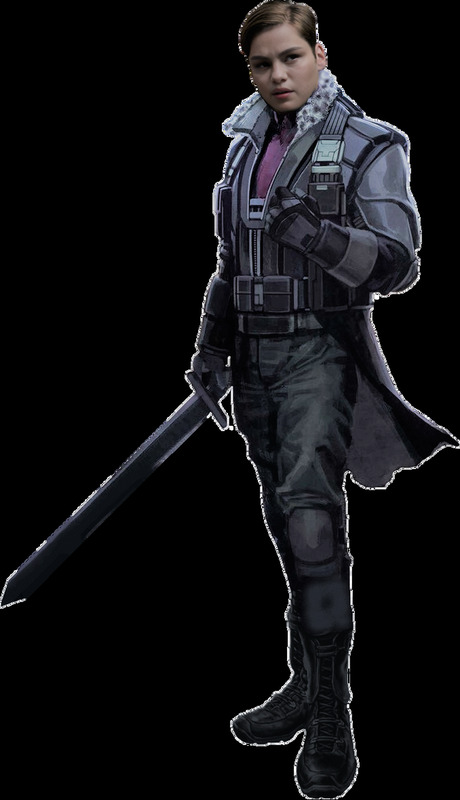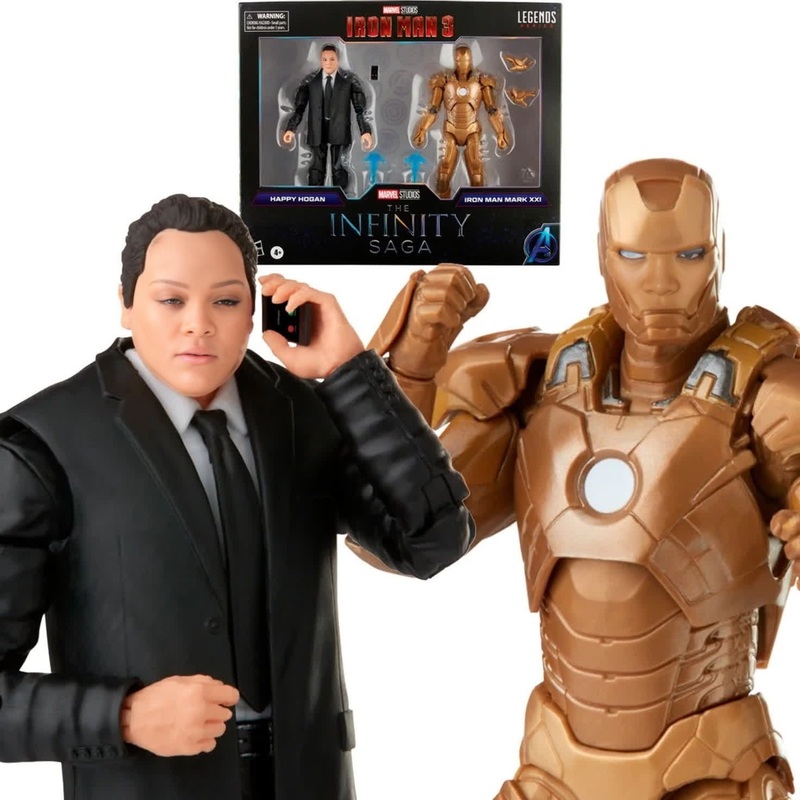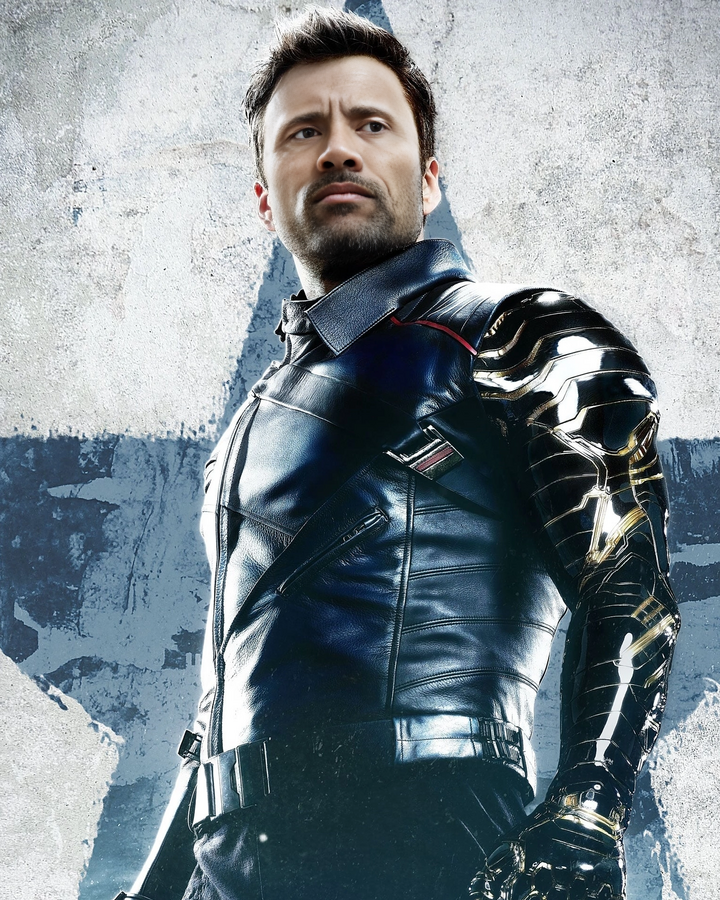
Bucky Barnes Winter Soldier Marvel Cinematic Universe
- Image
- 720 × 900 px
Any aspect ratio
Overview
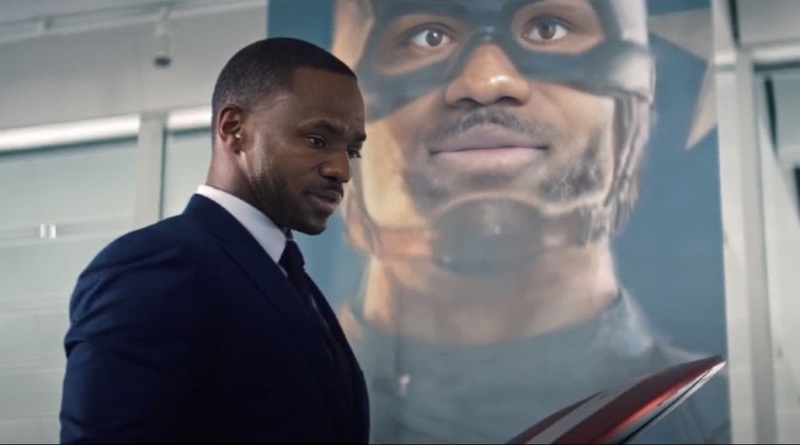
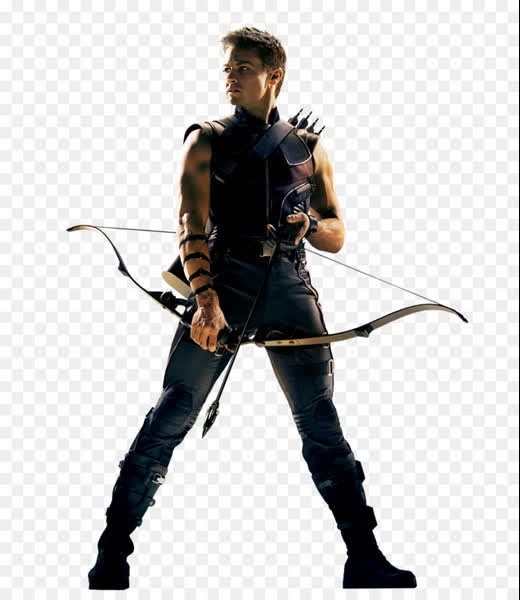
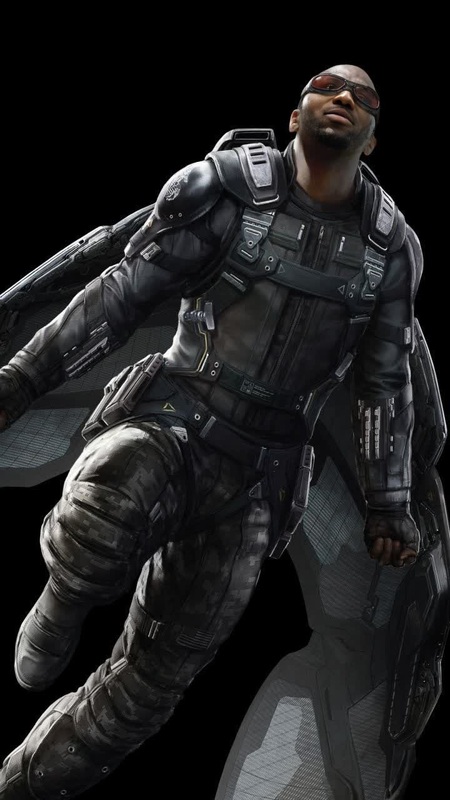
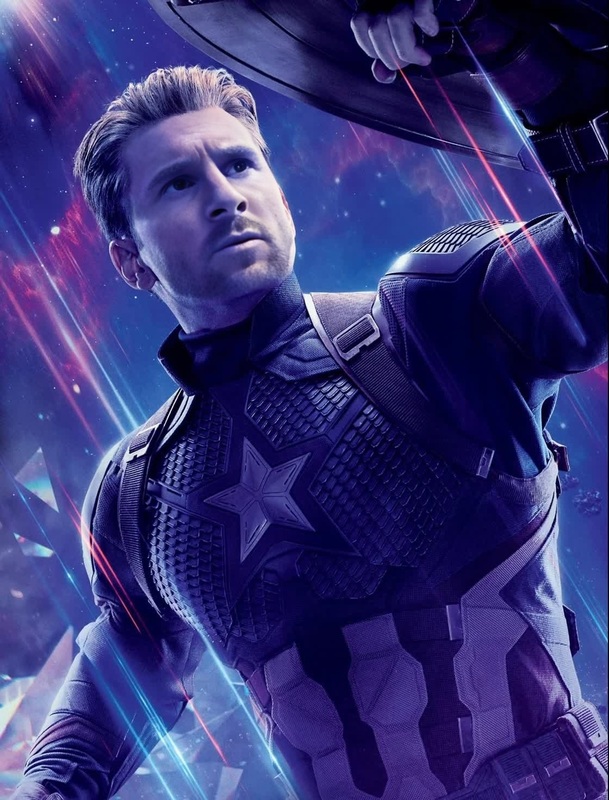
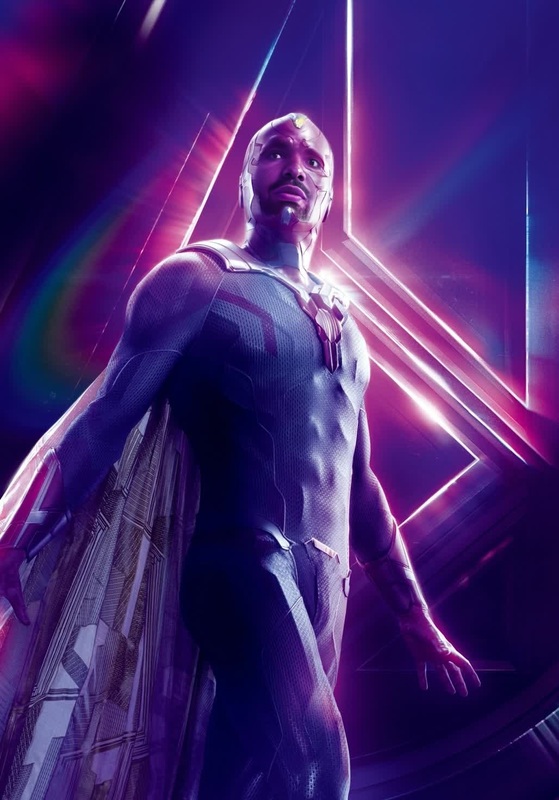
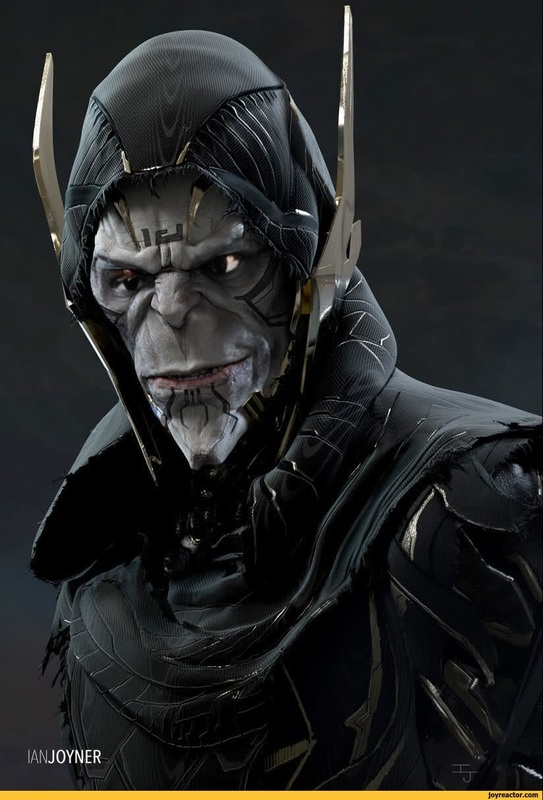
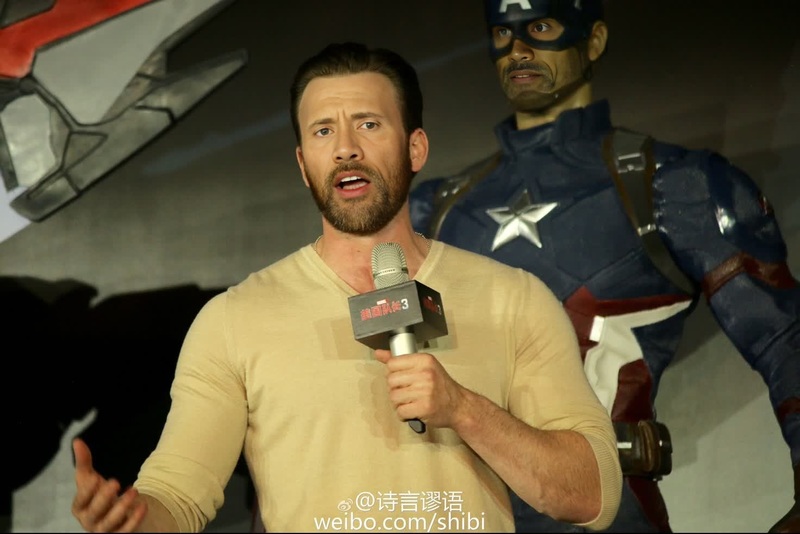
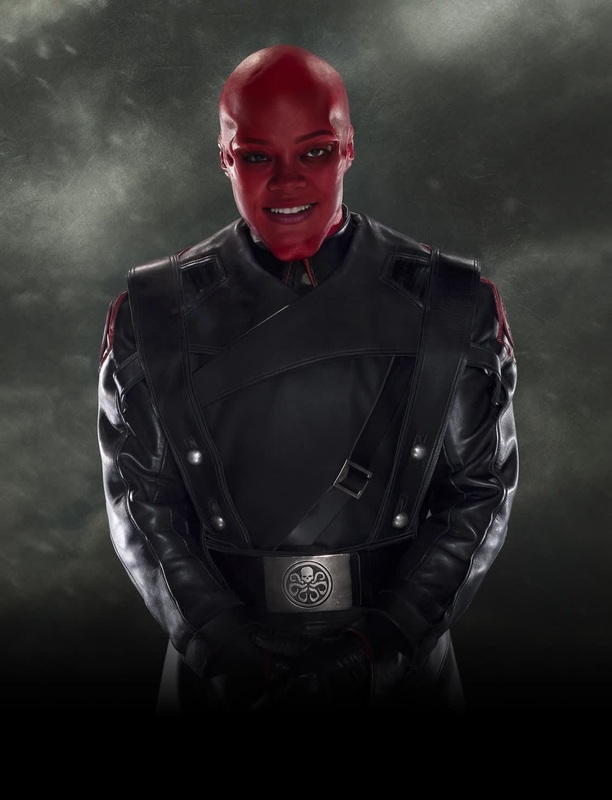
Step into the Marvel Cinematic Universe with our 'Bucky Barnes Winter Soldier' Video Face Swap template. This innovative tool allows you to transform your footage by replacing faces with that of Bucky Barnes, the iconic Winter Soldier. Whether you're creating fan-edit videos or just having fun with Marvel transformations, this template ensures professional-grade results.
What It Does
The Video Face Swap template enables the quick replacement of faces in videos with a chosen reference, in this case, Bucky Barnes from the Marvel Cinematic Universe. Perfect for creating believable transformations, this template works seamlessly within the Video Face Swap product ecosystem, offering compatibility with various video formats and ensuring high-quality output.
Who It's For
This template is ideal for Marvel enthusiasts, video content creators, and filmmakers looking to add a personalized touch to their projects. It's especially useful for those focused on creating themed content, such as YouTube shorts or fan tributes, and for anyone interested in exploring VFX previs with a superhero twist.
Summary
Unleash your creativity by using this face-swapping template to transform your video projects. It's an efficient solution built for creators who appreciate precision and cinematic quality. Integrate this with tools like the AI Video Generator for dynamic output, making your content standout on platforms like Instagram and TikTok.
How to Use
Choose Your Template

Customize Your Video

Generate Your New Video

Use Cases
Fan-Made Videos
- Create Marvel-themed storytelling videos
- Make captivating short films for social media
Content Creation
- Engage audiences with entertaining video clips
- Revitalize existing content with iconic characters
VFX and Previsualization
- Plan scenes for indie films
- Test new VFX techniques with recognizable faces
Best Practices
Choose High-Quality Source Footage
Use clear and well-lit videos as your base to ensure the swapped face looks natural and realistic.Fine-Tune Settings
Adjust face swap settings for each scene to align angles and expressions for better realism.Combine with Other Tools
Enhance your final product by incorporating features from the AI Image Editor to adjust colors and lighting.
FAQs
More Like This