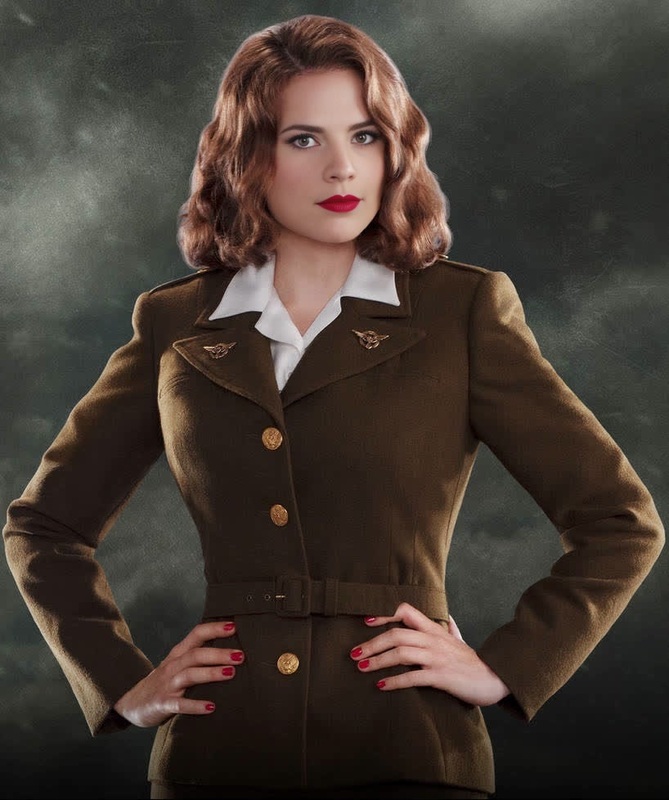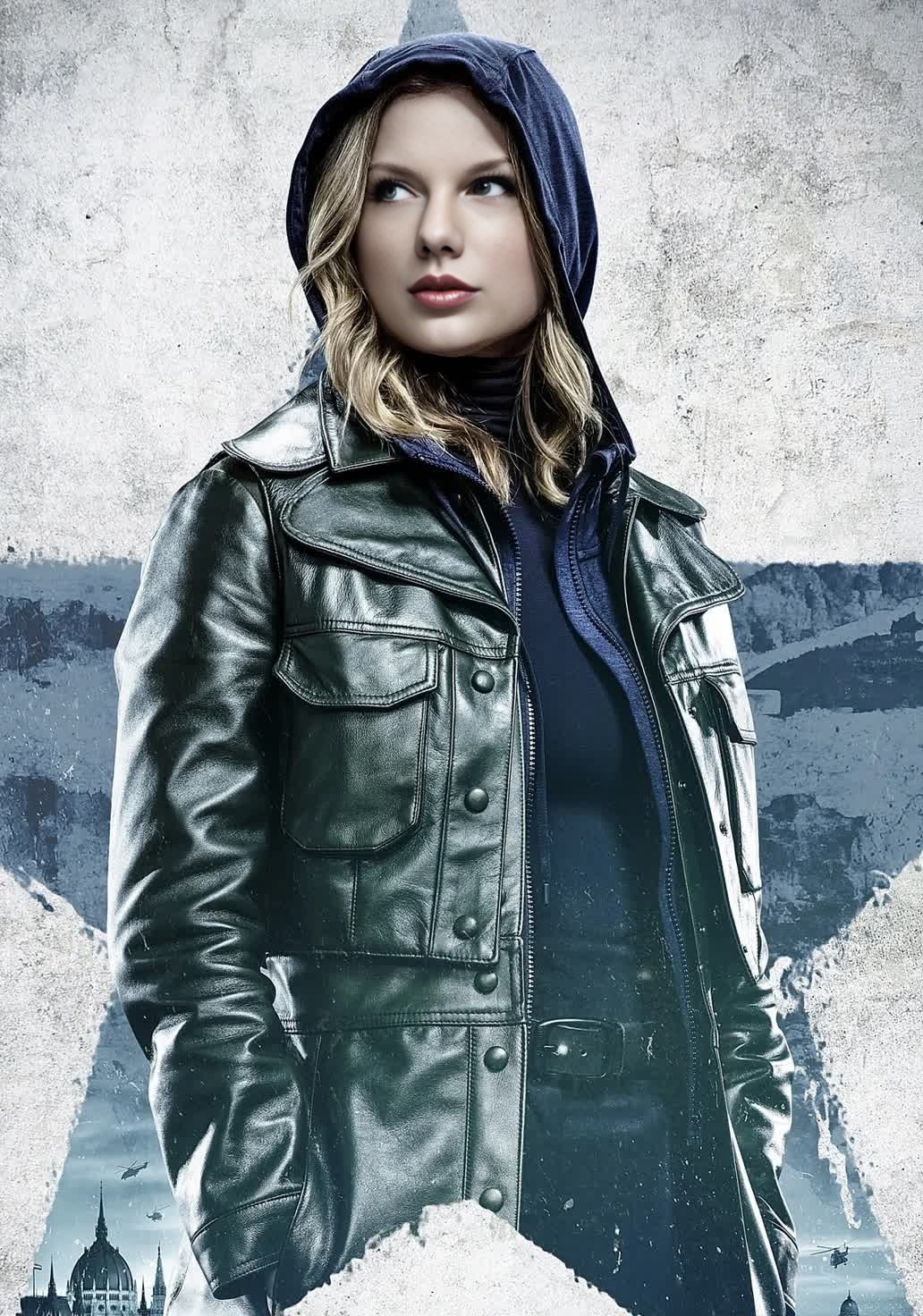
Sharon Carter Marvel Cinematic Universe
- Image
- 1032 × 1472 px
Any aspect ratio
Overview
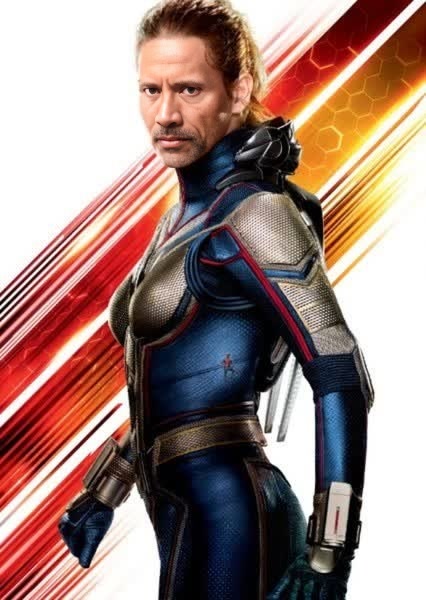
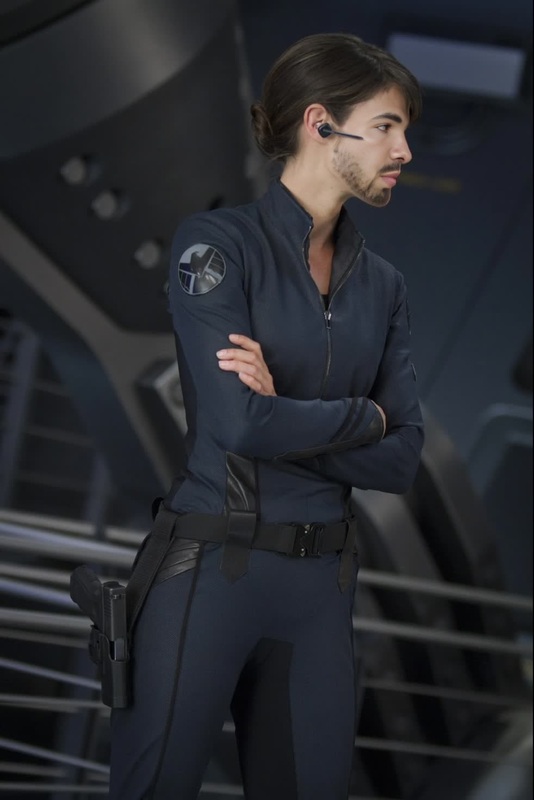
The Sharon Carter Marvel Cinematic Universe Video Face Swap template puts you directly into the action with an easy-to-use face swap feature. Designed for both professional creators and enthusiasts, this template allows you to integrate yourself or others into iconic scenes featuring the beloved character from Marvel's captivating franchise. Explore the dynamic world of Sharon Carter in your own videos.
What It Does
This template enables you to replace faces in video scenes with Sharon Carter's, granting a unique perspective on the Marvel Cinematic Universe. It's part of our Video Face Swap product, which ensures high-quality face replacement, maintaining natural motion and expressions. From TikToks to full-length features, bring a professional touch to your projects.
Who It's For
This tool is ideal for content creators, video editors, and Marvel fans seeking to add a creative twist to their projects. Whether you're an influencer crafting imaginative TikTok videos, a fan producing homage content, or a marketer engaging your audience, the Sharon Carter Face Swap is your new creative ally.
Summary
By leveraging this template, users can create visually compelling content that stands out. Image-to-Video and AI Video Generator features enhance your creation process, ensuring every frame is as thrilling as the next. Discover the possibilities with Sharon Carter's face swap today.
How To
Select a Template

Customize Your Inputs

Create Your Video

Use Cases
Marvel-Themed Content
- Fan tribute videos
- Marvel-based tutorials
Social Media Engagement
- TikTok challenges
- Instagram stories
Creative Storytelling
- Edit short films
- Create promo videos for fan events
Best Practices
Choose High-Quality Source Material
Begin with high-resolution videos to ensure the face swap effect appears seamless and crisp.Maintain Consistent Lighting
Ensure lighting in your original video matches Sharon Carter's scenes for a more believable swap.Use Subtle Opacity
Adjust the opacity slightly to help the swapped face blend more naturally into the scene, especially in varying light conditions.
FAQs
More Like This