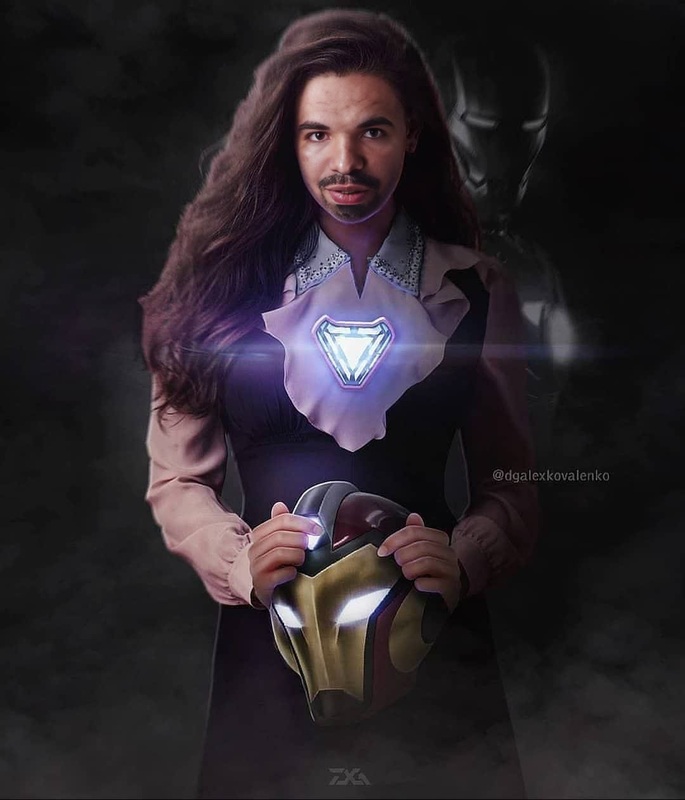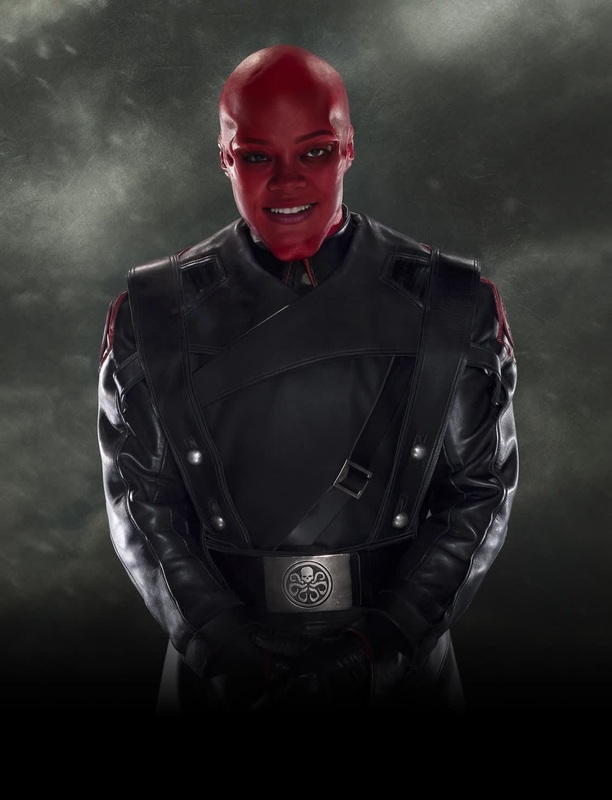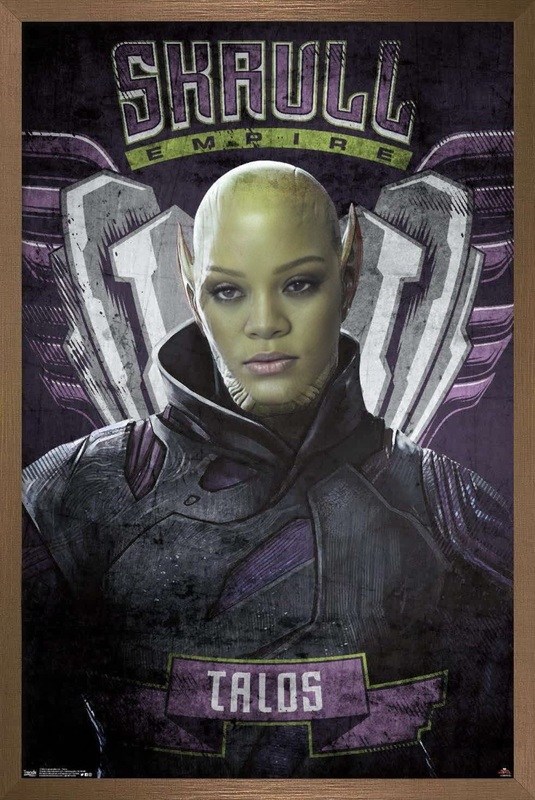
Steve Rogers Captain America Marvel Cinematic Universe

Steve Rogers Captain America Marvel Cinematic Universe

face-swap

1 clip
1 uses

Any aspect ratio

Tags

transformations

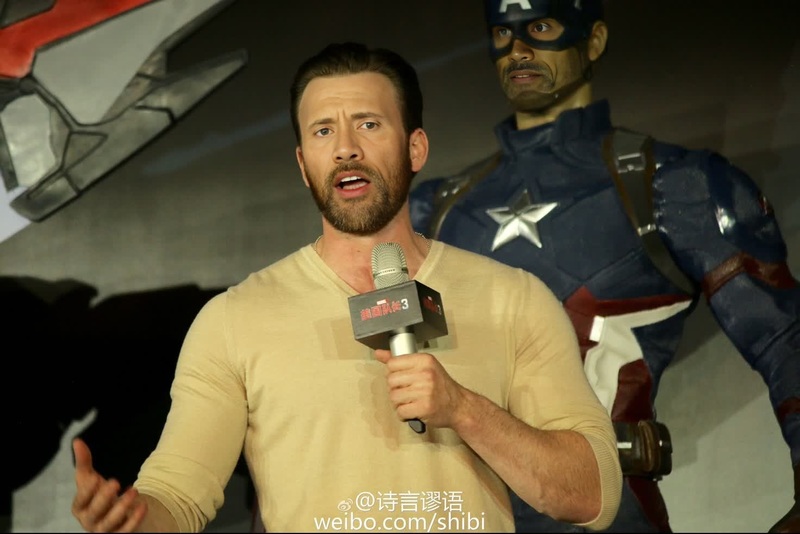
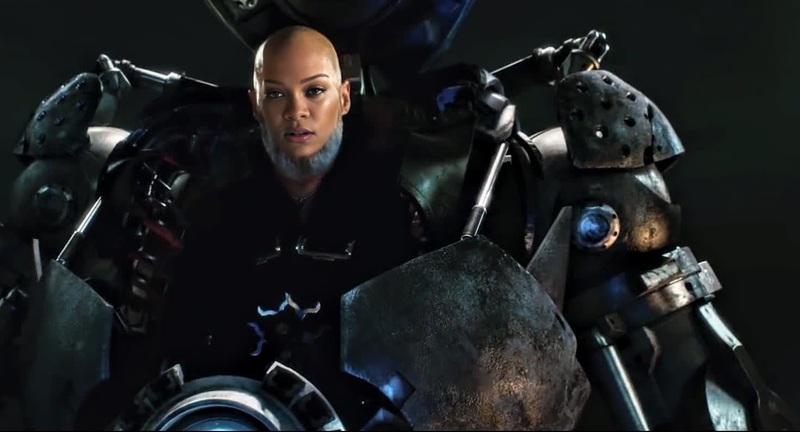
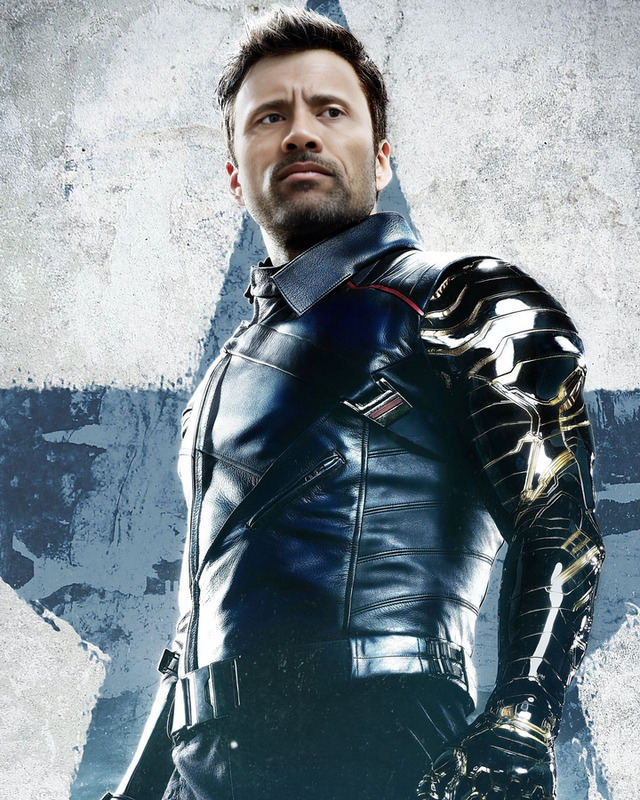
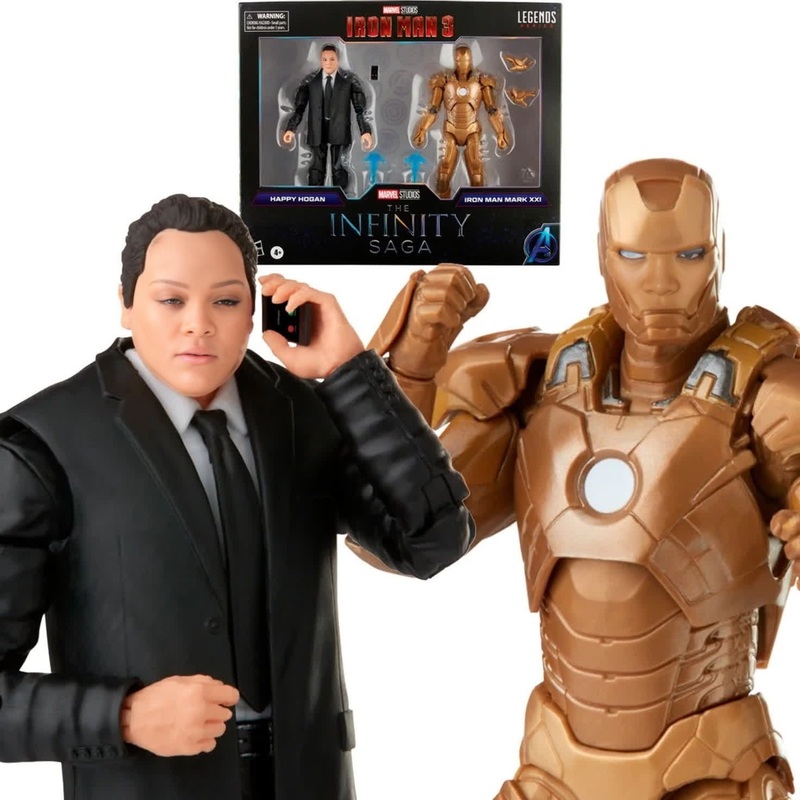
Transform any face into a cinematic character with this Face Swap template. Instantly map your own face—or any allowed reference face—onto a high-quality video, while preserving lighting, camera motion, and expressions for a realistic final result.

This template is built on Magic Hour’s AI Face Swap Video technology. It’s ideal for:

  • Creators testing character concepts or visual ideas
  • Marketers prototyping campaigns with different talent or audiences
  • Founders and product teams mocking up promo videos before casting or shooting
  • Developers exploring face-swapping as a building block in larger AI workflows

What this template does

This template takes:

  • A source video (the “body” and motion)
  • A face image or face clip (the identity you want to insert)

It then generates a new video where the target face is replaced, while:

  • Keeping the original camera movement, framing, and timing
  • Adapting to lighting and color in each frame
  • Preserving expressions, head turns, and perspective
  • Maintaining overall video quality as much as possible

Because it uses the same core engine as Magic Hour’s Face Swap and Face Swap GIF, it’s designed for repeatability, not just one-off “lucky” results.

Typical use cases:

  • Concept trailers, vertical ads, and social clips
  • Quick casting tests (“what if this actor/creator were in this scene?”)
  • Internal mockups and pitch videos
  • Personalized messages at scale (while respecting consent and platform rules)

How to remix this template in Magic Hour

You can use this template as-is, or treat it as a blueprint for your own Face Swap project. To create your own version:

  1. Open Face Swap Video
  2. Upload or choose:
    • A base video from your library (or one you’ve shot specifically for this)
    • A face image/video you own or are allowed to use
  3. Run the generation and review the output
  4. Save your project and duplicate it to remix:
    • Swap in different faces for A/B tests
    • Try alternate base clips (different angles, lighting, or pacing)
    • Create language- or region-specific variations of the same creative

Because Magic Hour projects are reusable, you can standardize a “template” for your brand (e.g., same shot, outfit, background) and only change the face or script each time.

For teams:

  • Keep a shared library of approved reference faces
  • Maintain a folder of base videos for repeatable campaigns
  • Use remixed versions for experiments (different demographics, audiences, or tones)

Recommended workflows and stack combinations

Power users often combine this Face Swap template with other Magic Hour tools to build more advanced pipelines:

1. Turn an image into a moving character, then face-swap

This is useful for:

  • Turning concept art into test commercials
  • Pitching character designs to stakeholders
  • Rapidly visualizing brand mascots or spokescharacters

2. Sync speech, then swap faces

If you want talking, on-camera “talent” that you can quickly swap:

  1. Start with Lip Sync to drive lip movements from any voiceover
  2. Optionally generate or clone the voice with:
  3. Once you’re happy with the talking-head clip, apply Face Swap Video to customize the identity

This is popular for:

  • Localized explainers and onboarding videos
  • Sales and outreach videos personalized per segment
  • Internal training or support content without repeated filming

You can add automated captions at the end of the pipeline using the Auto Subtitle Generator.

3. Stylized avatars and characters with face swap

For stylized or animated output:

Teams use this to:

  • Prototype animated campaigns with real team members embedded as characters
  • Build pitch decks with “living” characters instead of static storyboards
  • Experiment with visual directions (anime, comic, cinematic, stylized)

Practical tips for better Face Swap results

While you don’t need to tune technical settings, a few practical guidelines help:

  • Choose clear, front-facing reference faces
    • Good lighting, minimal occlusion (no big sunglasses or heavy masks)
    • Consistent expression with what you expect in the base video
  • Use base videos with stable motion when possible
    • Strong, dramatic head turns are possible, but clearer input yields cleaner mapping
  • For consistent campaigns:
    • Standardize on a particular shot type (e.g., medium close-up)
    • Keep a short set of approved base scenes and reuse them across versions

If your result isn’t what you expect, most issues can be improved by:

  • Trying a sharper or higher-resolution face image (optionally enhanced with the AI Image Upscaler or Unblur Image)
  • Using a cleaner source video (good light, less motion blur, fewer obstructions)

Example use cases for creators, marketers, and teams

Creators & YouTubers

  • Test new on-screen personas without re-filming
  • Produce concept intros or skits with different “versions” of yourself
  • Collaborate remotely by swapping in a co-creator’s face into your footage (with permission)

Combine with:

Marketers & growth teams

  • Prototype vertical ads with different talent and personas
  • Rapidly localize creatives across markets (different faces, same structure)
  • A/B test visual angles or character archetypes before committing to production

Helpful add-ons:

Founders & product teams

  • Build pitch videos featuring your own face superimposed into polished scenes
  • Mock up “future product” demos without a full studio shoot
  • Create investor or customer explainers quickly, then iterate with new faces or tones

Many teams connect this with:


Ethics, rights, and responsible use

Face swap technology is powerful and should be used responsibly. When using this template:

  • Only use faces you own, licensed, or have permission to use
  • Respect platform policies and local laws around impersonation and likeness rights
  • Be transparent with collaborators and viewers when content is AI-assisted, especially in professional or commercial contexts

For professional workflows, many teams:

  • Maintain written consent for any face used
  • Limit access to sensitive reference material in shared workspaces
  • Document which assets were AI-generated or modified

How to adapt this template to your workflow

To turn this template into your own repeatable system:

  1. Define your base shot library
    • Record a few versatile videos (e.g., neutral background, clear lighting)
    • Store them in your workspace as “master” base scenes
  2. Create a face library
    • Team members, actors, brand characters, or personas
    • Include both photo references and short, clean clips when possible
  3. Build a remixable project with Face Swap Video
    • Set one base shot and one face as your starting configuration
    • Duplicate that project for each new face or campaign variant
  4. Extend the pipeline with other tools when needed:

Related Magic Hour tools worth exploring

If this Face Swap template is useful to you, these tools often fit into the same stack:


Use this template as your starting point, then remix it to match your brand, your cast, and your creative direction—without rebuilding your workflow from scratch each time.

More Like This

Insufficient credits