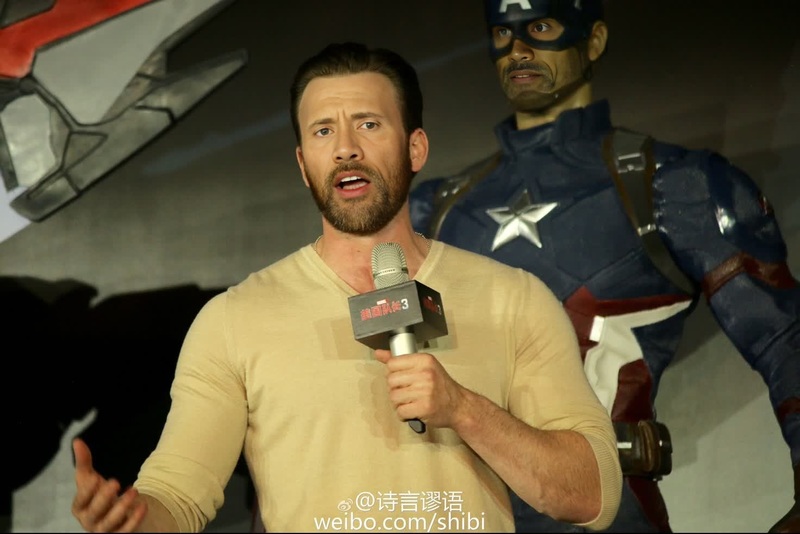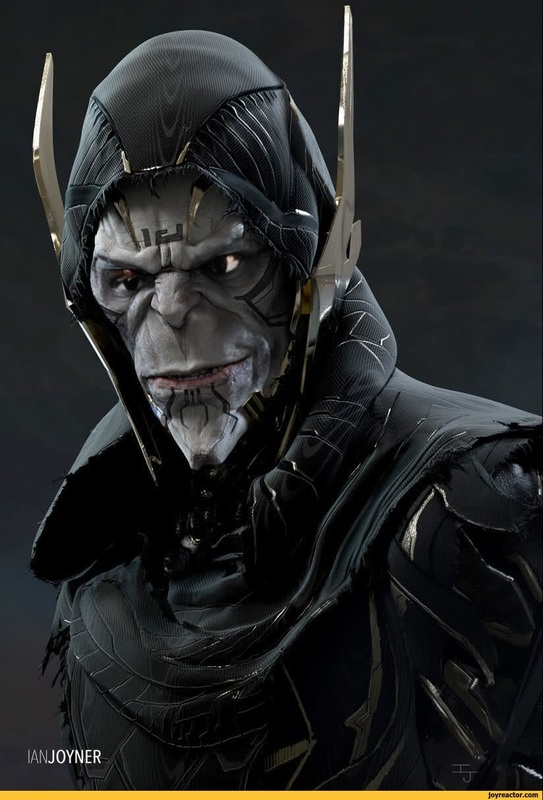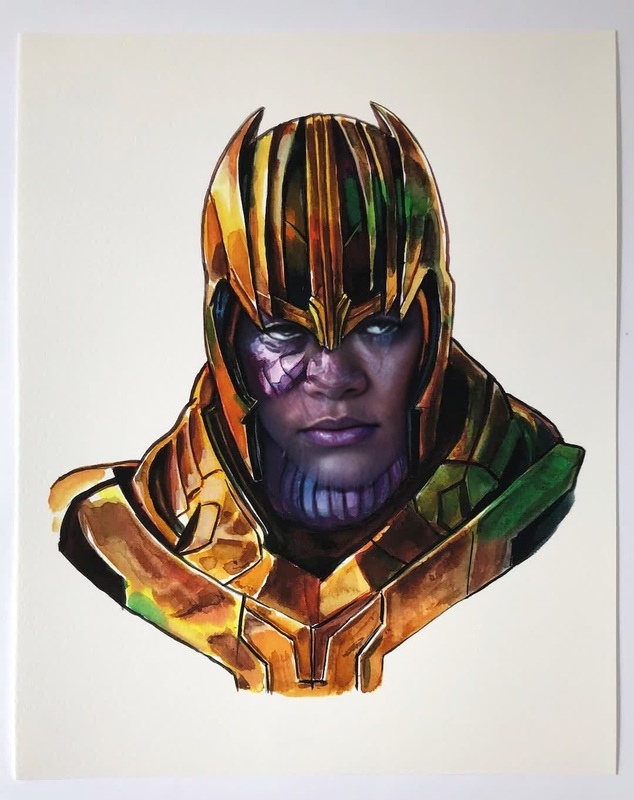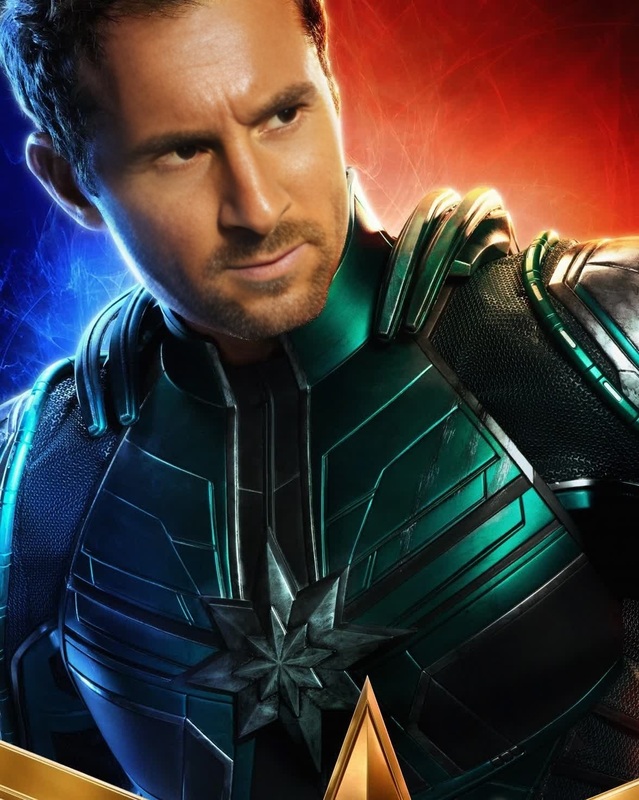
Red Skull Captain America Marvel Cinematic Universe
- Image
- 1126 × 1472 px
Any aspect ratio
Overview
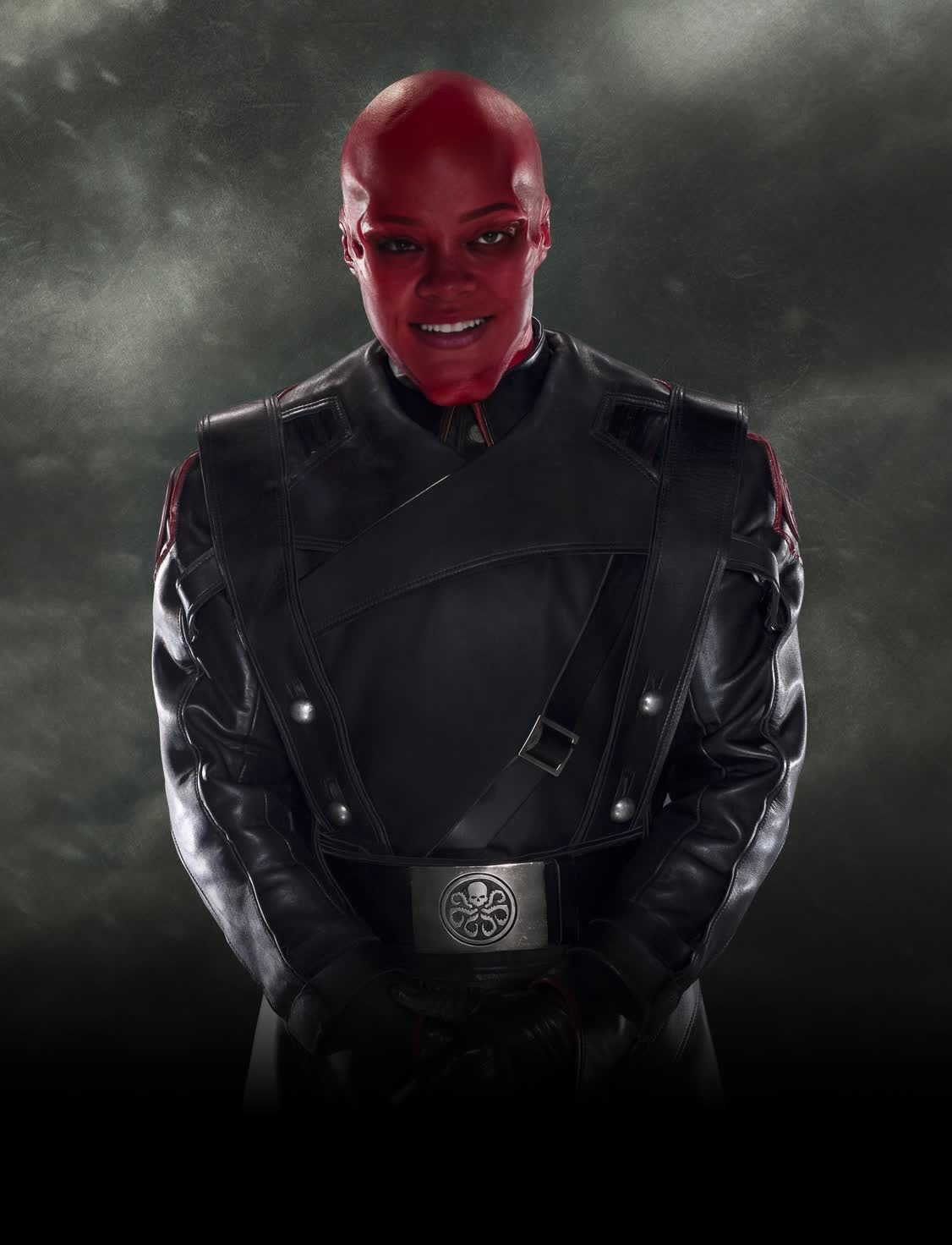
Step into the Marvel Cinematic Universe with the Red Skull Video Face Swap template. This tool lets you embody the infamous Red Skull character from the Captain America series. Ideal for fans and creators looking to craft their own vivid cinematic experiences, this template offers a sophisticated approach to video transformations.
What It Does
The Red Skull Video Face Swap template enables users to overlay the distinctive features of the Red Skull character from the Marvel Cinematic Universe onto a person's face in a video. This transformation process is supported by advanced AI technology, ensuring a seamless and lifelike result. The template supports various video formats and integrates easily with other tools like the Face Swap and AI Video Generator for broader creative possibilities.
Who It's For
This template is designed for Marvel fans, filmmakers, social media influencers, and anyone interested in creating captivating video content with a superhero theme. It's perfect for content creators who wish to bring a dramatic edge to their work, whether for social media ads, fan edits, or storytelling purposes.
Summary
Transform into the Red Skull character from the Captain America series using the Video Face Swap template. This tool combines advanced facial recognition and animation technology to offer you a realistic and creative experience. Explore the possibilities with other tools like the Image to Video converter for extended storytelling options.
How-To
Choose Your Template

Customize Your Settings

Generate Your Video

Use Cases
Fan Edits
Halloween Videos
Virtual Greetings
Best Practices
Use High-Quality Source Material
For best results, ensure your video is high resolution and well-lit, allowing the AI to accurately apply the face swap effect.Review Alignment
Double-check the alignment of the face swap on key frames to maintain a realistic appearance throughout the video.Experiment with Angles
Try different angles and expressions to see what aligns best with the Red Skull template for dynamic results.
FAQs
More Like This