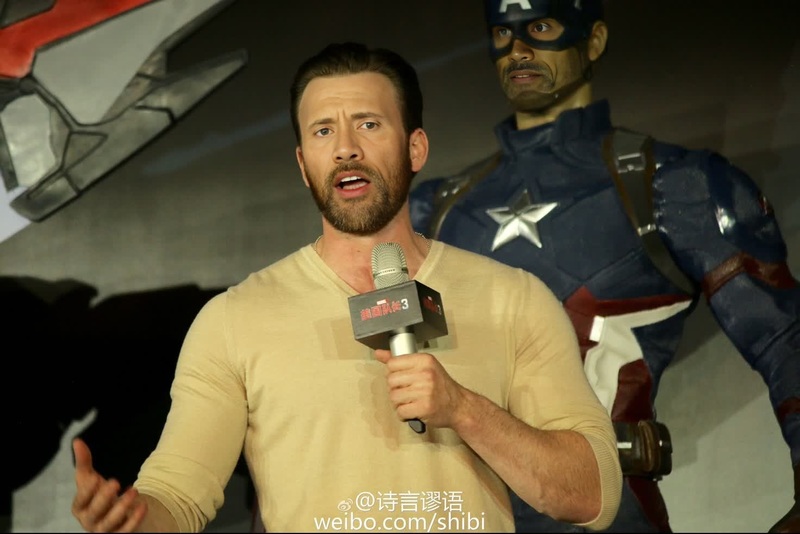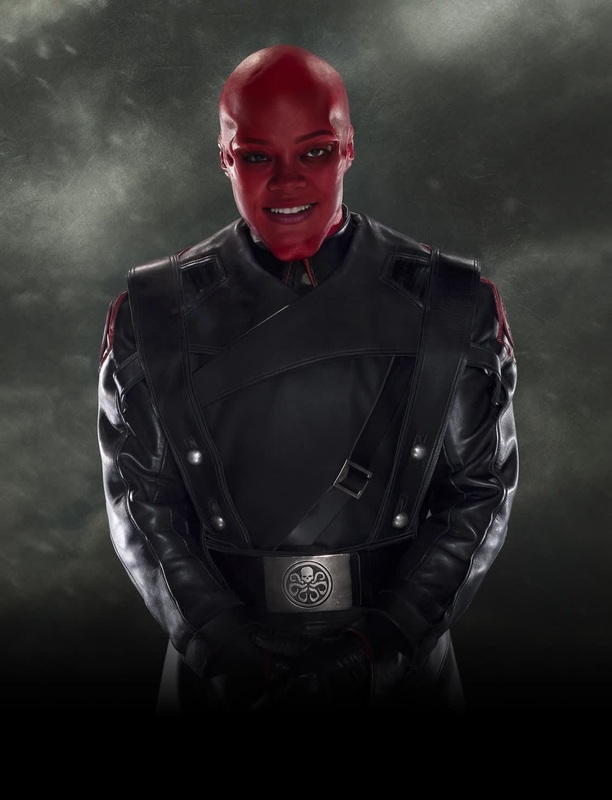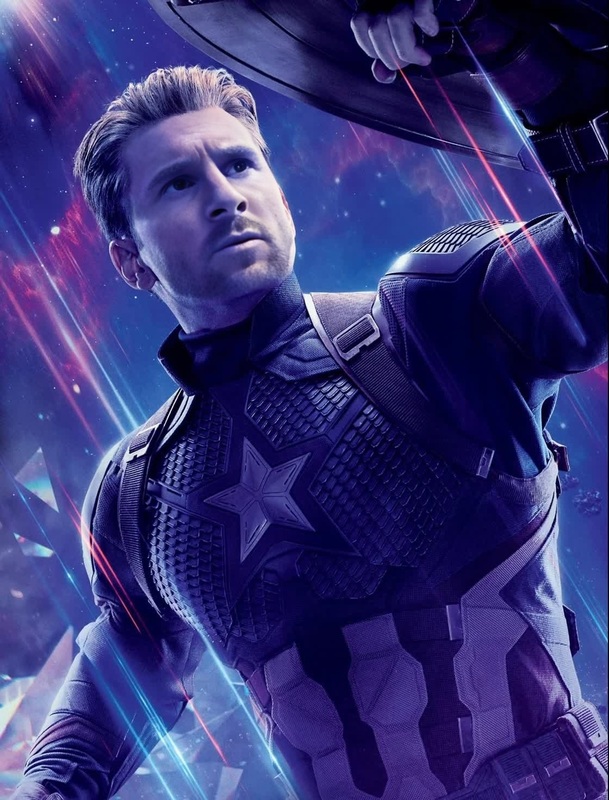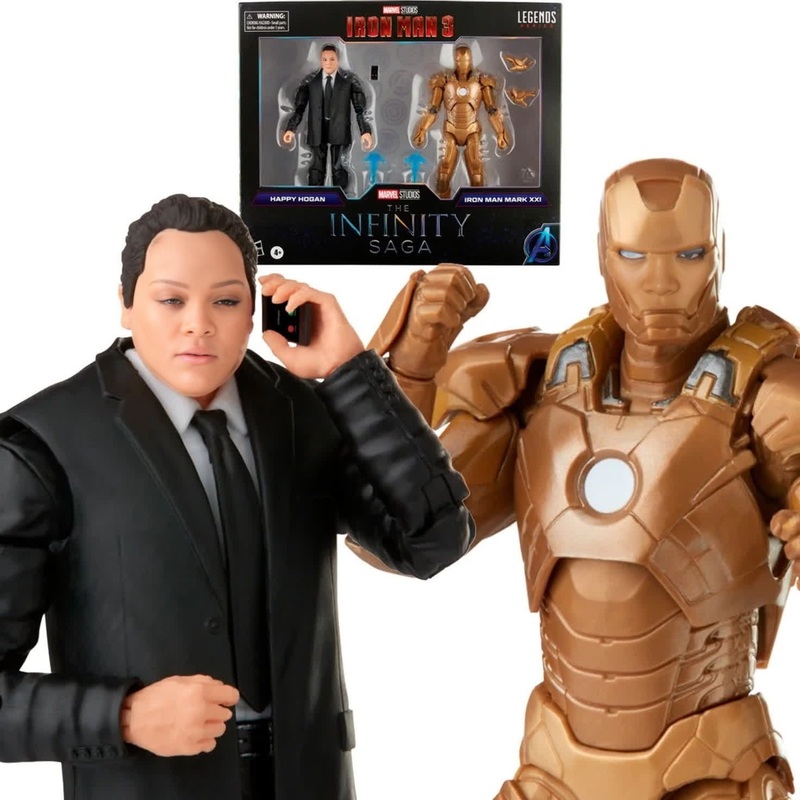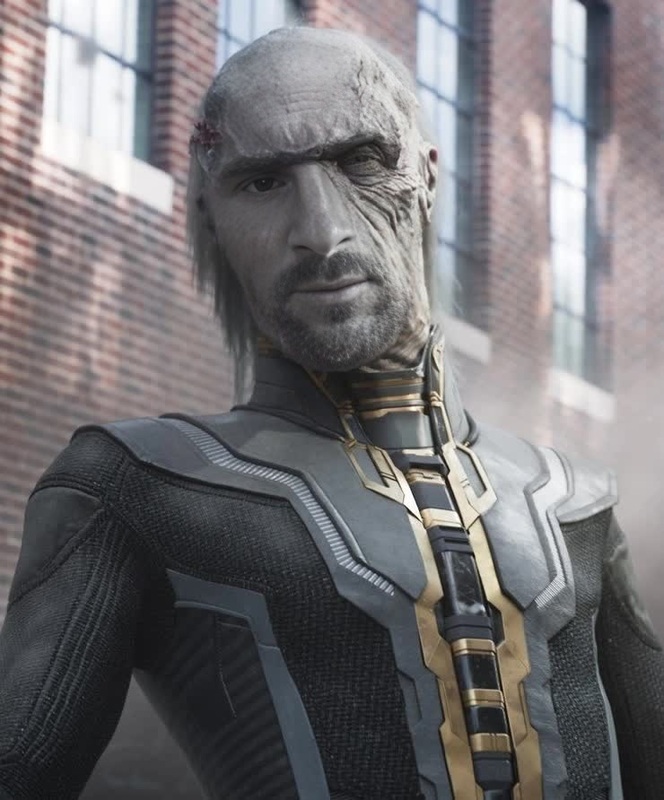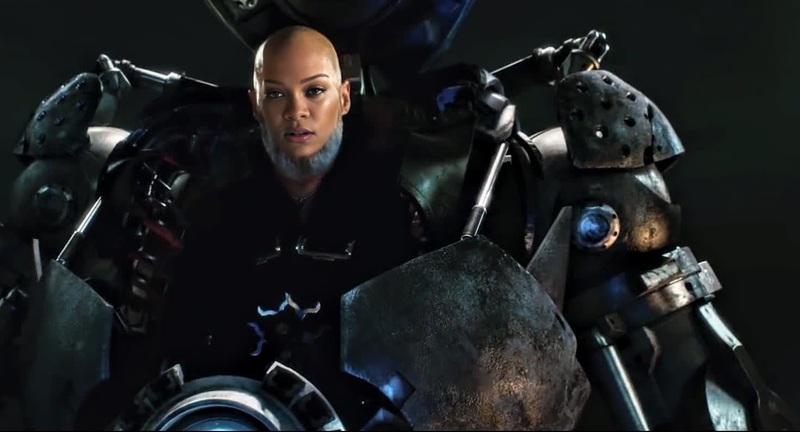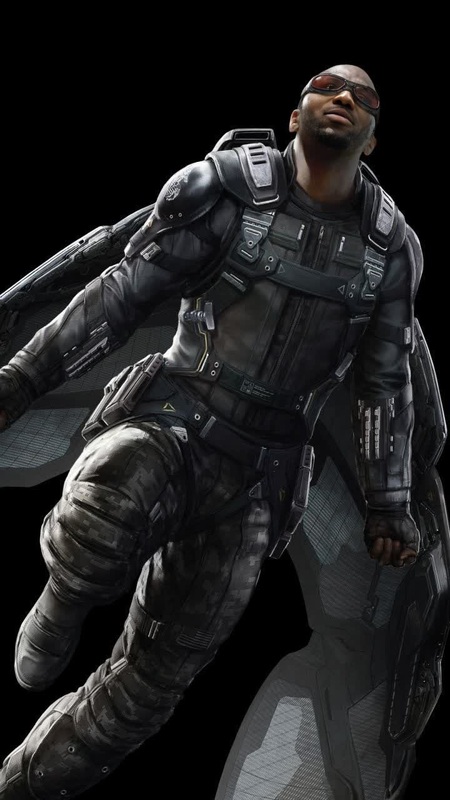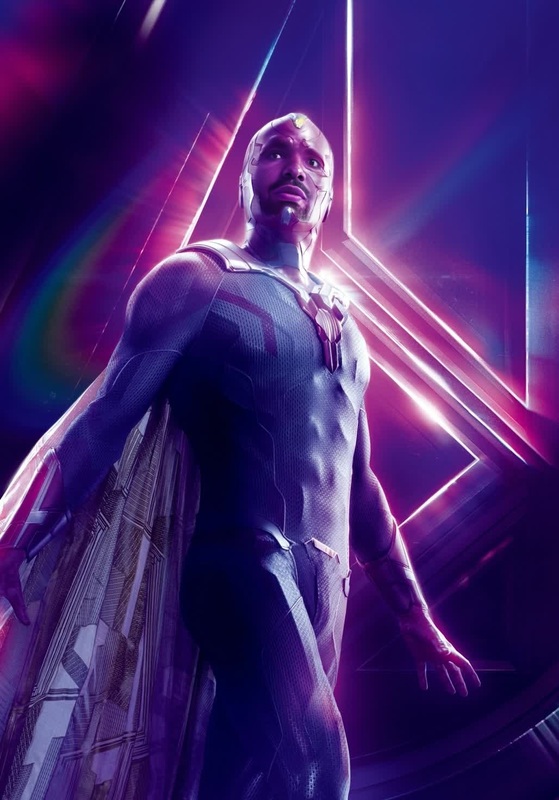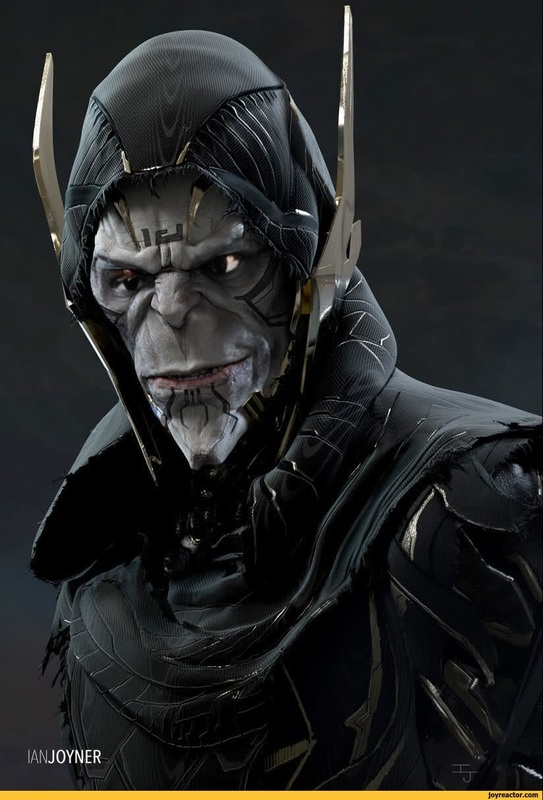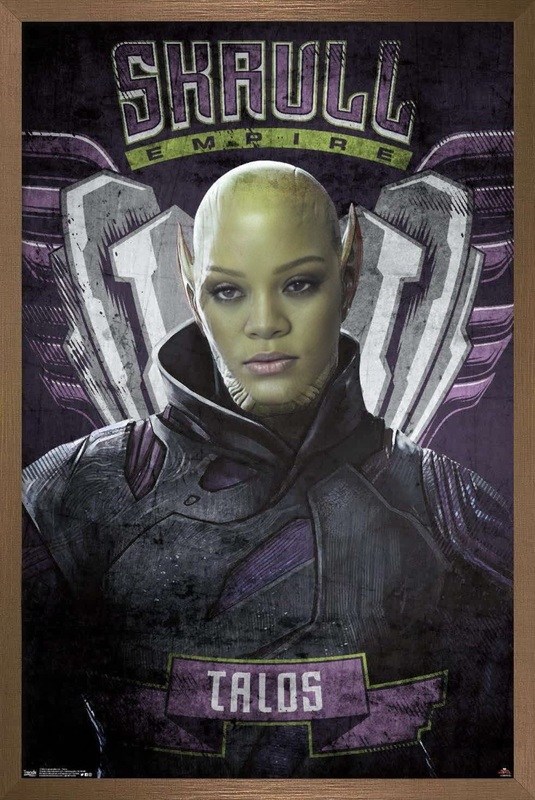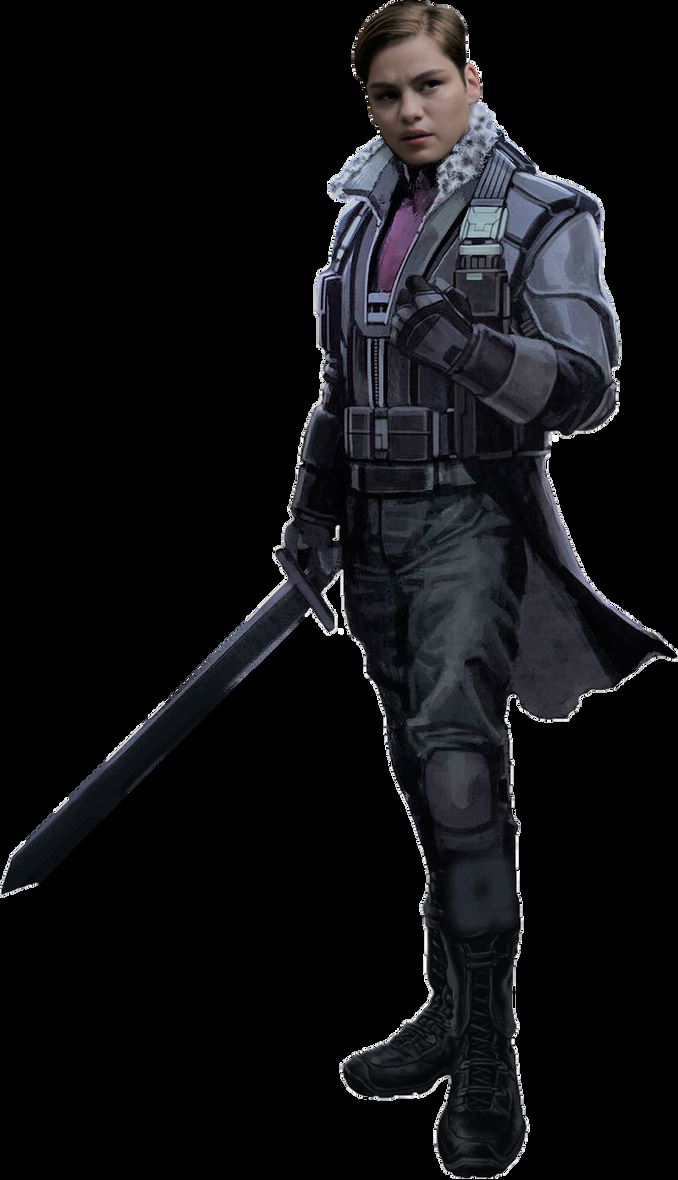
Zemo Baron Captain America Civil War Marvel Cinematic Universe
- Image
- 678 × 1180 px
Any aspect ratio
Overview
This Video Face Swap template brings the iconic characters Baron Zemo and Captain America from "Civil War" into your own creative projects. Perfect for fans of the Marvel Cinematic Universe (MCU), this template allows you to swap faces in video clips, creating unique and entertaining moments. Whether you're crafting fan content or a creative edit for social media, this tool gives you the flexibility to transform familiar scenes with a fresh twist.
What It Does
The Zemo Baron Captain America Civil War template captures the excitement of movie magic, enabling users to perform a face swap within video clips. By utilizing advanced algorithms, it ensures a realistic and smooth integration of the swapped faces, resulting in high-quality outputs. This aligns well with our Video Face Swap product, elevating your video editing capabilities.
Who It's For
This template suits a wide range of users, from casual fans looking to entertain friends with humorous edits to professional video creators in the entertainment industry. It's also ideal for content creators focusing on social media ads and viral videos, offering a playful yet powerful way to engage audiences with familiar cultural references.
Summary
With a focus on the Marvel universe, this template brings a creative twist to your video editing endeavors. As part of the Face Swap suite, it combines entertainment with advanced technology, allowing you to explore new possibilities in visual storytelling and boost engagement with your audience.
How To
Follow these simple steps to create your own Marvel-inspired face swap video.
Choose Your Template

Customize Your Video

Generate Your Video

Use Cases
This template is versatile, catering to different video production needs.
Meme Video Creation
- Use iconic MCU scenes for meme remixes.
- Add humor to serious scenes for comedic effect.
Fan Edits
- Recreate scenes with a new twist.
- Engage with fellow fans by sharing your edits.
Social Media Content
- Boost engagement with recognizable characters.
- Increase shareability on platforms like Instagram and TikTok.
Best Practices
Optimize your experience with these best practices.
Select High-Quality Clips
Ensure your source video clips are high-quality to achieve the best face swap results.Use Consistent Lighting
Maintain consistent lighting to help the face swap blend seamlessly into the original scene.Experiment with Angles
Test different video angles to see which provides the most natural looking swap.
FAQs
More Like This