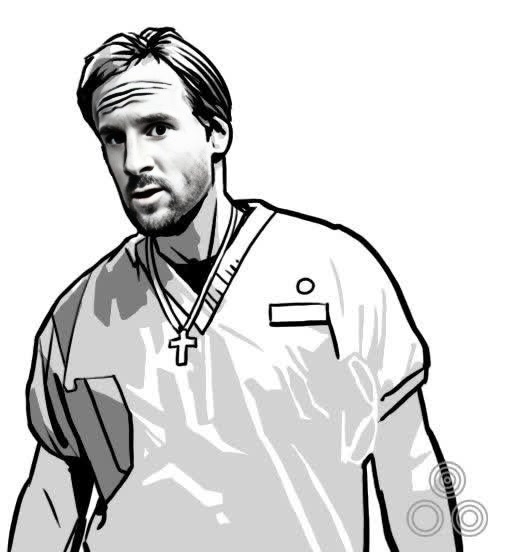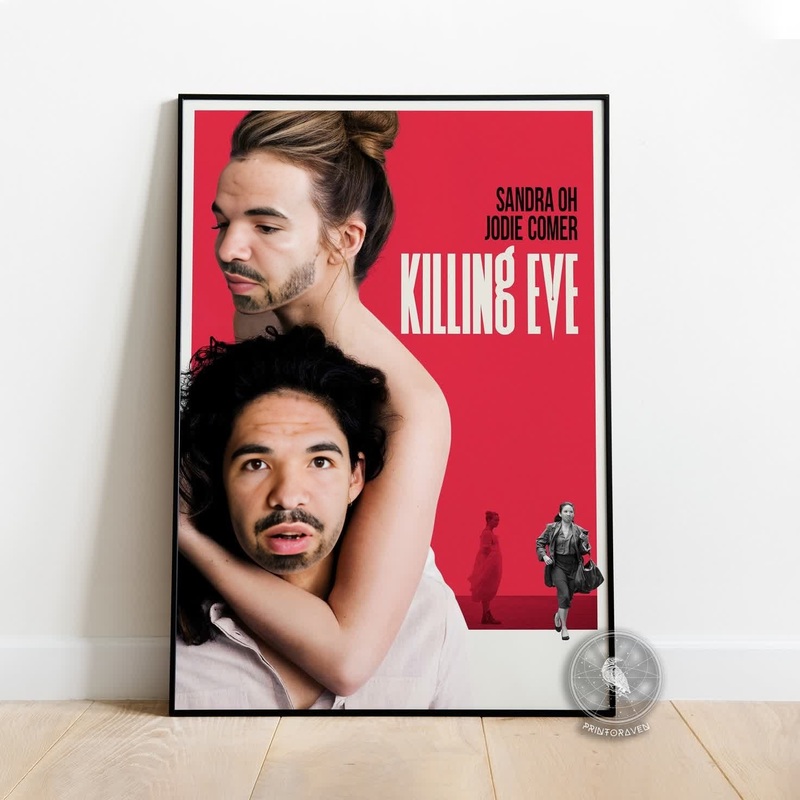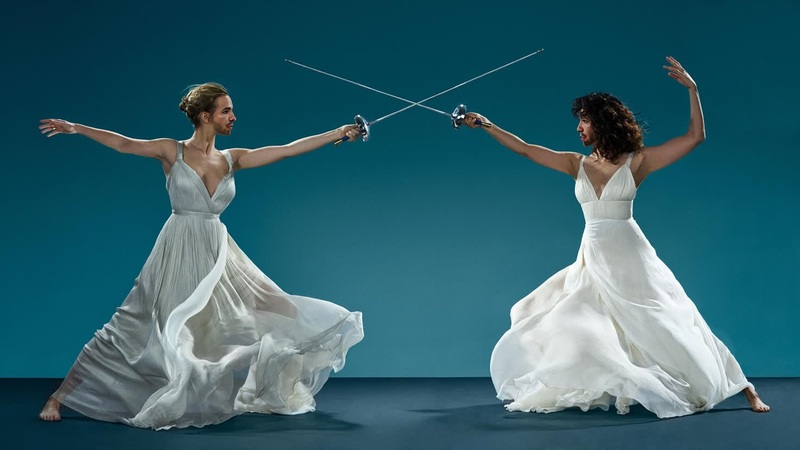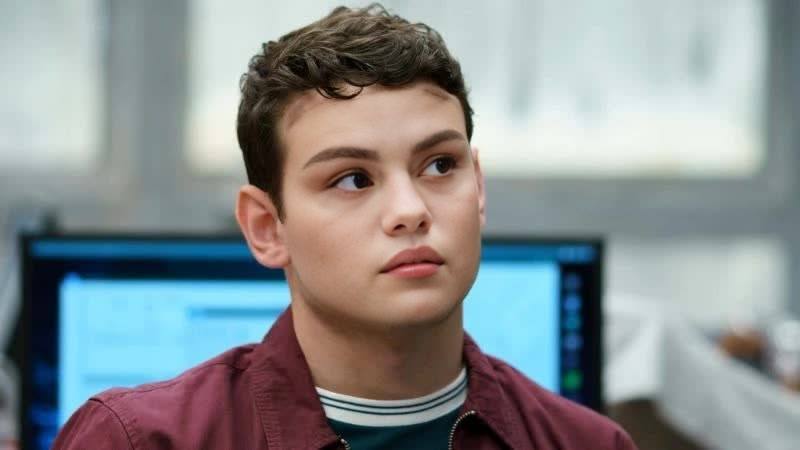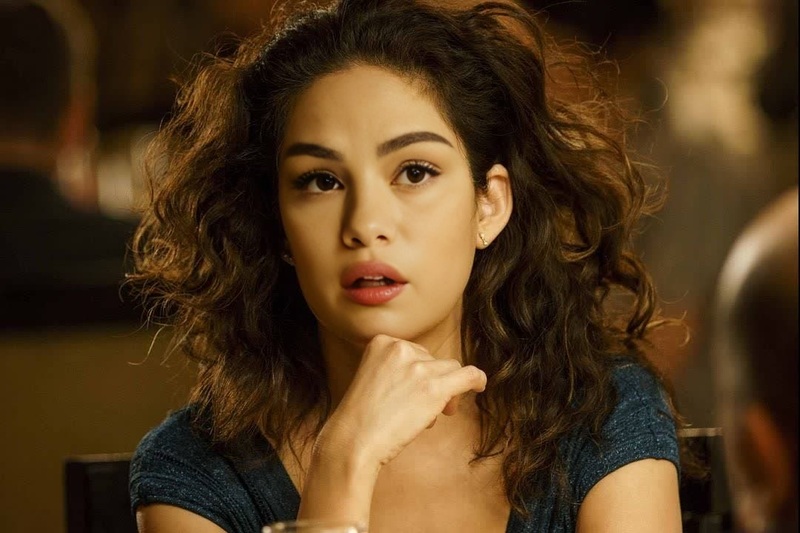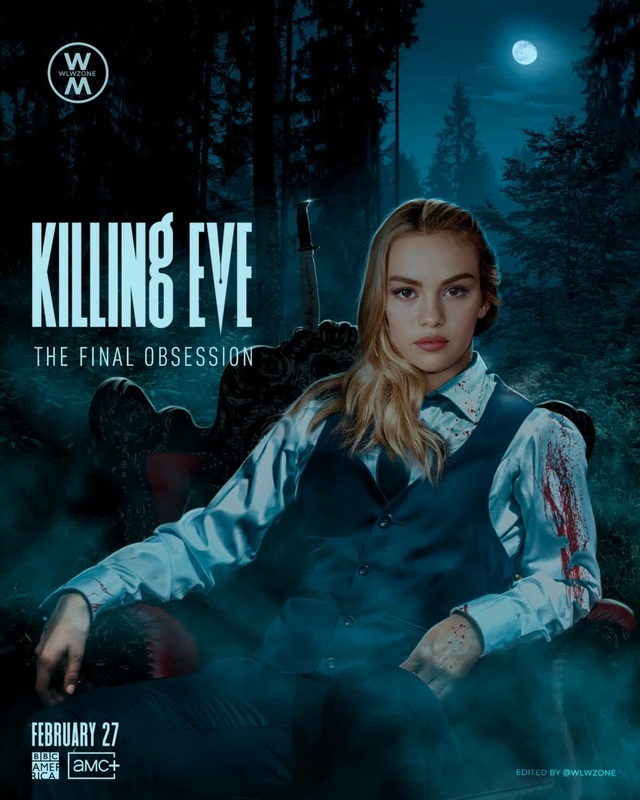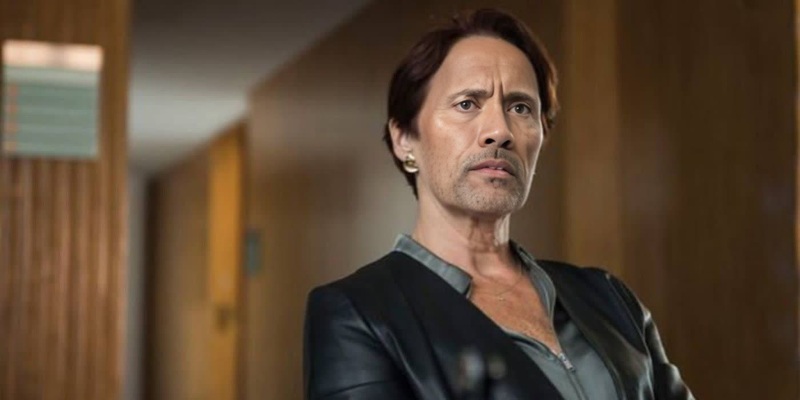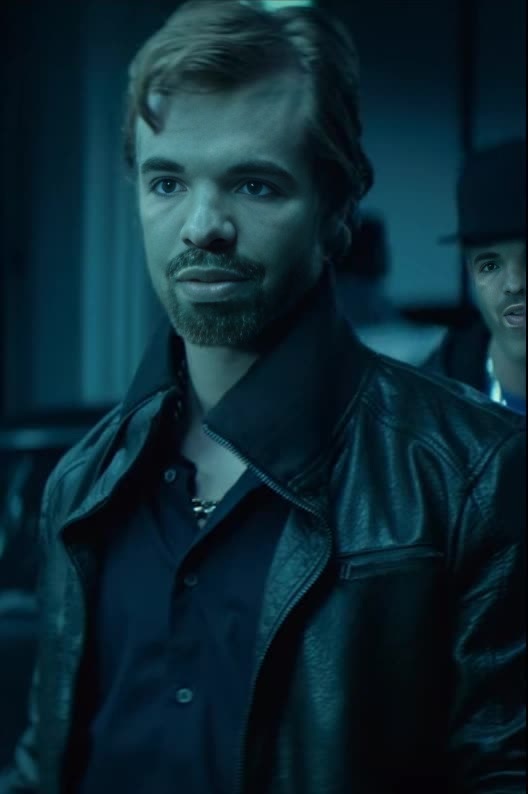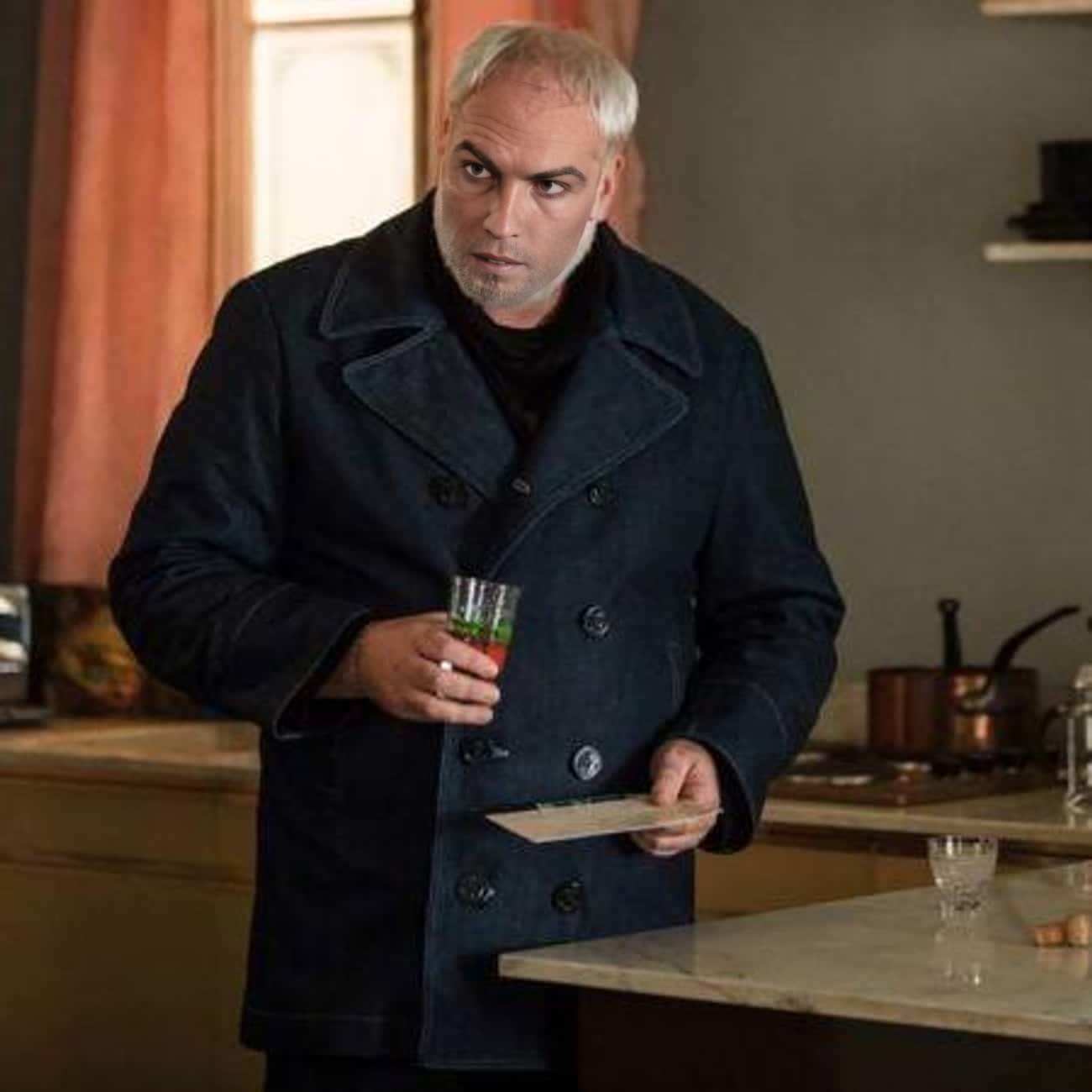
Konstantin Vasiliev Killing Eve
- Image
- 1300 × 1300 px
Any aspect ratio
Overview
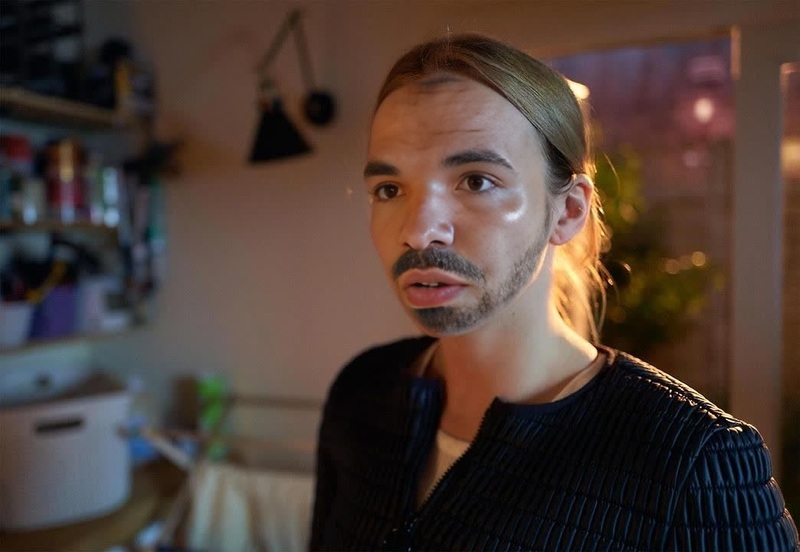
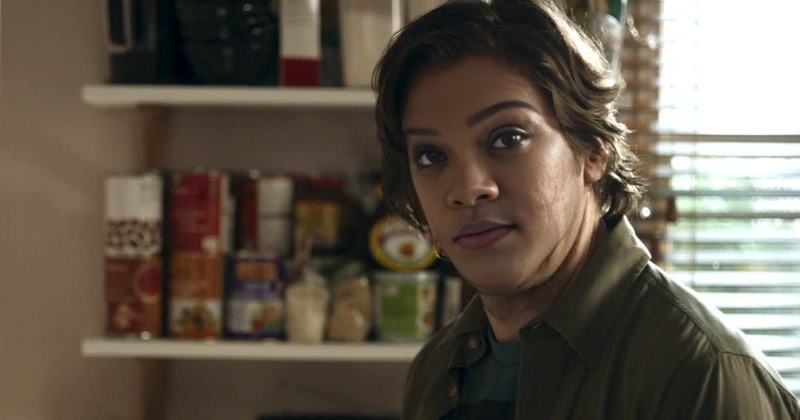
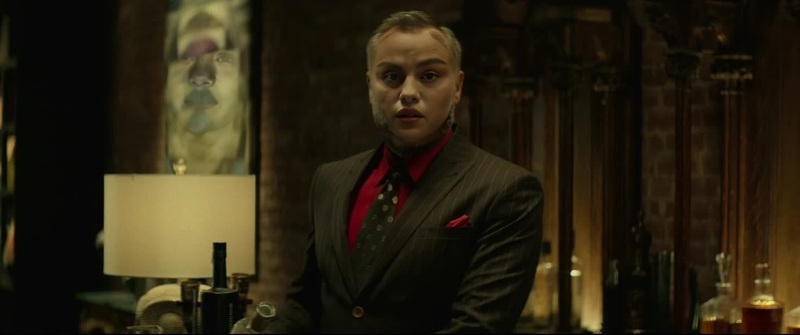
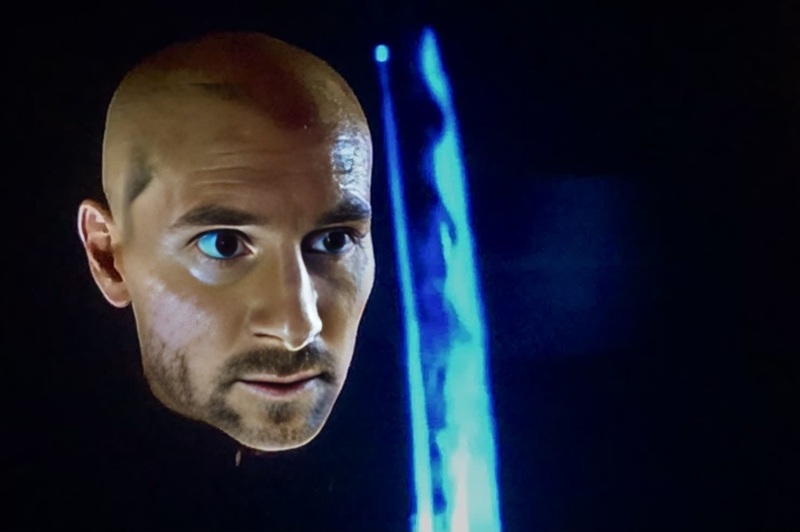
Dive into the dynamic world of video transformations with the Konstantin Vasiliev Killing Eve Video Face Swap template. This tool leverages advanced techniques to insert the recognizable character of Konstantin into your footage, introducing an engaging and authentic element to any scene.
What It Does
Our Video Face Swap technology enables you to replace a face in your video with Konstantin Vasiliev's from Killing Eve, creating seamless and realistic integrations. It's a powerful component for content creators looking to add an intriguing twist to their projects.
Capitalize on this tool to ensure your content stands out, much like using our Face Swap features or enhancing your scenes with the Image to Video tools.
Who It's For
This template is ideal for filmmakers, social media influencers, and video editors aiming to spice up their content with innovative storytelling techniques. Whether you're creating a spoof, a dramatic scene, or fan-inspired content, integrating a well-known character like Konstantin can captivate your audience, much like how AI Talking Photo engages with stunning visual narratives.
Summary
Transformational video content is just a step away with the Konstantin Vasiliev Killing Eve Video Face Swap template. This easy-to-use tool ensures creators can seamlessly place a recognizable character into their scenes. With its straightforward process, akin to using the AI Video Generator, your footage will never be the same.
How To
Choose Your Template

Customize Your Video

Generate and Download

Use Cases
Film and TV Spoofs
- Enhance parody videos
- Engage audiences with recognizable characters
Social Media Content
- Boost engagement with familiar faces
- Create viral content opportunities
Fan-Made Productions
- Add new dimensions to fan fiction videos
- Celebrate fandom through creative editing
Best Practices
Choose High-Quality Footage
Ensure your input video is of high quality to maintain clarity in face-swapped scenes.Focus on Lighting and Angles
For optimal results, match the lighting and angles in your video with those of the face template.Utilize Editing Tools
Complement your face swap with other editing techniques available in the AI Image Editor to enhance overall video quality.