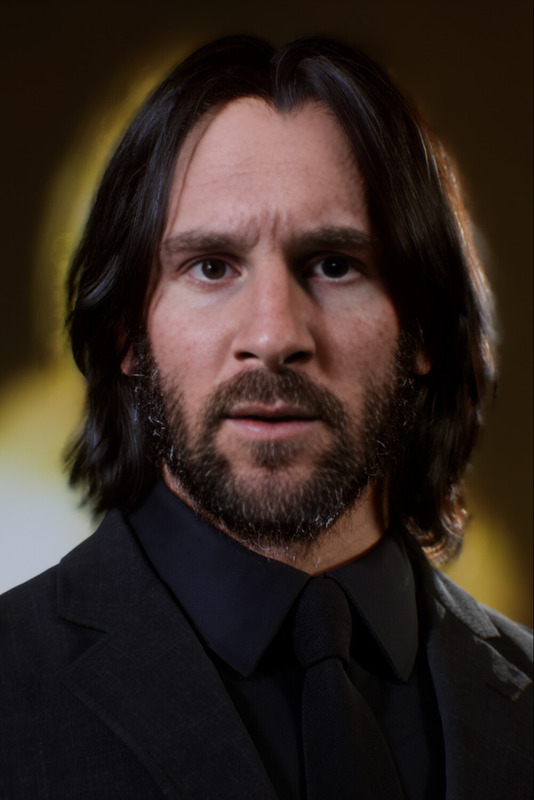
Charon John Wick

Charon John Wick

Face Swap Photo
1 image
0 uses

Any aspect ratio

Tags

transformations

Overview

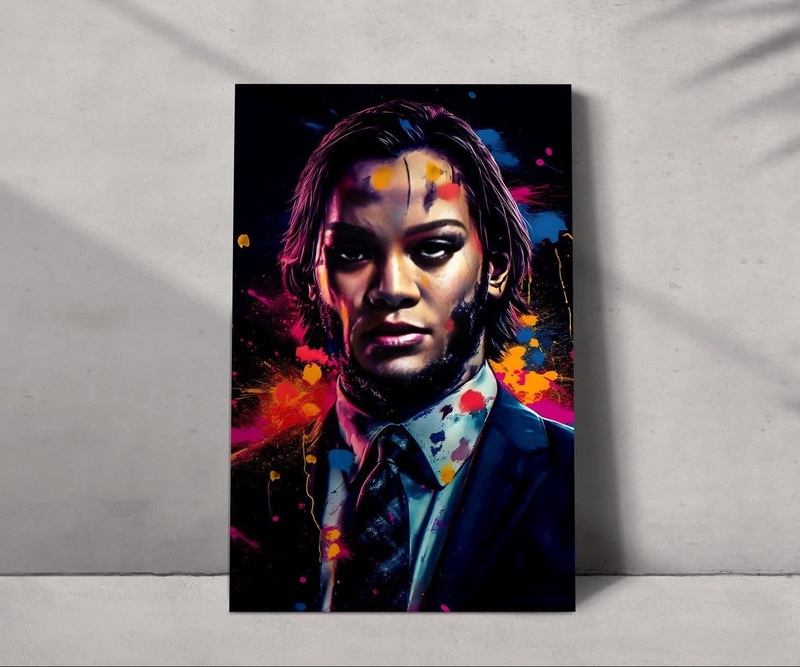
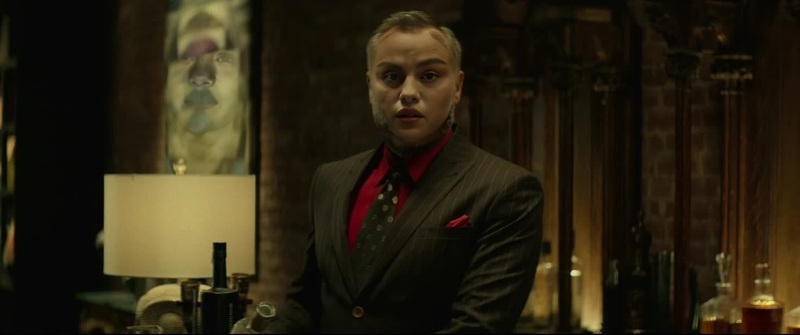
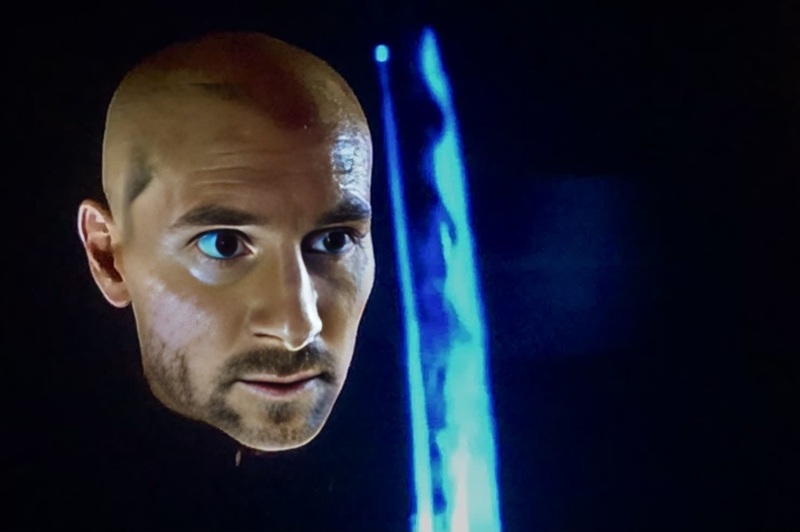
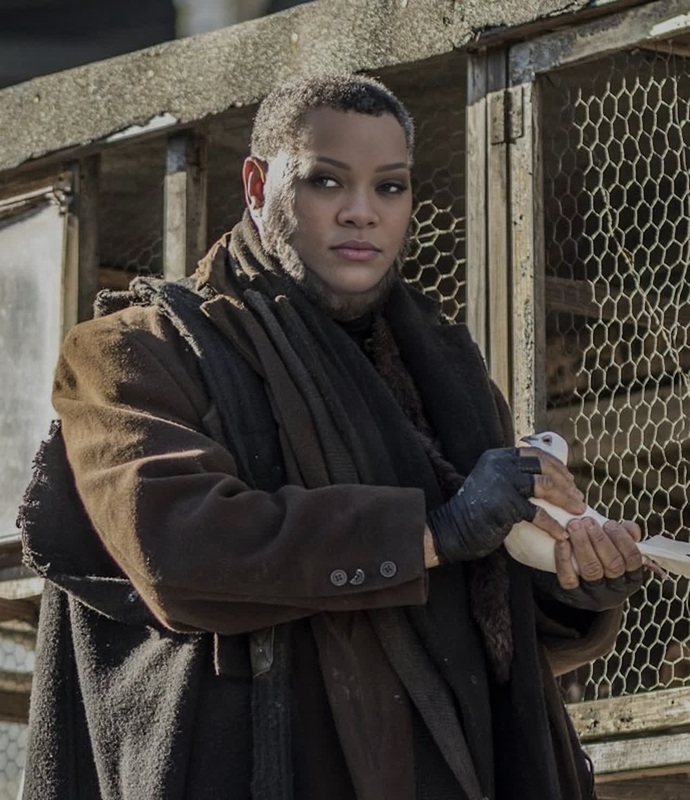
The Charon John Wick Video Face Swap template allows you to swap faces in popular scenes featuring the iconic characters Charon and John Wick. This template empowers users to create dynamic and entertaining videos that captivate audiences across platforms.

What It Does

This template leverages advanced Video Face Swap technology to replace faces in videos while maintaining natural expressions and movements. It delivers high-quality output in widely-used video formats for easy sharing and editing.

Who It's For

Ideal for content creators, filmmakers, and social media enthusiasts, this template is perfect for generating shareable video content. Whether you're looking to enhance your video portfolio or engage a broader audience, the Image to Video and Video Face Swap combination provides a powerful storytelling tool.

Summary

With the AI Video Generator template, users can seamlessly create engaging videos featuring face swaps between Charon and John Wick. It's a simple yet effective way to boost your content's creativity and passing appeal.

How to Use

Step-by-step guide to using the Charon John Wick Face Swap template.
    01

    Choose Template

    Navigate to the Face Swap Templates page and select the Charon John Wick option.
    02

    Customize Inputs

    Upload the video that you want to transform. Adjust the specific scenes where the face swap should occur if necessary, fine-tuning the swap locations and appearance.
    03

    Generate Video

    Click on the 'Generate' button to start processing. Once complete, download your new video to share or further edit.

Potential Use Cases

Explore the diverse applications of the Charon John Wick Face Swap template.
📺

Online Content Creation

Engage followers with hilarious and shareworthy content.
  • Social media posts
  • YouTube videos
  • Blog content
🎬

Film and TV Production

Experiment with alternative casting choices in visual storytelling.
  • Independent films
  • Teasers
  • Promotional content

Best Practices

Maximize the template's potential with these recommended strategies.
  • Select Clear Videos

    Ensure maximum clarity in the original video files to achieve the best face swap results.
  • Experiment with Angles

    Test different face angles in the original footage to find the best match for a natural swap.
  • Preview Before Downloading

    Always preview the generated video to ensure that the face swaps achieved the desired effect.

FAQs

The Charon John Wick Video Face Swap template supports all major video formats, ensuring compatibility with most editing and sharing platforms.

Yes, you can adjust settings to swap faces in specific scenes within a single video to maintain narrative consistency.

No, the advanced algorithms used ensure that video quality remains high, with natural-looking swaps.

Absolutely, once you download your swapped face video, it can be edited further in any video editing software like Adobe Premiere or Final Cut Pro.

More Like This

Aurelio John Wick
2
Aurelio John Wick
John Constantine Constantine Portrait
3
John Constantine Constantine Portrait
Phastos Eternals Marvel Cinematic Universe
1
Phastos Eternals Marvel Cinematic Universe
The Elder John Wick Chapter 3
Winston John Wick
Winston John Wick
Keanu Reeves John Wick Press Portrait
1
Keanu Reeves John Wick Press Portrait
Iosef Tarasov John Wick
3
Iosef Tarasov John Wick
John Wick John Wick
John Wick John Wick
Sofia John Wick
Sofia John Wick
Viggo Tarasov John Wick
Zero John Wick Chapter 3
The Bowery King John Wick
4
The Bowery King John Wick

Face Swap Video