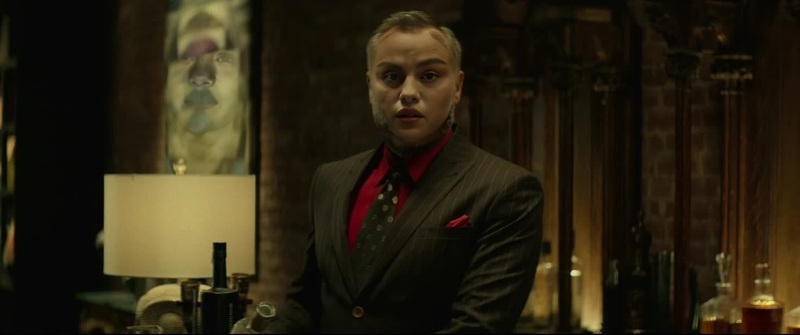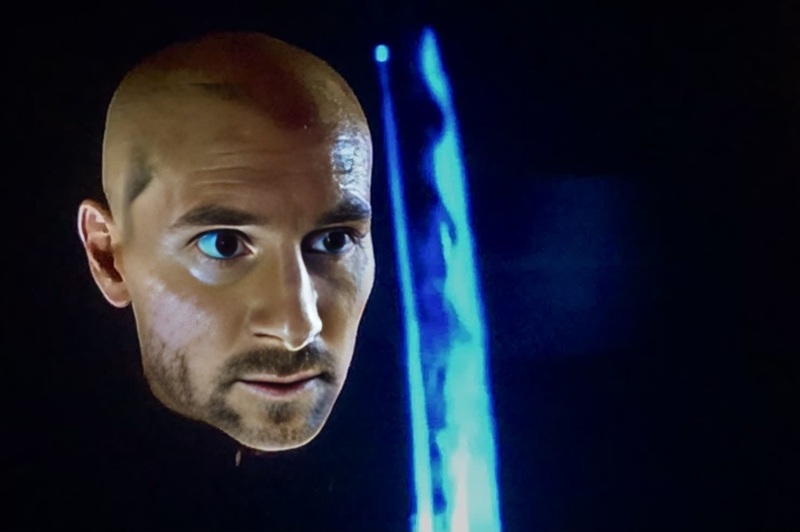
The Elder John Wick Chapter 3
- Image
- 1472 × 736 px
Any aspect ratio
Overview
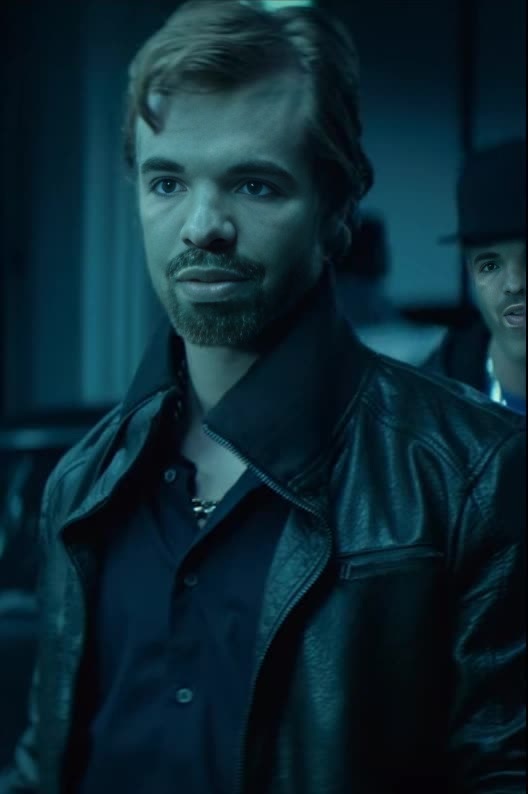
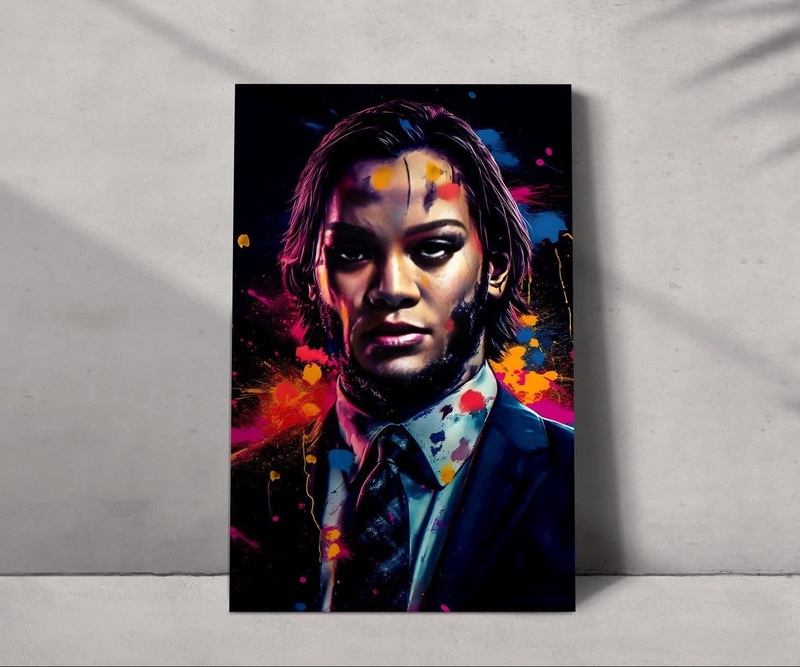
Dive into the world of action with our "The Elder John Wick Chapter 3" Video Face Swap template. Transform your ordinary footage by integrating your face into thrilling scenes from John Wick's intense chapter 3 adventures. Ideal for those looking to add a dynamic twist to their video projects, this template provides a powerful means to become your own action hero.
What It Does
The "The Elder John Wick Chapter 3" template enables users to perform a Video Face Swap, where your face seamlessly integrates into iconic movie scenes. By utilizing this tool along with our AI Video Generator, users can customize action sequences, enhancing their digital storytelling with professional-grade transformations. Pair this with our AI Image Editor for further edits and tweaks.
Who It's For
This template is perfect for content creators, social media influencers, and filmmakers seeking to diversify their video content. If you're producing content for platforms like YouTube or TikTok, or simply wish to amaze your audience with creative transformations, this Video Face Swap template is the tool for you. It's also suitable for marketers developing personalized video ads to engage viewers with a unique twist.
Summary
The "The Elder John Wick Chapter 3" Video Face Swap template offers a straightforward way to create personalized action sequences with ease. Use it in combination with the Lip Sync product for a fully immersive character portrayal. Transform your footage by placing yourself in the heart of the action, bringing an element of excitement to any project.
How To
Choose Your Template

Customize Your Video

Generate Your Swap

Use Cases
Social Media Engagement
- Capture audience attention with high-action scenes
- Boost video engagement with unique content
Personalized Marketing
- Enhance brand storytelling
- Add excitement to product launches
Creative Filmmaking
- Experiment with new storytelling techniques
- Impress viewers with professional-quality swaps
Best Practices
Choose High-Quality Source Material
Use high-resolution images and video for the best results in your face swaps.Optimize Lighting
Ensure your original footage has consistent lighting to avoid mismatches in the final product.Experiment With Angles
Test various face angles to discover what appears the most natural in different scenes.