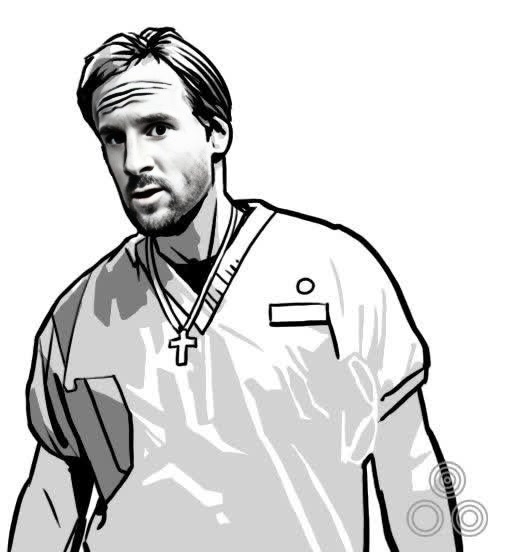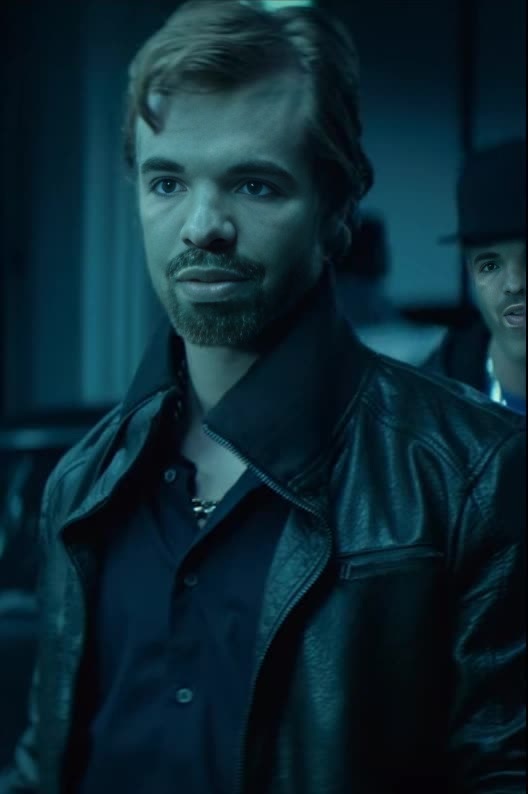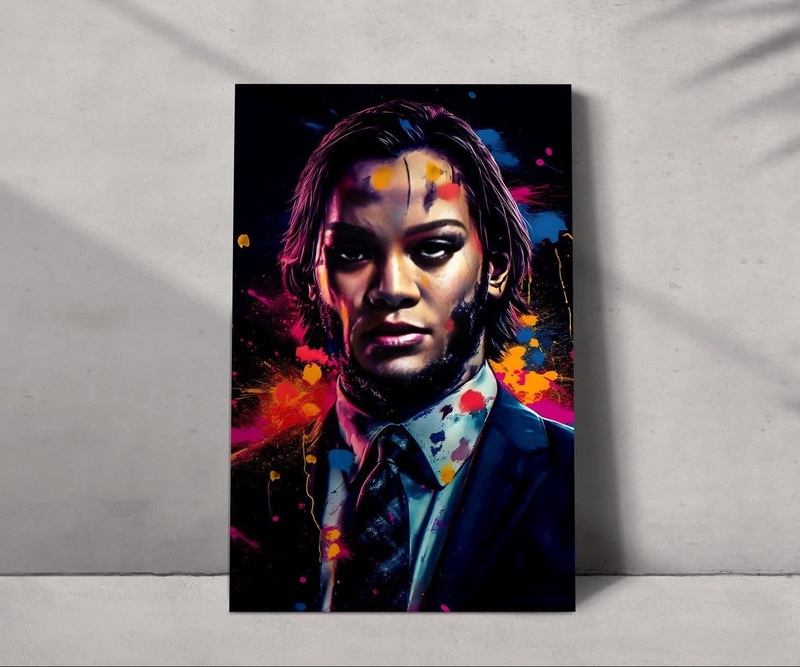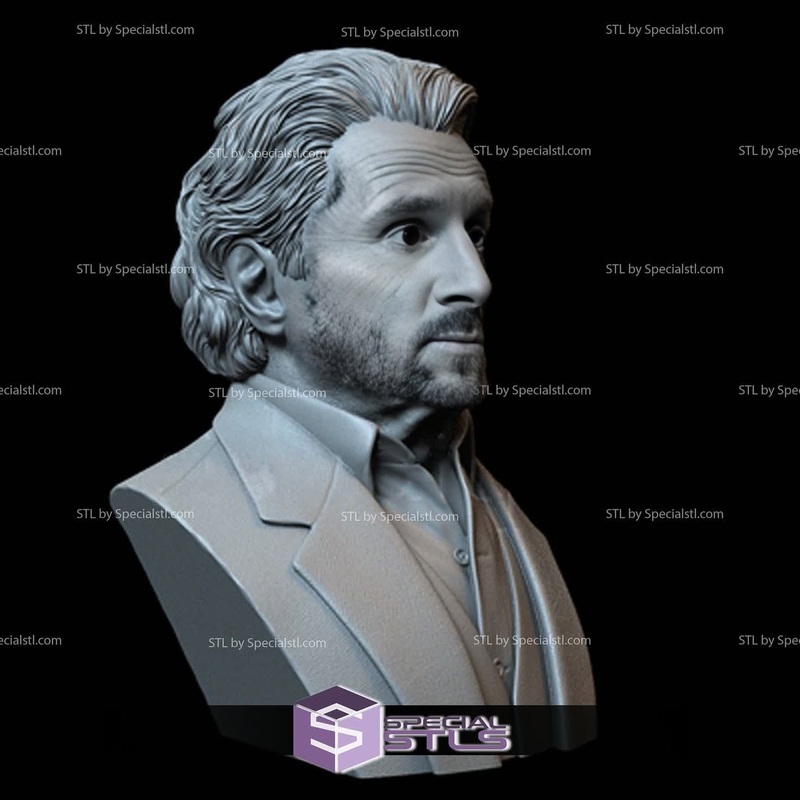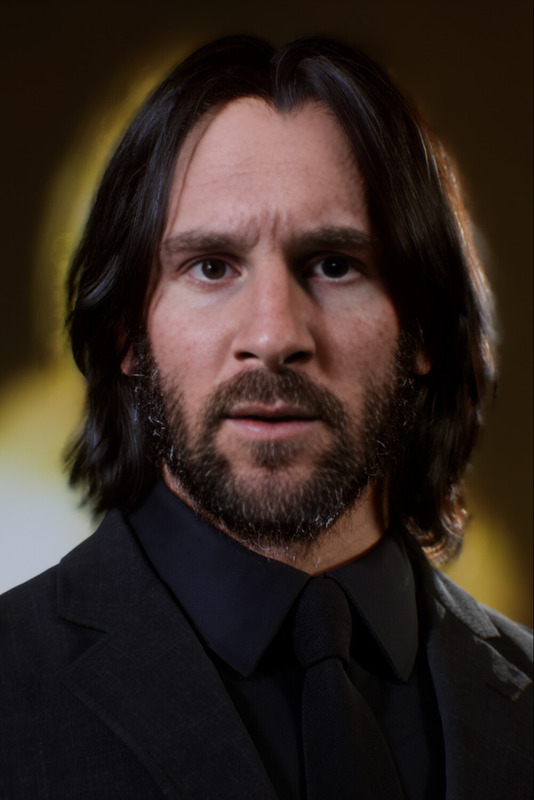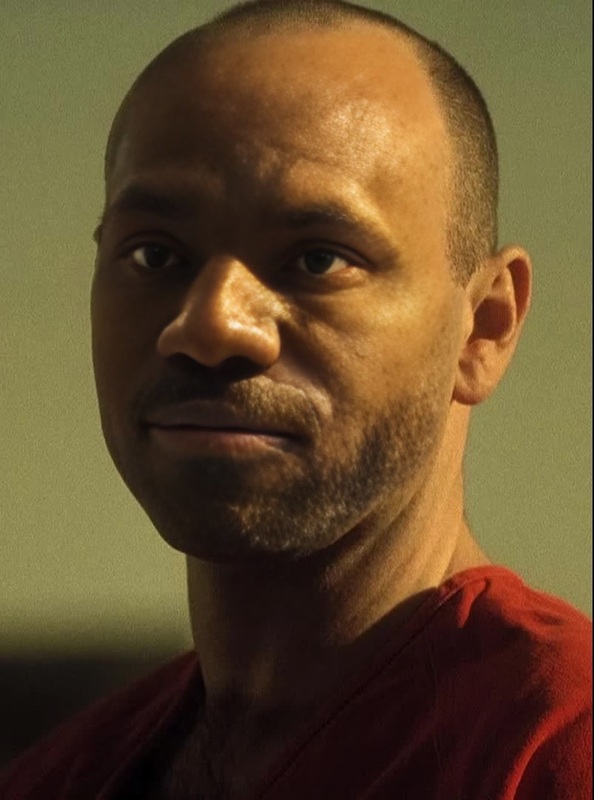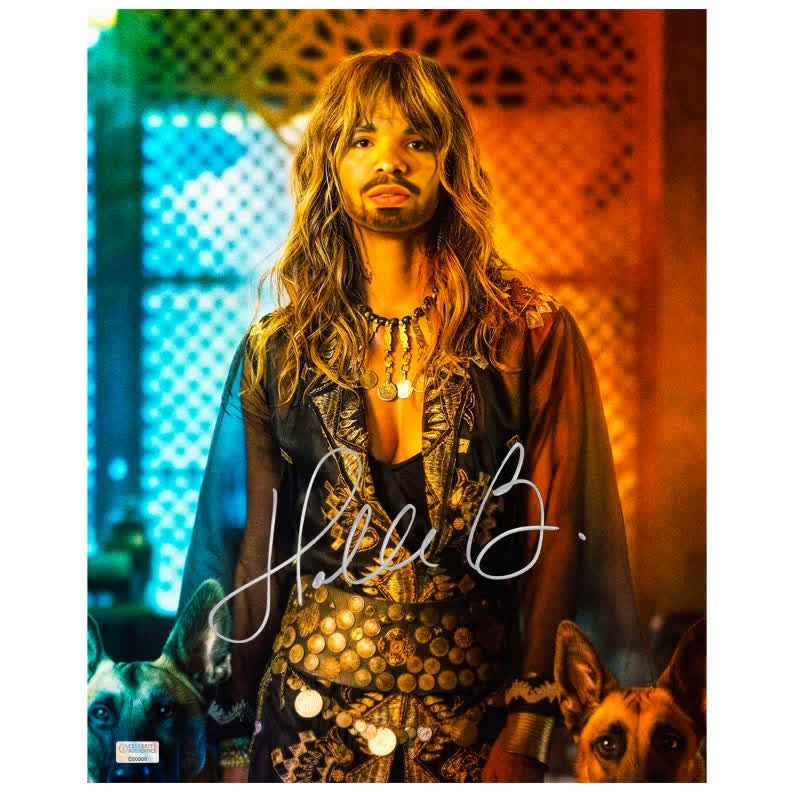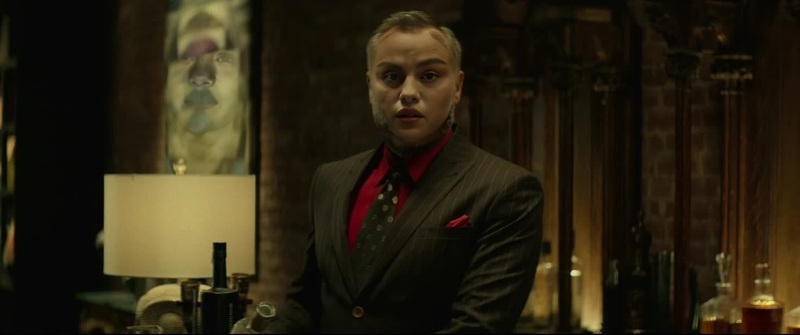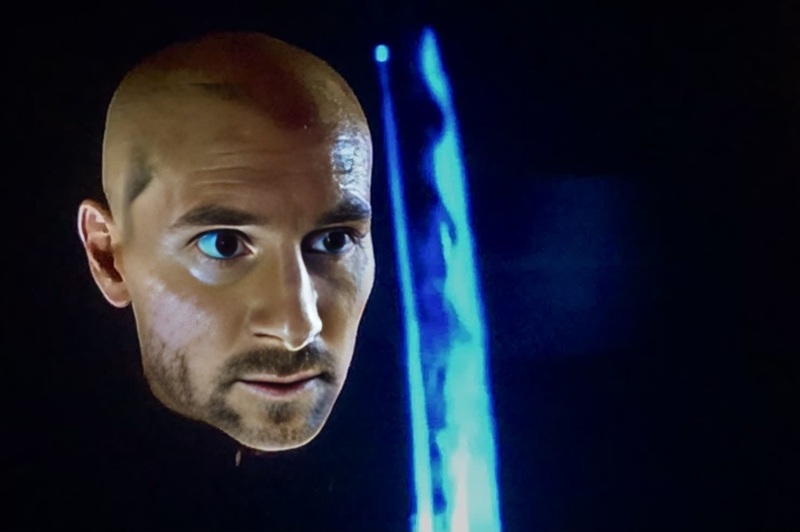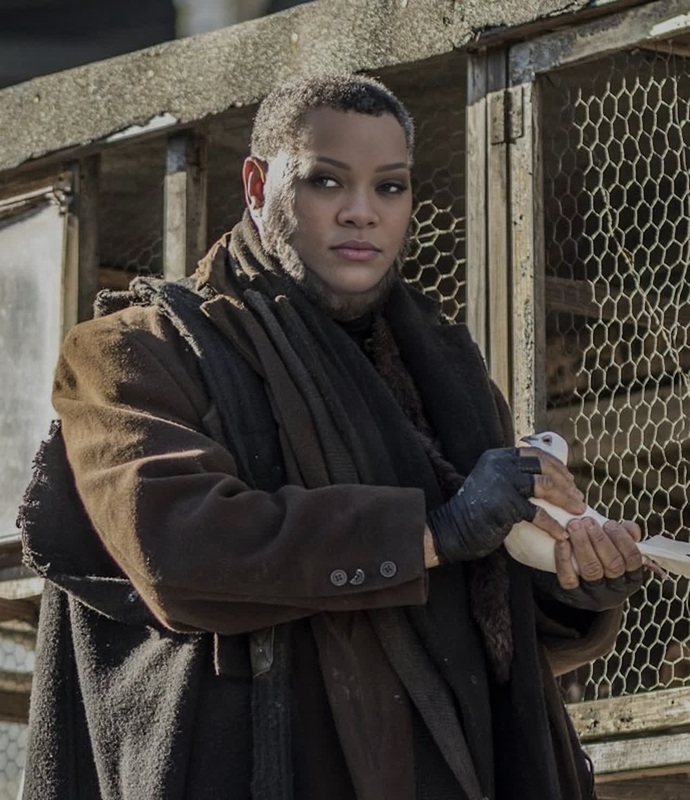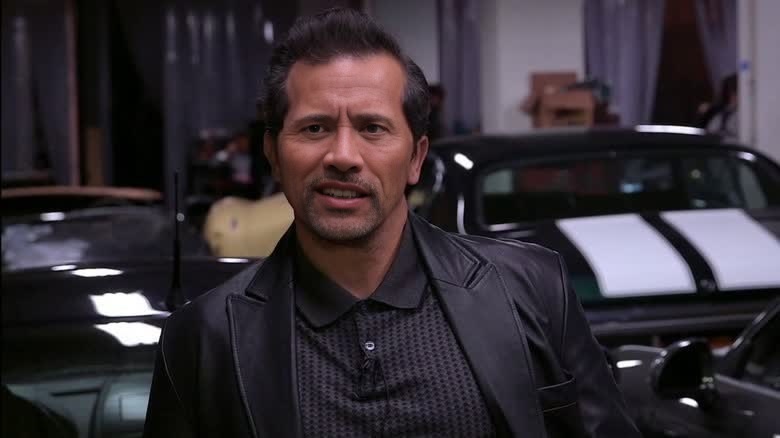
Aurelio John Wick
- Image
- 780 × 438 px
Any aspect ratio
Overview
Welcome to the Aurelio John Wick Video Face Swap template, designed for transformative video editing. This template allows you to replace any face in a video with that of Aurelio from the iconic John Wick series. Whether you're crafting a fun video project or engaging in creative exploration, this tool provides a streamlined path to dynamic content creation.
For more tools in video transformations, explore our offerings like Face Swap and Text to Video for a complete experience.
What It Does
The Aurelio John Wick template allows users to swap facial identities with precision and realism. It's ideal for creating content where storytelling requires unique character portrayal. This template integrates seamlessly with various video editing processes, supporting common file formats and enhancing your digital production values.
Expand your creative options by exploring related transformations like our Video-to-Video and AI Image Editor tools.
Who It's For
This face swap template is perfect for filmmakers, content creators, and meme enthusiasts looking to inject a sense of humor or creativity into their projects. Ideal for creators working on meme videos, video ads, or even those in educational sectors seeking engaging ways to present information.
Summary
With the Aurelio John Wick template, bring your videos to life by seamlessly integrating expressive face swaps into your content. Supported by a range of video and image editing tools, this option adds tremendous value to creative projects in storytelling, education, or marketing.
How To
Choose Your Template

Customize Your Input

Generate Your Video

Use Cases
Meme Creation
- Inject humor into trending scenes
- Gain traction on social media platforms
Creative Storytelling
- Improve narratives with iconic visuals
- Use in educational videos to engage viewers
Marketing and Promotions
- Create memorable advertisements
- Facilitate brand storytelling
Best Practices
High-Quality Inputs
Ensure your videos are of high quality for the best face swap results.Facial Alignment
Properly align faces during the customization step to ensure smooth transitions.Edit Creatively
Use the AI Image Editor to further enhance your output with filters and effects.