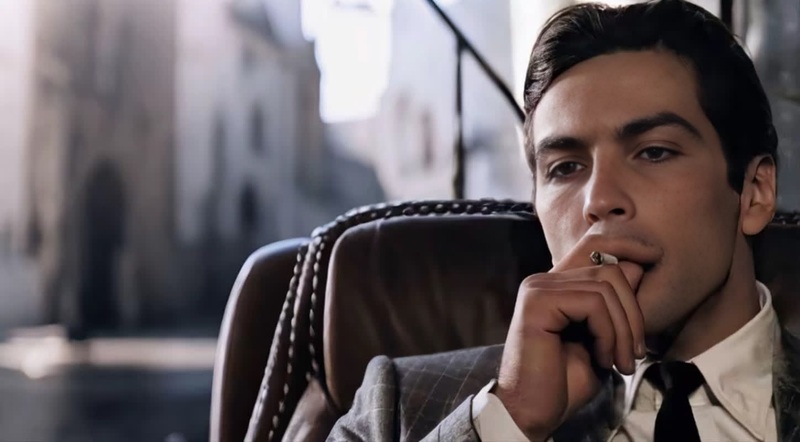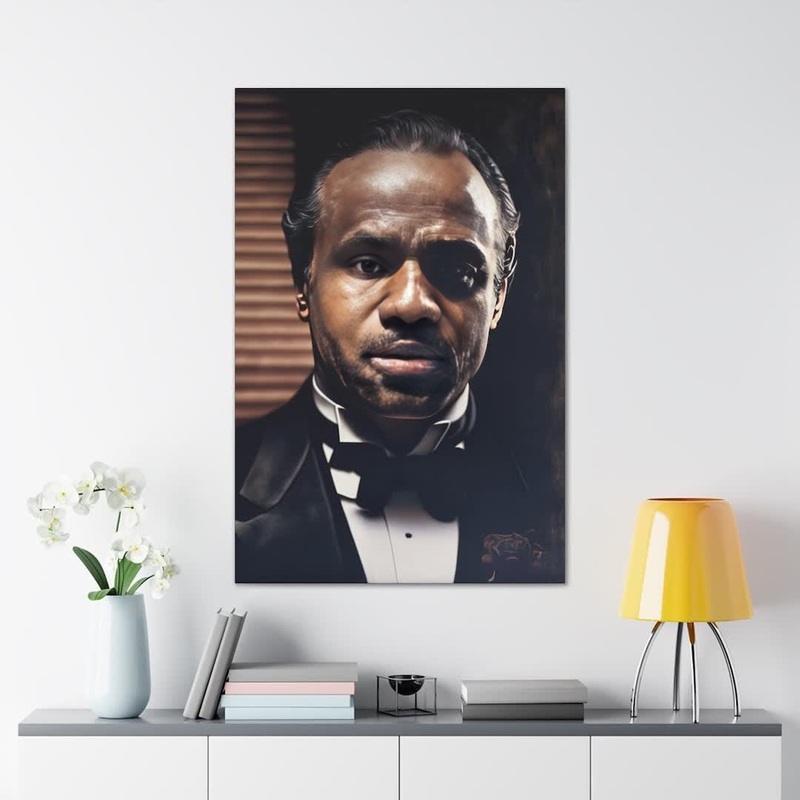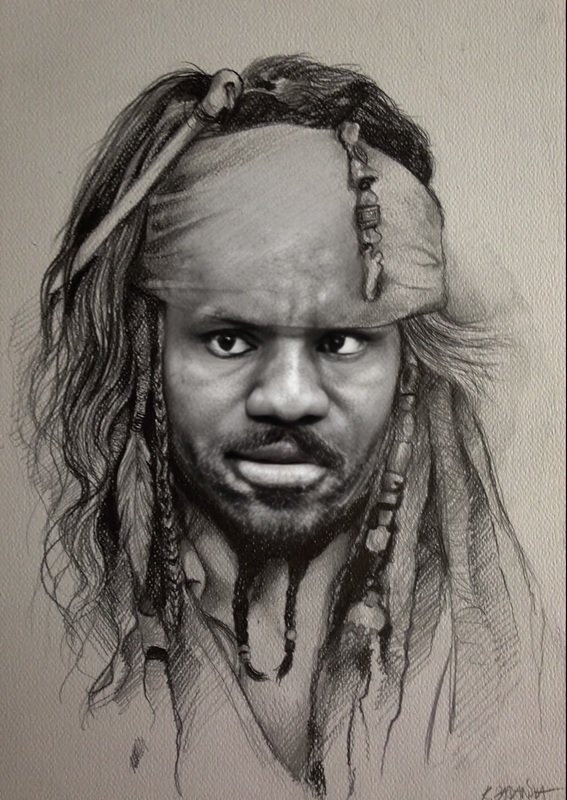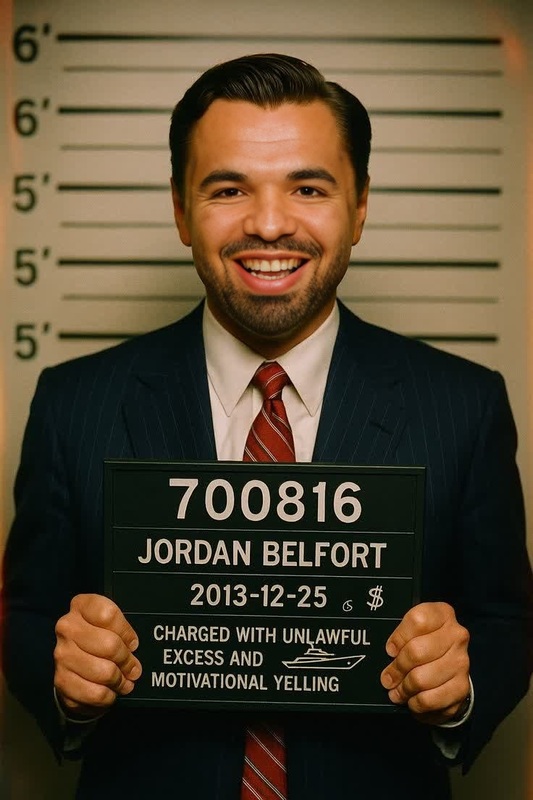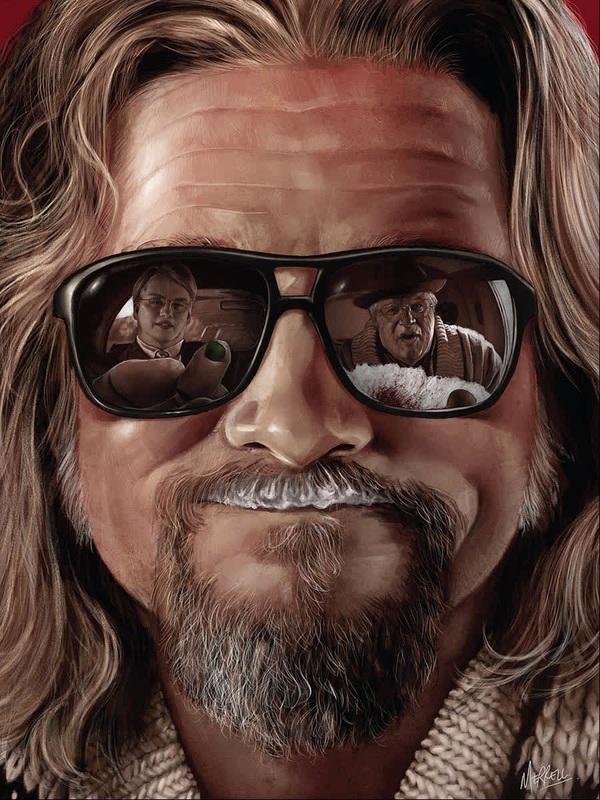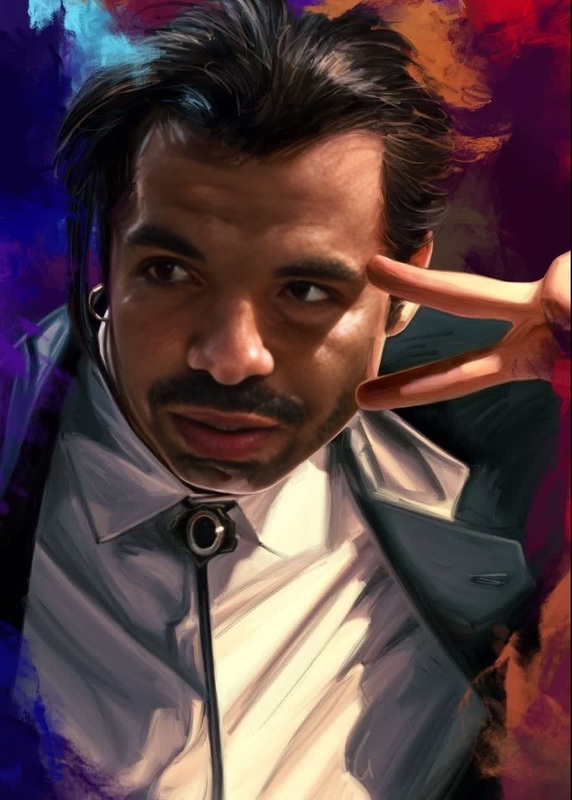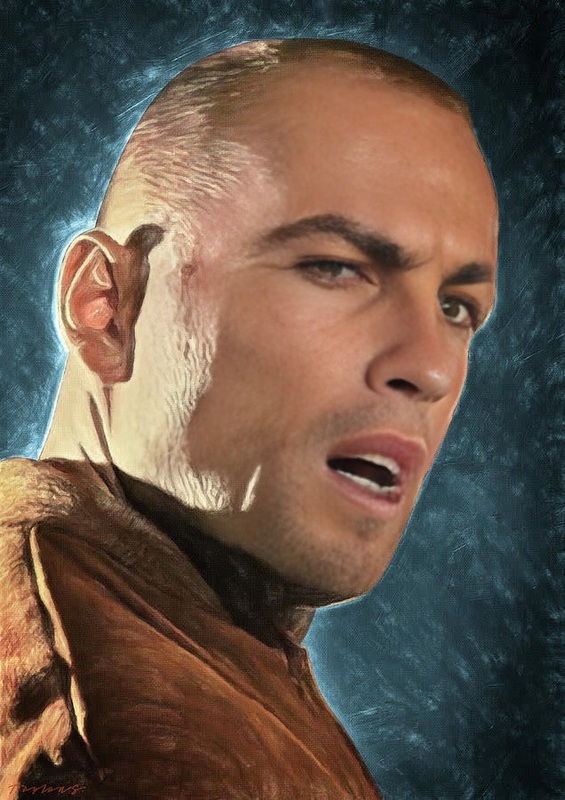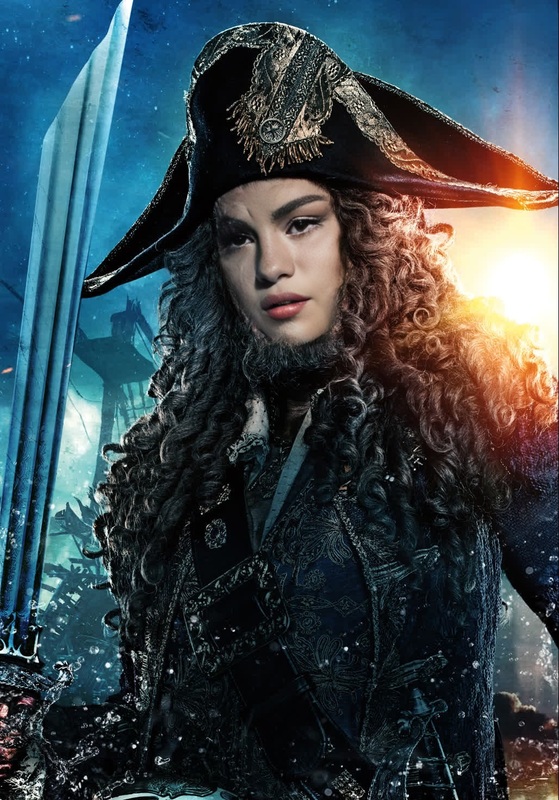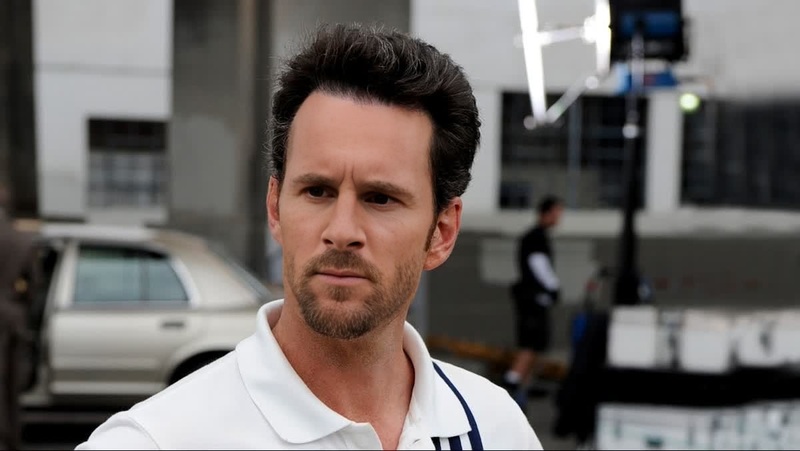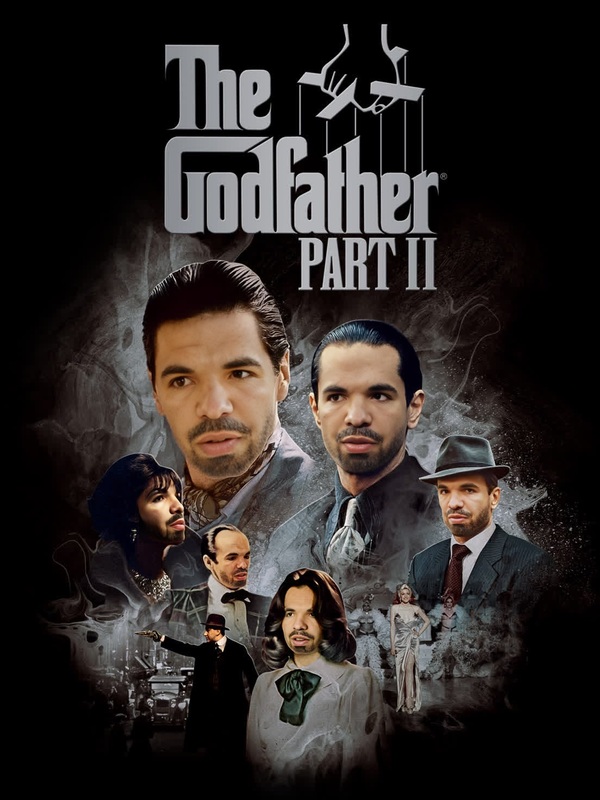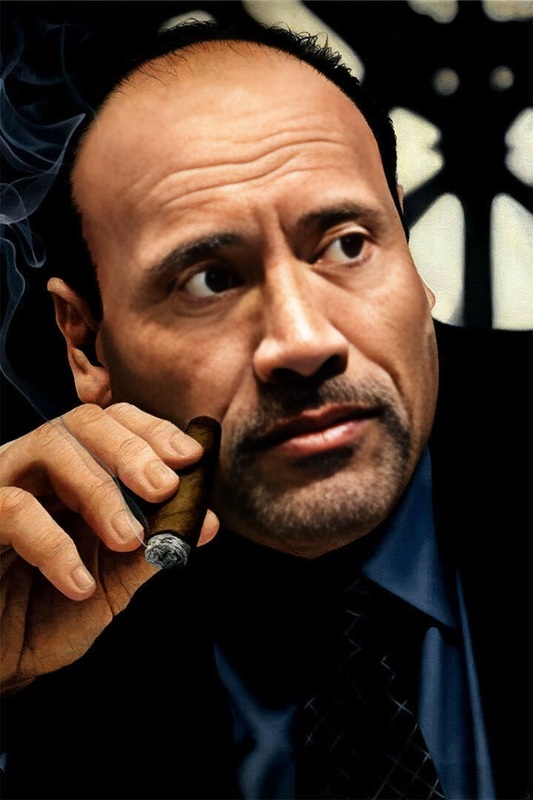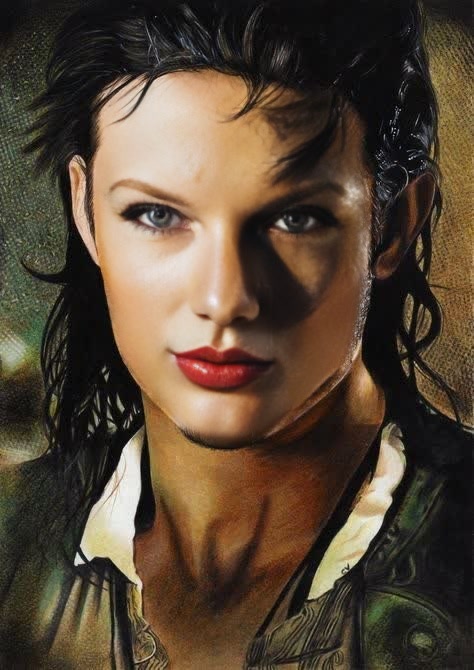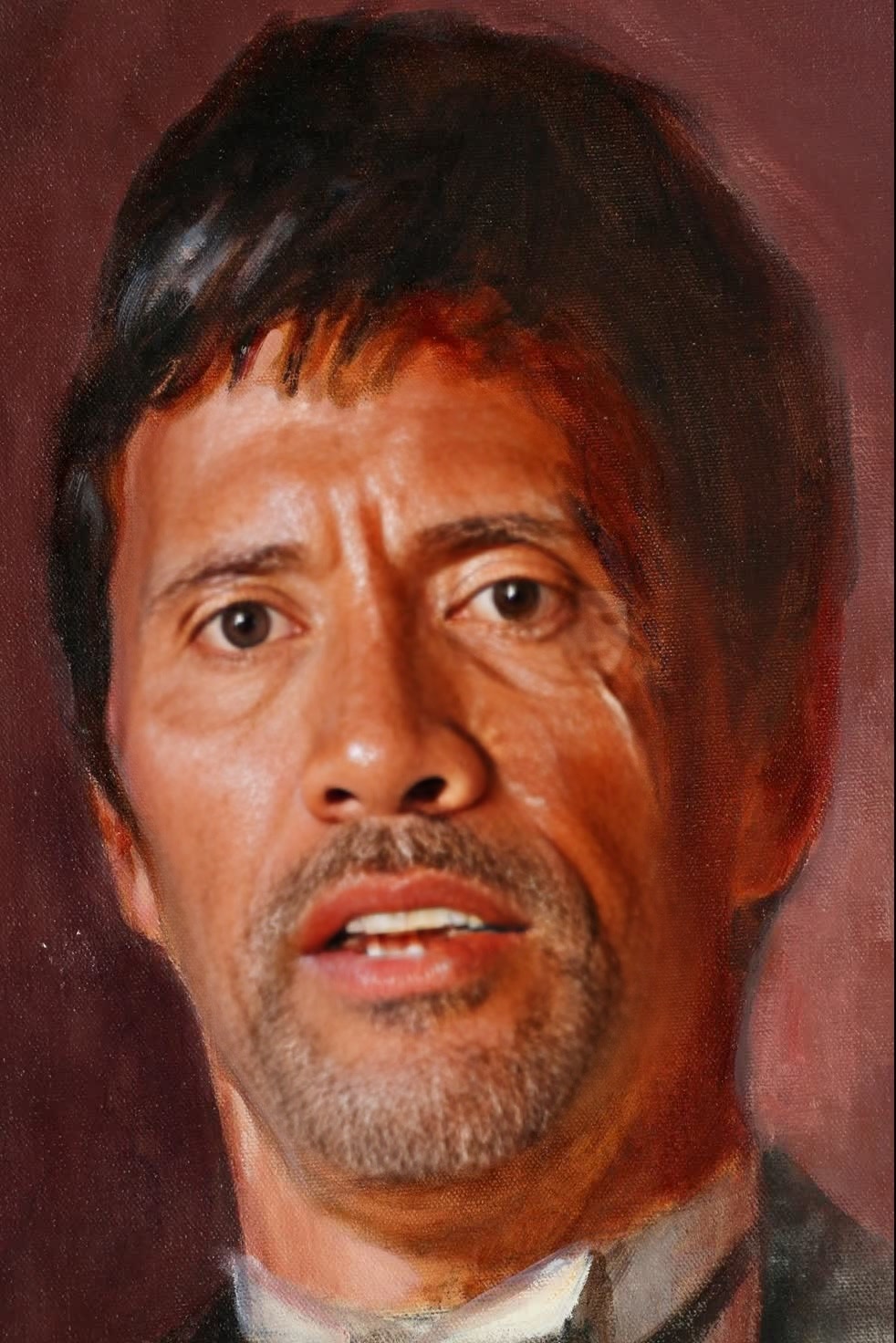
Tony Montana Scarface Portrait
- Image
- 982 × 1472 px
Any aspect ratio
Overview
Transform your photos into iconic Scarface moments with the Tony Montana Video Face Swap template. Capture the intense expressions and legendary style of this cinematic classic effortlessly. Perfect for enhancing TikTok and Instagram reels, this template provides a creative way to make your content stand out.
What It Does
The Tony Montana Video Face Swap template utilizes AI technology to replace faces in your photos with the iconic visage of Tony Montana. This template ensures high-quality output, maintaining the details and stylized look that make Scarface unforgettable. Dive into our Video Face Swap product to bring cinematic flair to your creations.
Who It's For
This template is ideal for content creators, filmmakers, and social media enthusiasts aiming to add a touch of Hollywood glamour to their videos. Whether you're working on a themed project or simply want to have fun, the Face Swap technology makes the process both accessible and entertaining.
Summary
Using the Tony Montana Video Face Swap template, you can effortlessly infuse your videos with the essence of an iconic character. With its user-friendly interface and cinematic quality, this tool is a must for anyone looking to create bold and engaging content. Enhance your media library by exploring other tools like the AI Image Editor for further customization options.
How-To
Choose Your Template

Customize Your Input

Generate Your Video

Use Cases
Social Media Content
- Create trending TikTok videos.
- Make memorable Instagram reels.
Entertainment Projects
- Spice up your short films.
- Enhance homemade movie edits.
Marketing and Promotions
- Develop eye-catching ads.
- Incorporate into brand storytelling.
Best Practices
Choose High-Quality Images
For the best results, ensure your input images are of high resolution. This preserves details and enhances the swapped face's realism.Experiment with Angles
Test different facial angles to find the most convincing swap. This will help in achieving a natural look.Combine Tools
Use the AI Image Editor to refine your video after completing the face swap, adding effects or enhancements as needed.