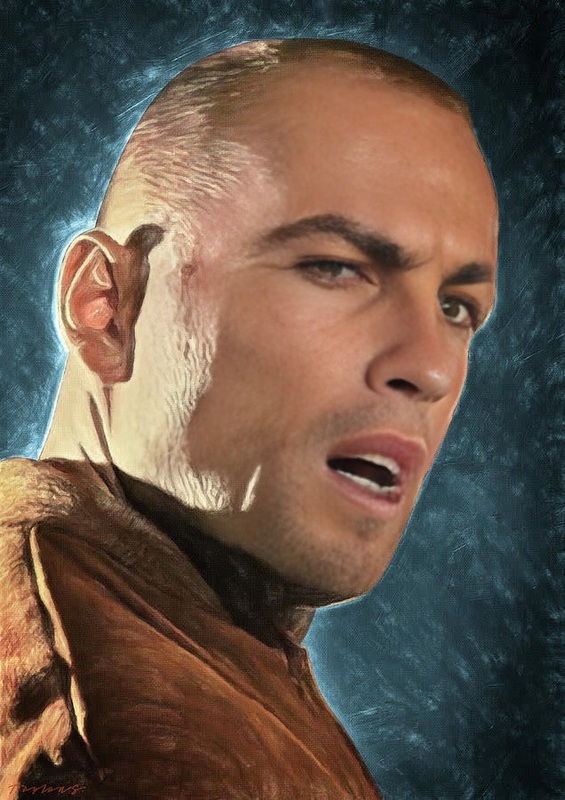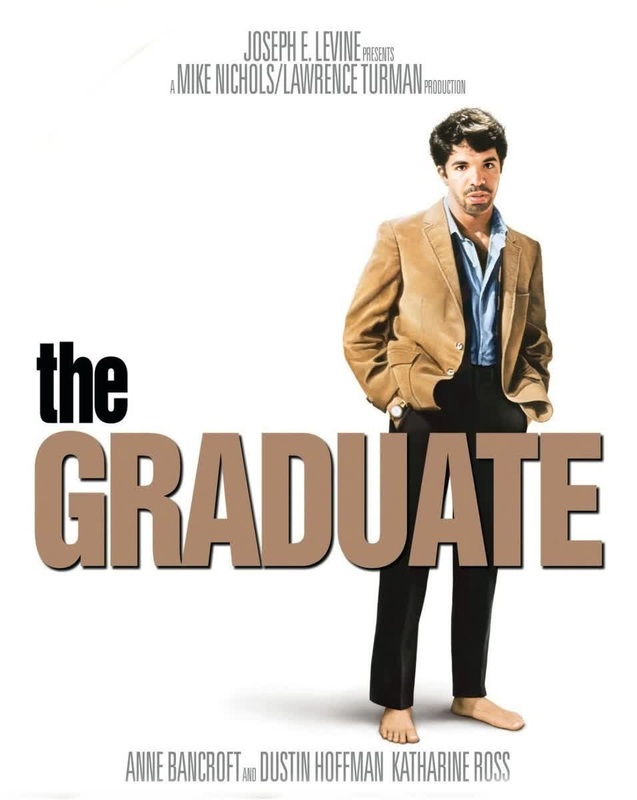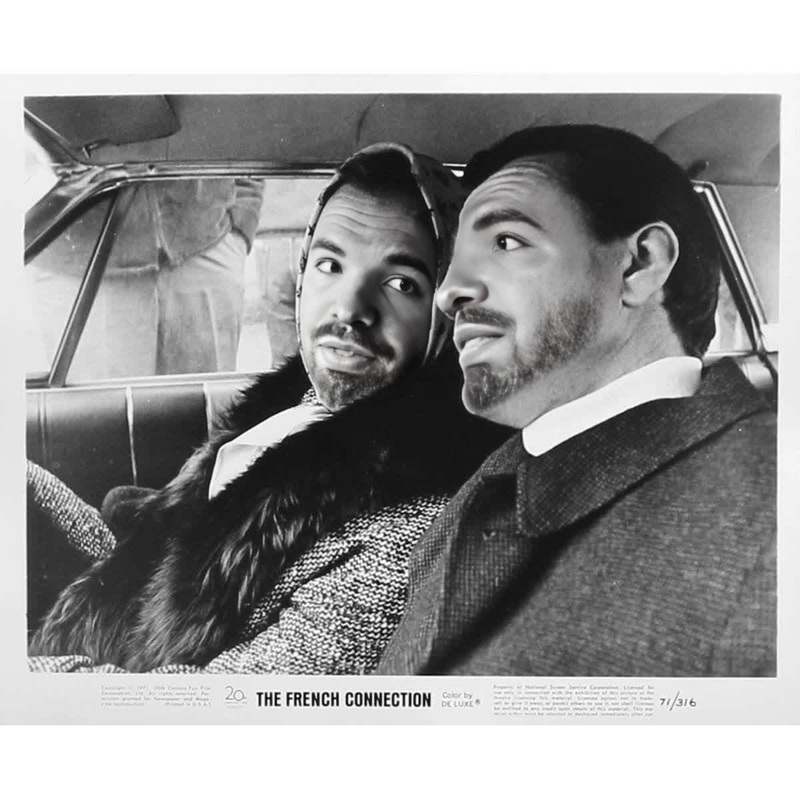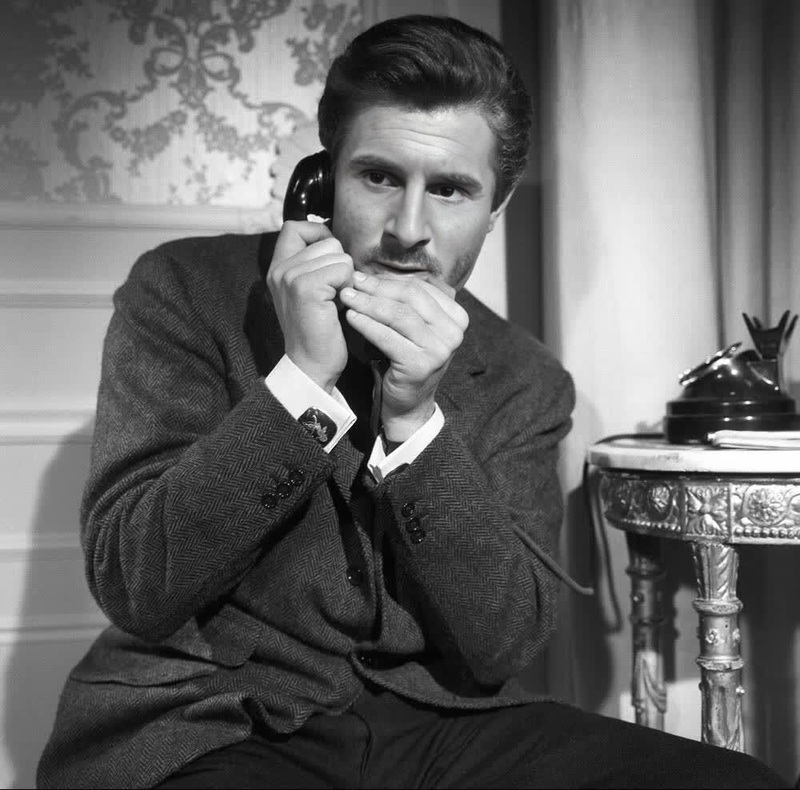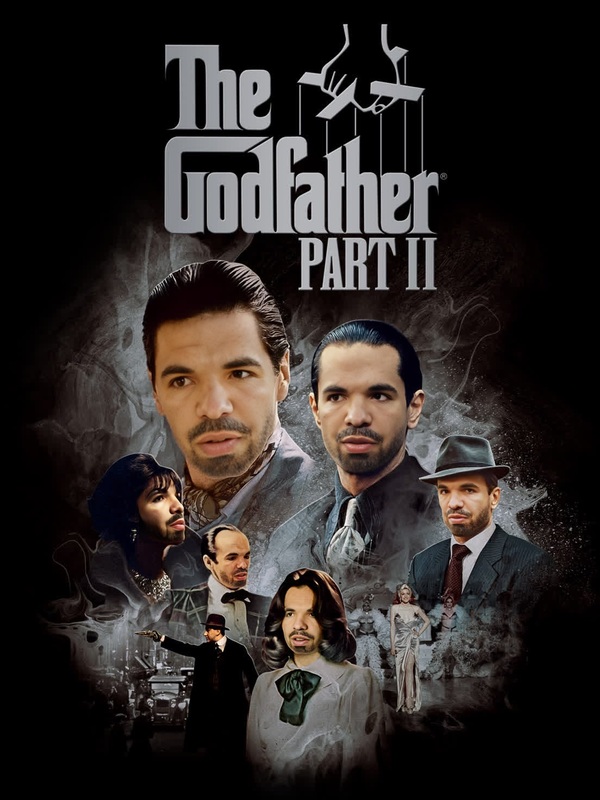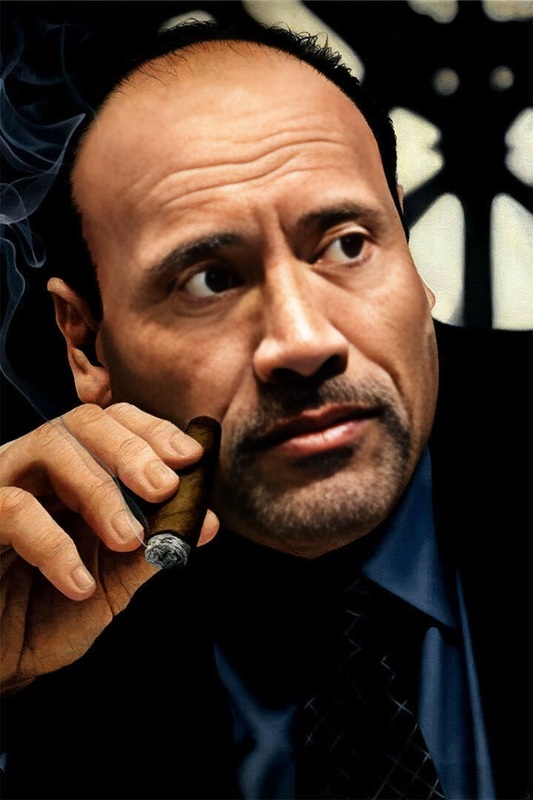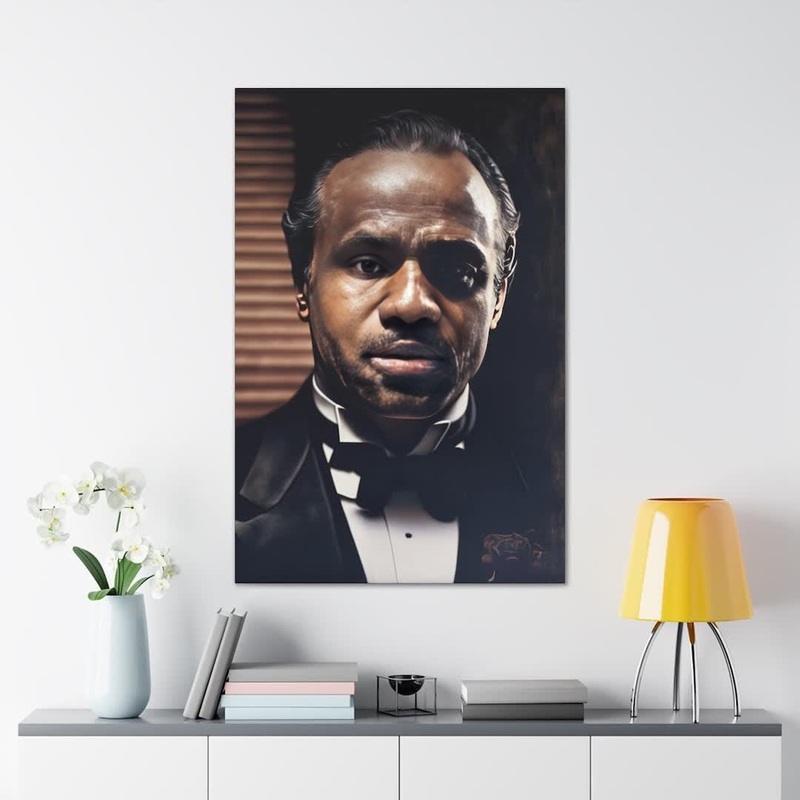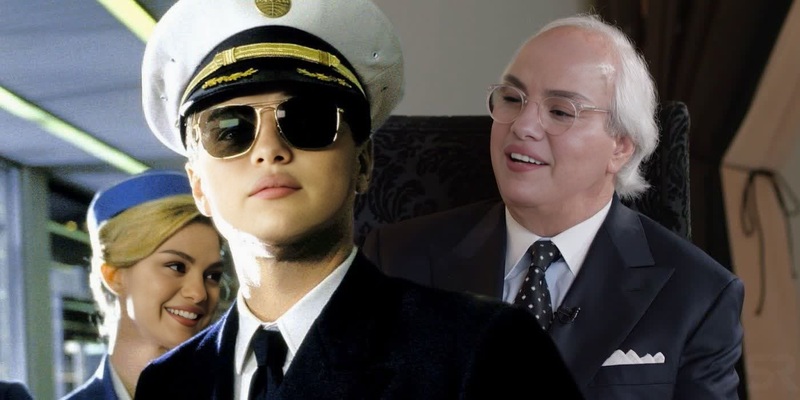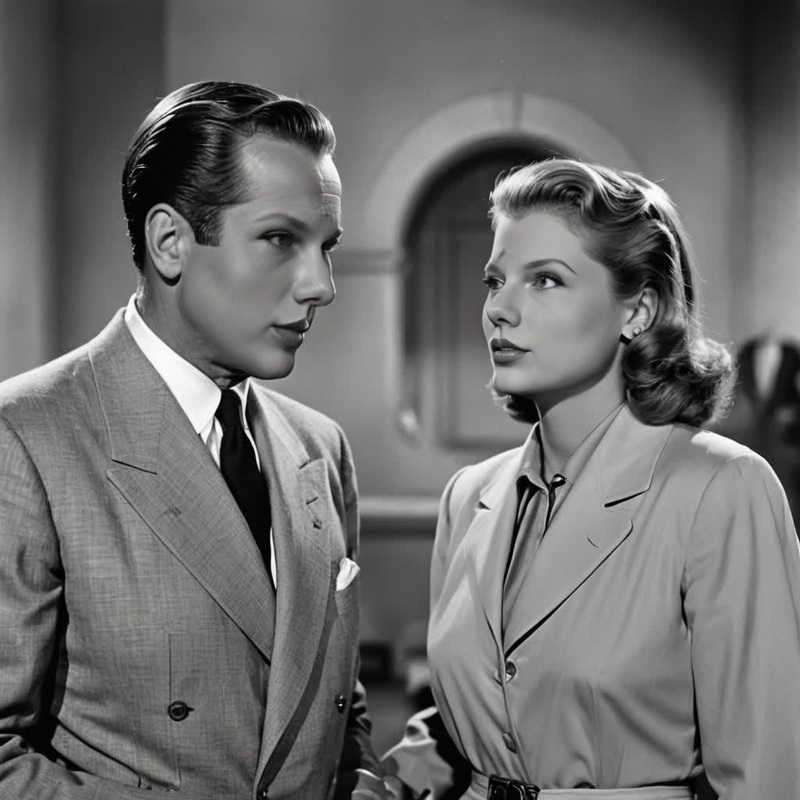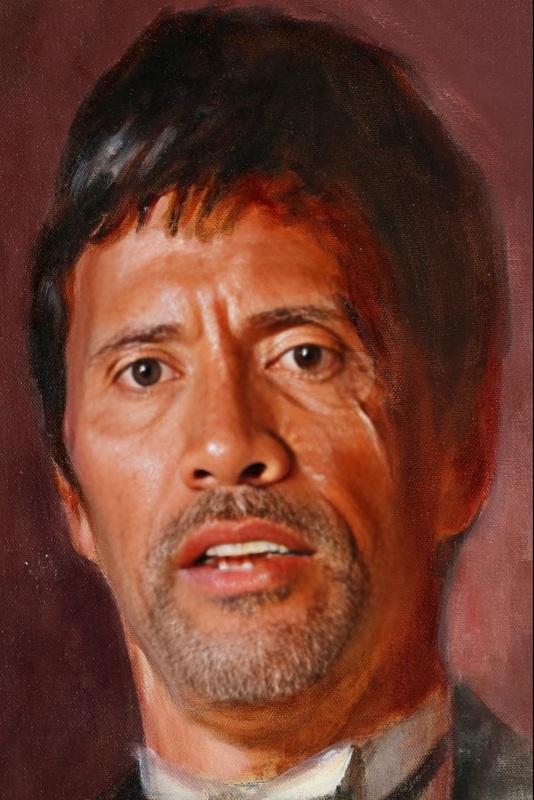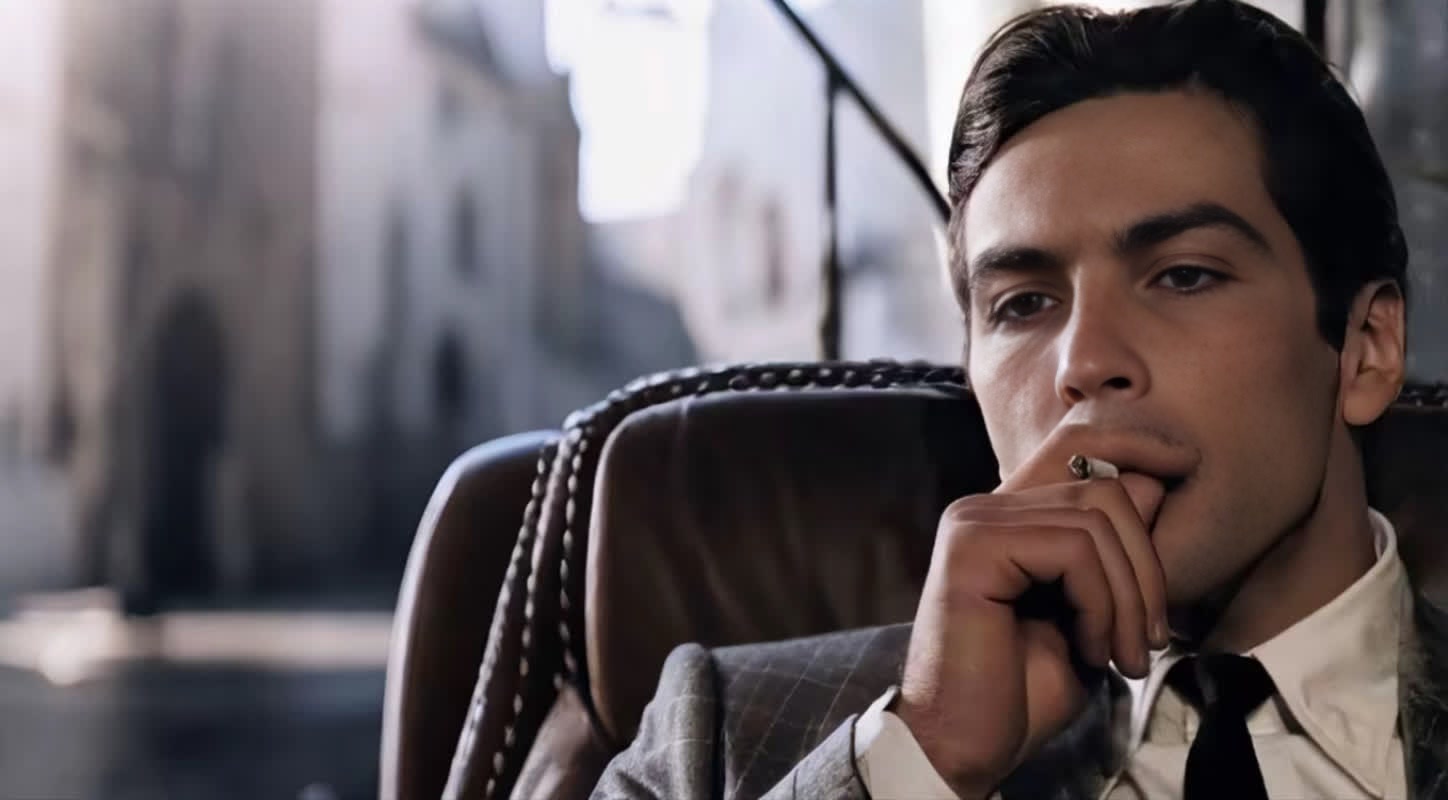
Al Pacino The Godfather Studio Portrait
- Image
- 1448 × 800 px
Any aspect ratio
Overview
Transform yourself into one of cinema's most iconic characters with the Al Pacino The Godfather Studio Portrait video template. This Video Face Swap template is designed to bring the legendary portrayal of Don Vito Corleone to life with stunning realism. Perfect for film enthusiasts and creatives looking to step into the shoes of a Hollywood legend.
What It Does
This template uses advanced face swapping technology to replace faces in your existing video with Al Pacino's from The Godfather. It's crafted to maintain the integrity of the original video footage while ensuring a seamless transformation into this iconic role. Pair this with our Video Face Swap product for the best results.
Who It's For
Designed for both creators and fans, this template is ideal for anyone looking to experiment with video transformations. Whether you're a film buff wanting to recreate classic movie scenes or a content creator crafting unique video experiences, this template provides the tools to achieve that cinematic touch. For related transformations, see our offerings on AI Body Swap.
Summary
Capture the essence of Hollywood's golden era by transforming your video projects with this Al Pacino themed template. The Video Face Swap technology ensures a high-quality output that retains the authentic expressions and ambiance of the original scene. Check out our complete selection of transformation tools including the AI Face Editor for further enhancements.
How to Use
Choose Your Template

Customize Your Inputs

Generate Your Video

Use Cases
Film & Movie Recreation
- Enhance storytelling in film projects
- Recreate memorable dialogues and scenes
Creative Content Production
- Perfect for social media and YouTube content
- Adds a creative flair to ordinary video footage
Marketing & Advertising
- Suitable for themed marketing videos
- Can be used to enhance brand storytelling
Best Practices
Ensure High-Quality Source Footage
Use clear and well-lit videos for the most accurate and realistic face swap results.Interactive Elements
Consider adding interactive prompts within your final video to engage audiences further.Combine Other Tools
Mix this template's output with effects from the AI Video Generator to enhance your project.
FAQs
More Like This