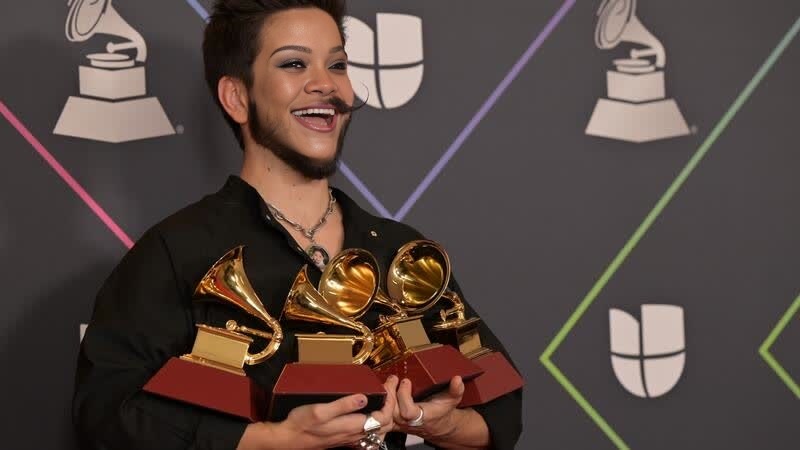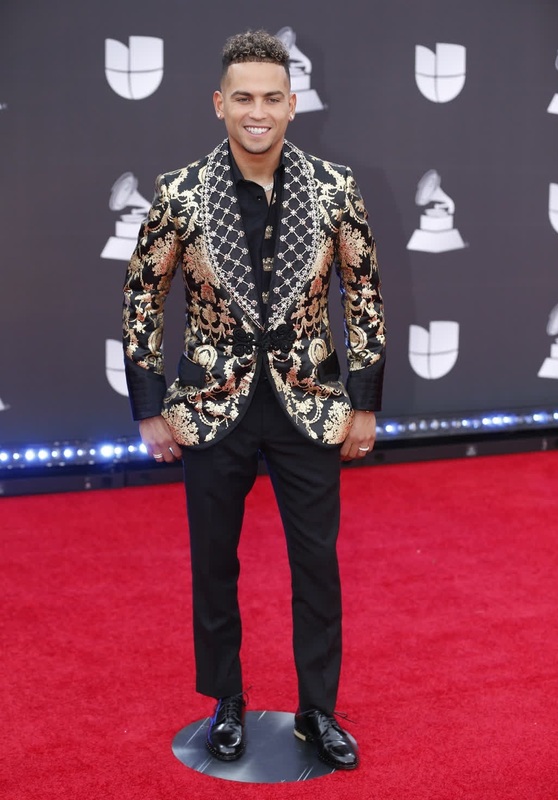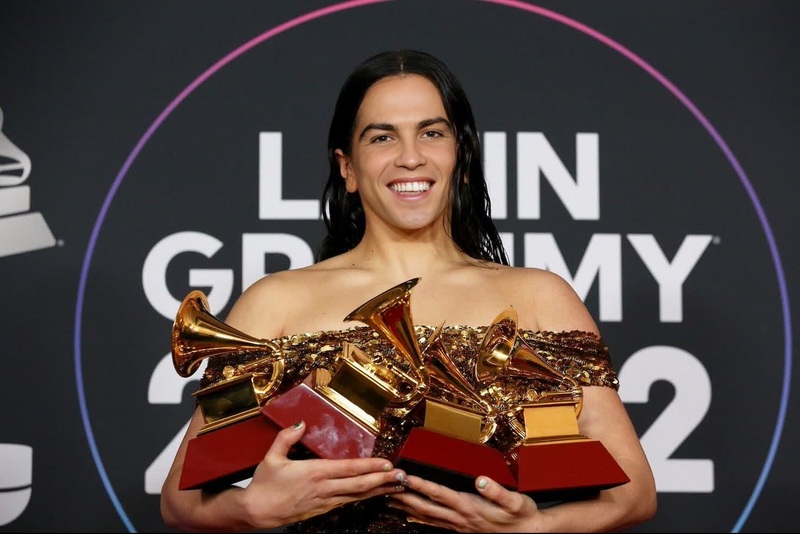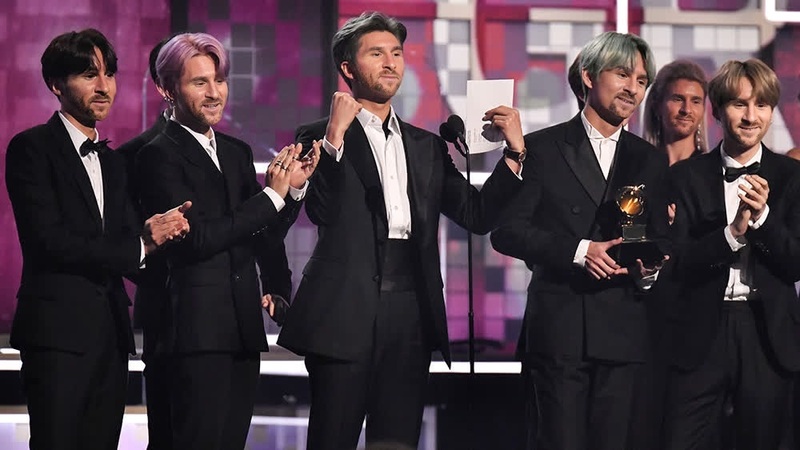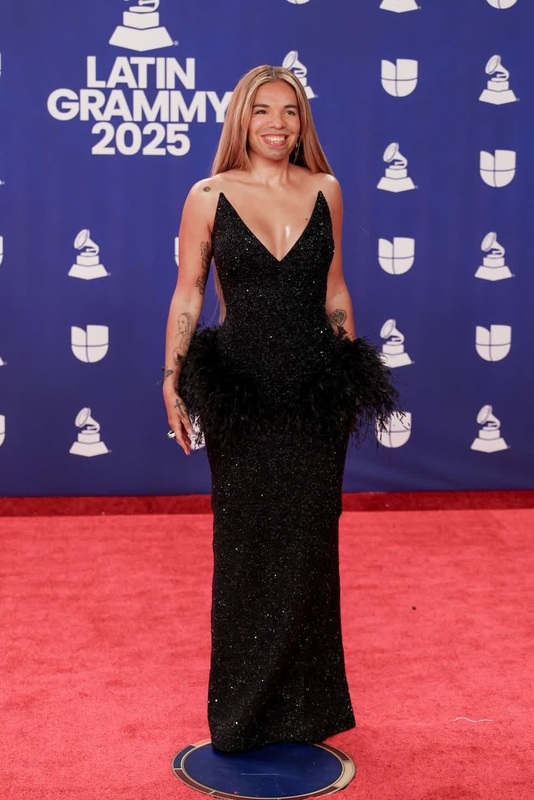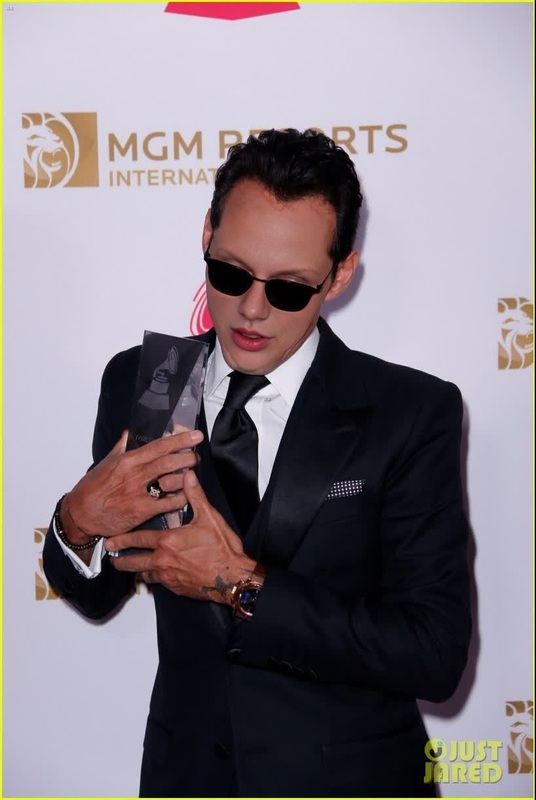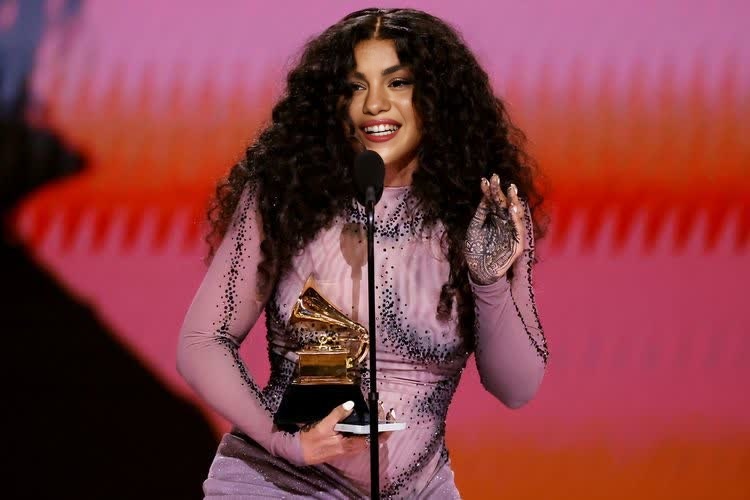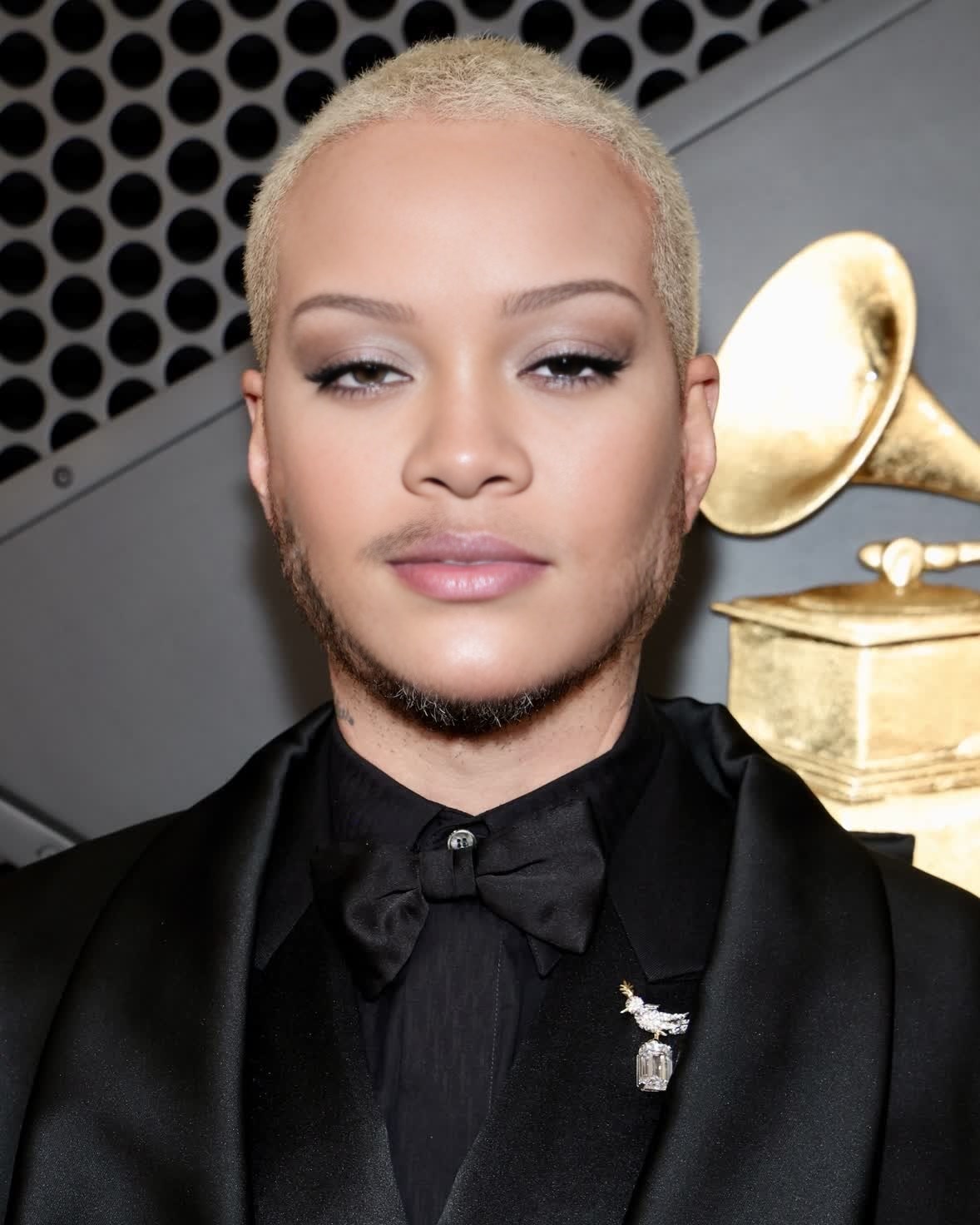
J Balvin Grammy Awards Portrait
- Image
- 1178 × 1472 px
Any aspect ratio
Overview
Dive into the world of creative transformations with the J Balvin Grammy Awards Portrait video face swap template. This tool lets you merge your face into J Balvin's iconic Grammy look, offering a unique way to make your content stand out. Ideal for fans wanting to channel their inner star or creators aiming for a bold statement.
What It Does
The video face swap template superimposes your face onto J Balvin's in his Grammy Awards portrait. Utilizing advanced AI, it retains the original video’s authenticity while blending your features seamlessly over J Balvin's. The result is a high-quality video perfect for sharing on social media.
Enhance your creative ventures with this template. It's part of our broader Video Face Swap offerings on Magic Hour, enabling you to craft personalized video content effortlessly.
Who It's For
This template is designed for influencers, content creators, and J Balvin fans looking to engage their audience with unique video content. It's also perfect for marketers who aim to incorporate trendy celebrity elements into their campaigns, thus increasing engagement rates.
Additionally, educators and event organizers can utilize it for fun, relatable content that captivates learners or attendees, aligning with techniques used in Image to Video transformations.
Summary
The J Balvin Grammy Awards Portrait template is your gateway to creating stunning, personalized video content with a celebrity edge. It's a part of Magic Hour’s dynamic Face Swap suite designed to offer you creative freedom with advanced AI technology.
How-To
Choose the Template

Customize Your Inputs

Generate and Export

Use Cases
Social Media Content
Fan Engagement
Marketing Campaigns
Best Practices
Select a Clear Image
For best results, choose a high-quality, well-lit image of your face to ensure a smooth swap.Adjust Features Carefully
Use the customization tools to align facial features precisely with the template for a natural look.Preview Before Finalizing
Always preview the video before downloading to ensure that the swap aligns correctly.