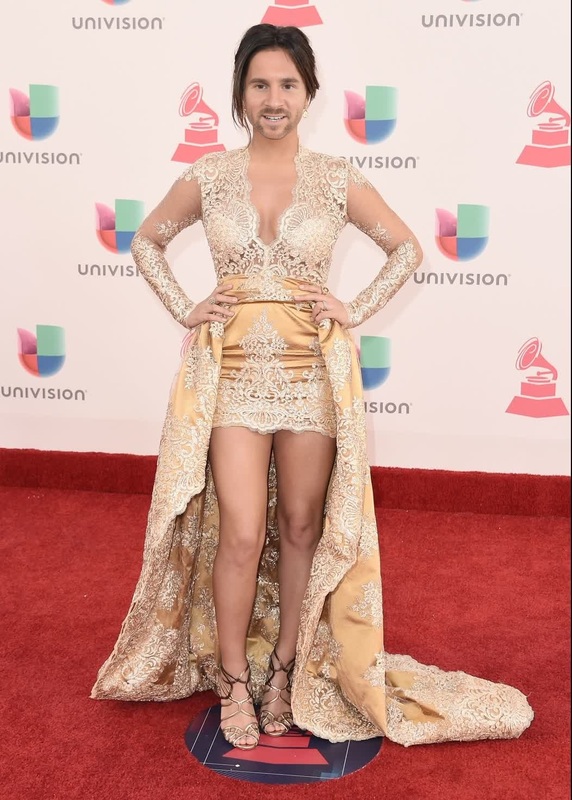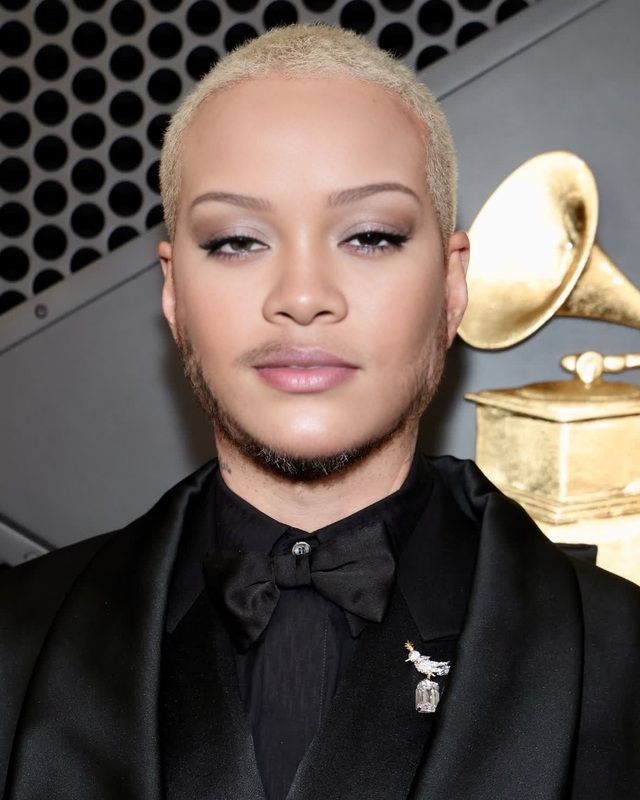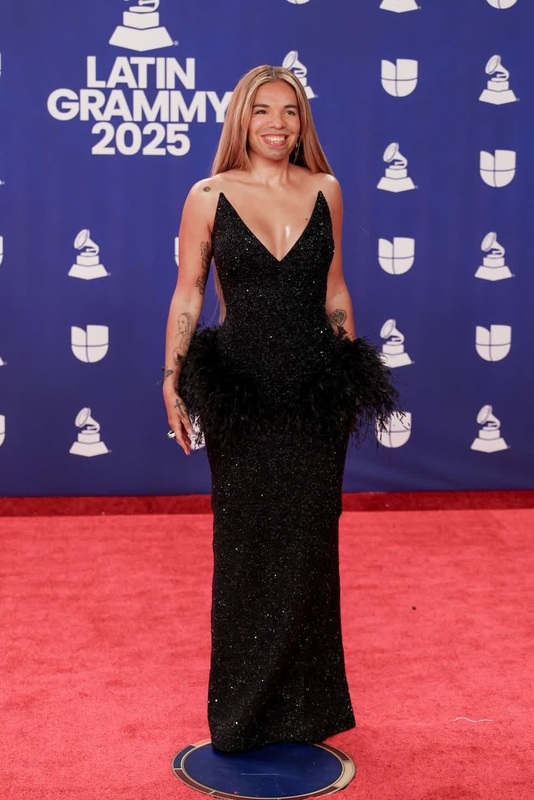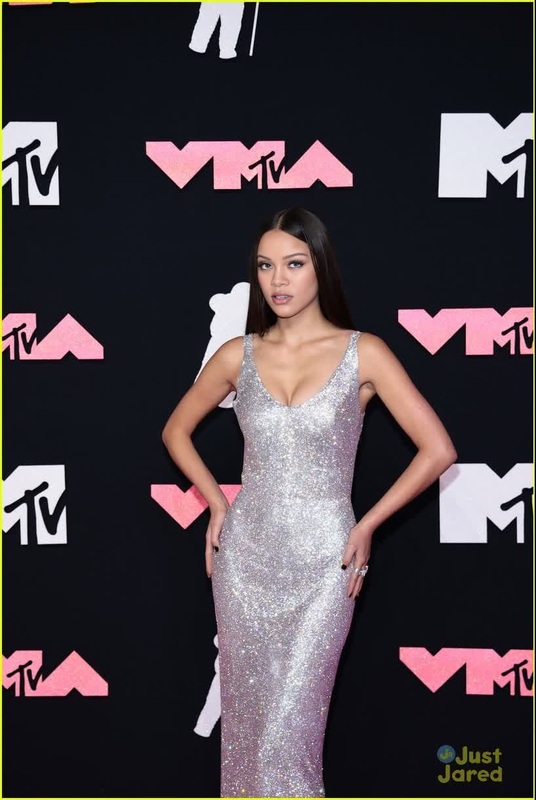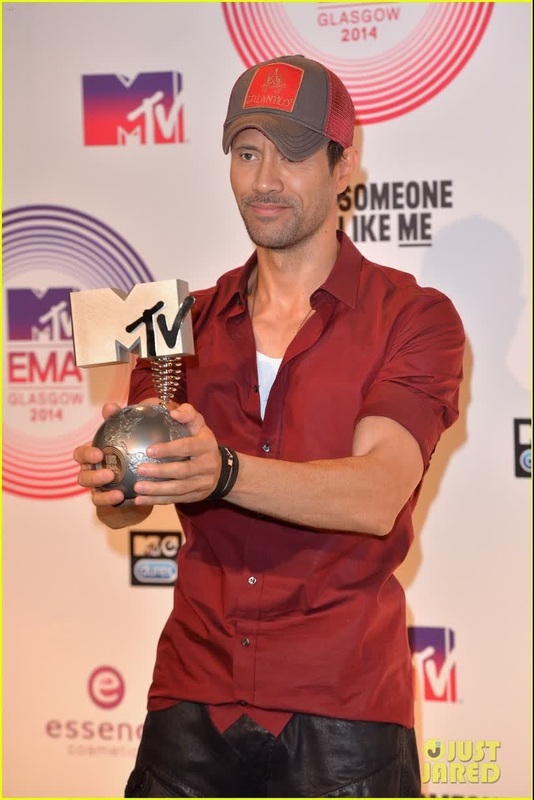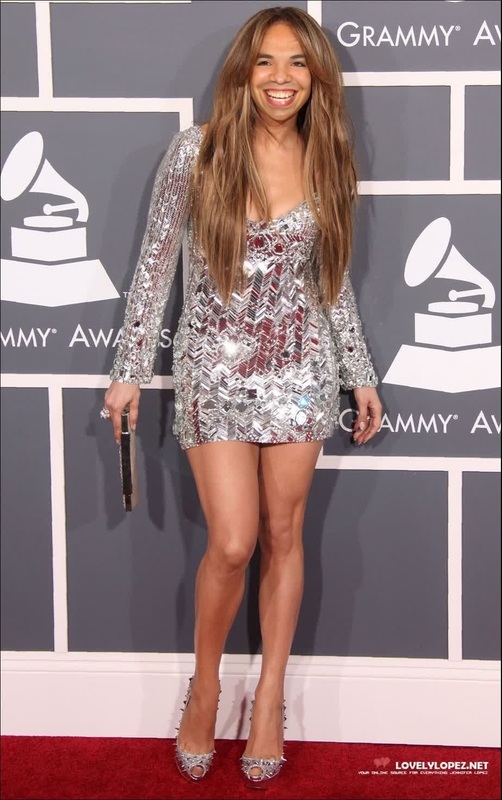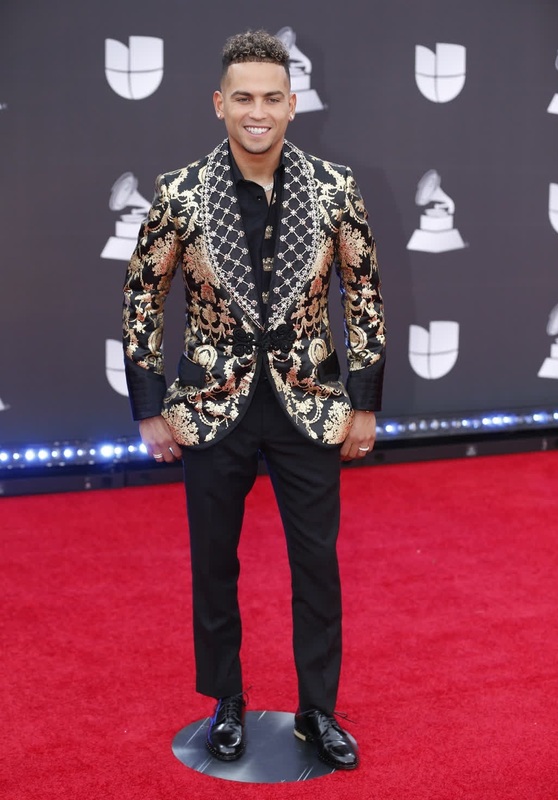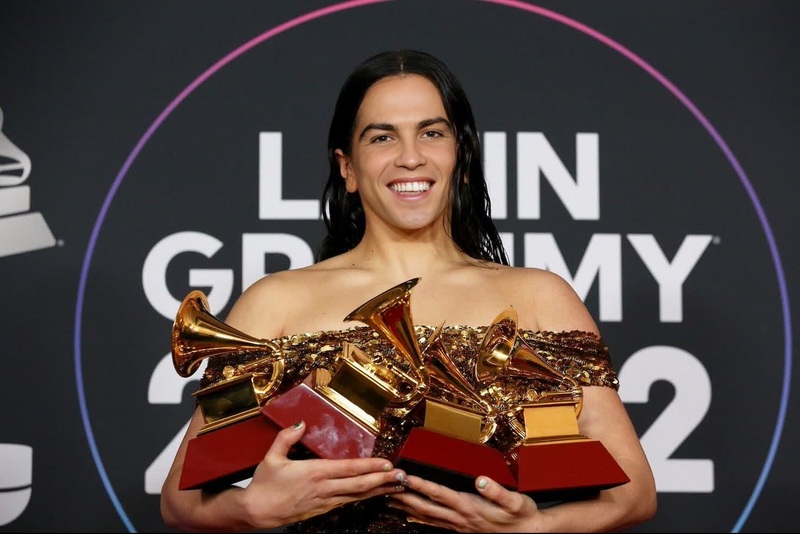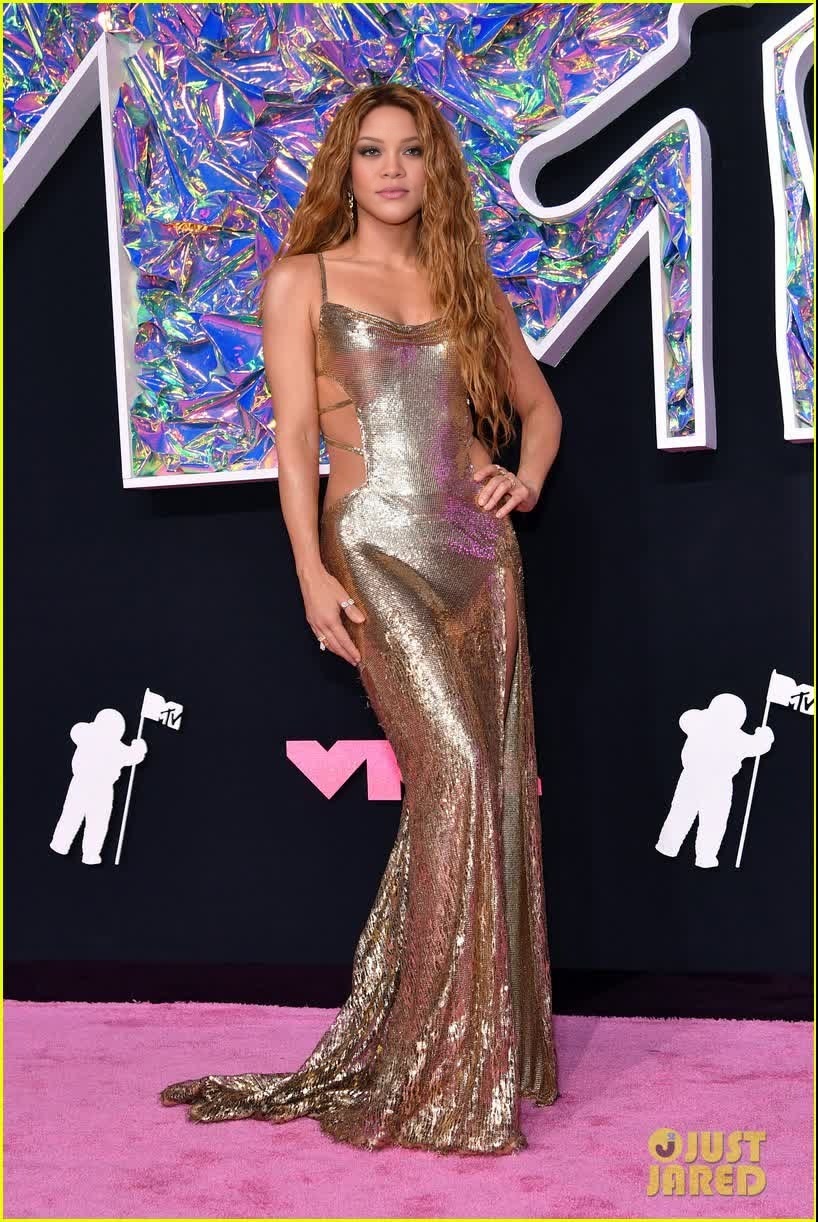
Shakira Mtv Vmas Portrait
- Image
- 818 × 1222 px
Any aspect ratio
Overview
The "Shakira MTV VMAs Portrait" template allows you to dive into the world of celebrity by effortlessly swapping faces with Shakira in a video capturing her iconic performance at the VMAs. This template employs advanced face-swapping technology, integrated with Magic Hour's creative suite, making it a compelling choice for engaging social media content.
What It Does
Using this Video Face Swap technology, the template seamlessly replaces the faces in the original video with your selected input, maintaining the video's original animations and expressions. The output is a video file that preserves action dynamics while enhancing your personal or brand storytelling.
Who It's For
This template is ideal for content creators, social media influencers, and marketers aiming to produce eye-catching video content. It's a playful tool for anyone looking to boost engagement and interaction on platforms like Instagram or TikTok. By using AI Video Generator processes, it caters to both amateur video enthusiasts and professional marketers.
Summary
Overall, the "Shakira MTV VMAs Portrait" template is a powerful asset for those seeking to create personalized, humorous, or promotional content with a celebrity twist. With its user-friendly interface, you can easily customize and generate videos that look professionally edited. Check out our Image to Video features to further enhance your video storytelling capabilities.
How-To
Choose the Template

Customize Your Inputs

Generate the Video

Use Cases
Social Media Boost
- Create posts that are trending and shareable.
- Engage followers with celebrity-themed content.
Event Promotions
- Swap faces for event teasers.
- Enhance attendee engagement.
Marketing Campaigns
- Customize ads with relatable faces.
- Increase brand visibility through entertainment.
Best Practices
Choose High-Resolution Images
For best results, use high-quality images that match the lighting and angle of the original video source.Optimize Lighting
Match face lighting closely between the original video and the upload to ensure a natural swap.Test Different Angles
Try multiple images to find the best fit for dynamic scenes.