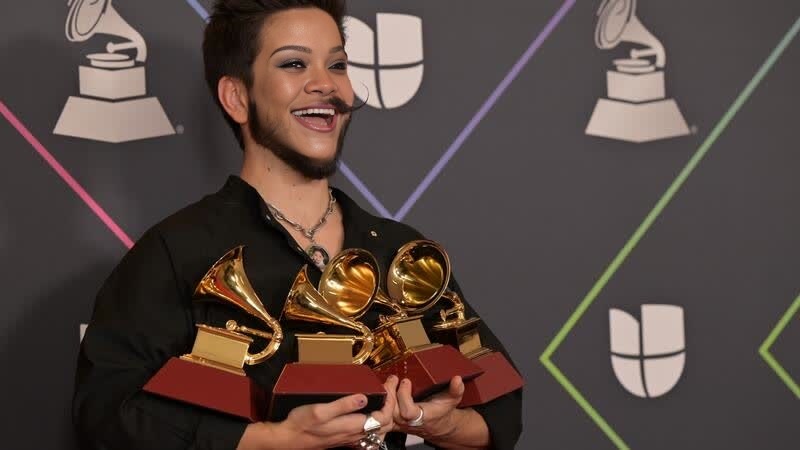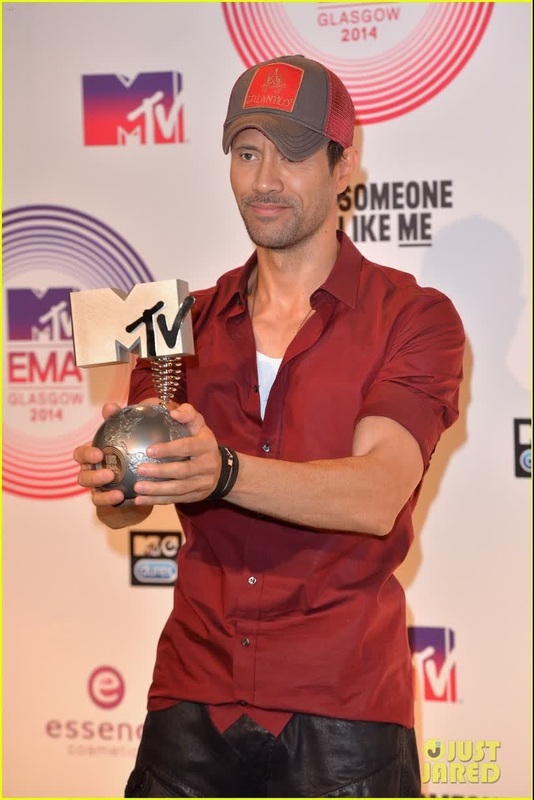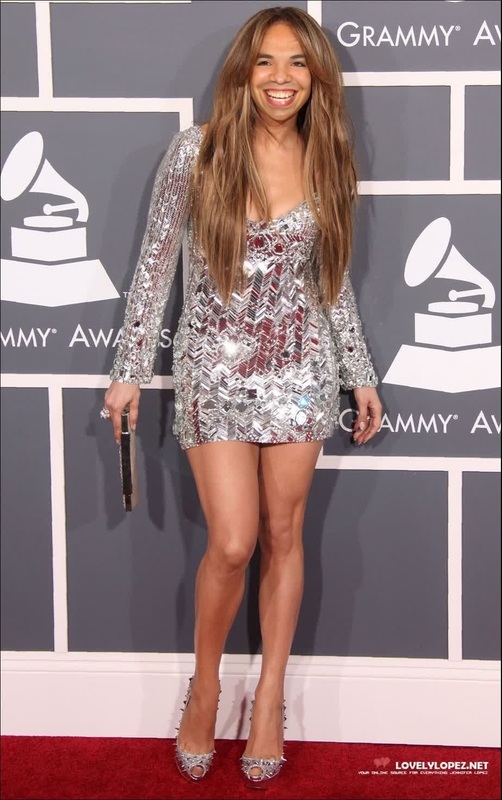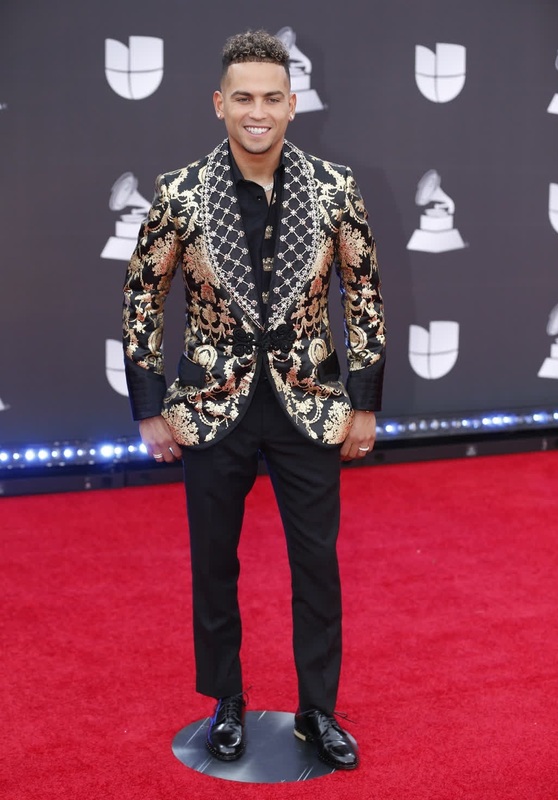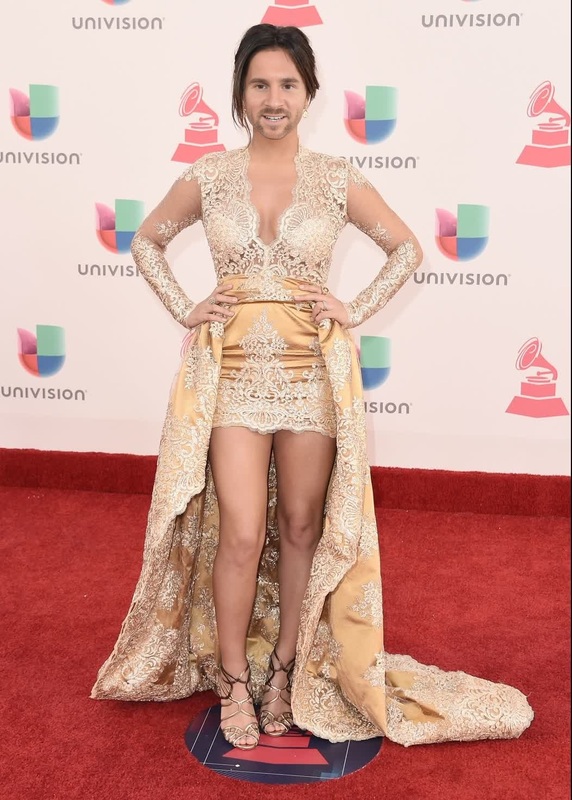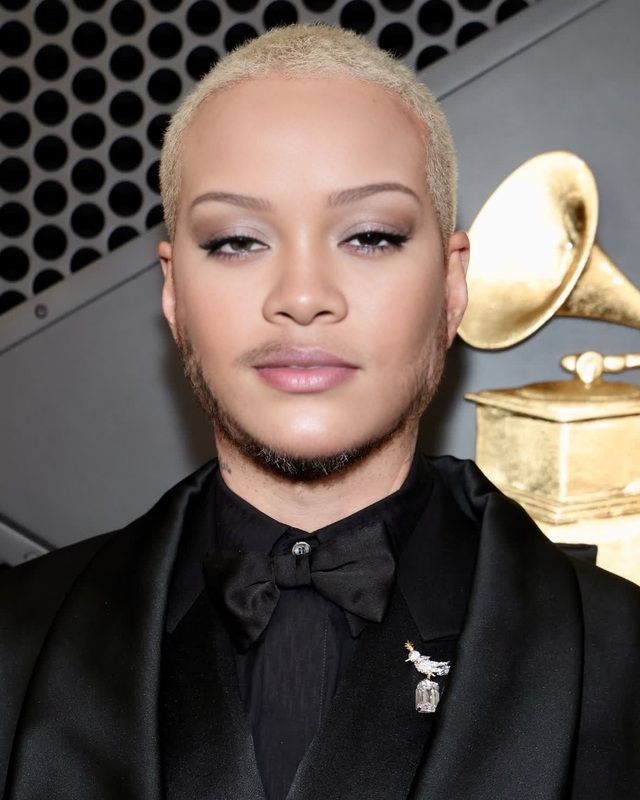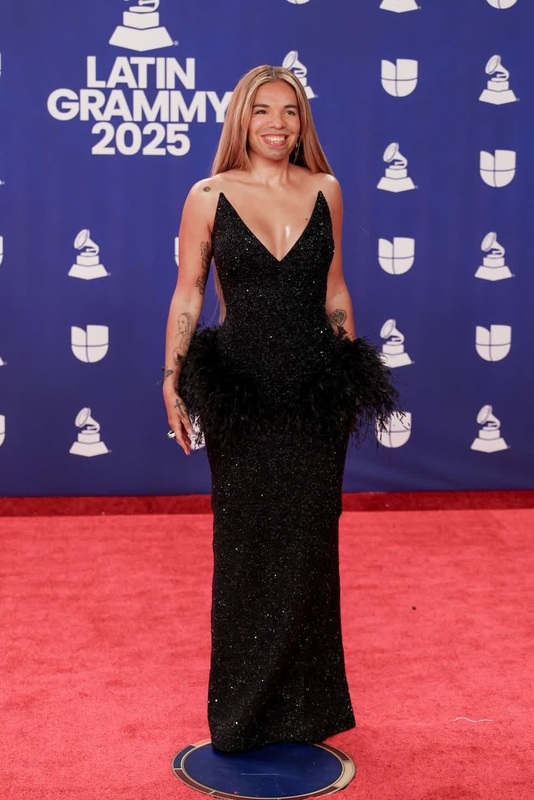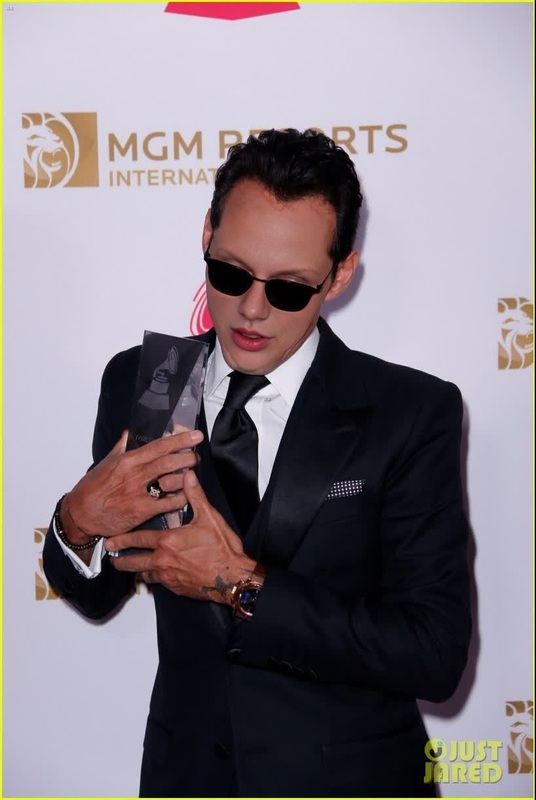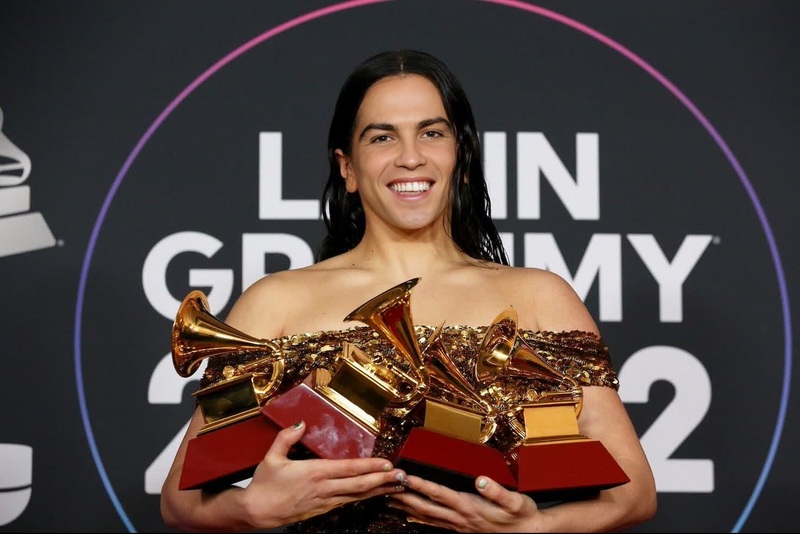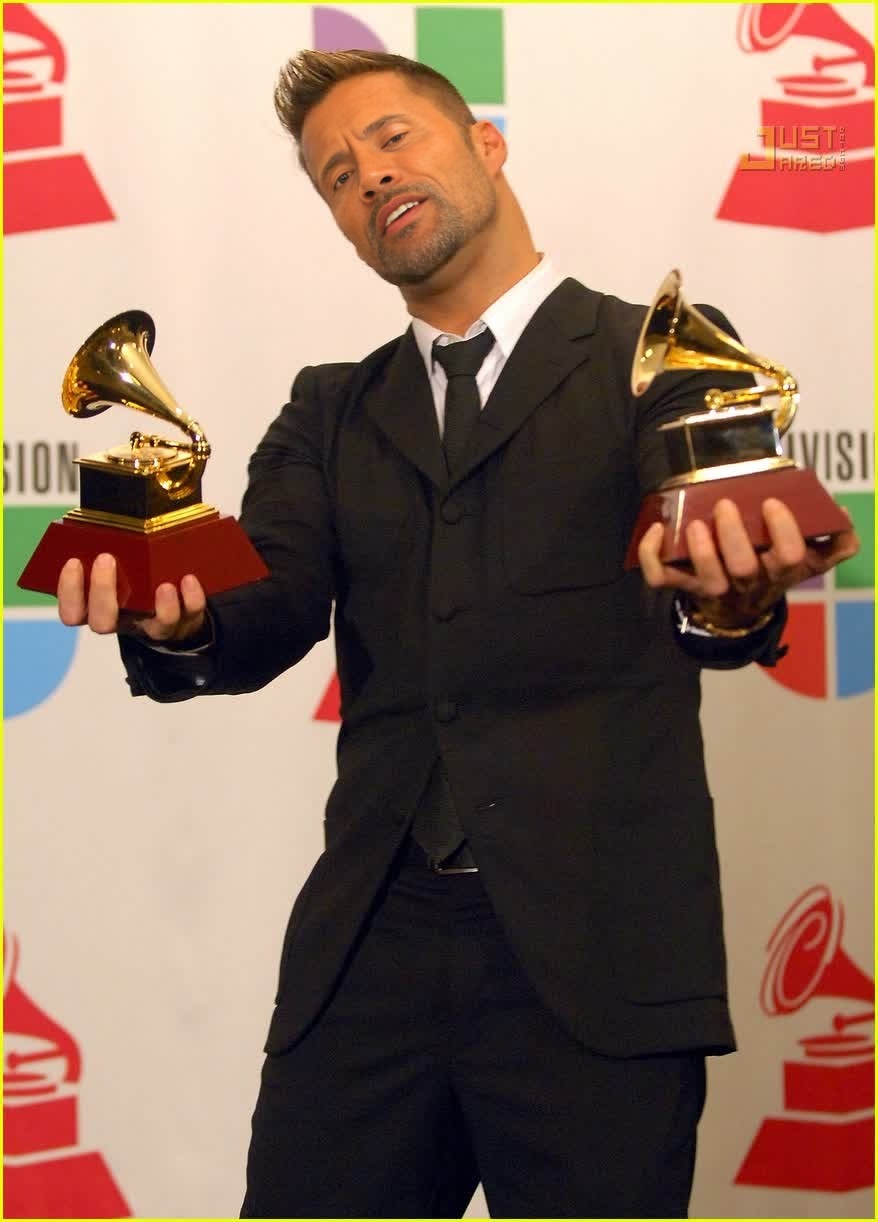
Ricky Martin Latin Grammy Awards Portrait

Ricky Martin Latin Grammy Awards Portrait

face-swap

1 clip
0 uses

Any aspect ratio

Tags

transformations

Turn any video into a high‑impact face swap in minutes. This template is built with Magic Hour’s AI Face Swap technology and is fully remixable—so you can adapt it for ads, UGC, product explainers, social content, or character-driven storytelling without touching a timeline.


What this template does

This template uses AI face swapping to replace the original subject’s face in a video with any face you provide (your own, an actor, a customer avatar, or a fictional character), while preserving:

  • Head movement and body motion
  • Camera angles and lighting
  • Expressions, eye direction, and timing

Under the hood, it uses the same engine as Magic Hour’s Face Swap Video product, so you get production‑quality results without manual compositing, masking, or keyframing.

Typical uses for this template:

  • Ad & UGC testing – Quickly test different presenters or “personas” saying the same script.
  • Localization & personalization – Swap in local faces or personas for different markets while keeping the same master edit.
  • Founders & expert branding – Put yourself into demo videos, explainers, or reels without reshooting everything.
  • Concept & pre‑viz – Prototype casting choices, characters, and creative directions before a full shoot.
  • Content re-use – Turn one strong performance into many variations for different channels or audiences.

How to remix this template in Magic Hour

You can open this template directly in Magic Hour and customize it end‑to‑end. To create your own version:

  1. Open the base Face Swap template
    Go to Face Swap Video. Choose this template from the gallery, or start a new face swap project and load your reference video.

  2. Upload your source video
    Use a clip that has:

    • A clear view of the subject’s face
    • Stable framing (ideally without heavy motion blur)
    • Lighting that broadly matches the face you want to swap in

    Existing content from shoots, screen recordings, talking-head videos, or stock footage all work well.

  3. Add the face you want to swap in
    Upload a face image or select one you’ve already generated or edited in Magic Hour. Strong sources include:

  4. Preview and iterate

    • Generate a preview of the swapped video.
    • If you want a different look, try a different face source—e.g., refine it first with the AI Face Editor or AI Image Editor.
    • Rerun until you’re happy with the identity, style, and consistency.
  5. Polish with complementary tools (optional)
    Before or after face swapping, you can:

  6. Export & deploy

    • Export your final face‑swapped video.
    • Use it directly in paid campaigns, landing pages, socials, product walkthroughs, or personalized outreach.

Advanced remix ideas for creators & teams

You’re not limited to simple one‑to‑one face replacement. This template is designed as a building block for more complex AI pipelines.

1. Turn static images into talking, face‑swapped videos

Combine this template with Magic Hour’s animation tools:

This gives you character-driven explainers, game or DnD storytellers (DnD AI Art Generator), or “AI host” videos from static art.

2. Video-to-video transformations plus face swap

For stylized campaigns and narrative content:

Result: you keep the pacing, blocking, and performance from your original shoot, but the viewer sees a stylized, on-brand character.

3. Multi‑persona testing for marketing & growth

If you’re running experiments for conversion and engagement:

  • Record or source one strong “master” performance.
  • Use this Face Swap template to create variants with:
    • Different demographics (using Gender Swap and AI Face Generator)
    • Different stylistic anchors (e.g., more “corporate”, more “creator”, more “tech”)

Feed these into your growth stack for:

  • A/B tests on landing pages
  • Multivariate ad creative on paid channels
  • Personalized content for specific verticals or ICPs

Because the script and performance stay constant, your experimentation isolates how much the “face of the brand” affects metrics like CTR, watch time, and signups.

4. Character & IP workflows for games, comics, and brands

For studios and IP owners:

This lets you treat “face and identity” as modular assets that you can reuse across trailers, social clips, tutorials, and community content.


Complementary Magic Hour tools to consider

To get the most out of this Face Swap template, many teams combine it with:


Best practices for effective, believable face swaps

To get consistent, production-ready outputs with this template:

  1. Use high-quality identity images

  2. Match lighting and camera angle where possible

    • The closer your identity image is to the original footage in terms of lighting direction and angle, the more natural the result.
    • Use AI Background Generator or AI Interior Design Generator to mock up environments you can visually match in your video shoots.
  3. Respect rights and consent

    • Only swap faces when you have the legal right and appropriate consent to do so (e.g., your own face, licensed actors, synthetic identities you created).
    • Avoid impersonation or misleading usage in sensitive contexts.
  4. Design for your channel


Who this template is for

This Face Swap template is built for:

  • Creators & YouTubers – Scale yourself across channels and languages without new shoots.
  • Performance marketers & growth teams – Rapidly test “who is on camera” without re-producing entire campaigns.
  • Startups & product teams – Create founder-led explainers, demos, and onboarding content at low cost.
  • Studios, agencies & production houses – Add AI-powered variations and concepts on top of traditional shoots.
  • Game, comic & IP builders – Bring fictional characters to life with real motion and expression.

Next steps

  1. Open Face Swap Video.
  2. Load this template or start a new project.
  3. Swap in your own identity, brand persona, or character.
  4. Refine with complementary tools like AI Face Generator, AI Talking Photo, and Lip Sync.

From there, you can turn one strong performance into an entire library of face‑consistent, on‑brand videos—without reshooting, re‑recording, or rebuilding your edit from scratch.

More Like This

Insufficient credits