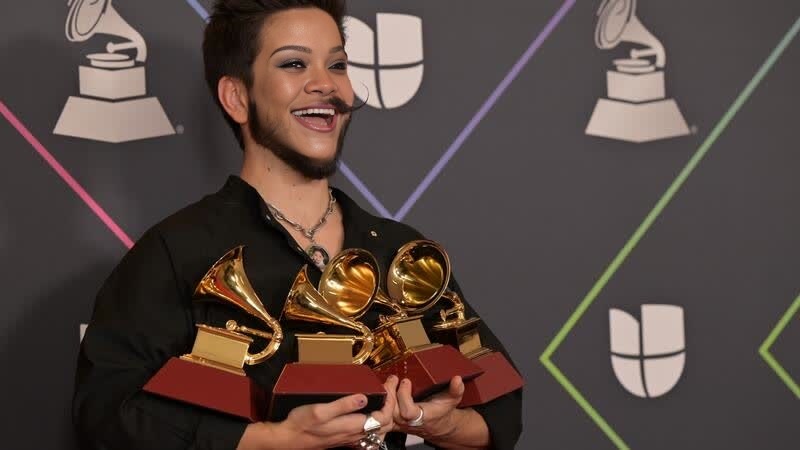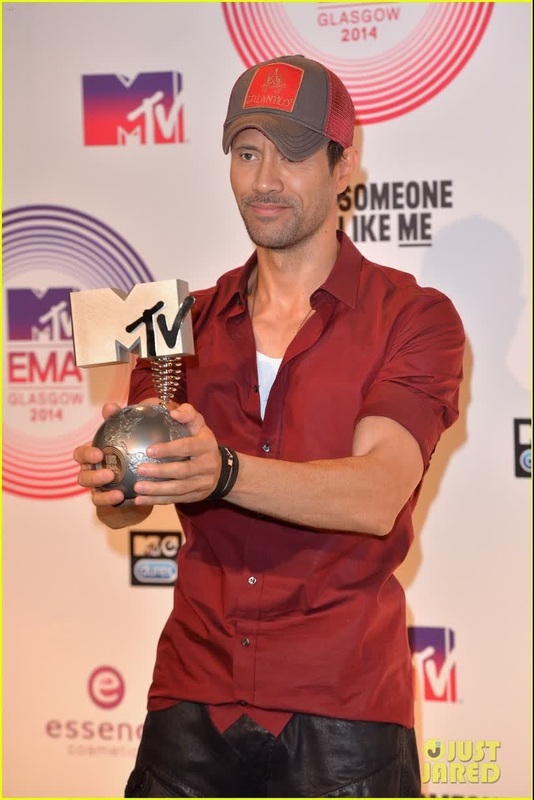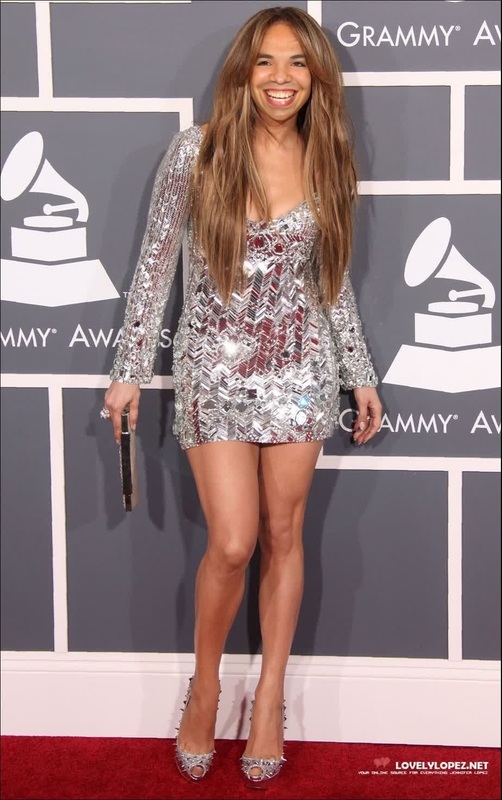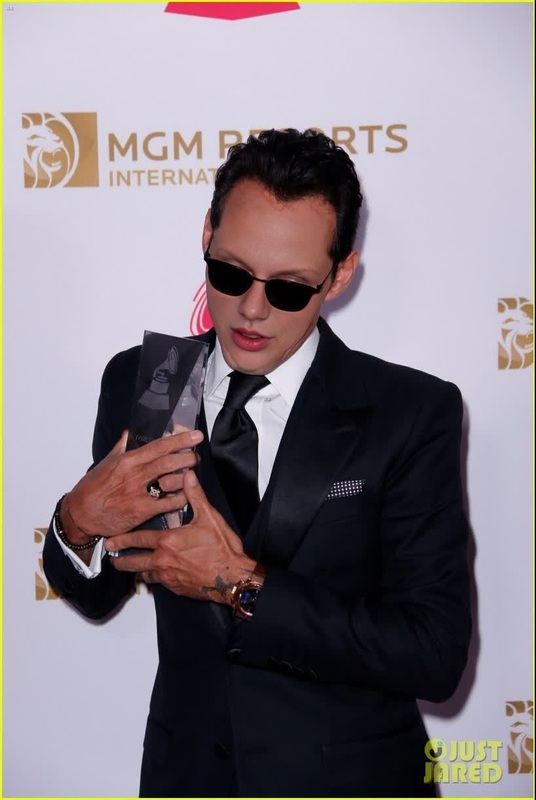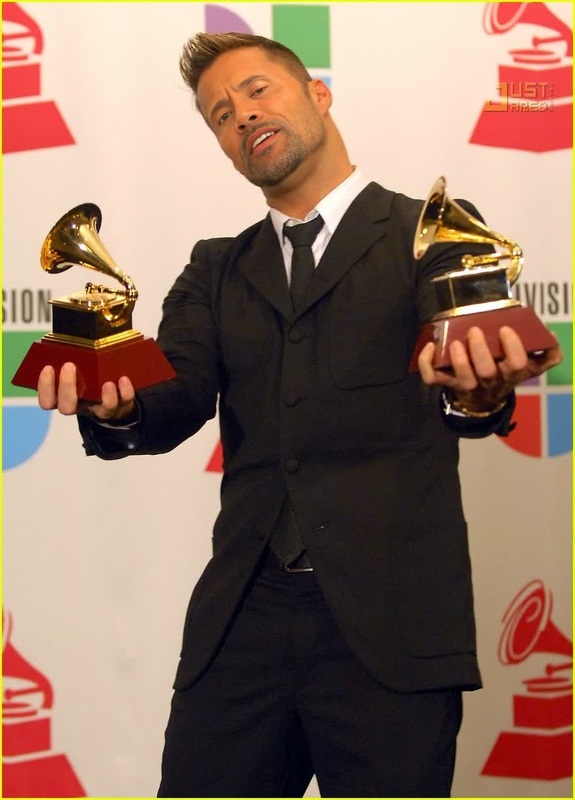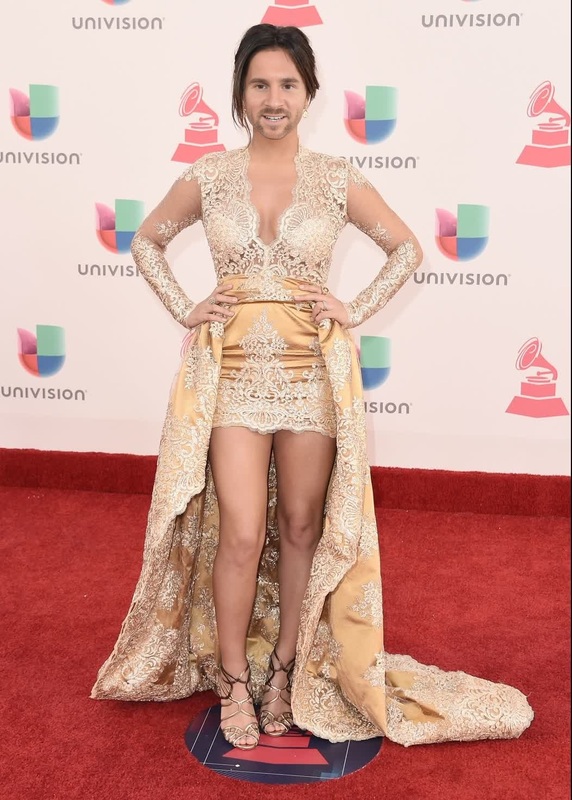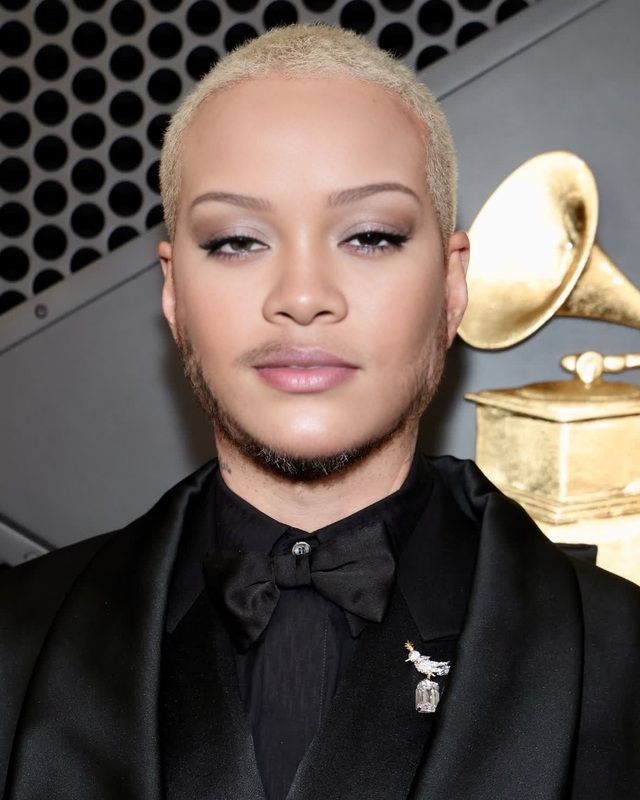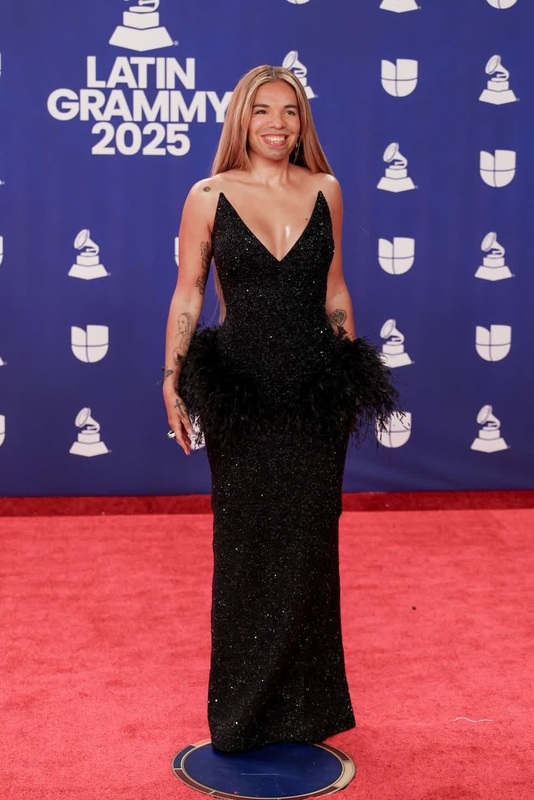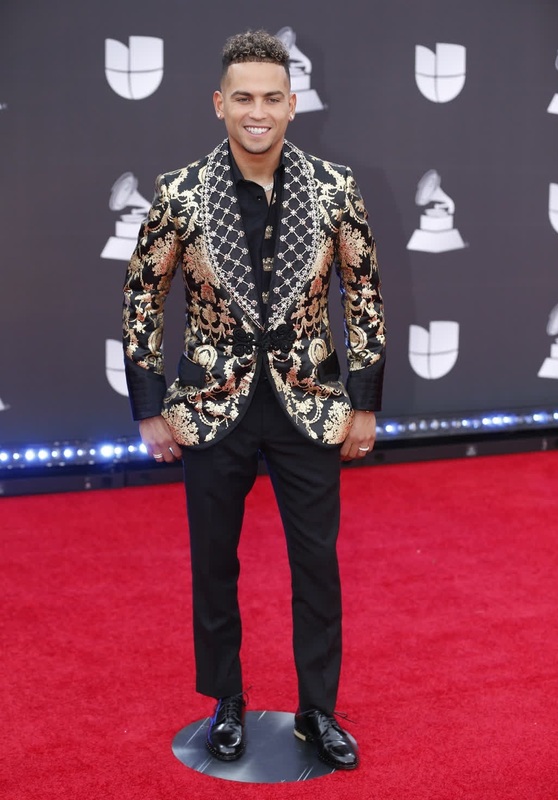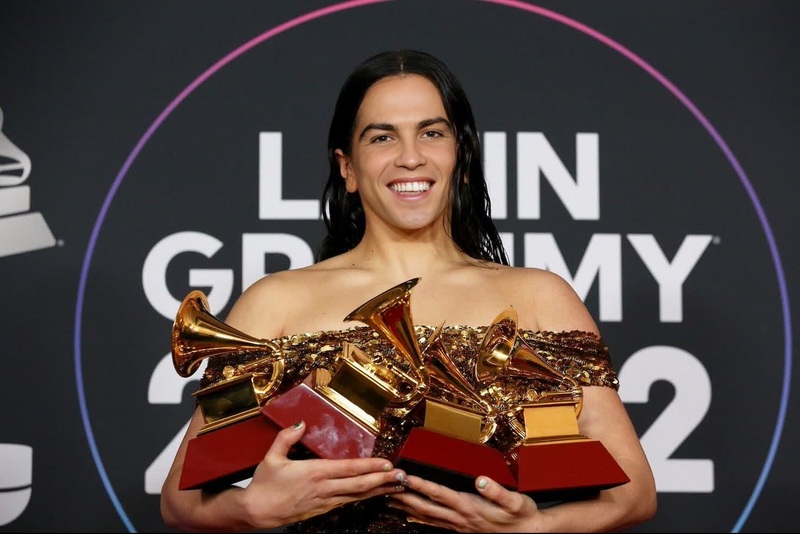
Luis Fonsi Latin Grammy Awards Portrait
face-swap
Any aspect ratio
Tags
transformationsLevel Up Your Content With AI Face Swap Video
Use this Face Swap template to instantly put any face into a video while keeping the original motion, lighting, and expressions. It’s built on Magic Hour’s production‑grade Face Swap technology and is fully remixable — you can swap in your own faces, clips, and creative ideas in a few clicks.
What You Can Do With This Face Swap Template
This template is designed for creators, marketers, and product teams who want realistic, high‑impact video with minimal setup. Common use cases:
- Marketing & UGC ads
- Turn one actor into dozens of “customers” for A/B tests
- Localize creatives by swapping in region‑specific faces
- Creators & influencers
- Insert yourself into trending clips or memes
- Reuse one performance across multiple characters
- Product & startup teams
- Prototype product videos before real shoots
- Generate internal mockups and concept tests
- Entertainment & social
- Create parody or reaction content
- Build characters for series, shorts, or stories
Because this is a template, you don’t start from zero — you remix the structure, pacing, and framing of a tested video and simply swap in your own identity, actors, or characters.
How to Remix This Template in Magic Hour
You can create your own version in minutes by using Face Swap Video. A typical workflow:
Duplicate / remix the template
- Open this template in Magic Hour and start a remix.
- Keep the same timing and edits, or adjust the cut if needed.
Upload or choose your source faces
- Use a clear photo or a frame from an existing video.
- You can reuse the same face across multiple shots or mix multiple people in one video.
Swap faces onto the target video
- Select the target segments (the clips where the face should change).
- Apply the face swap so the new face follows head turns, expressions, and lighting.
Refine visuals with AI tools (optional)
- Use the AI Image Editor or AI Face Editor on stills or thumbnails.
- Clean up backgrounds with the Image Background Remover or AI Remover.
- Upscale frames or key shots with the AI Image Upscaler or upgrade final video quality using the Video Upscaler.
Export & repurpose
- Export for ads, social, landing pages, or internal share.
- Turn hero frames into images or GIFs using the AI GIF Generator.
Because Magic Hour runs in the browser, you don’t need to manage models, GPUs, or pipelines — the template handles the hard part.
Tips for Highly Realistic Face Swaps
For best results with this template:
Use high‑quality face images
- Face should be well lit, front or 3/4 view, without heavy filters.
- Avoid tiny, blurry, or heavily compressed images.
Match expressions & angles
- The closer the expression and angle between your source face and target video, the more natural the result.
- For high‑emotion scenes (laughing, shouting, reacting), upload source images with similar expressions.
Keep consistency across shots
- Use the same source face for all shots of the same “character.”
- If you’re creating multiple personas, name or organize the faces clearly for later reuse.
Consider finishing your project with complementary Magic Hour tools:
- Create matching profile shots with the AI Headshot Generator.
- Generate stylized avatars or characters with the Avatar Generator or AI Character Generator, then bring those styles into your videos.
- If you need fun or stylized versions, experiment with the AI Anime Generator, Disney AI Generator, or Manga Generator.
Advanced: Combine Face Swap With Other Magic Hour Workflows
This template is a powerful starting point, but it becomes much more flexible when you chain it with other Magic Hour products:
1. Face Swap + Lip Sync (Talking Characters & Spokespeople)
Use Lip Sync to animate mouth movements to audio, then apply Face Swap on top:
- Turn a static portrait into a talking spokesperson using AI Talking Photo, then localize the face for different markets.
- Clone your voice with the AI Voice Cloner or generate script audio with the AI Voice Generator, sync it with Lip Sync, and finally swap faces for variants.
2. Face Swap + Video‑to‑Video (Style & Motion Control)
With Video to Video, you can restyle your base footage, then maintain identity via Face Swap:
- Transform a live‑action clip into a stylized animation while preserving motion.
- Use the Image‑to‑Video tool to turn a still into a moving shot, then swap the face on top to keep identity consistent.
3. Face Swap + Animation (Characters & Series)
Use Animation to generate character‑driven clips and then:
- Maintain the same “actor” across multiple animated episodes by reusing a single face profile.
- Combine with the Animated Characters Generator or AI Art Generator to design unique characters, then apply consistent faces to them.
Related Magic Hour Tools for Face‑Centric Content
If you’re building a full creative pipeline around this template, these tools can be useful:
Identity & faces
- Face Swap – core face‑swapping capabilities.
- Face Swap GIF – create loopable, shareable GIFs.
- AI Face Generator – generate synthetic faces at scale for testing or creative concepts.
- Gender Swap – experiment with gender presentation for characters or concepts.
- AI Selfie Generator – create social‑ready selfies that match your swapped faces.
Visual design & branding
- AI Logo Generator for branding around your characters or series.
- Book Cover Generator and Album Cover Generator for packaging content around your swapped‑face characters.
- Thumbnail Maker to design high‑CTR thumbnails featuring your swapped faces.
Quality, cleanup, and restoration
- Unblur Image and Old Photo Restoration to rescue older faces and source images.
- Remove Object From Photo and Watermark Remover for cleanup (only on content you own or have rights to).
- Photo Colorizer to modernize black‑and‑white portraits before using them as source faces.
Text, voice & video
- Text‑to‑Video for generating base scenes, then swapping in your preferred faces.
- Auto Subtitle Generator to add on‑brand captions to your final swapped‑face videos.
- AI Voice Changer to align the voice with the identity you see on screen.
Practical Ideas: How Teams Are Using This Template
Teams typically use this Face Swap template as a repeatable building block:
Performance marketing
- Produce multiple “customer story” variants from a single base video.
- Create localized spokespersons for different regions without reshoots.
Content creators & media
- Test character concepts quickly by dropping different faces into the same scene.
- Create recurring characters that appear in short‑form content, then tie them into longer‑form series.
Product & UX teams
- Prototype onboarding or tutorial flows with realistic but synthetic personas.
- Generate internal concept videos for stakeholders before committing to production.
You can maintain a library of faces (real or synthetic) and repeatedly apply them to this template and others across Magic Hour for consistent, on‑brand content.
Getting Started
To create your own version:
- Open this template in Magic Hour.
- Click through to Face Swap Video.
- Remix with your own faces, footage, and brand elements.
- Optionally chain into Lip Sync, Video to Video, or Animation for more advanced workflows.
Use this template as your base “face swap rig,” and iterate quickly: new faces, new scripts, same proven structure.