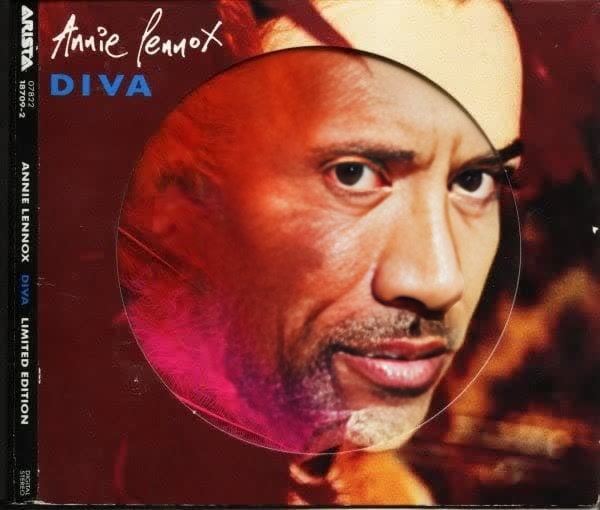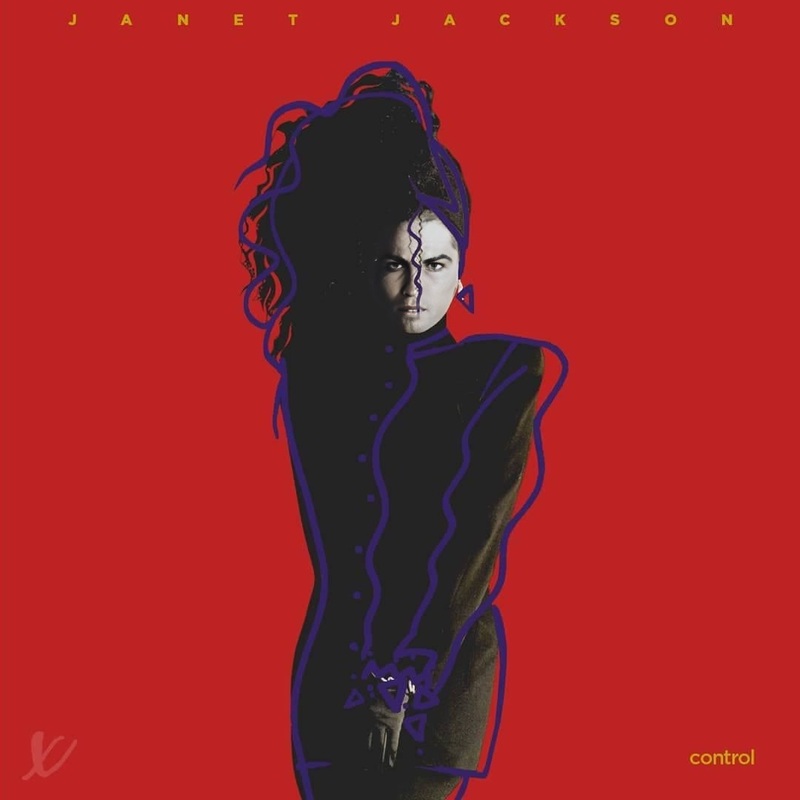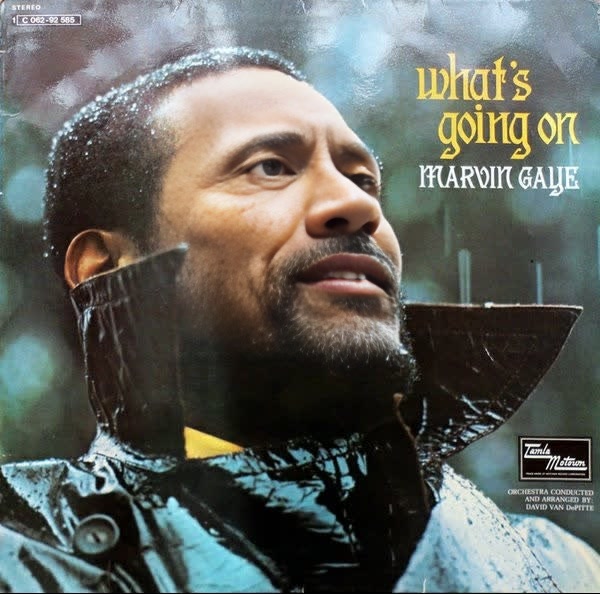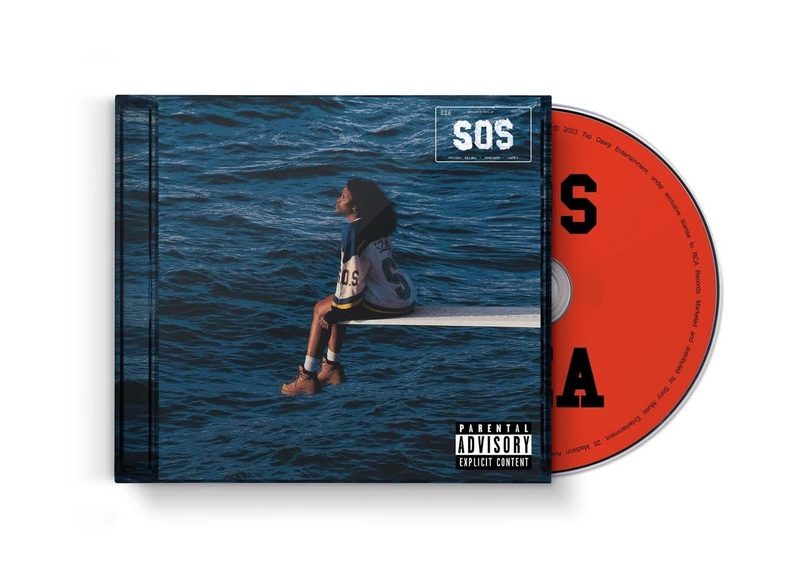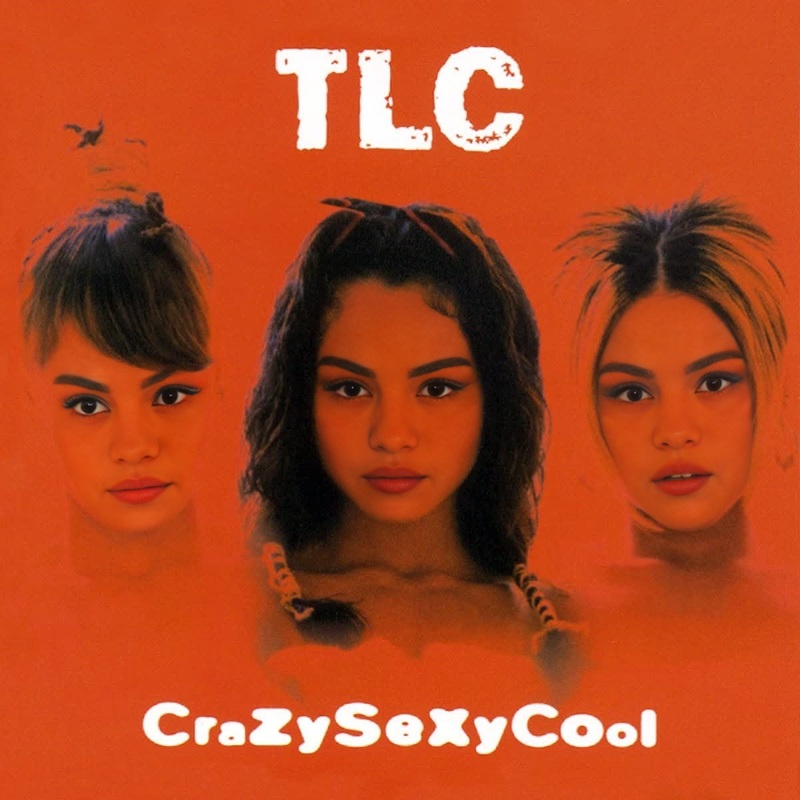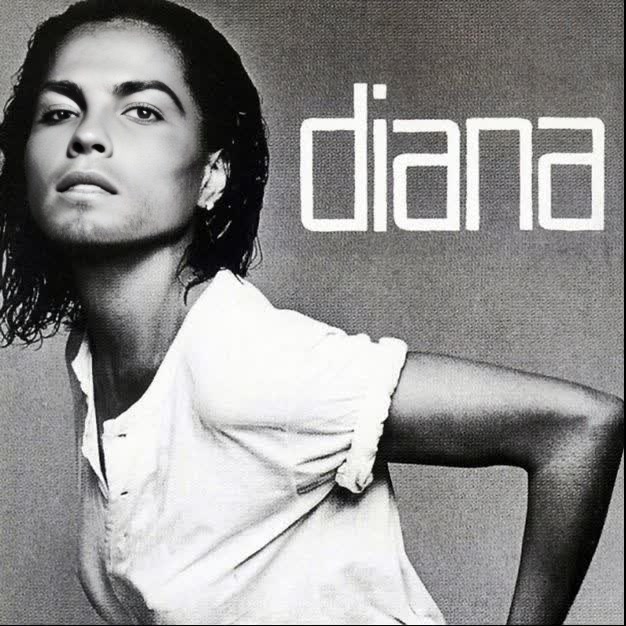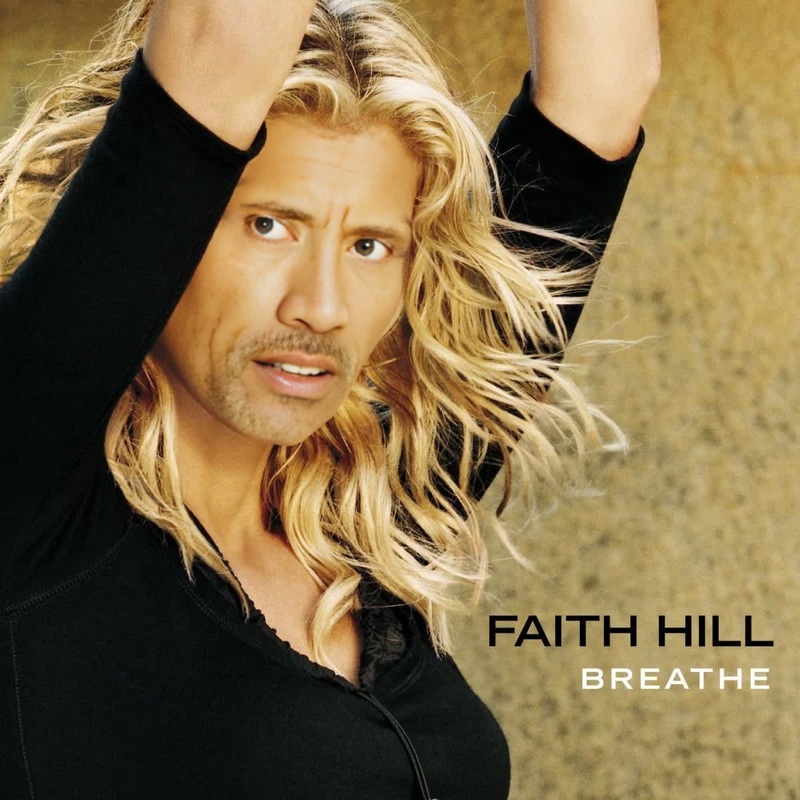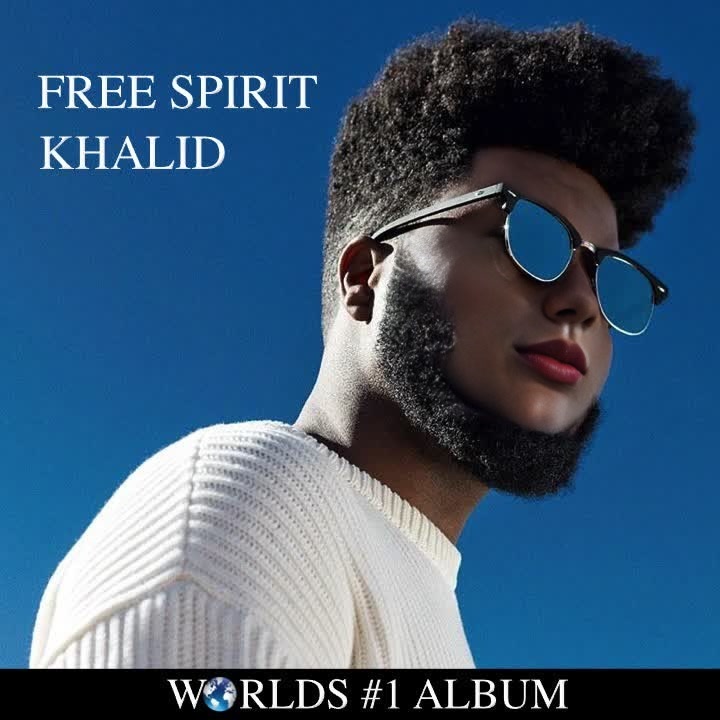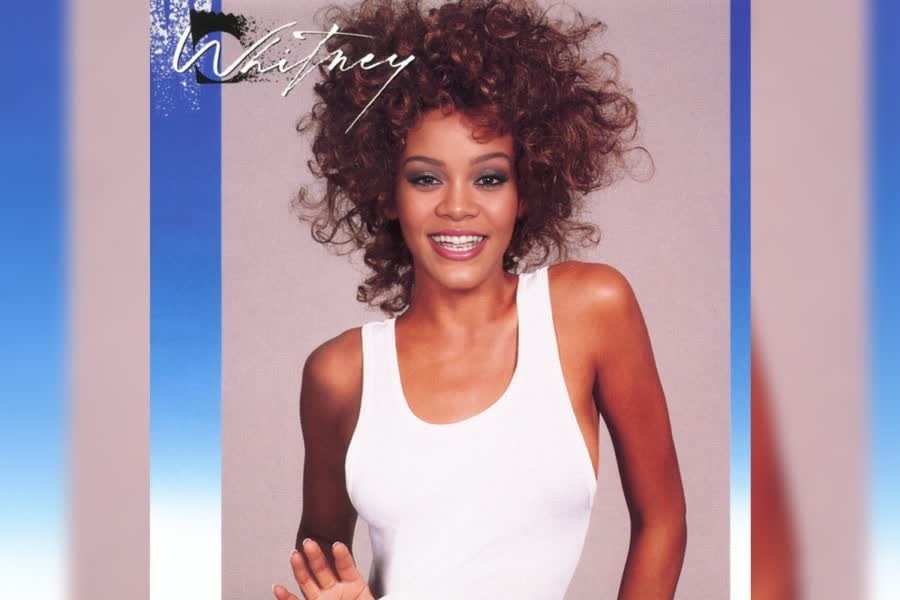
Whitney Houston Whitney Album Cover Portrait
- Image
- 900 × 600 px
Any aspect ratio
Overview
The Whitney Houston Whitney Album Cover Portrait is a specialized video face swap template designed for creative video transformations. It allows users to swap faces with the iconic image from Whitney Houston's famous album cover. This visual template caters to music enthusiasts and video creators who want to bring a personalized touch to famous images.
What It Does
This template facilitates video face swaps, enabling users to replace a face in the Whitney Houston album cover portrait with their own or another image. By leveraging the Face Swap technology, users can create visually striking and unique content. The output is delivered in standard video formats compatible with most editing softwares.
Who It's For
The Whitney Album Cover Portrait template is ideal for video creators, social media influencers, and music lovers. Whether you're creating a tribute, engaging followers on social platforms, or creating personalized video messages, this template provides endless creative possibilities.
Summary
Embrace your creative side with the Whitney Houston Album Cover video face swap template. Whether you're a video editor, a music fan, or a social media influencer, this template helps you create attention-grabbing content effortlessly. Utilize related tools like AI Video Generator and Head Swap to enhance your creative projects.
How to Use the Template
Choose the Template

Customize Your Input

Generate the Video

Use Cases
Social Media Engagement
- Customization of user-generated content
- Viral challenges
Music Video Tributes
- Personalized fan content
- Celebrating music icons
Event Promotions
- Unique event announcements
- Charity gala promos
Best Practices
Choose High-Quality Images
For best results, use high-resolution images to ensure clarity in the face swap.Consider Lighting and Angles
Ensure that the lighting and facial angle of the uploaded image matches the original for a seamless swap.Edit Mindfully
After generating the video, consider using the AI Image Editor to make fine adjustments and enhance the final video quality.