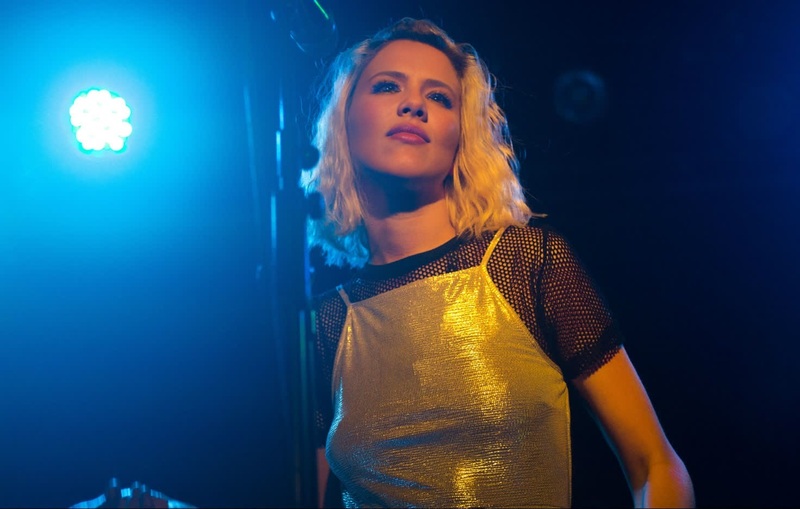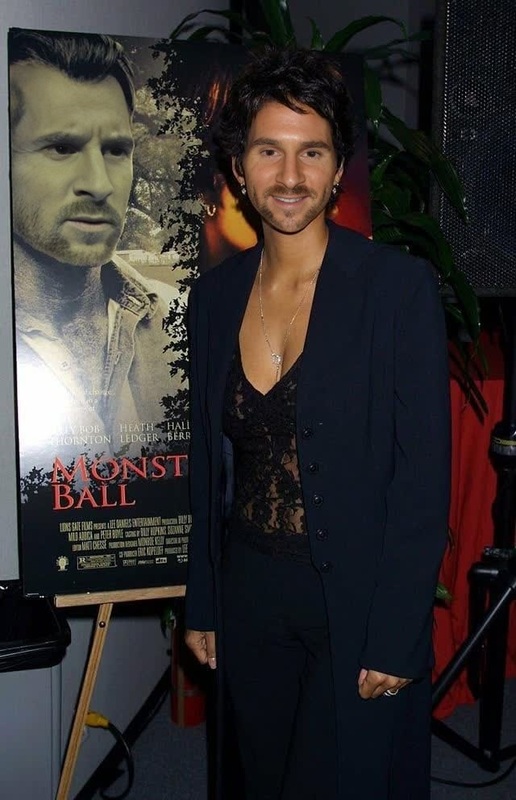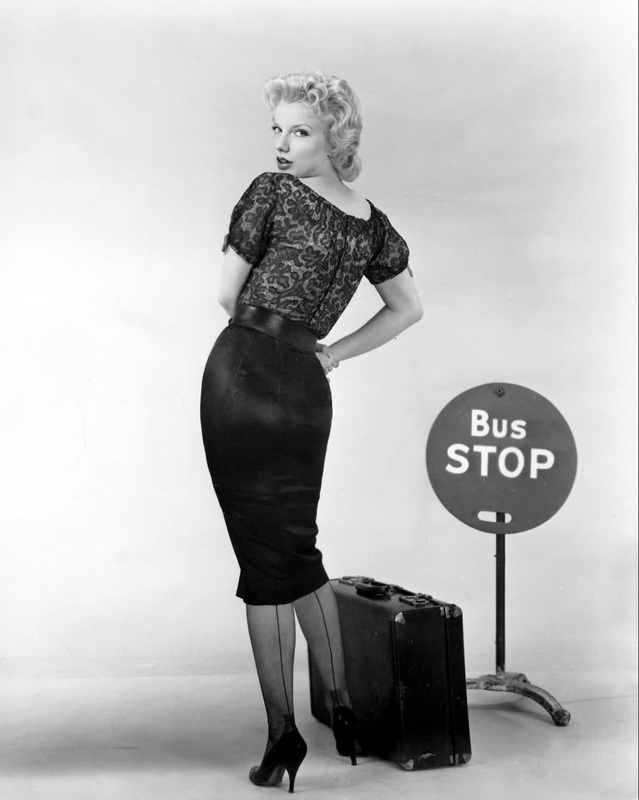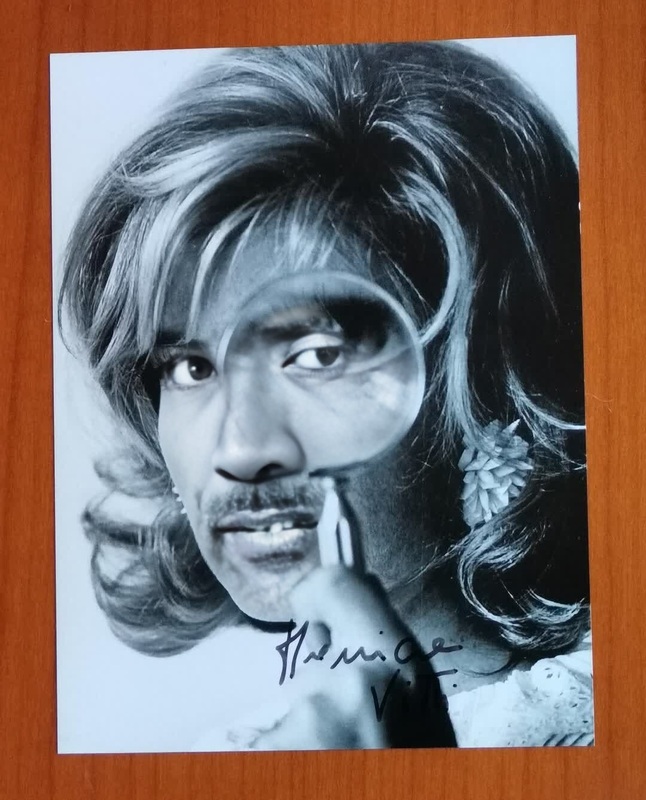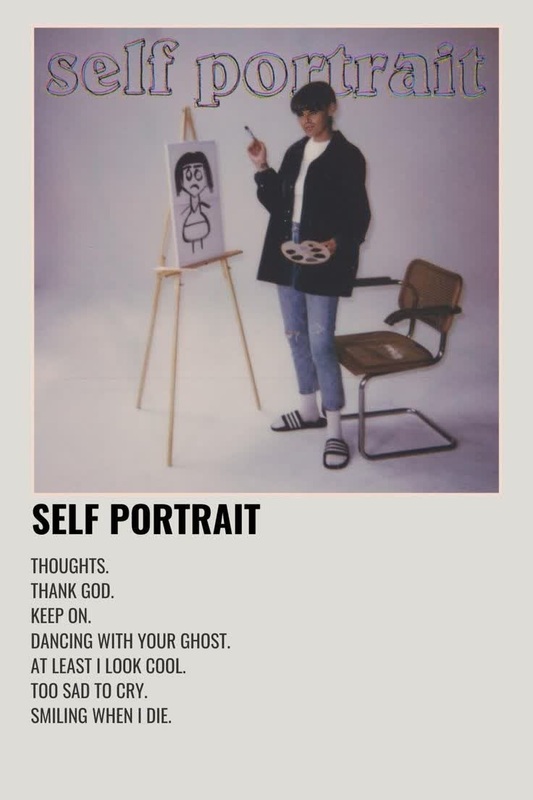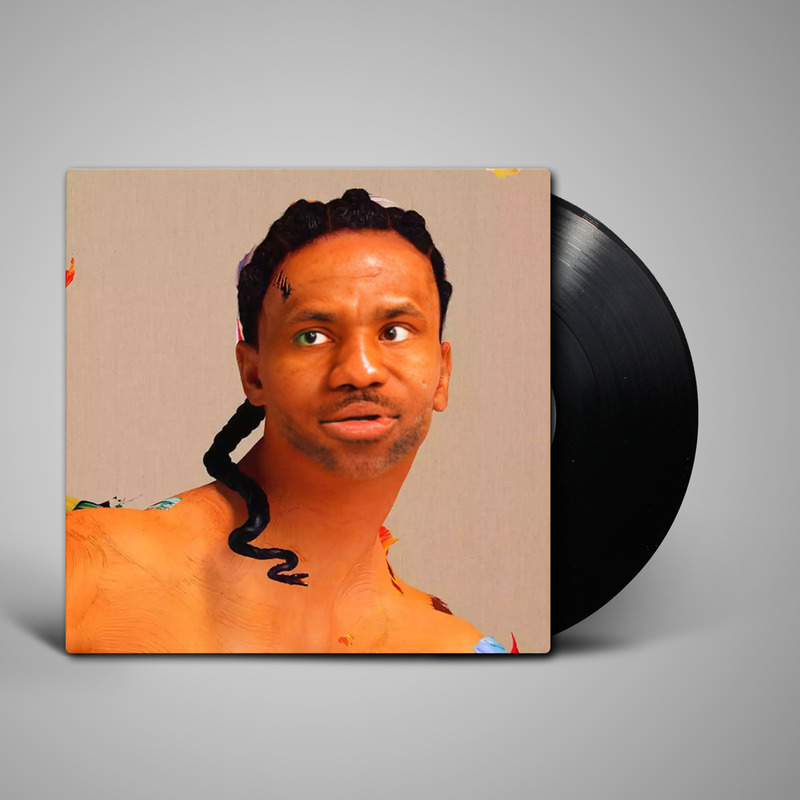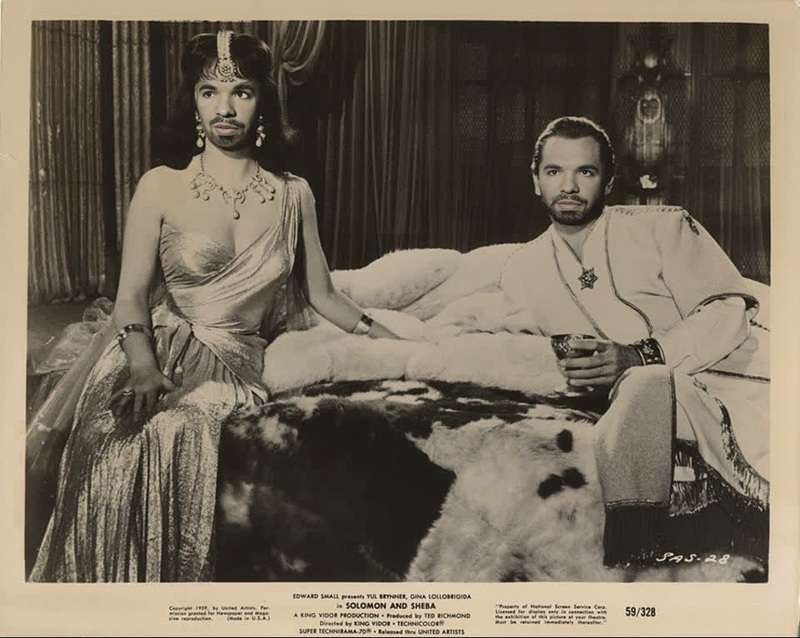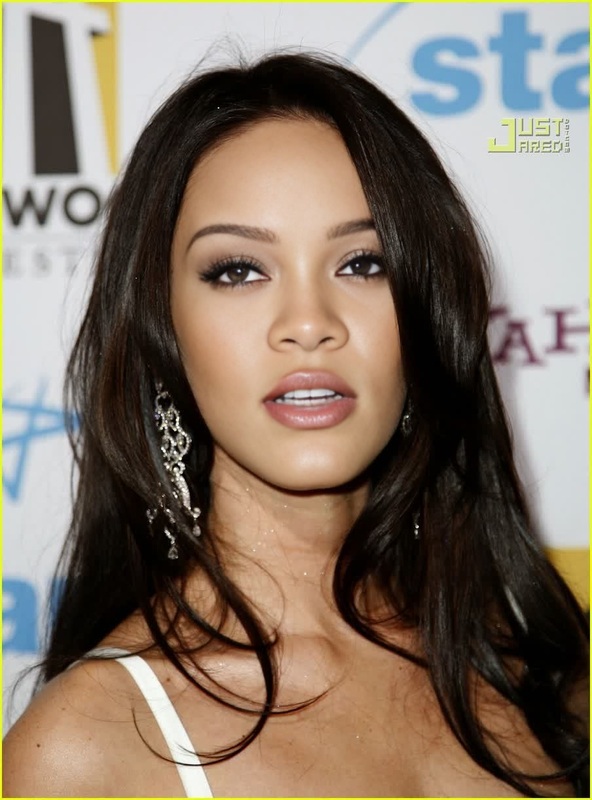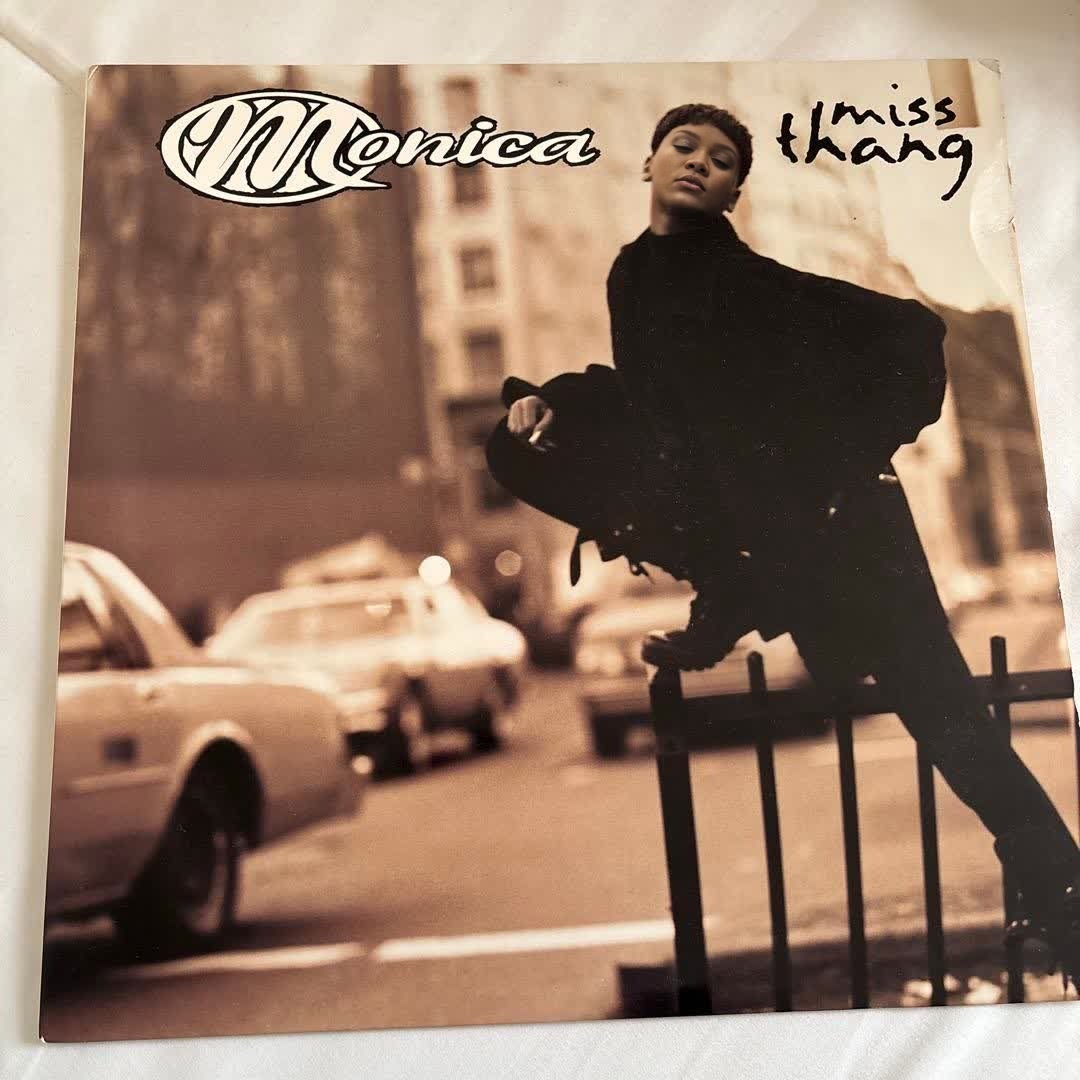
Monica Miss Thang Press Portrait
- Image
- 1080 × 1080 px
Any aspect ratio
Overview
Step into the spotlight with the Monica Miss Thang Press Portrait video template. This easy-to-use Video Face Swap tool lets you personalize the iconic look for an engaging output. Perfect for adding flair to your videos and making them memorable.
What It Does
This template allows you to replace the face in a portrait video with your own or someone else's, producing a polished and professional video result. The template supports major video file formats and ensures high-quality face alignment and expression integration.
Who It's For
Ideal for creators, event planners, and social media enthusiasts looking to add a unique touch to their social media ads and presentations. Whether you're a beginner or a seasoned editor, this template simplifies the process of creating custom face swap videos.
Summary
With the Monica Miss Thang Press Portrait template, bring your creative vision to life quickly. By using our image-to-video technology, transform any portrait into a unique piece of art, perfect for entertainment or professional showcases.
How-to
Choose the Template

Customize Your Video

Generate and Download

Use Cases
Social Media Content
- Create funny and attention-grabbing videos.
- Personalize content for targeted ads.
Event Promotions
- Use for personalized invitations or event coverage.
- Create memorable highlights that feature attendees.
Personal Projects
- Craft unique birthday or anniversary videos.
- Transform family photos into fun video messages.
Best Practices
High-Quality Images
For best results, use high-resolution images that clearly show facial features.Refine Facial Alignment
Ensure the facial alignment is well adjusted to maintain realistic expressions.Test Different Angles
Experiment with different photos to find the best fit for the template.
FAQs
More Like This