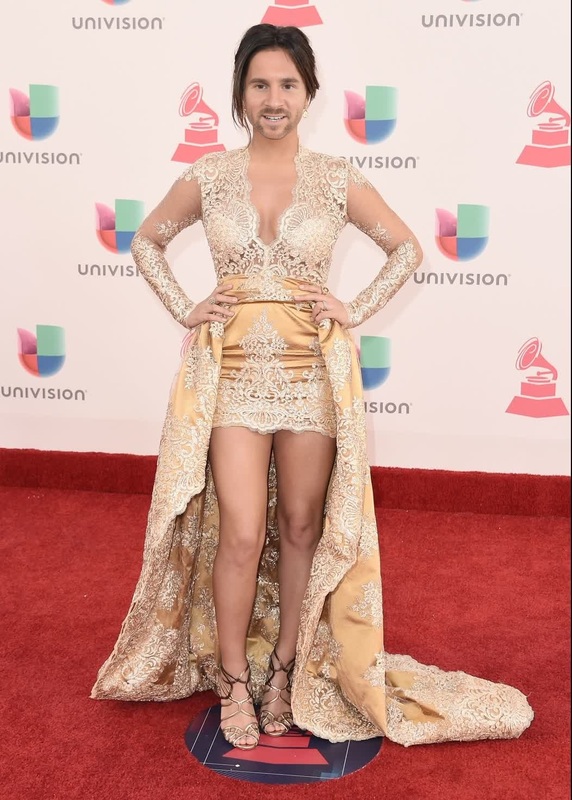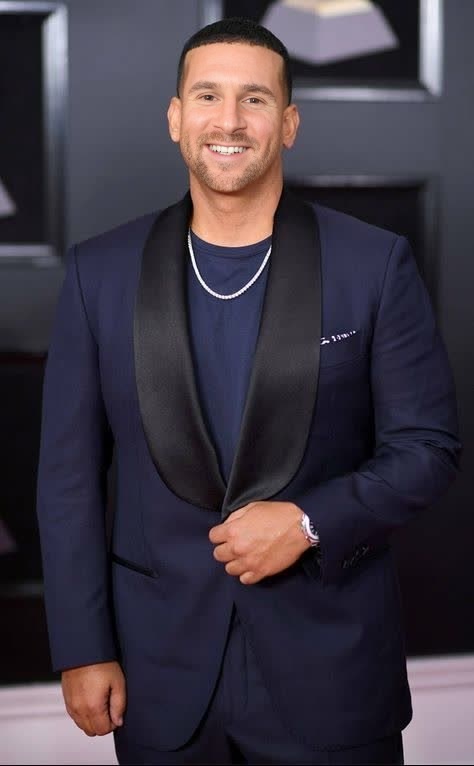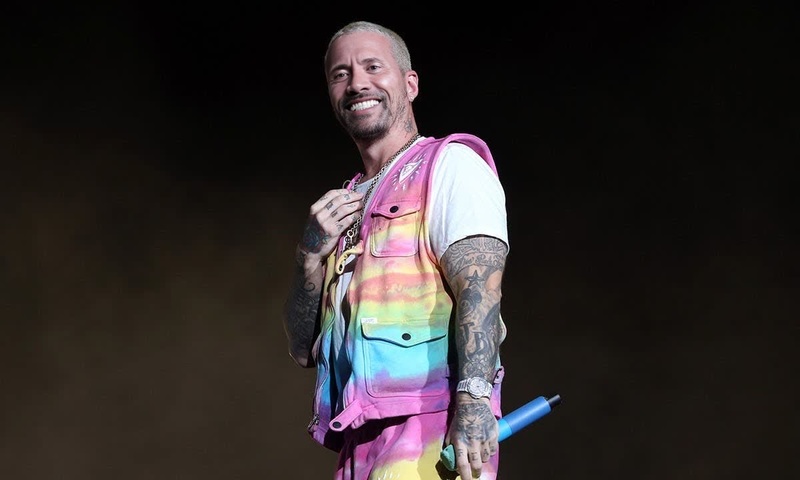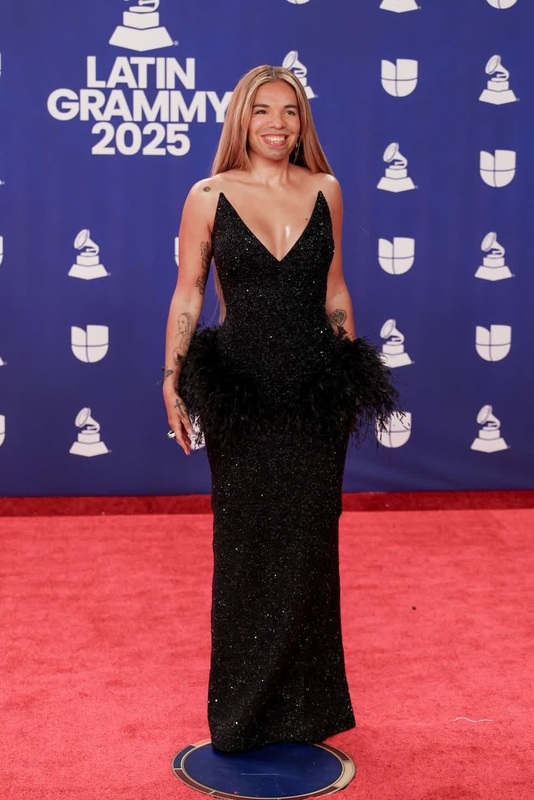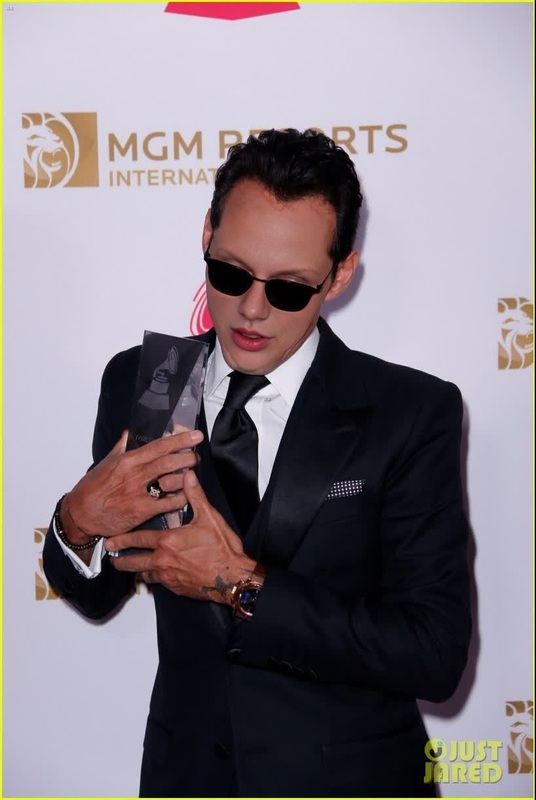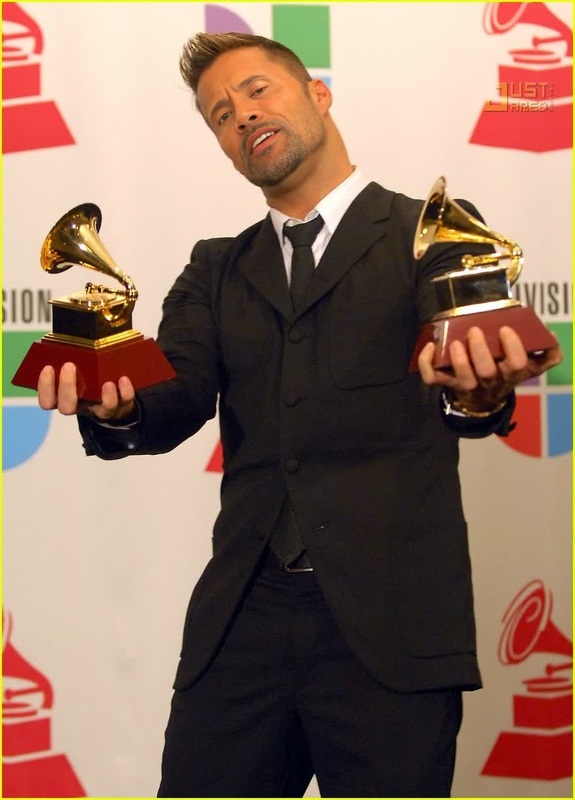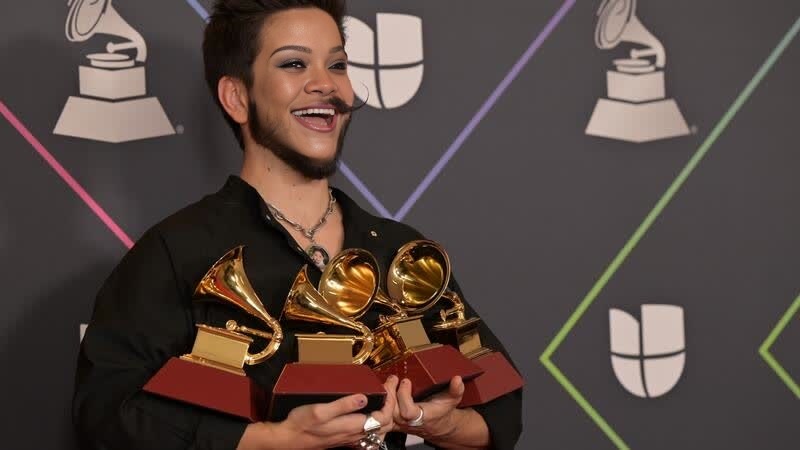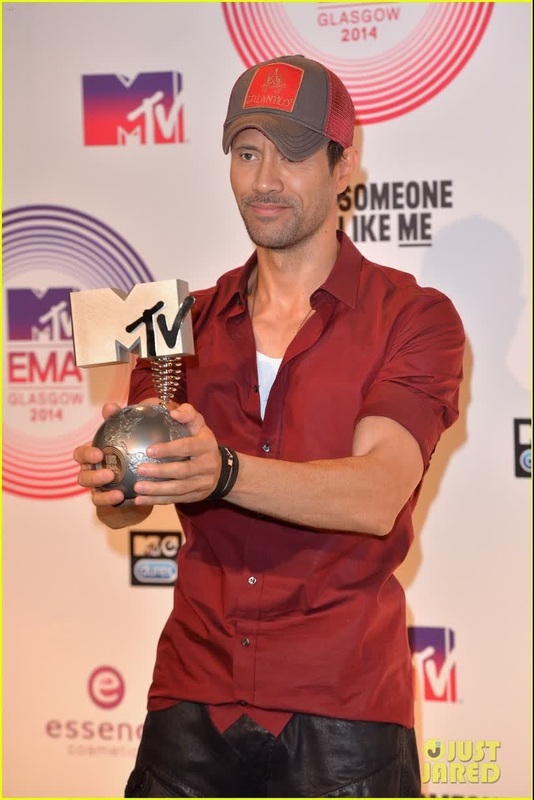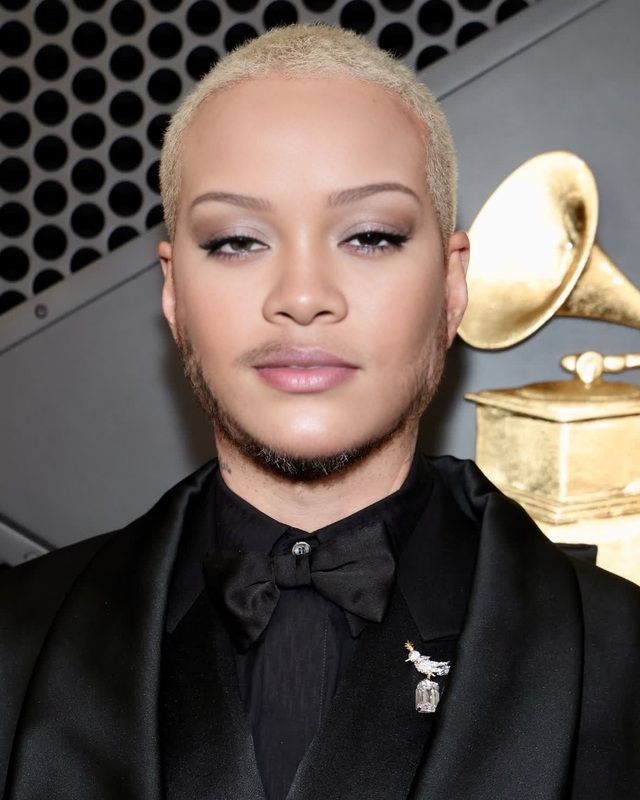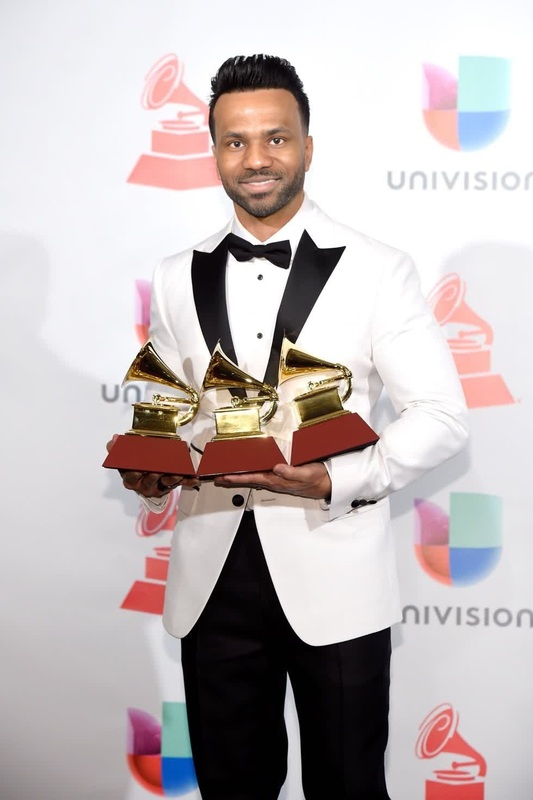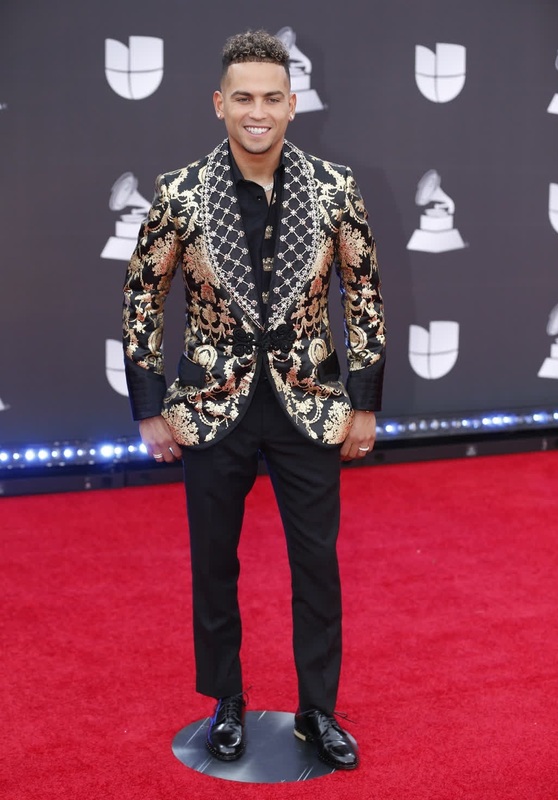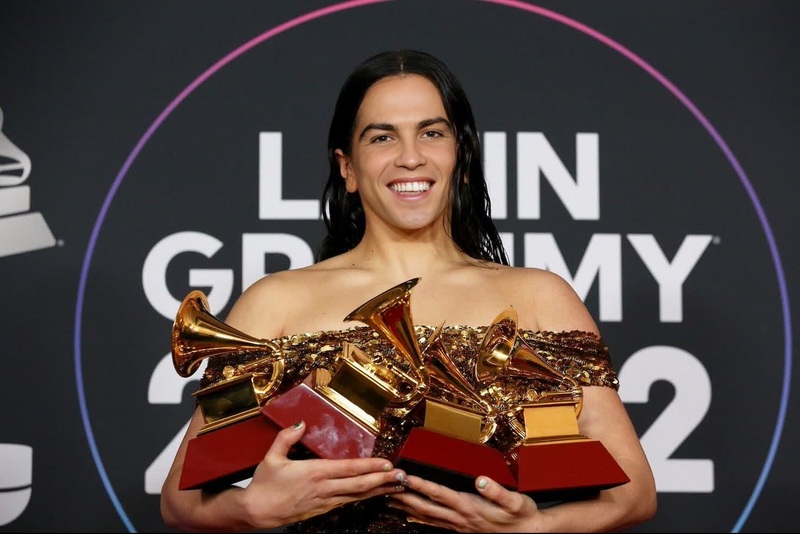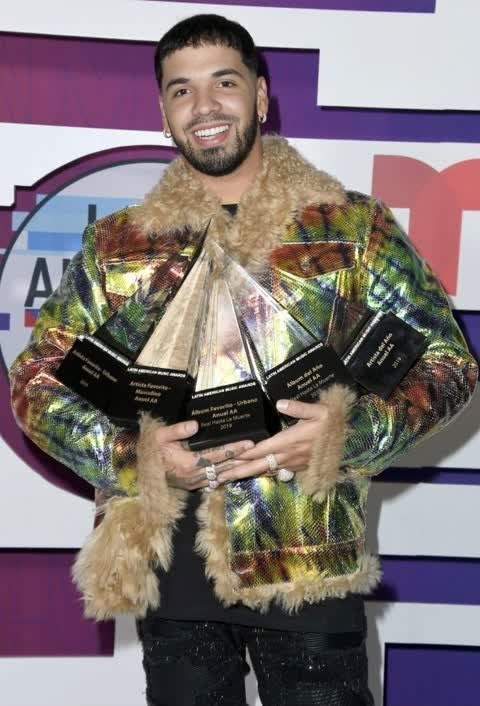
Anuel Aa Latin Grammy Awards Portrait
- Image
- 480 × 706 px
Any aspect ratio
Overview
Transform your imagery with the Anuel AA Latin Grammy Awards Portrait template. This Video Face Swap tool allows you to integrate Anuel AA's iconic look from the Latin Grammy Awards into your photos. Perfect for creating distinctive and memorable media content, this template offers both professionals and fans the ability to experiment with celebrity stylings effectively.
What It Does
This template facilitates seamless facial transformations by superimposing the attributes of Anuel AA's distinct look during the Latin Grammy Awards onto your selected images. Suitable for a wide range of formats, this tool efficiently merges facial features to create authentic, stunning visuals. Pair this with our AI Image Editor for further enhancements and photorealistic results.
Who It's For
Designed for graphic designers, content creators, and social media influencers looking to add a celebrity flair to their projects. Additionally, fans of Anuel AA can enjoy a fun and engaging way to incorporate his look into their personal media. Leverage this template in combination with the AI Talking Photo to animate your creations for a more dynamic presentation.
Summary
The Anuel AA Latin Grammy Awards Portrait template empowers users to creatively transform ordinary pictures into extraordinary pieces with a celebrity touch. It's a versatile solution for both personal and professional projects, ensuring your media stands out in any context. Explore other functionalities at AI GIF Generator for creating captivating animations.
How-To
Choose Your Template

Customize Your Inputs

Generate Your Image

Use Cases
Social Media Content
- Engage followers with unique visuals
- Boost interaction with eye-catching images
Event Promotions
- Create buzz around upcoming events
- Utilize in marketing collateral
Personal Projects
- Create memorable keepsakes
- Experiment with new looks
Best Practices
Select High-Quality Images
For best results, ensure the image you upload is of high quality and well-lit.Align Features Precisely
Take time to adjust the template alignment to closely match facial features for a convincing effect.Combine with Other Tools
Enhance your images further using tools like AI Image Upscaler for sharper details.