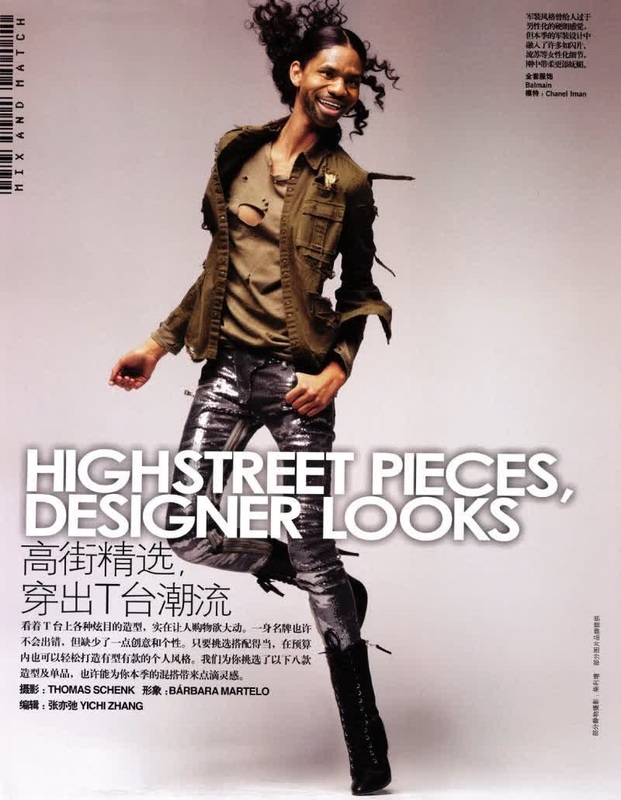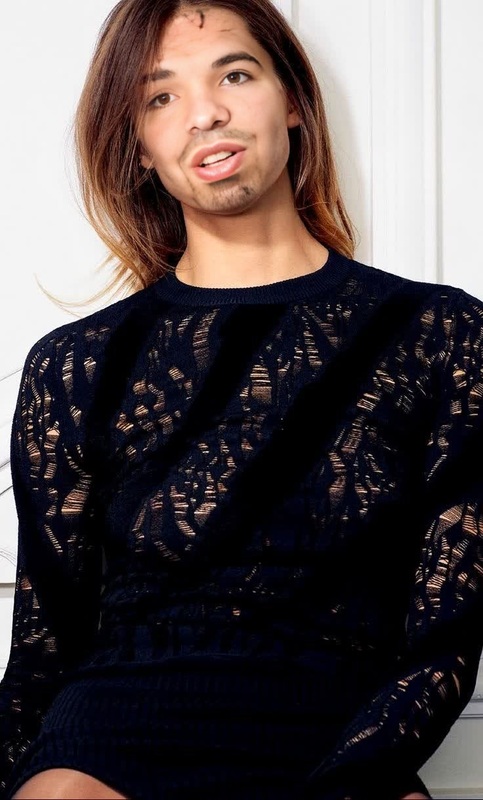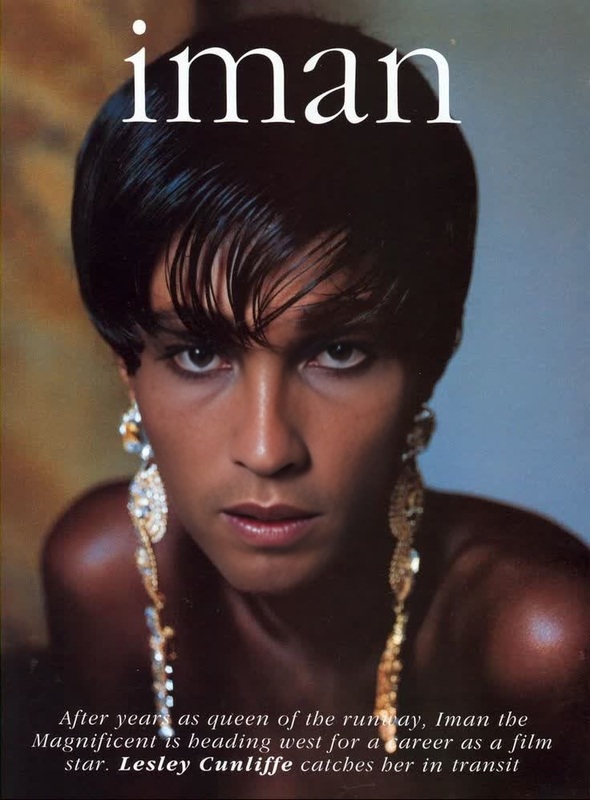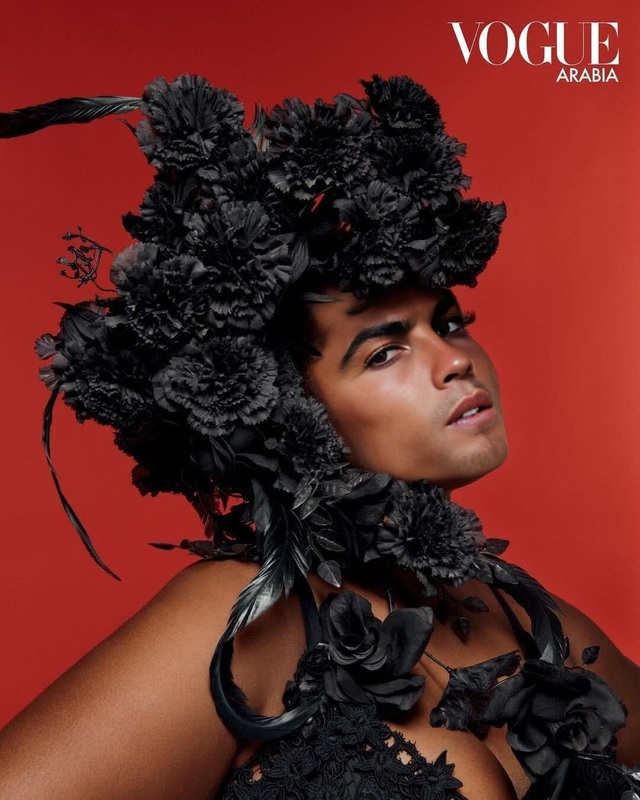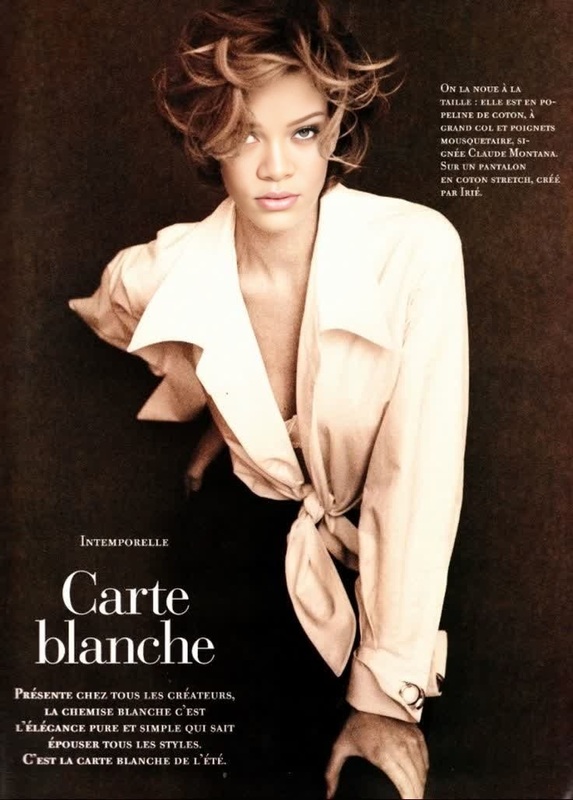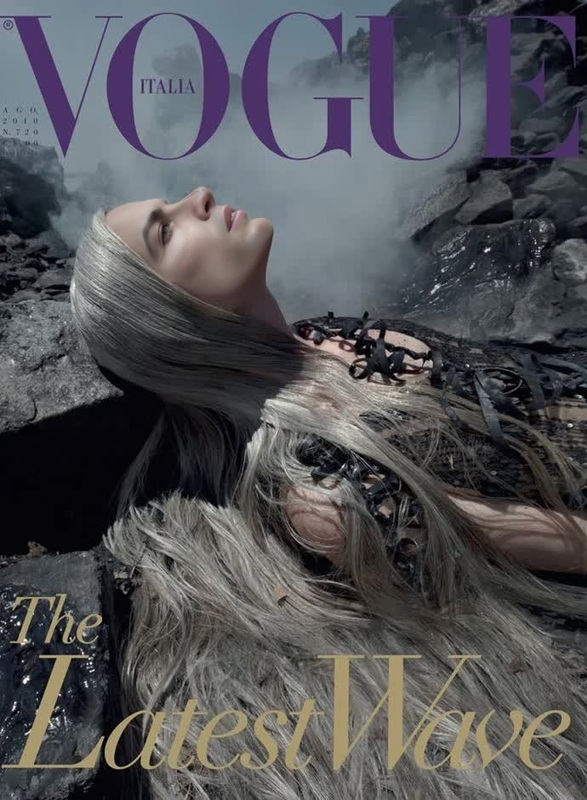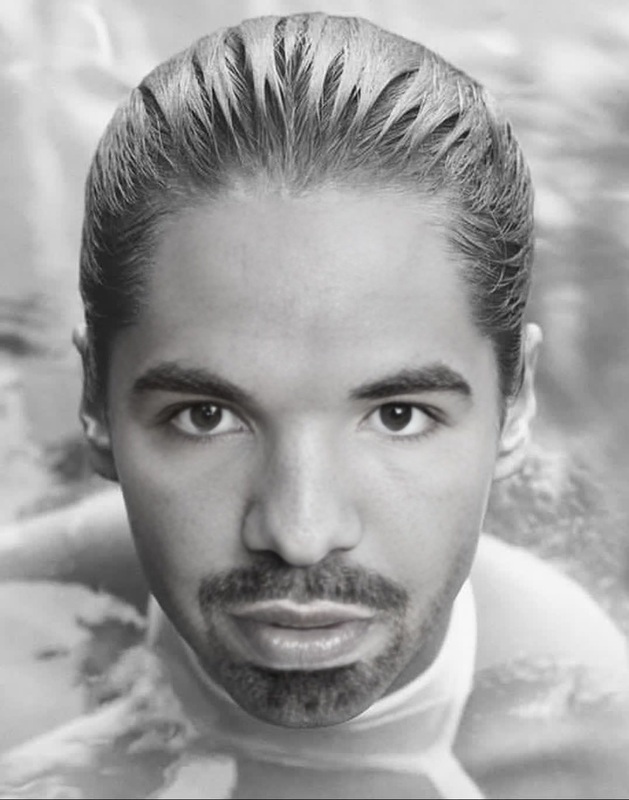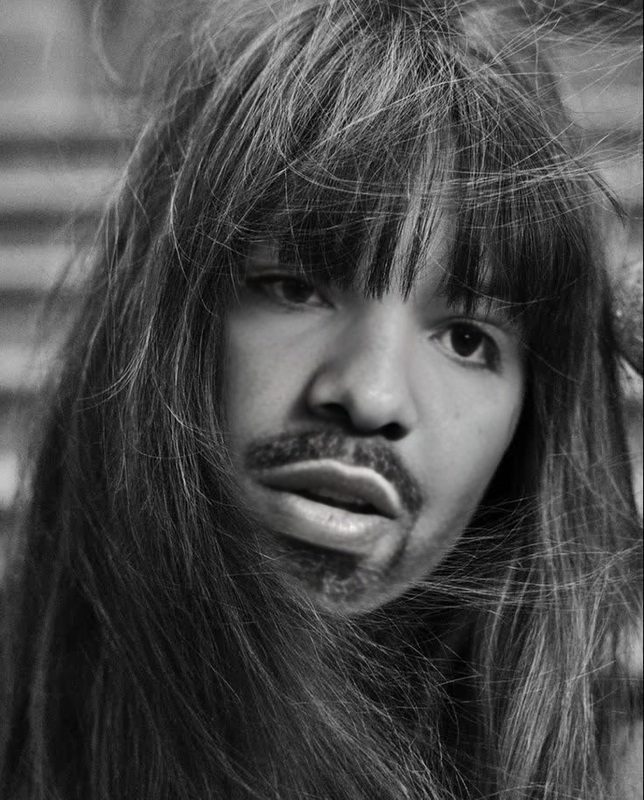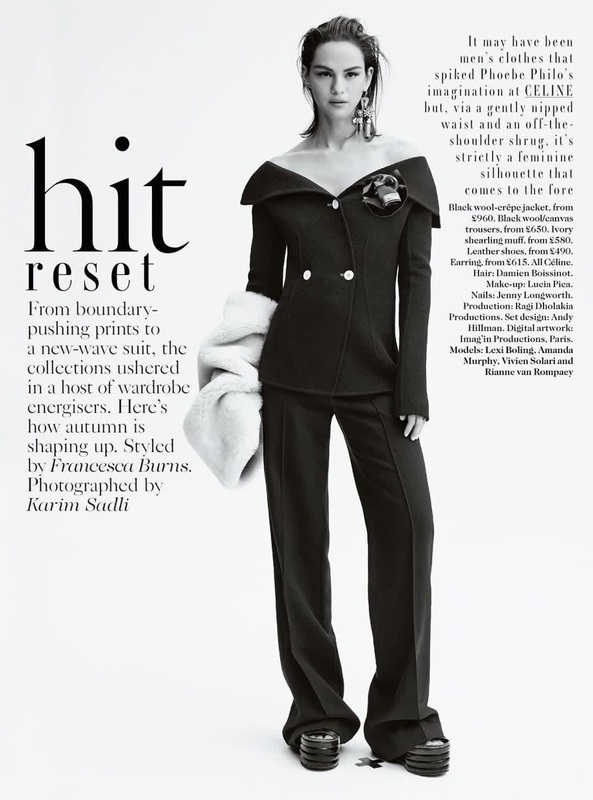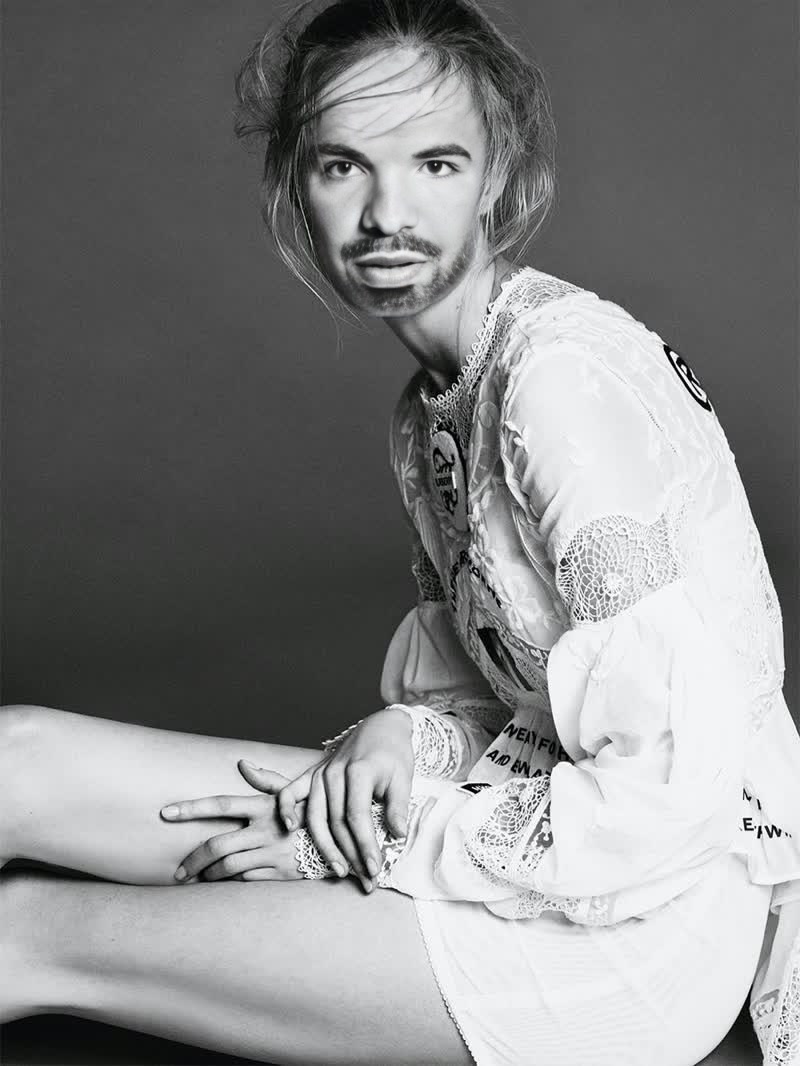
Rianne Van Rompaey Vogue Editorial Portrait
- Image
- 800 × 1066 px
Any aspect ratio
Overview
Elevate your video transformations with the Rianne Van Rompaey Vogue Editorial Portrait template. Designed for Video Face Swap applications, this template merges artistry with advanced AI technology to replace faces in videos, capturing the elegance of a Vogue editorial.
What It Does
This template offers a unique blend of innovation and creativity, allowing users to apply a high-fashion editorial look to their video projects. By swapping faces in your videos, this template integrates seamlessly with the Face Swap toolkit, ensuring high-quality output that is both realistic and visually striking.
Who It's For
Ideal for filmmakers, content creators, and marketers aiming to infuse glamour into their projects, this template is particularly suited for those familiar with video editing and looking to enhance their promotional content. It also benefits anyone interested in exploring AI Image Editing as part of their creative process.
Summary
The Rianne Van Rompaey Vogue Editorial Portrait template is a go-to choice for anyone seeking to add a touch of editorial sophistication to their videos. Compatible with various video formats, it integrates seamlessly into your workflow and delivers polished, professional results.
How To
Select the Template

Customize Your Inputs

Generate Your Video

Use Cases
Fashion Videos
Marketing Campaigns
Social Media Content
Best Practices
Ensure Proper Lighting
Good lighting in your original video will enhance the realism of the face swap result.Align Features Accurately
Check the alignment of facial features during customization to avoid distortions.Review Output Settings
Select appropriate export settings to maintain video quality, especially for social media use.
Frequently asked questions
More Like This