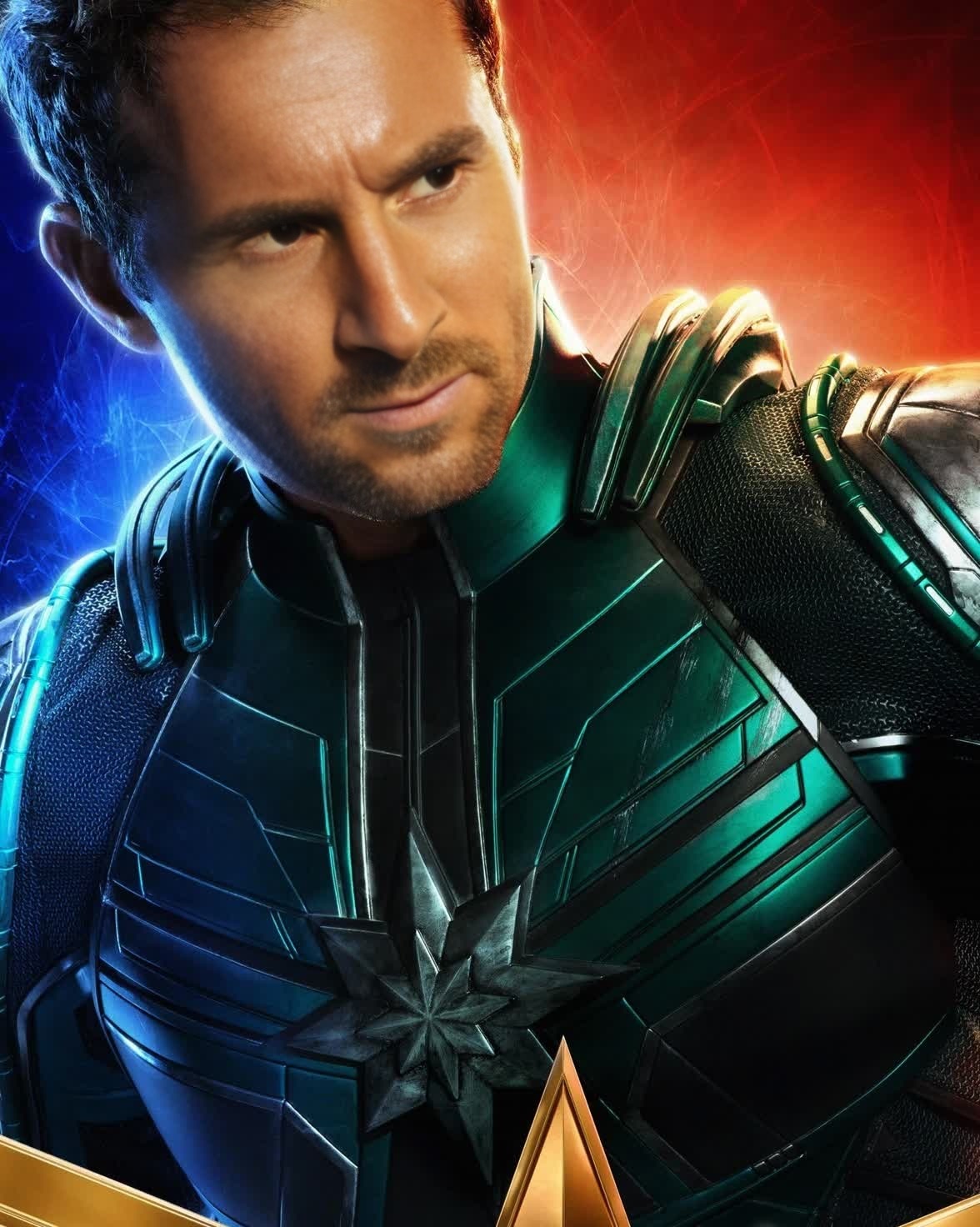
Yon-Rogg Captain Marvel Marvel Cinematic Universe
- Image
- 1176 × 1472 px
Any aspect ratio
Overview
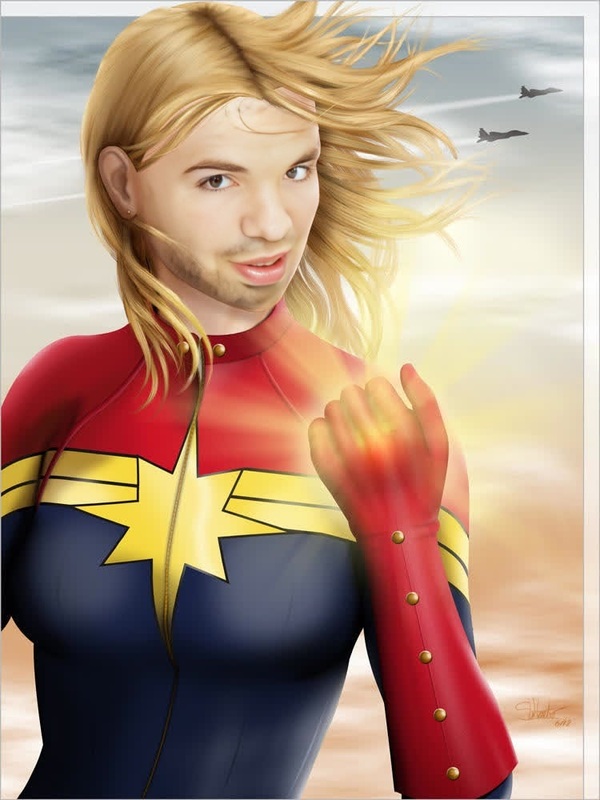
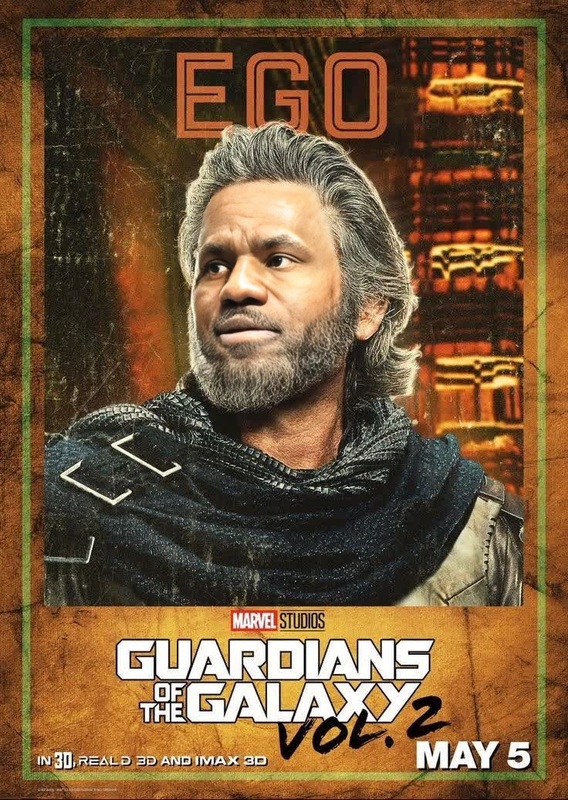
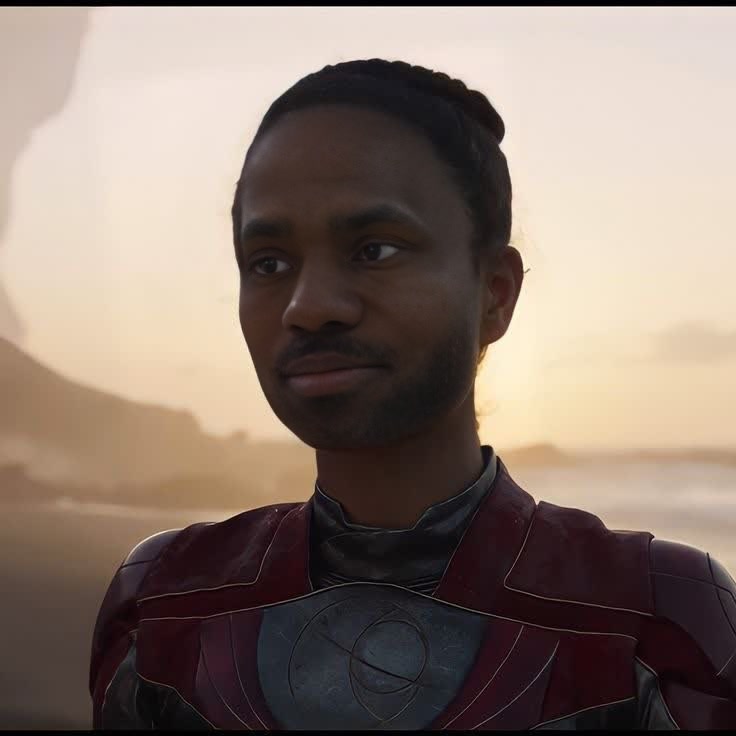
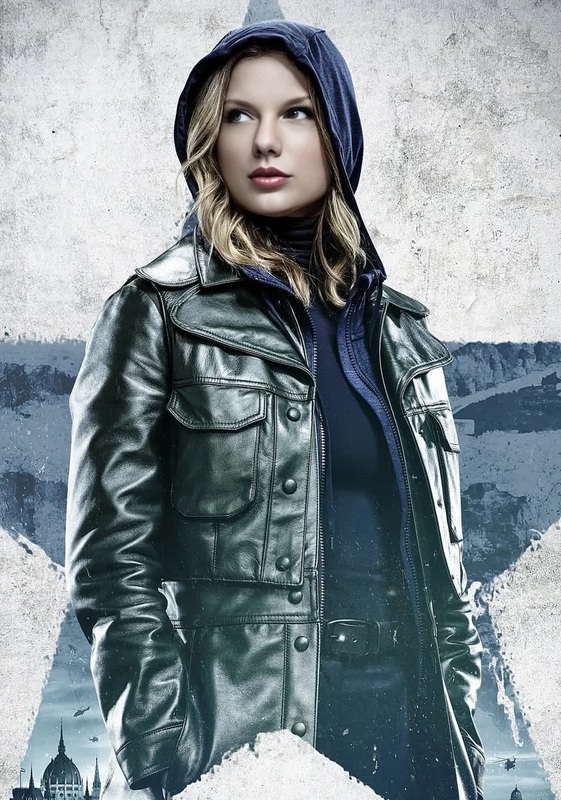
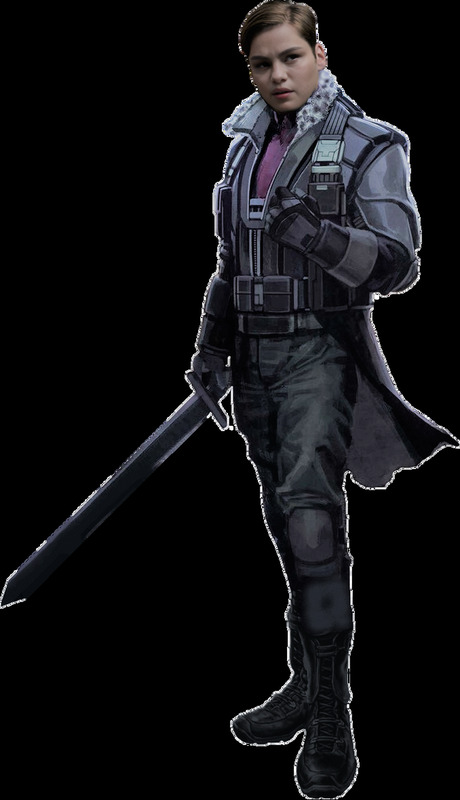
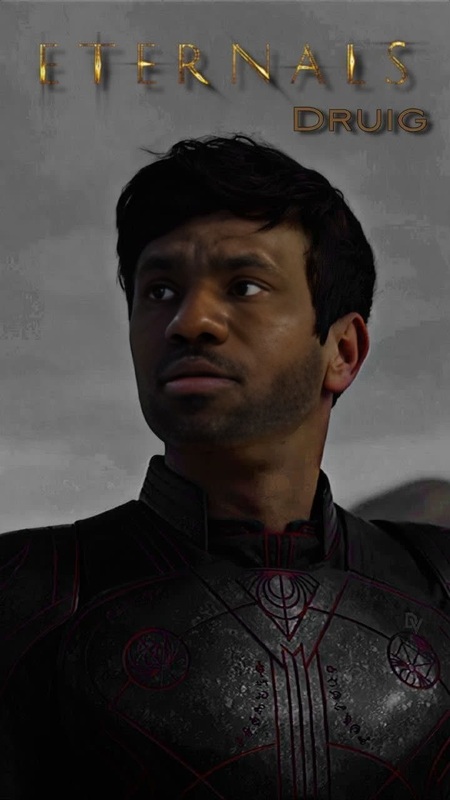
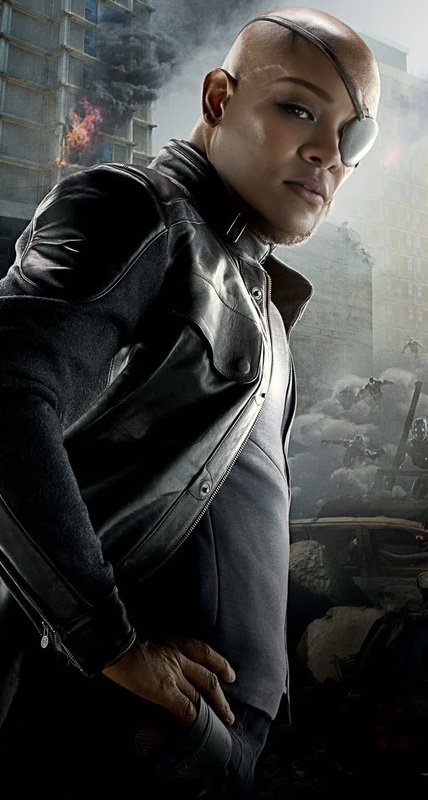
Transform your videos with the Yon-Rogg Captain Marvel template and step into the shoes of a Marvel character. This Video Face Swap template allows you to integrate yourself or anyone else into scenes from the Marvel Cinematic Universe, specifically as the iconic character Yon-Rogg.
What It Does
The Yon-Rogg Video Face Swap template is designed to overlay your face onto the character of Yon-Rogg in Captain Marvel movie scenes. By replacing the original actor's face with your own, you can create personalized videos that retain all the action and emotion of the original footage.
The template supports common video formats and uses advanced facial matching technology to ensure a seamless blend of features and expressions. This tool is perfect for content creators looking to add a unique, cinematic twist to their projects.
Who It's For
This template is ideal for Marvel fans, video creators, and social media influencers who want to create engaging content with a twist of superhero action. Educational professionals might use it for creative storytelling or teaching film editing techniques. Users from the meme video community can also exploit its features to generate humorous content.
Summary
Unleash your creativity with the Yon-Rogg Captain Marvel face swap template. Whether for fun, education, or professional projects, this tool offers a fresh way to engage viewers and share your love for the Marvel Cinematic Universe. Combined with tools like the AI Image Editor and AI GIF Generator, you can expand your creative possibilities even further.
How To Use
Choose Yon-Rogg Template

Customize Your Inputs

Generate and Download

Use Cases
Social Media Content
- Engaging Instagram Reels
- Marvel-themed TikToks
- Funny YouTube content
Fan Edits
- Fan-based storytelling
- Promotional fan videos
Memes and Fun Videos
- Viral meme creation
- Comical video edits
Best Practices
Use High-Quality Images
For optimal results, use high-resolution images or video clips for the face you wish to swap in.Adjust Facial Features
Carefully align facial features like eyes, nose, and mouth for a realistic effect.Preview Edits
Always preview your edits before finalizing to ensure all elements are correctly aligned.
Frequently asked questions
More Like This