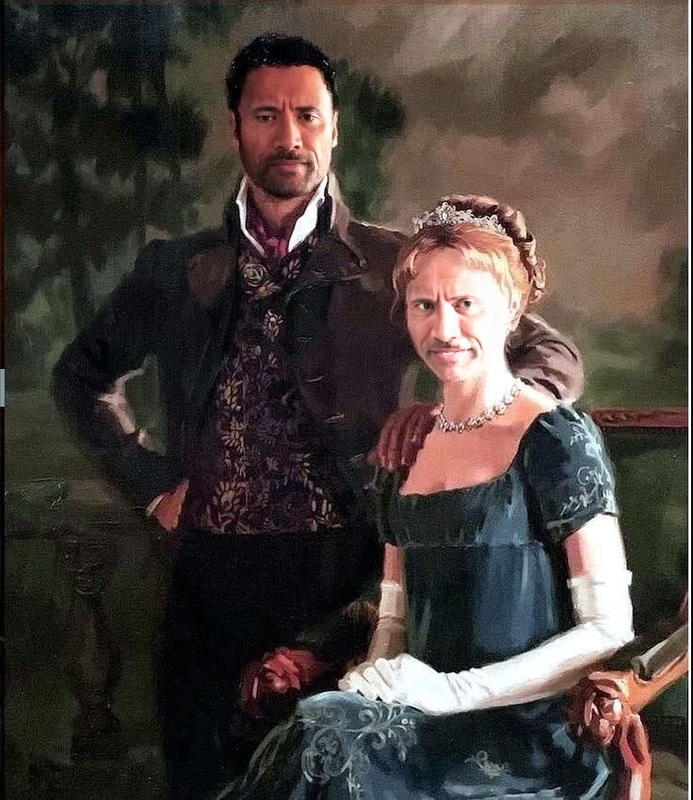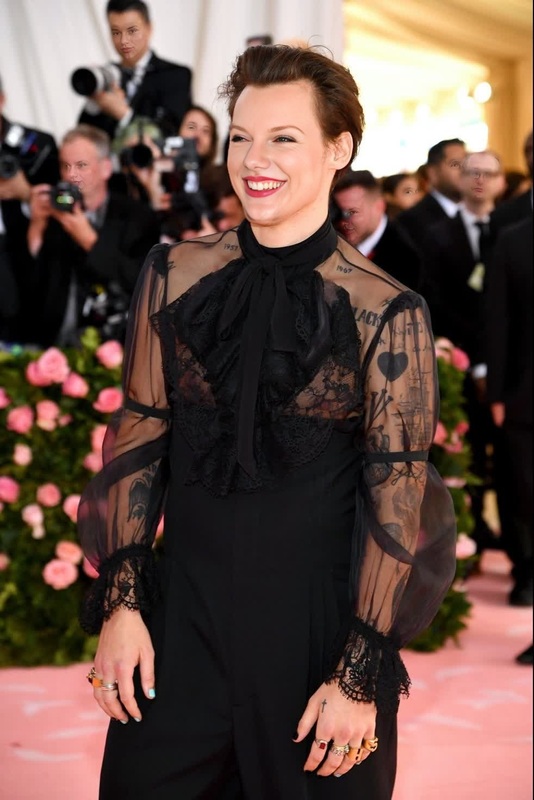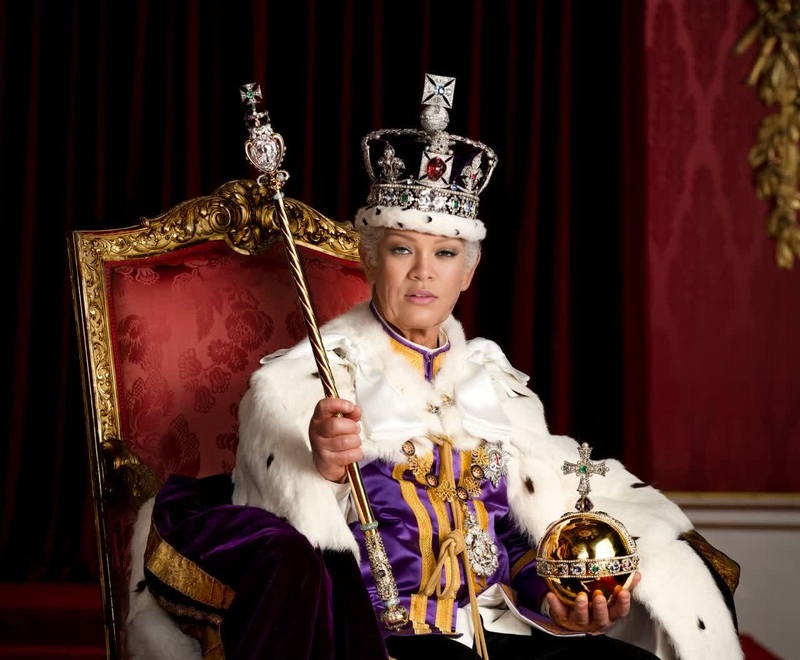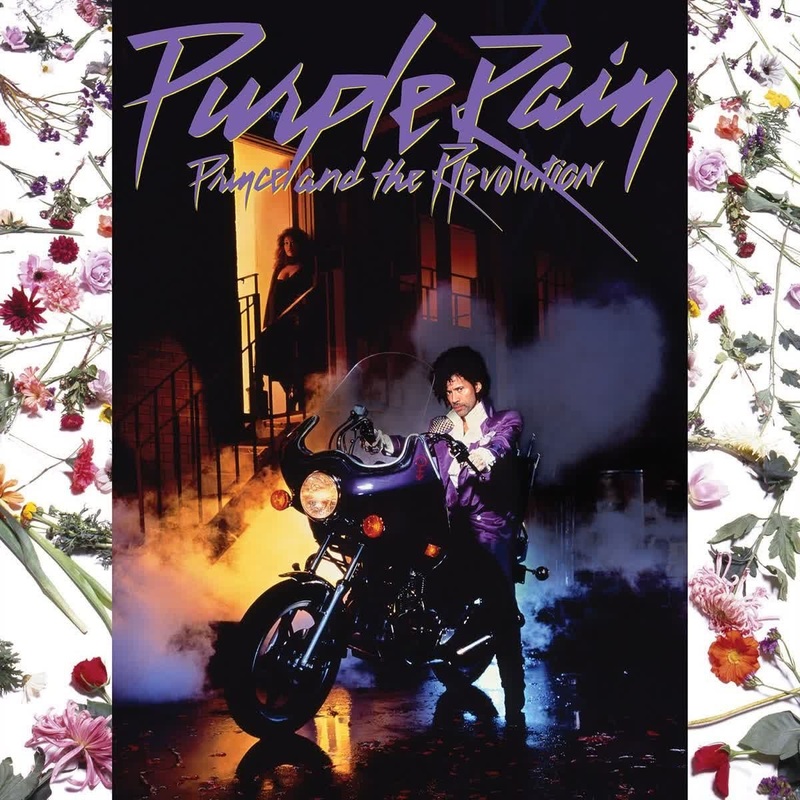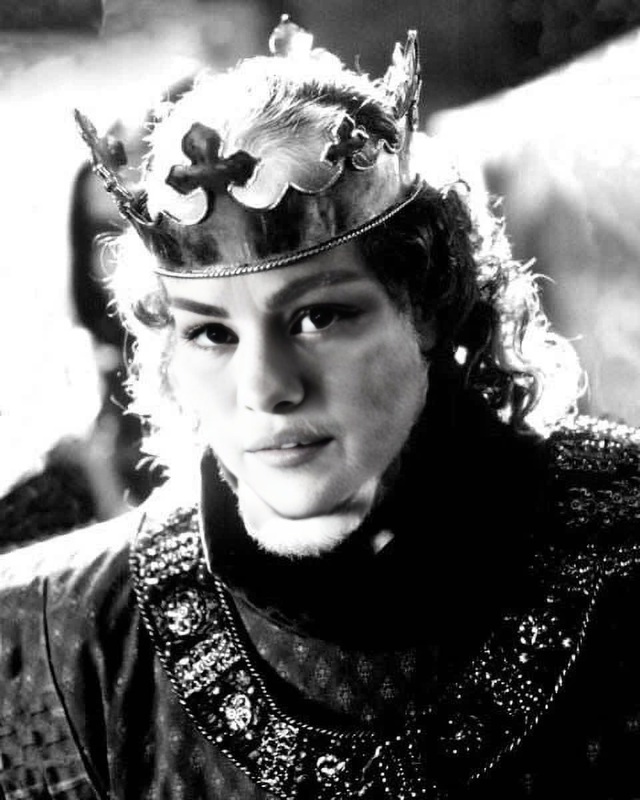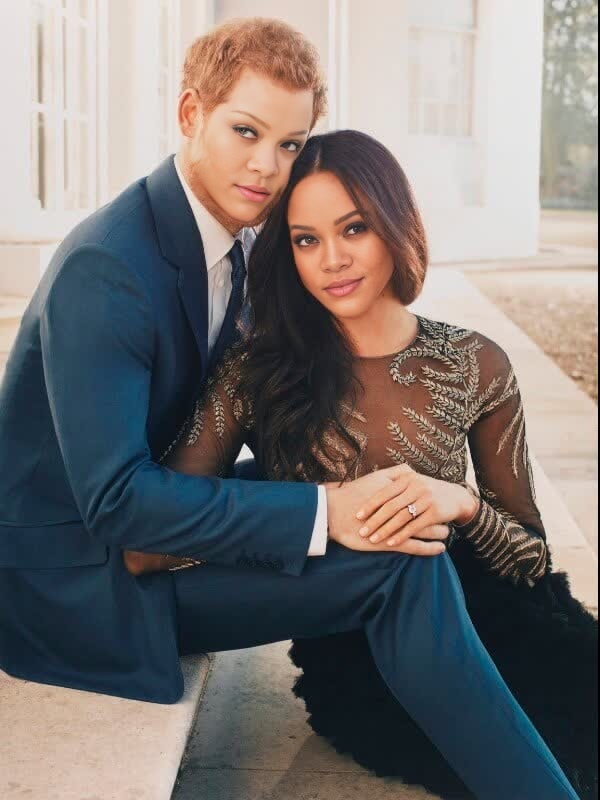
Prince Harry Sussex Portrait
- Image
- 600 × 800 px
Any aspect ratio
Overview
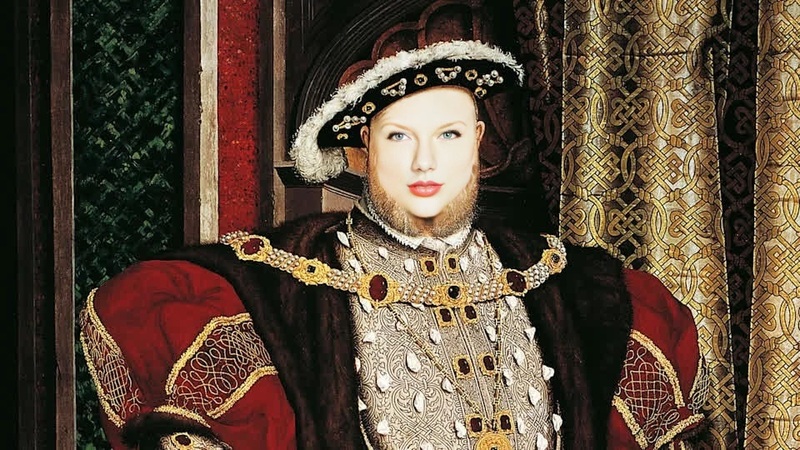
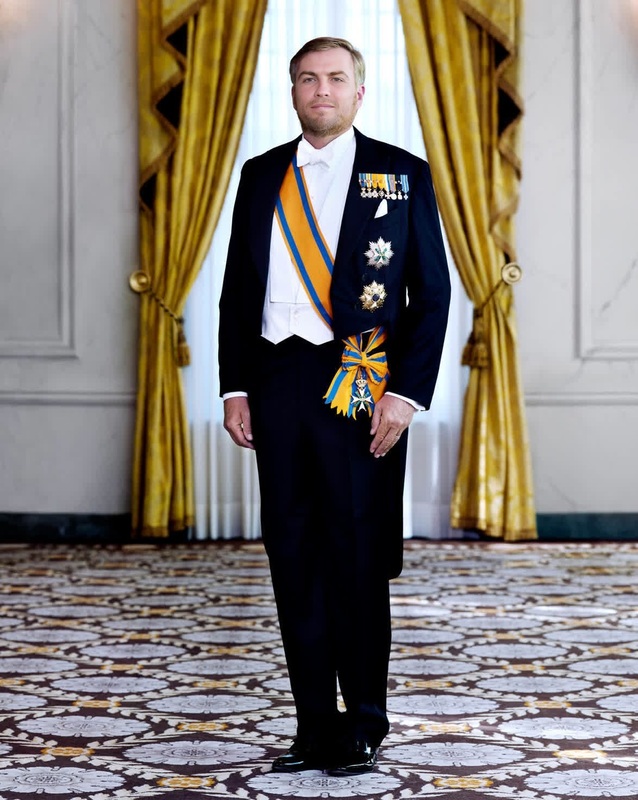
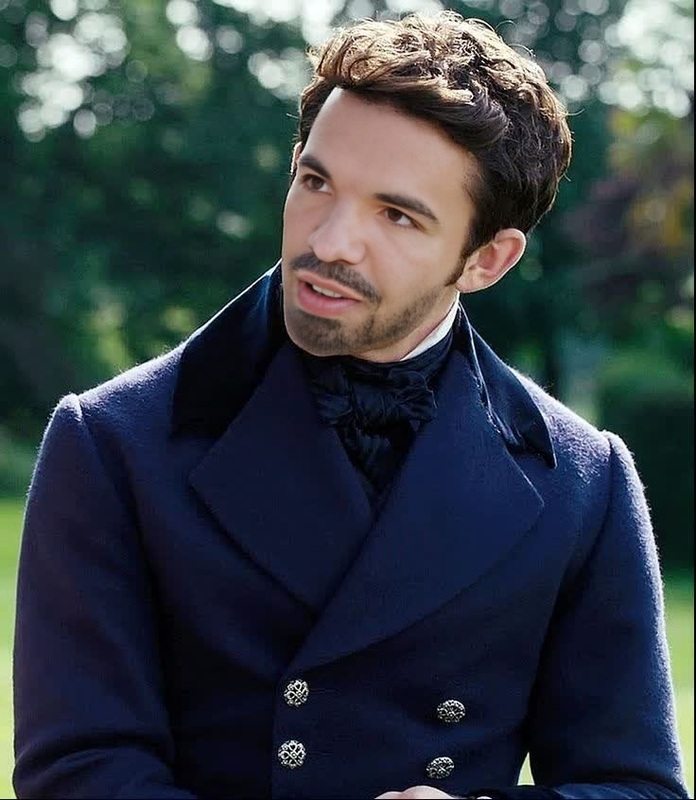
The Prince Harry Sussex Portrait template offers a unique opportunity to add a regal twist to your videos. With this Video Face Swap template, integrate Prince Harry's face into any scene. Ideal for creators looking to craft engaging and light-hearted content, this template is both playful and powerful.
What It Does
This Video Face Swap template replaces faces in your existing videos with a realistic depiction of Prince Harry’s visage. Powered by advanced face mapping technology, each output retains the original expressions and movements, ensuring a seamless integration that enhances engagement without losing authenticity.
For further customization in related transformations, explore our AI Image Editor tool.
Who It's For
Content creators, marketers, and social media enthusiasts will find this template invaluable for crafting humorous and viral content. Whether you're generating ai-driven ads or creating novelty videos for entertainment purposes, this tool provides flexibility and copious creative possibilities.
If you are new to video editing or an experienced creator, our AI Video Generator offers further resources to streamline your production process.
Summary
Enhance your video content with the whimsical touch of royalty using the Prince Harry Sussex Portrait template. This Video Face Swap service is a simple yet effective way to make your videos stand out. Whether for fun, entertainment, or to catch attention on social media, this tool provides immediate transformation capabilities.
How-To
Choose Your Template

Customize Inputs

Generate Your Video

Use Cases
Social Media Content
- Use in TikTok challenges
- Enhance Instagram Reels
- Add novelty to Facebook stories
Marketing Campaigns
- Design playful and engaging online ads
- Build unique brand storytelling components
Family and Friends Fun
- Create personalized birthday messages
- Engage in wholesome family entertainment
Best Practices
Choose High-Quality Source Videos
Ensure the original video is clear to allow for the best face alignment and mapping.Maintain Good Lighting
Optimal lighting will improve face detection and the overall quality of the swapped face.Test Different Settings
Experiment with various customization settings to achieve the most realistic or humorous results, depending on your goal.
Frequently asked questions
More Like This