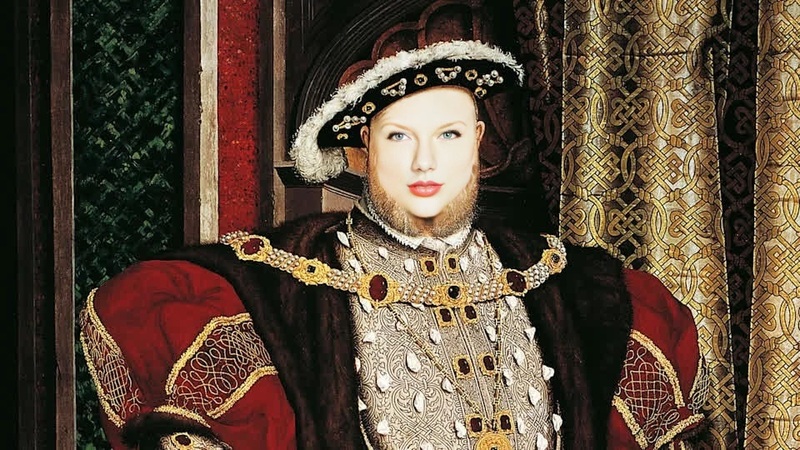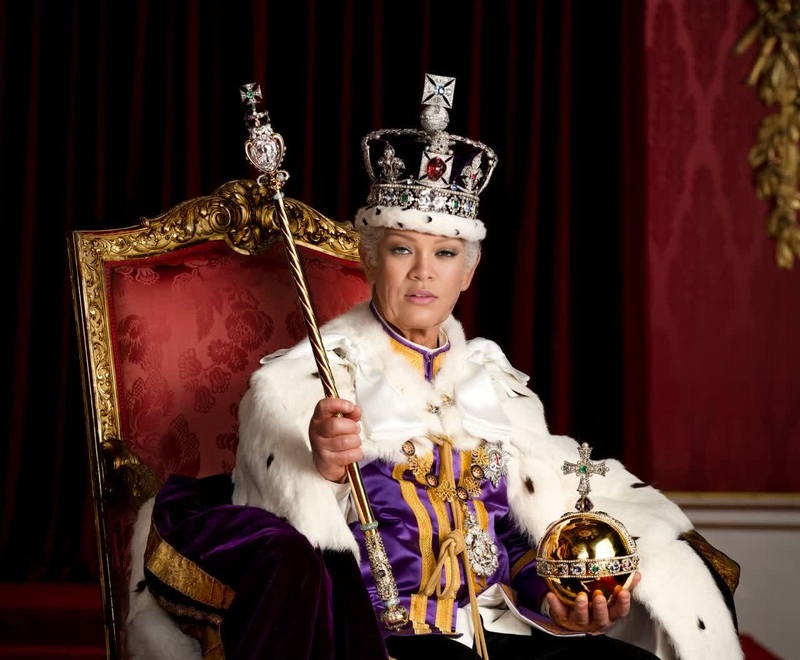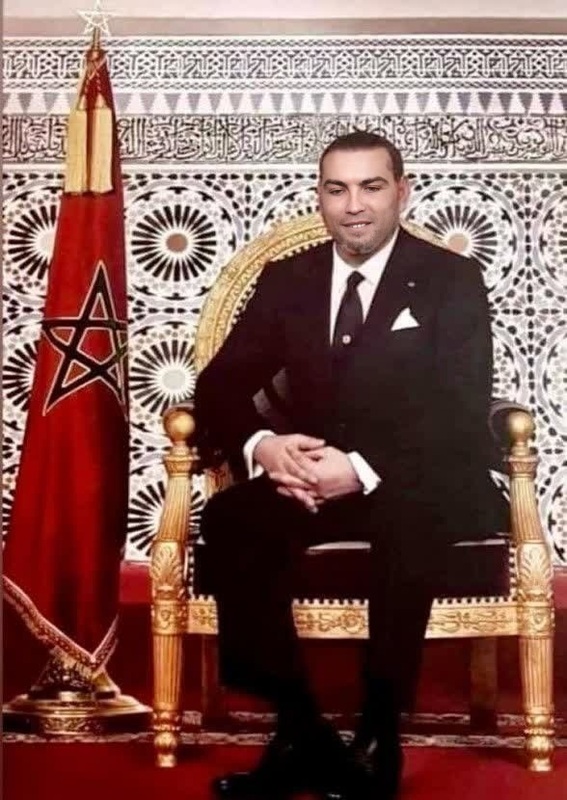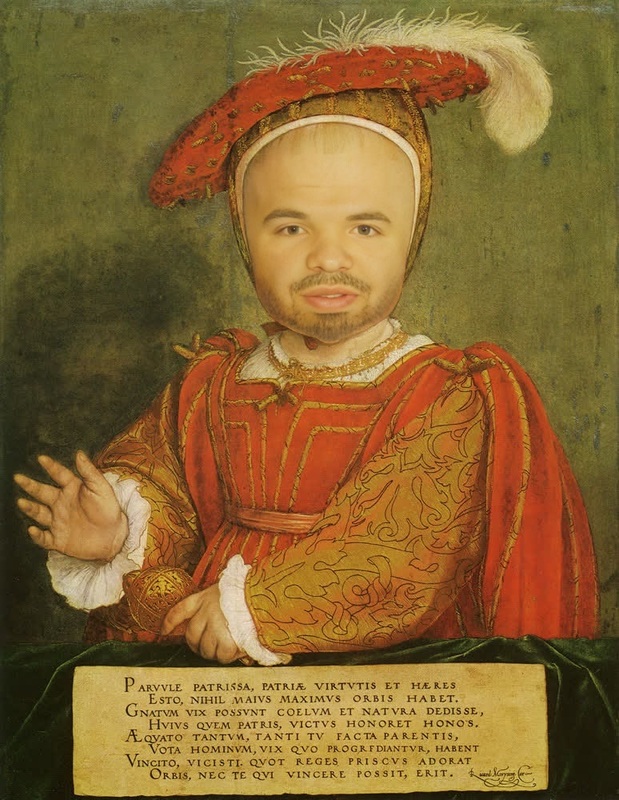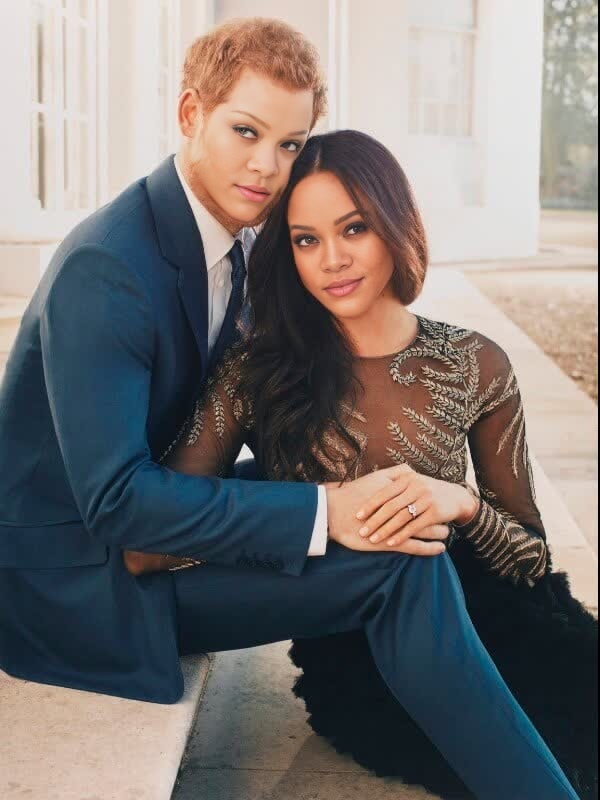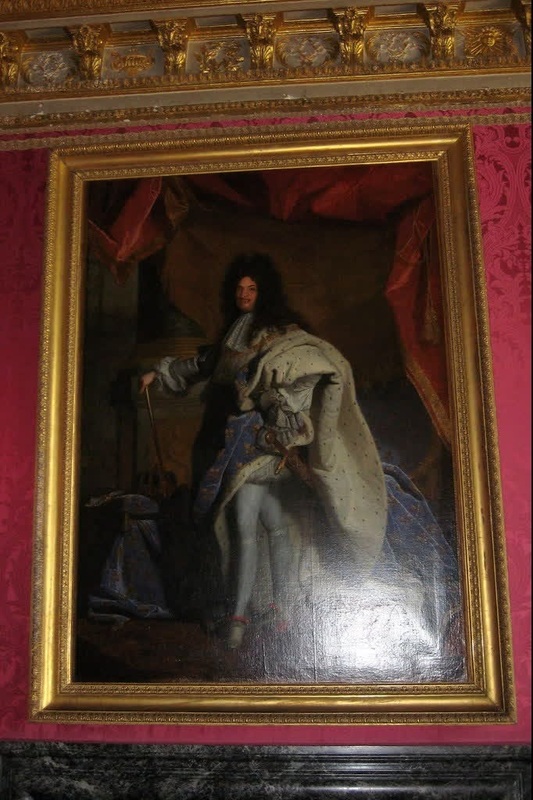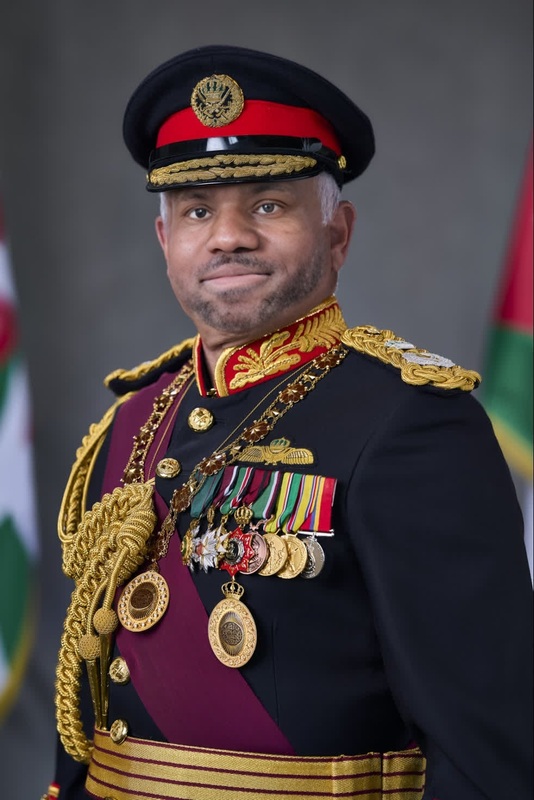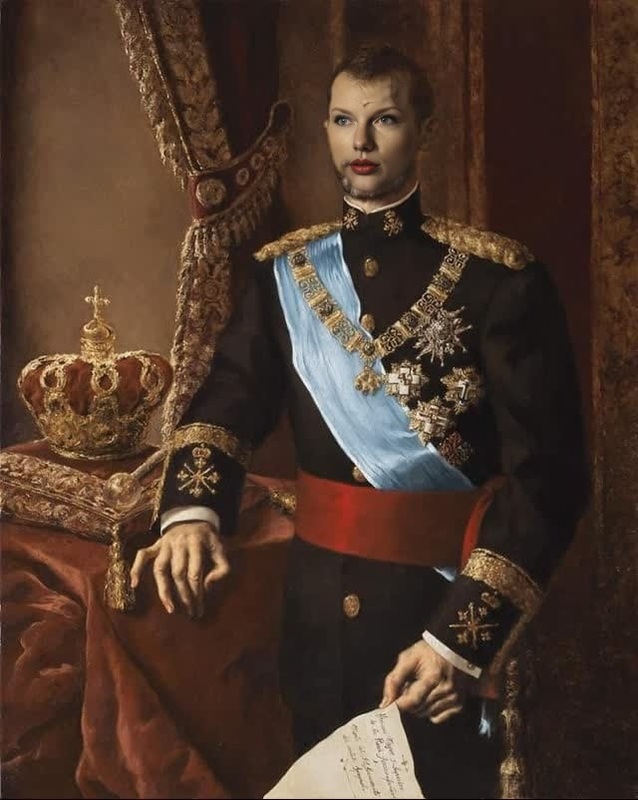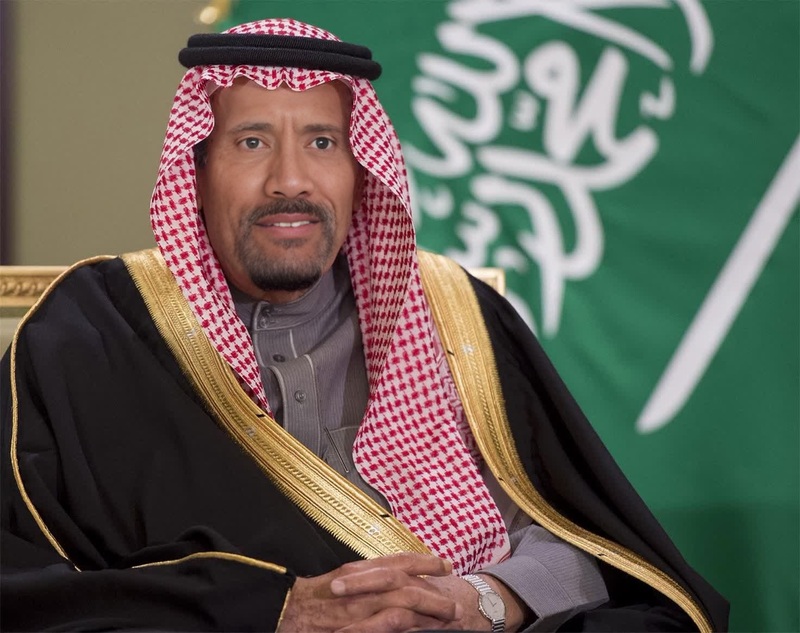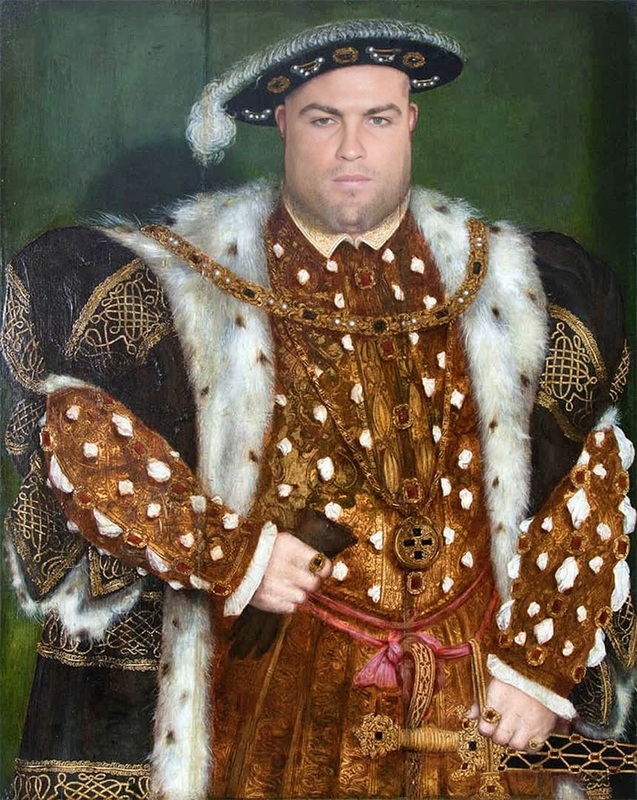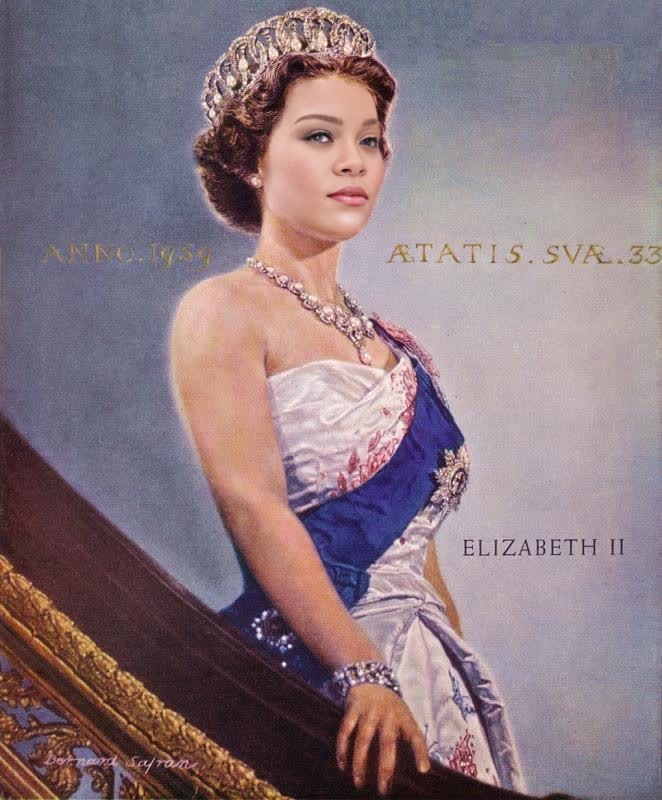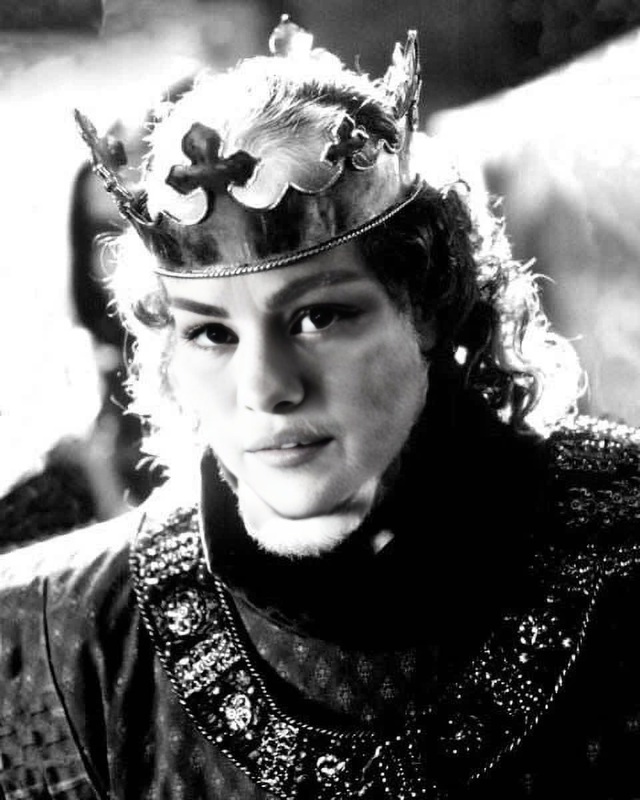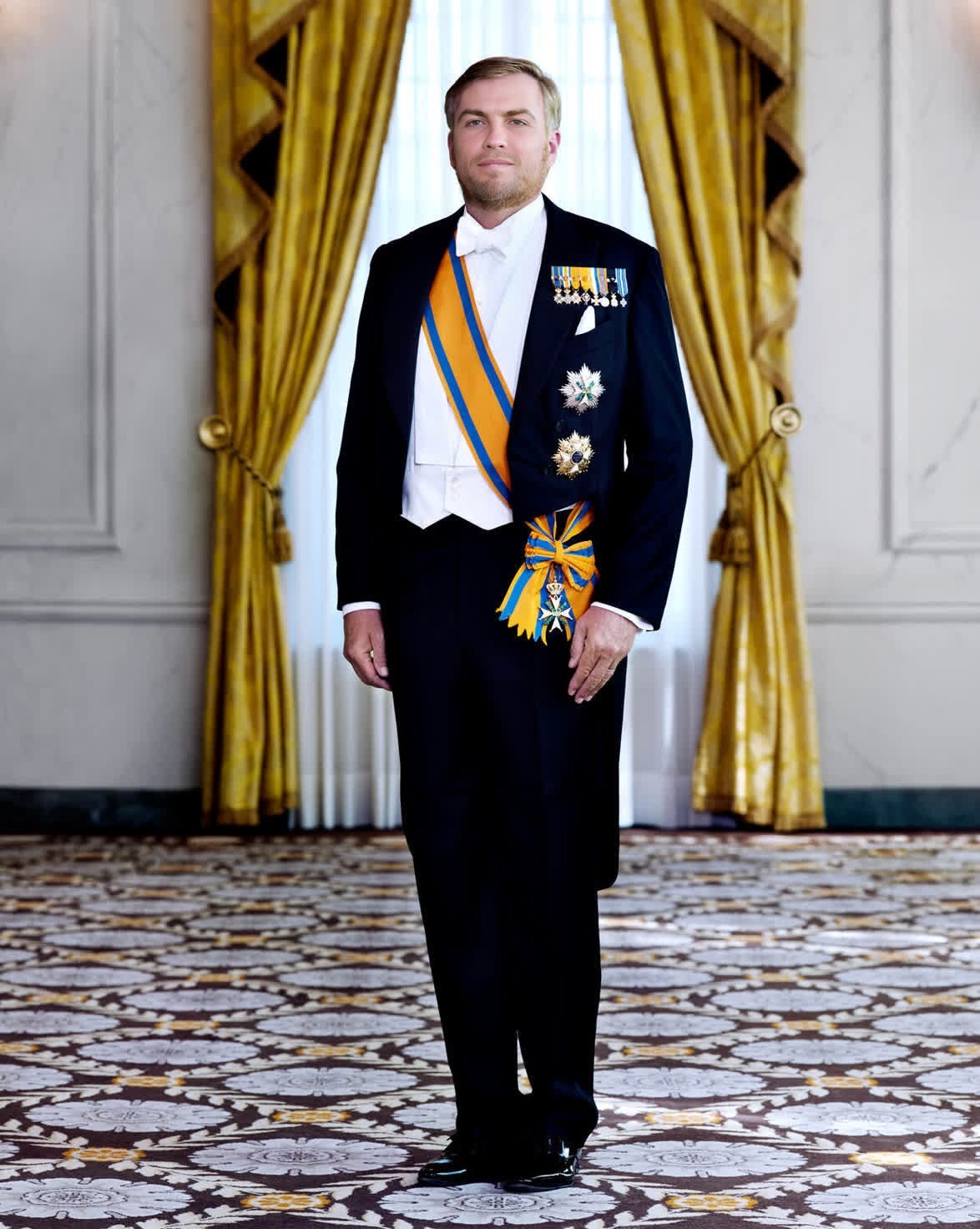
King Willem-Alexander Netherlands Monarch Portrait
- Image
- 1174 × 1472 px
Any aspect ratio
Overview
Bring a royal flair to your creative projects with the King Willem-Alexander Netherlands Monarch Portrait template. This Video Face Swap tool allows you to transpose a face onto a video of King Willem-Alexander, providing a humorous twist that will entertain and engage your audience.
What It Does
The template uses AI to expertly swap faces in videos, focusing on King Willem-Alexander's likeness. The result is a seamless integration where your selected face adopts royal mannerisms and expressions. This can be an engaging tool for crafting unique social media content that stands out.
For those looking to refine facial transformations, our AI Face Editor can further enhance these modifications with detailed tweaks.
Who It's For
This template is perfect for content creators, social media enthusiasts, and anyone looking to create playful or satirical content. Whether you're a marketer or a hobbyist, this tool offers a creative outlet for generating buzzworthy visual content. Consider pairing it with a Lip Sync tool to add even more dynamic expression.
Summary
Combine entertainment with innovation using the King Willem-Alexander Netherlands Monarch Portrait template. It's designed for creating captivating and humorous video content that catches the eye and generates engagement across platforms. Whether it's for memes, advertisements, or just lighthearted fun, this tool offers endless possibilities.
To create the most immersive experience, integrate with our Image to Video solutions.
How To
Choose the Template

Customize Your Inputs

Generate Your Video

Use Cases
Social Media Content
- Generate engaging stories
- Increase followers through unique content
Marketing Campaigns
- Craft attention-grabbing ads
- Engage audience with humor
Entertainment
- Create unforgettable party videos
- Enhance photos with thematic content
Best Practices
Quality Input Images
For the best results, use high-resolution images with faces looking straight at the camera. This aids in more accurate and realistic swaps.Use Complementary Tools
Enhance swapped faces using the AI Image Editor for fine-tuning color and texture details.Test Different Lighting
Ensure the lighting in the input images matches that of the King Willem-Alexander video to maintain consistency in appearance.
FAQs
More Like This