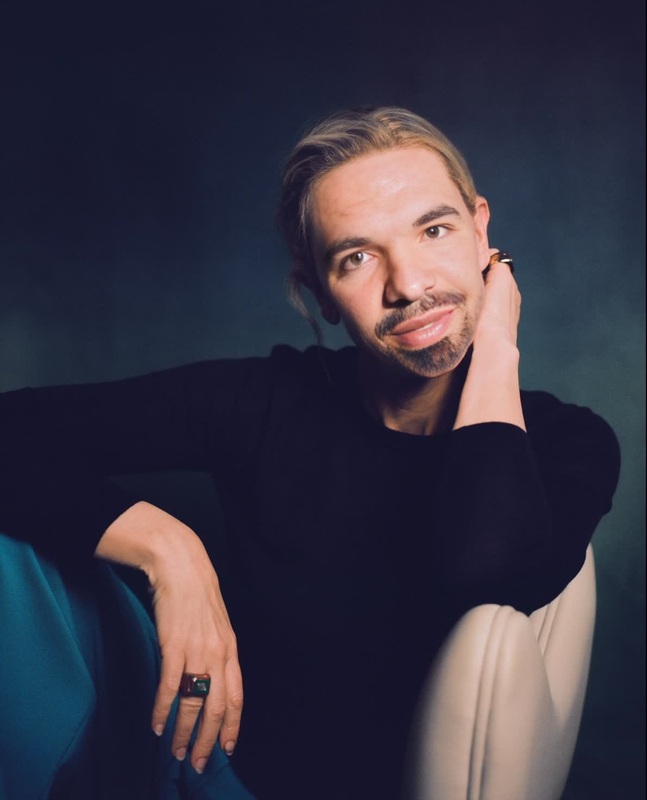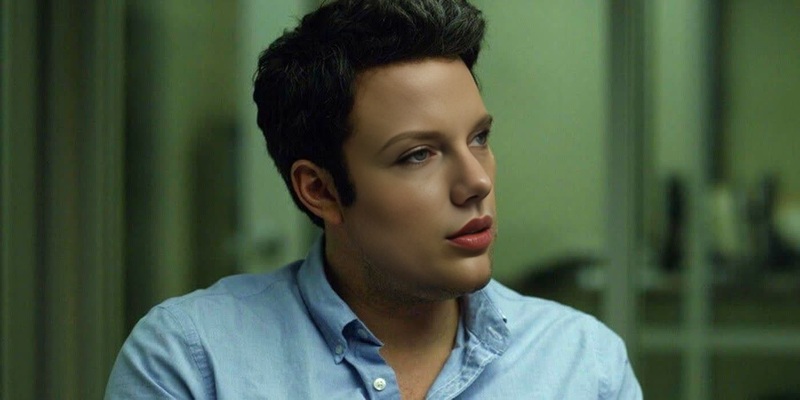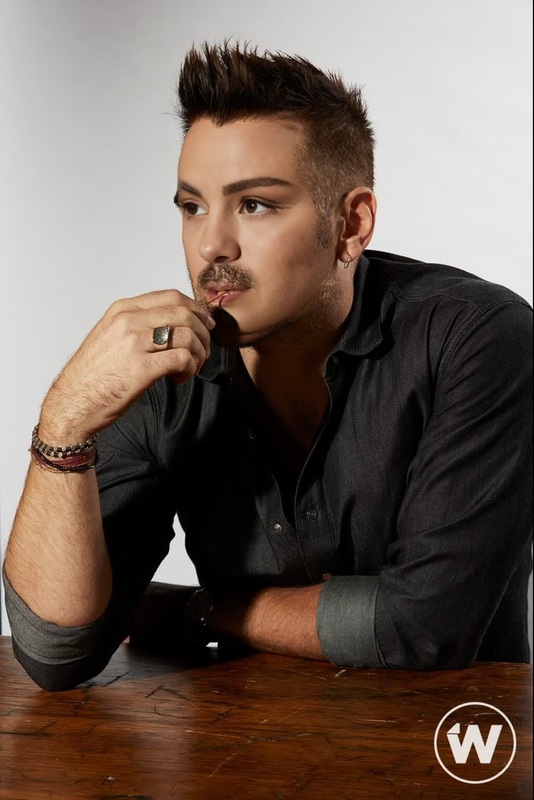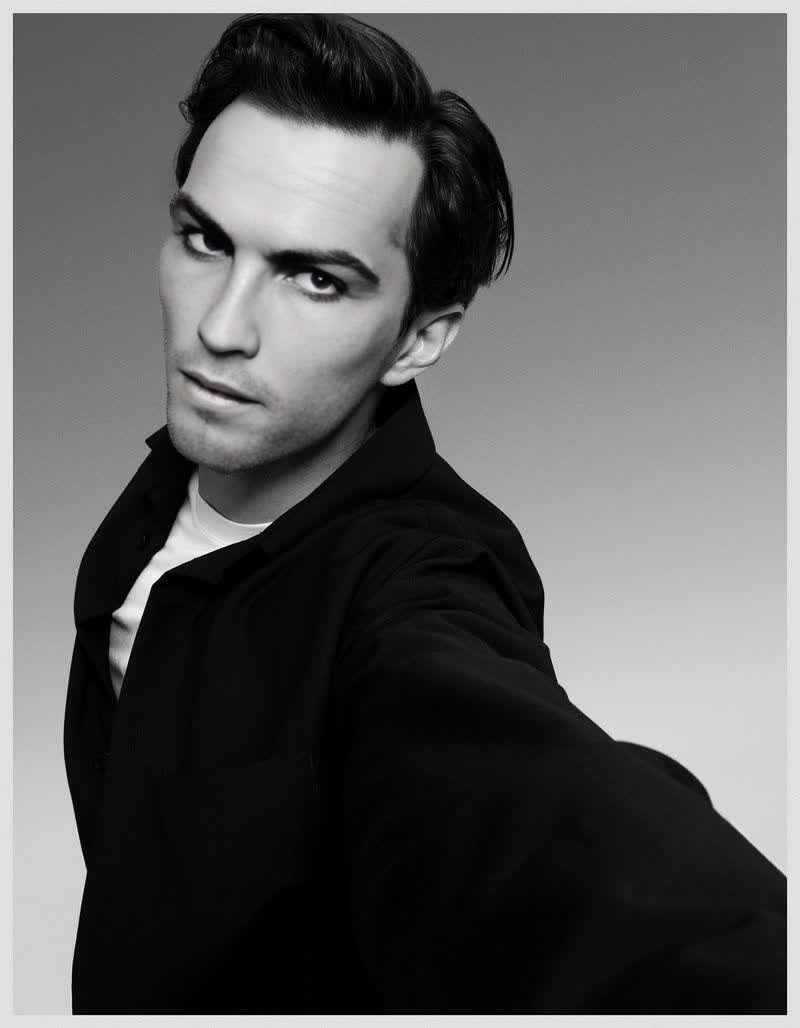
Nicholas Hoult The Menu Press Portrait
- Image
- 800 × 1028 px
Any aspect ratio
Overview
Step into the world of creative transformations with the Nicholas Hoult The Menu Press Portrait Video Face Swap template. This tool empowers you to bring hilarious and unique content to life by swapping faces in your videos with the iconic press portrait of Nicholas Hoult. Ideal for users looking to experiment with video content, this template opens a world of possibilities.
What It Does
This Video Face Swap template allows you to replace any face in a video with Nicholas Hoult’s from his press portrait for The Menu. Using advanced AI technologies, the template seamlessly integrates with your selected video, creating realistic and humorous swaps. It's perfect for generating dynamic and engaging content whether for fun, marketing, or social media.
Who It's For
Targeting content creators, social media marketers, and anyone eager to create shareable visual content, this template is a powerful tool. Whether you're building a personal brand, crafting standout marketing campaigns, or just entertaining friends, the Video Face Swap template offers endless creative opportunities.
Pair it effectively with the AI GIF Generator to transform your face-swapped videos into GIFs, perfect for social media. Consider exploring our AI Voice Changer to add a new layer of humor or drama to your custom videos.
Summary
Using the Nicholas Hoult Video Face Swap template is about embracing creativity and standing out. This template simplifies the face-swapping process, ensuring high-quality output that captures attention. Start leveraging the power of AI to make your videos both memorable and entertaining, with opportunities for integration with other tools like the AI Image Editor for further customization.
How to Use the Template
Select Nicholas Hoult The Menu Template

Customize Your Video

Generate Your Video

Use Cases
Social Media Content
- Create engaging posts that attract more followers.
- Utilize trending content formats effortlessly.
Marketing Campaigns
- Reach a broader audience with memorable visuals.
- Boost engagement with unique themed videos.
Personal Projects
- Showcase creativity through video alterations.
- Explore different editing techniques in a fun way.
Best Practices
Select High-Quality Source Videos
To achieve the best results, use videos with clear faces and well-lit environments. This ensures the swap appears seamless and natural.Review and Adjust
After swapping, review the video to ensure the face aligns correctly. Utilize the editor to make necessary tweaks for better realism.Combine with Other Tools
Enhance your content by using adjacent tools like the AI Image Generator for assets or the AI Talking Photo to create even more engaging content.
Frequently asked questions
More Like This