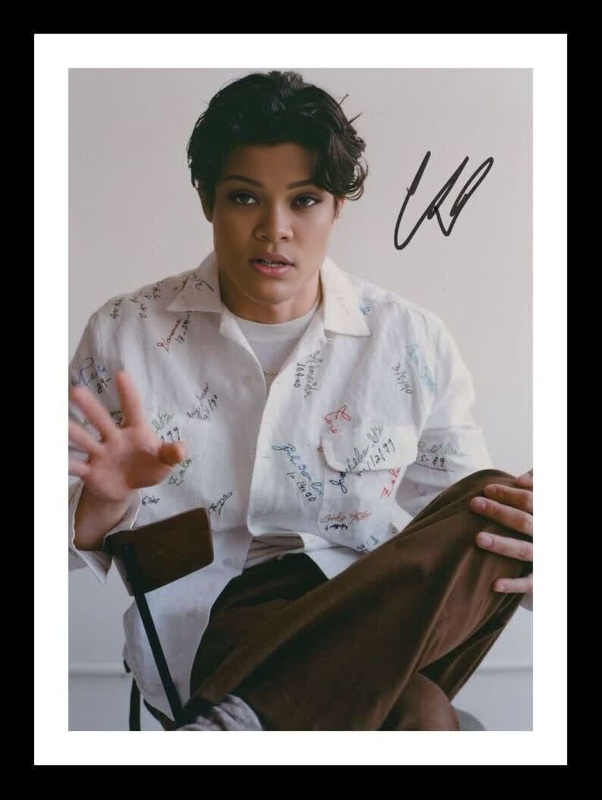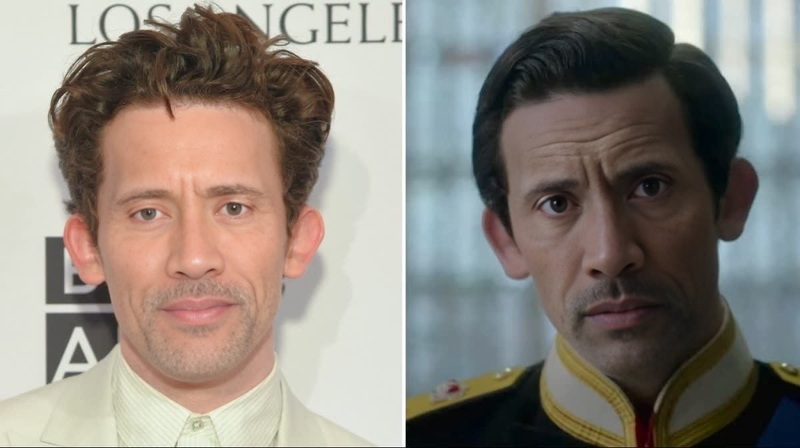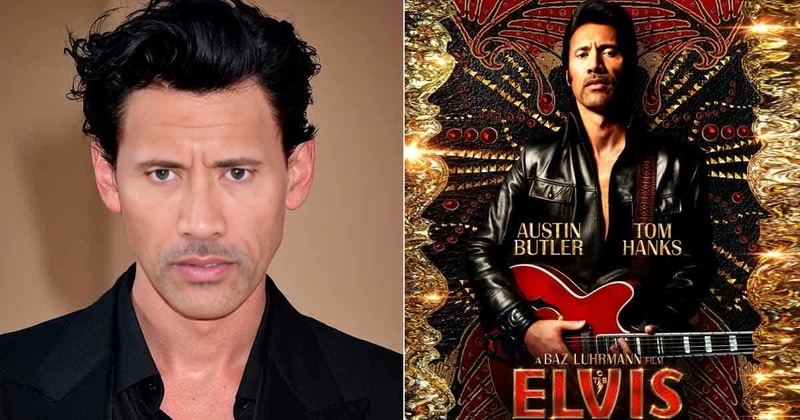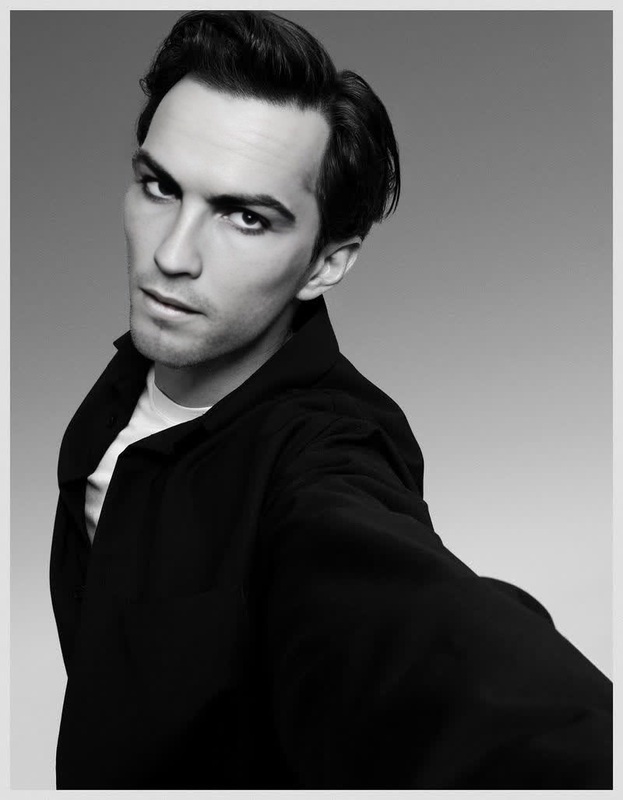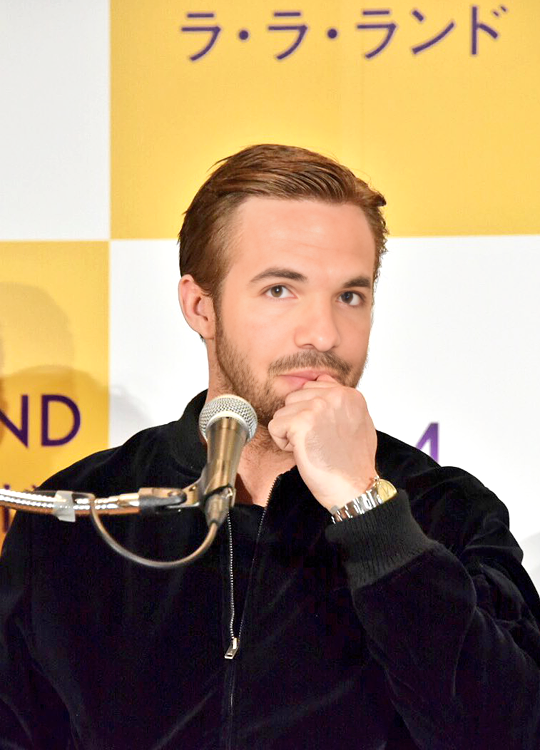
Jacob Elordi Saltburn Press Portrait

Jacob Elordi Saltburn Press Portrait

face-swap

1 clip
0 uses

Any aspect ratio

Tags

transformations

Transform Any Face into This Scene with AI Face Swap

This template lets you instantly replace the original face in this video with any face you choose—your own, a teammate, an actor (with rights), or a generated character. It’s built with Magic Hour’s AI Face Swap technology and is fully remixable, so you can clone the structure and make your own version in minutes.


What This Template Does

  • Swaps the original face in the video with a new face while keeping:
    • The same expressions and head movements
    • The original lighting, camera angle, and background
    • The timing and pacing of the scene
  • Outputs a ready-to-share video you can use in:
    • Short-form content (TikTok, Reels, Shorts)
    • Ads and UGC-style creatives
    • Founder / team intros and announcements
    • Meme content and reaction videos

If you want to build your own from scratch instead of using this preset, start with the Face Swap Video creation flow.


How to Remix This Template in Magic Hour

You can treat this template as a starting point and customize it around your brand, character, or campaign. A typical remix flow looks like this:

  1. Duplicate the template

    • Open this template in Magic Hour and create your own copy.
    • This keeps the underlying timing, motion, and composition, but gives you full control over assets.
  2. Upload or generate the new face

  3. Apply Face Swap to the video

    • Use the Face Swap Video tool to map your chosen face onto the template video.
    • Magic Hour preserves expressions, angle, and motion, so the swap looks natural and consistent frame by frame.
  4. Optionally refine the visuals

  5. Export and repurpose

    • Export the final video for social, ads, landing pages, internal demos, or investor decks.
    • You can also:

Example Use Cases for This Face Swap Template

1. Creator and Influencer Content

  • Turn any reference clip into a “starring you” version by swapping in your own face.
  • Localize content for different markets by swapping in local creators or presenters.
  • Generate fast meme variations by swapping faces into trending scenes.
  • Pair this with:

2. Marketing, UGC, and Performance Creative

  • Quickly test different “actors” or personas in the same concept without new shoots.
  • Swap in founders, customers (with consent), or brand characters into proven hooks.
  • Combine with:

3. Product Launches, Pitches, and Internal Content

  • Put your team into demo videos, launch teasers, or investor intros without reshooting.
  • Create quick variants for different stakeholders (e.g., localized faces for regional teams).
  • Add cloned or synthetic voices with:

4. Character, Storytelling, and IP Experiments


Tips for High-Quality Face Swaps

To get results that look production-ready rather than “AI-novelty,” focus on input quality and consistency:

  • Use sharp, well-lit reference faces

    • Clear eyes and visible facial structure help the model align features accurately.
    • Avoid heavily obstructed faces (sunglasses, masks, extreme shadows) where possible.
  • Match pose and angle where you can

    • Even though the model is robust, reference faces with similar angle and expression often yield more realistic results.
    • If needed, generate tailored faces via the AI Photo Generator or AI Art Generator that closely match the template’s pose.
  • Keep identity consistent across assets

    • If you use the same person in multiple templates (e.g., your founder), reuse the same best-performing reference images.
    • For synthetic personas, lock in a core look using the AI Selfie Generator and reuse it across campaigns.
  • Enhance after swapping


Related Magic Hour Tools to Extend This Template


Building Your Own Reusable Face Swap System

If you’re a creator, marketer, or startup team planning to standardize this kind of content, this template can be the starting point of a lightweight “face swap pipeline”:

  1. Define your cast

    • Decide which faces/identities you’ll use (founders, fictional persona, brand mascot).
    • Generate and store consistent visual references with AI Selfie Generator and AI Face Generator.
  2. Create a library of base scenes

  3. Standardize your outputs

  4. Iterate with data

    • Test which identity + scene combinations perform best in ads or organic.
    • Quickly spin variants by swapping different faces into this same template instead of reshooting.

Ethical and Legal Considerations

Face swap technology is powerful and should be used responsibly:

  • Only swap faces you have rights and consent to use (especially for commercial campaigns).
  • Avoid misleading or deceptive usage where viewers could reasonably believe the output is real and unsynthesized.
  • When needed, label content as AI-generated, especially in regulated or sensitive categories.

For public-figure likeness, review platform policies and local regulations before deploying at scale.


Get Started

To create your own version of this template:

  1. Open this template in Magic Hour.
  2. Duplicate it to your workspace.
  3. Swap in your chosen face with Face Swap Video.
  4. Optionally add audio, lip sync, or style variations using Lip Sync, Video to Video, or Animation.
  5. Export, test, and iterate across your channels.

Use this template as a reliable “face slot” you can plug any identity into—so you can move from idea to publishable video in minutes, without reshoots or manual compositing.

More Like This

Insufficient credits