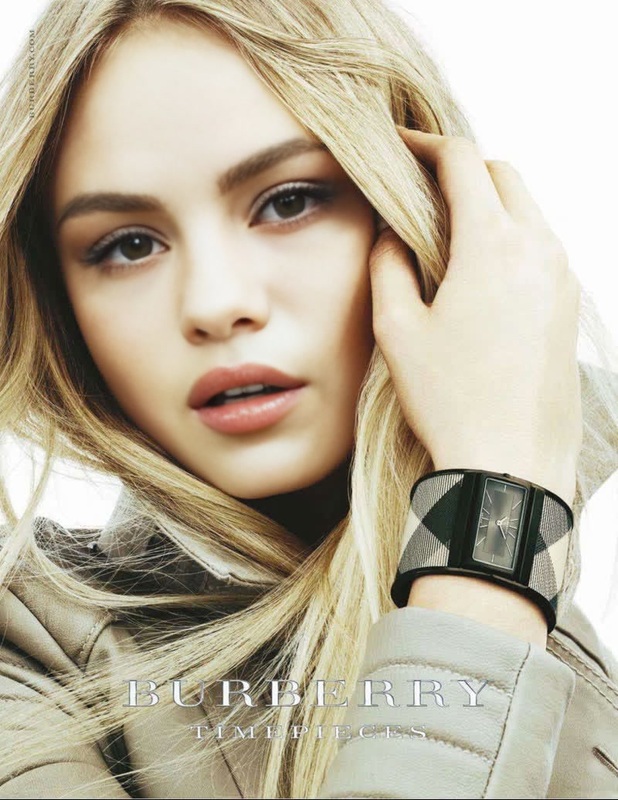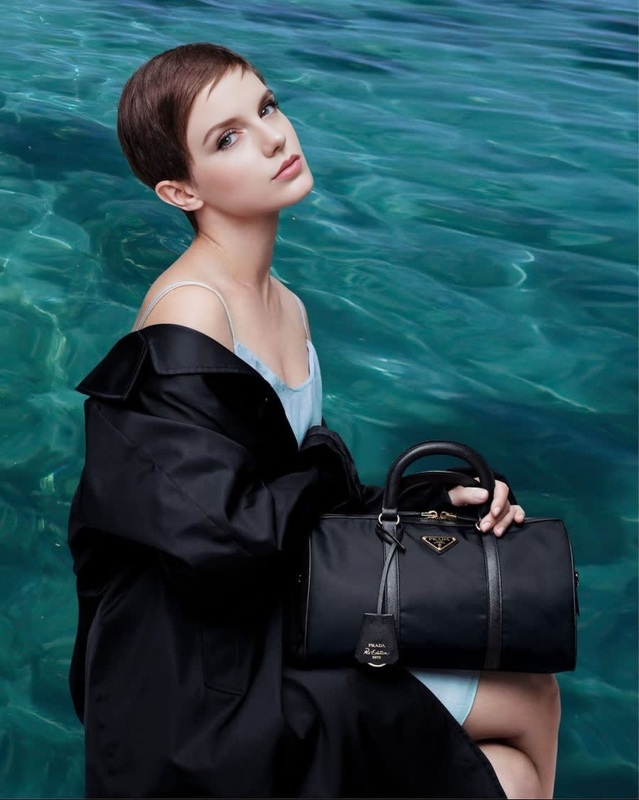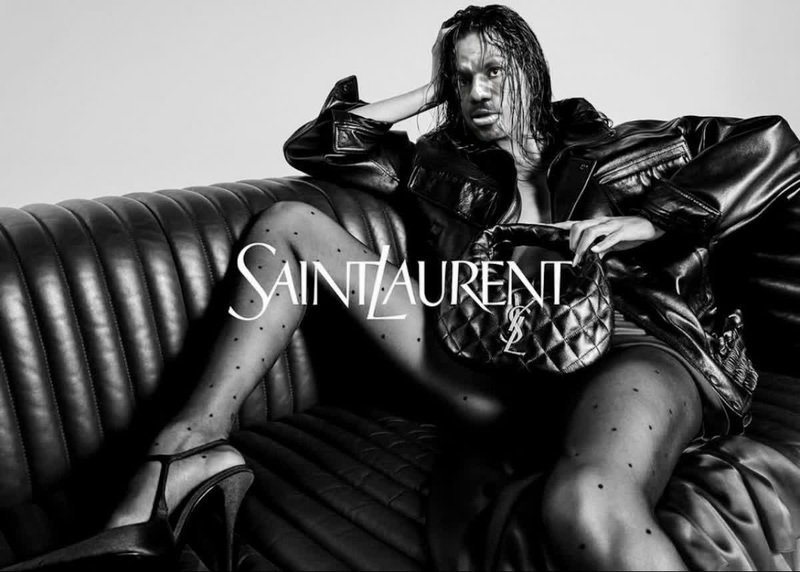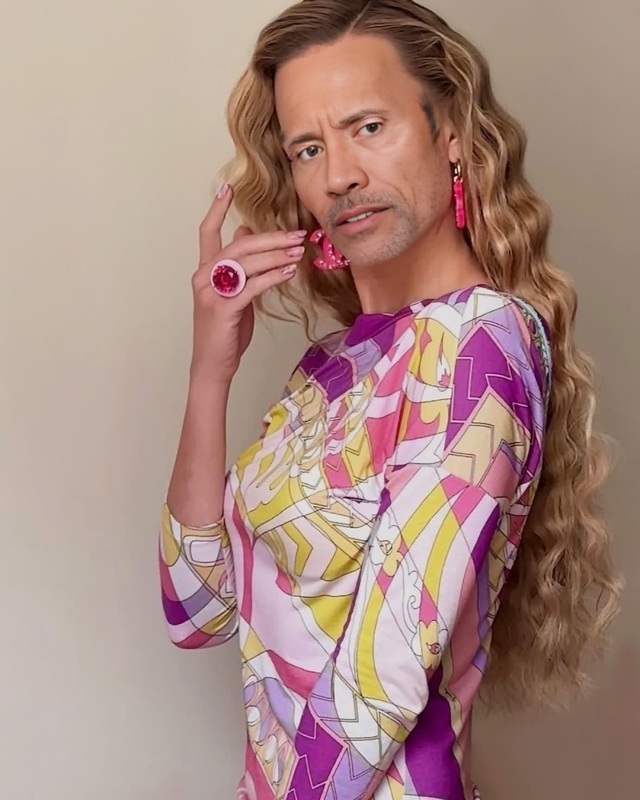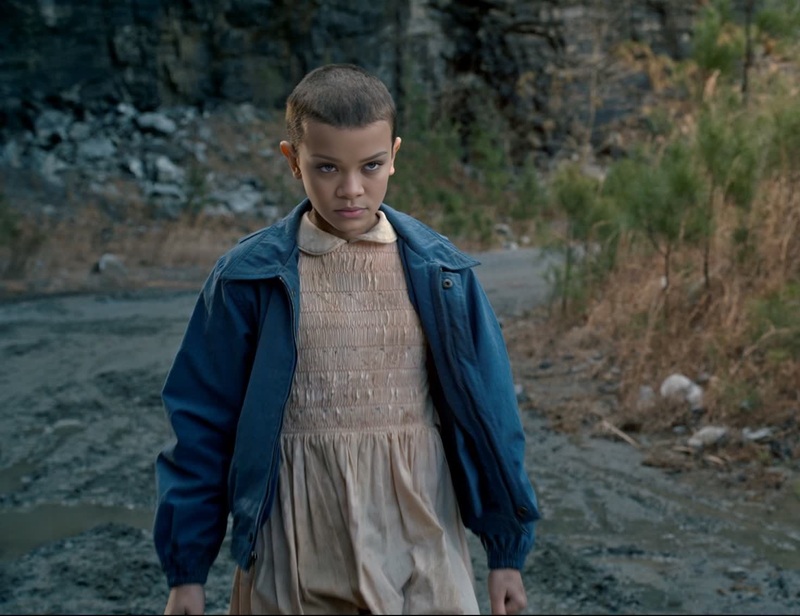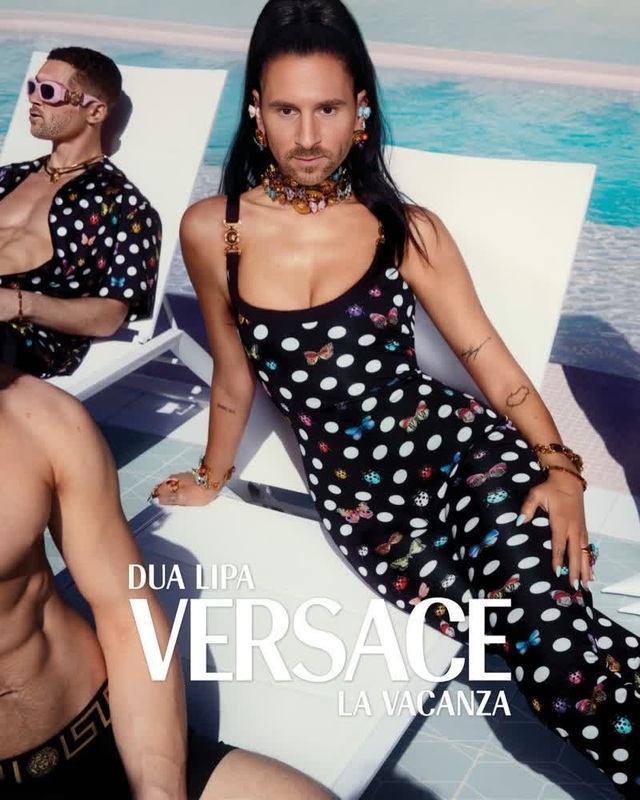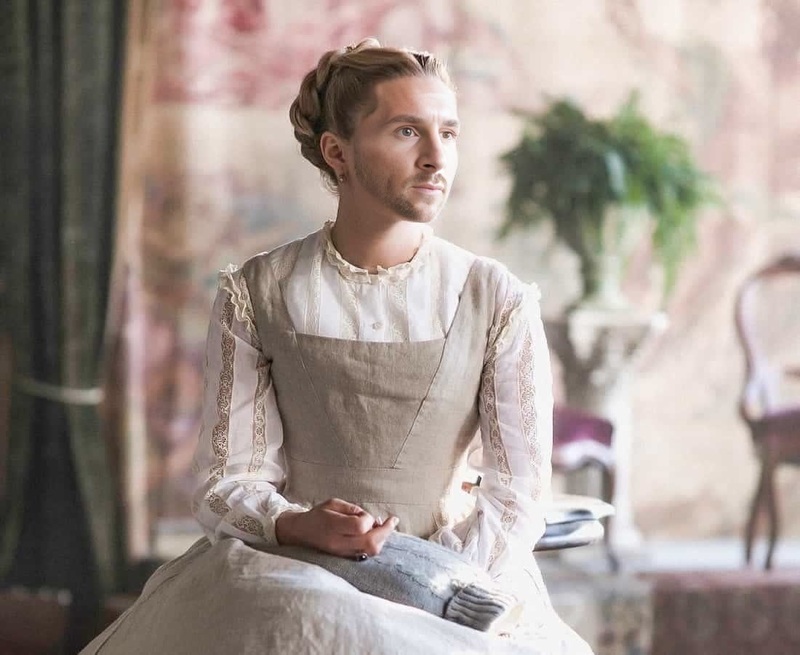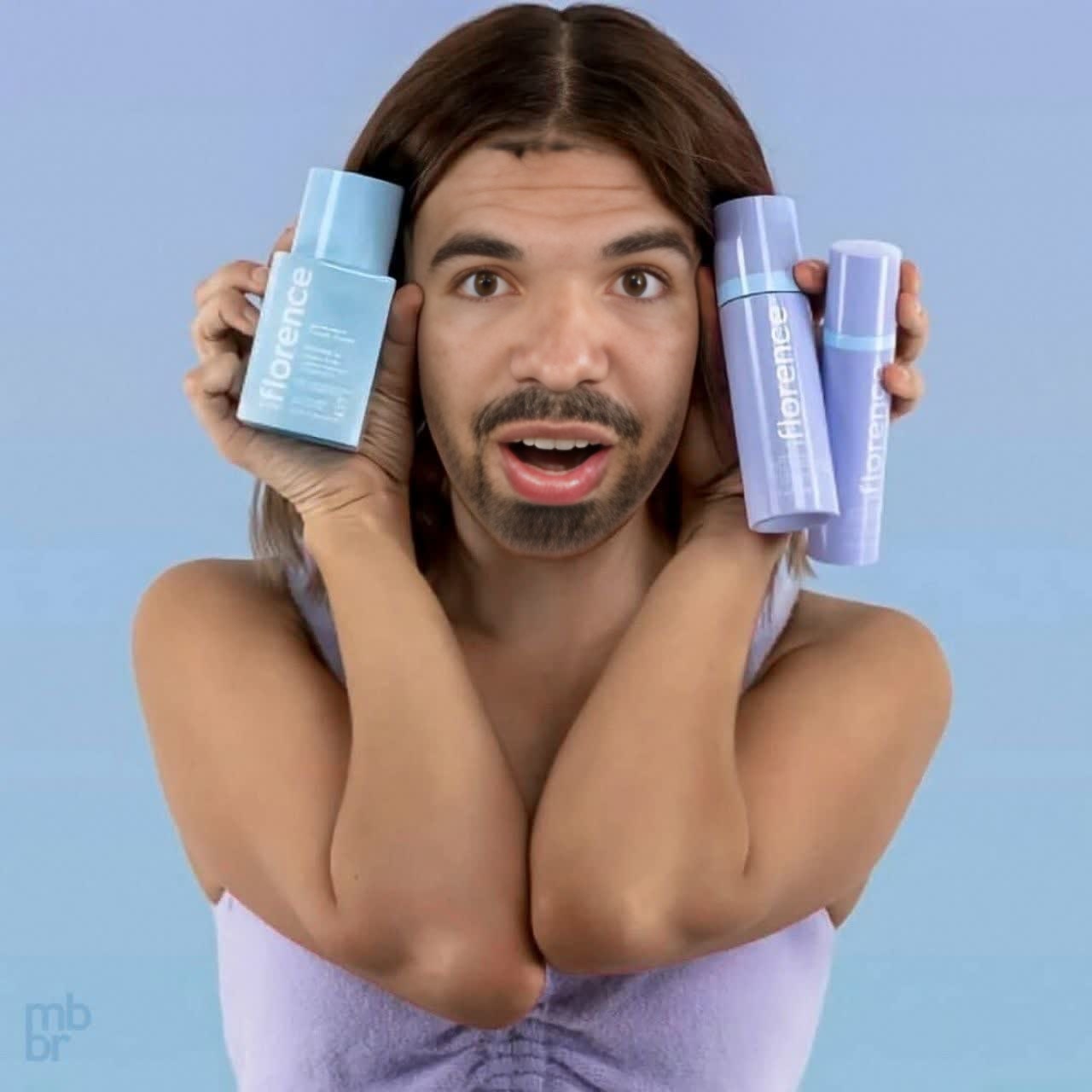
Millie Bobby Brown Florence By Mills Campaign Portrait
- Image
- 1280 × 1280 px
Any aspect ratio
Overview
Our Millie Bobby Brown Florence By Mills Campaign Portrait template seamlessly integrates your chosen face into a professional video ad setting, giving your content a polished and captivating look. This template utilizes Video Face Swap technology to ensure seamless facial transformations. Perfect for both promotional content and creative projects, this tool enhances your video editing capabilities with ease.
What It Does
By employing advanced facial recognition and swapping technology, this template allows you to replace faces in existing video footage with Millie Bobby Brown's face. It ensures natural expressions and movements for a believable transformation, making it ideal for fashion campaigns or any content that requires a professional touch. This tool is part of our Video Face Swap offerings.
Who It's For
This template is ideal for marketers, video editors, and content creators aiming to add a unique flavor to their visual assets. Whether you're an agency handling fashion brands or a content creator looking to experiment with transformative video effects, this tool offers a simple solution. It's also beneficial for eCommerce brand managers crafting personalized advertising content.
Summary
Transform your video projects with the elegance and appeal of Millie Bobby Brown in a few simple steps. This template not only supports creativity in marketing campaigns but is also intuitive for both seasoned editors and novices alike. For more capabilities in video manipulation, consider exploring our Image to Video tool or the AI Product Photography feature for additional creative options.
How-To
Choose Template

Customize Content

Generate Video

Use Cases
Fashion Campaigns
- Create promotional videos that stand out
- Boost brand image with celebrity affiliations
Creative Directing
- Experiment with celebrity faces in films or ads
- Broaden narrative possibilities
Retail Marketing
- Use celebrity appeal to drive conversions
- Tailor content for specific demographics
Best Practices
Choose High-Quality Source Videos
Ensure the original video is of high quality for a seamless transformation. This reduces distortion and enhances facial mapping fidelity.Match Skin Tones and Lighting
Adjust skin tones and lighting in the customization step to make the swap more convincing and realistic.Refine Post-Production
Use additional editing tools to add finishing touches for polished results. For frame enhancement, consider using the AI Image Upscaler.
Frequently asked questions
More Like This