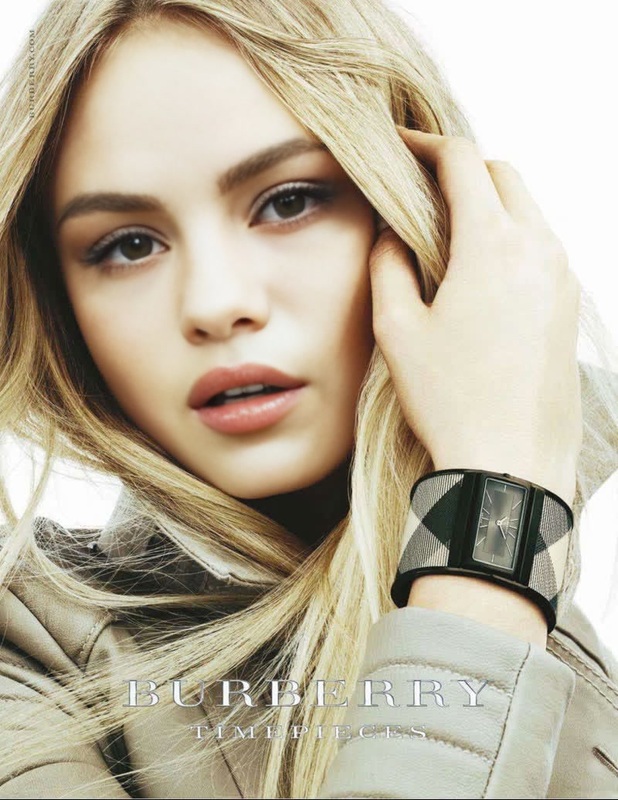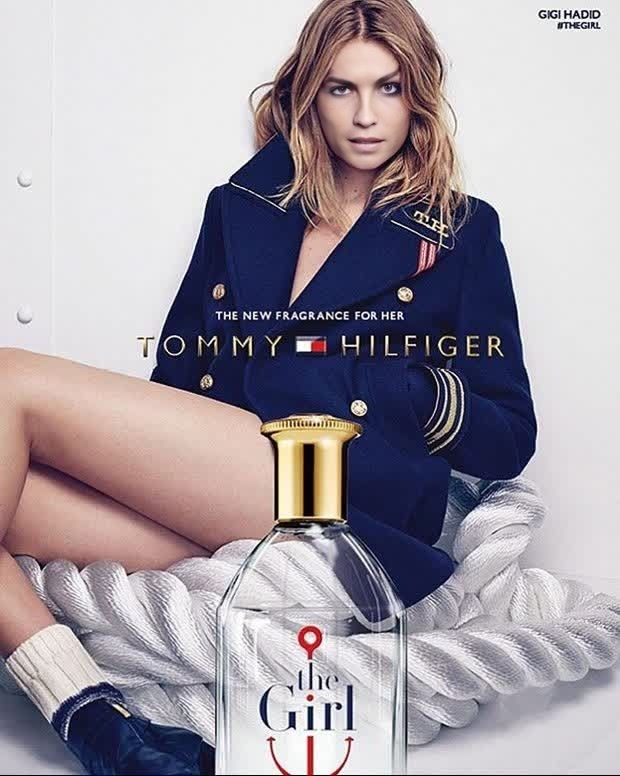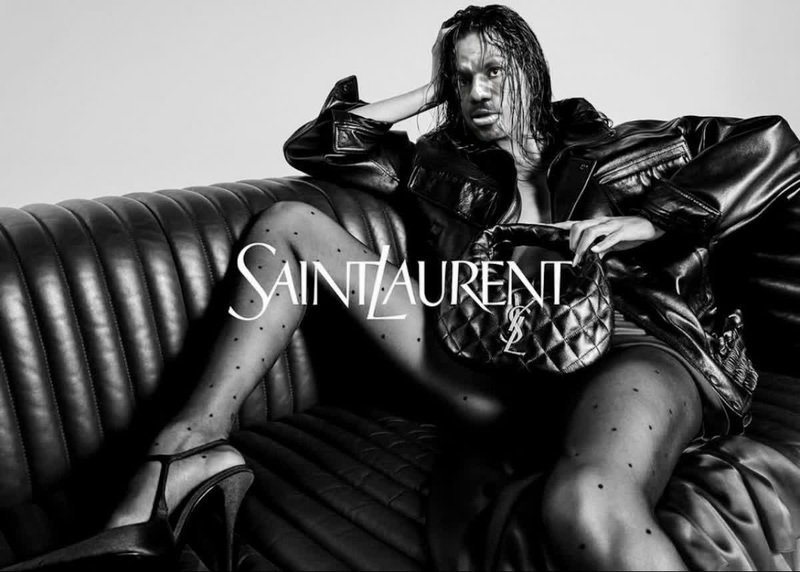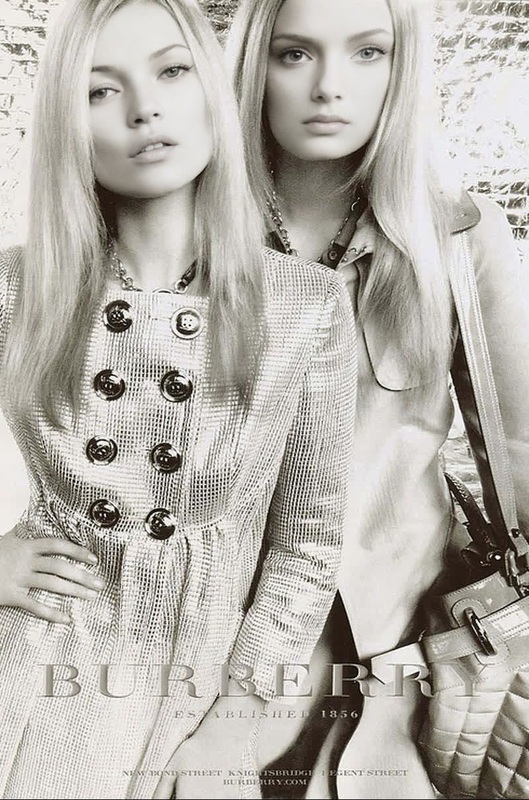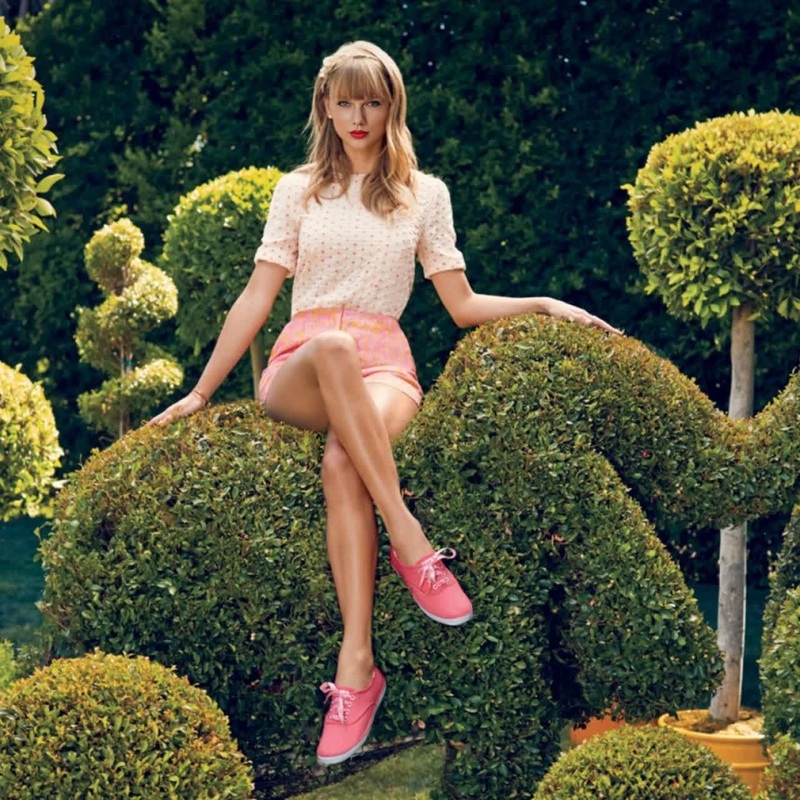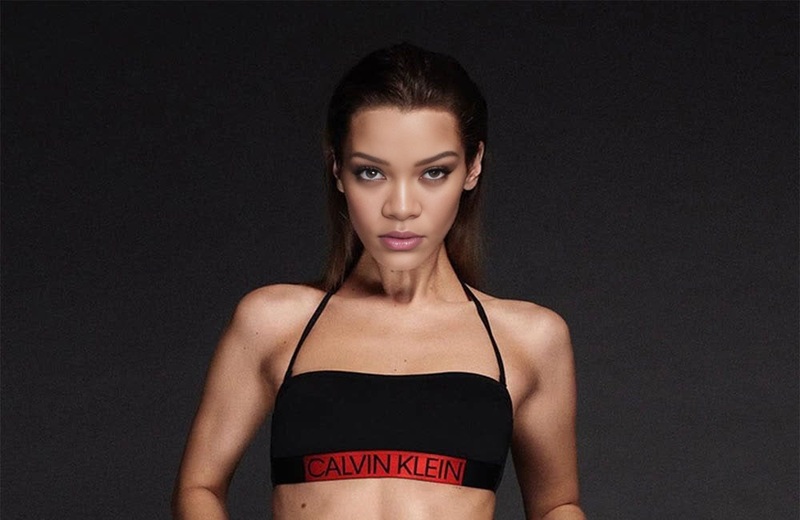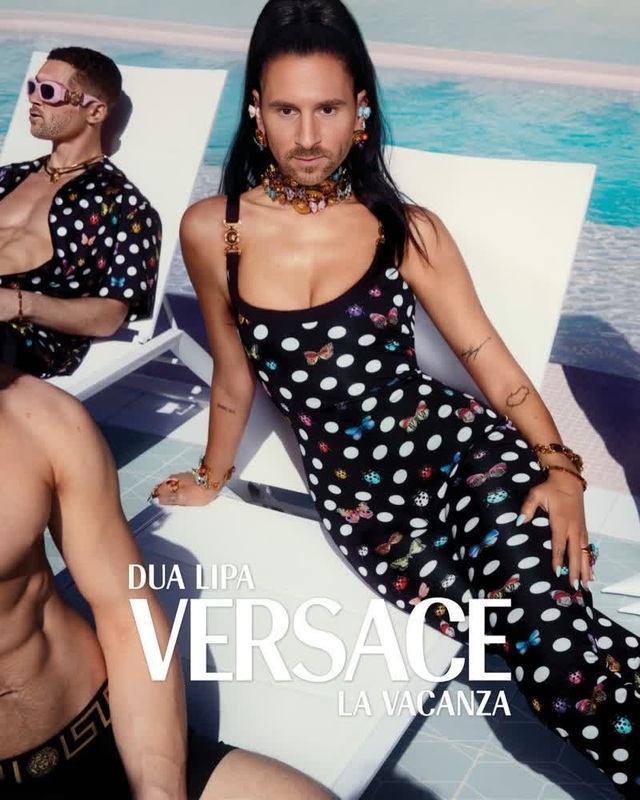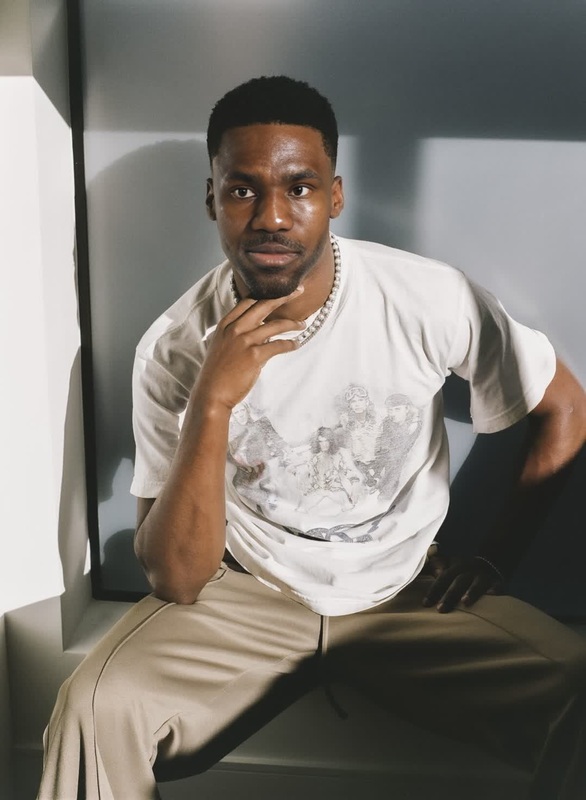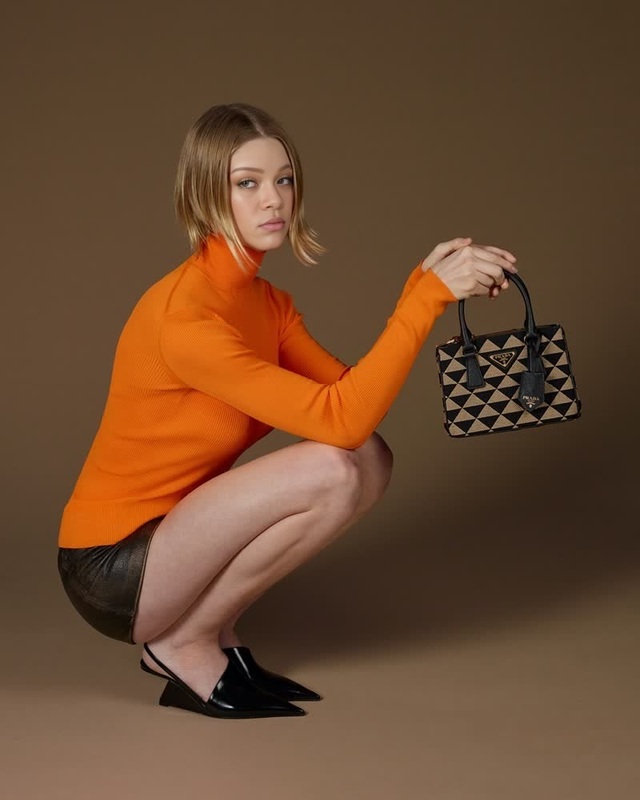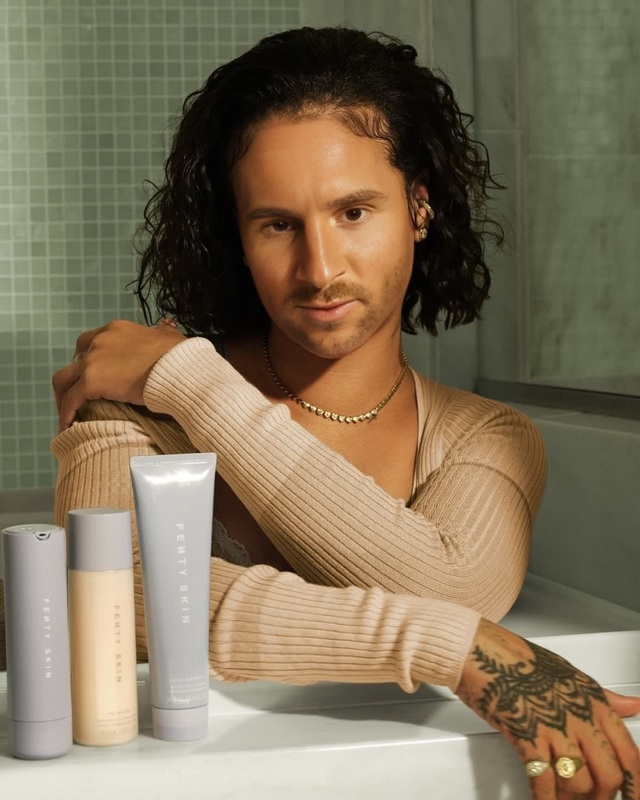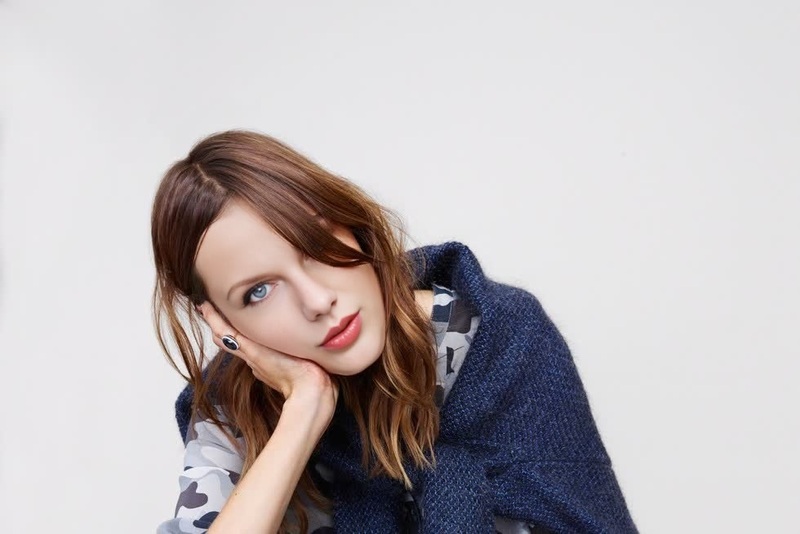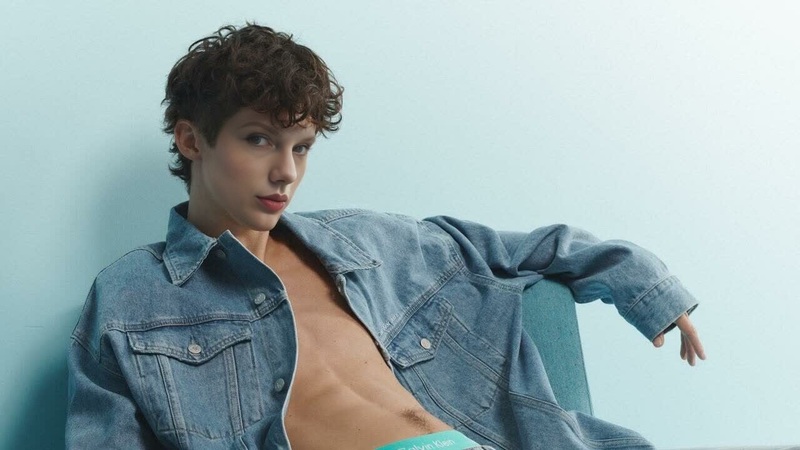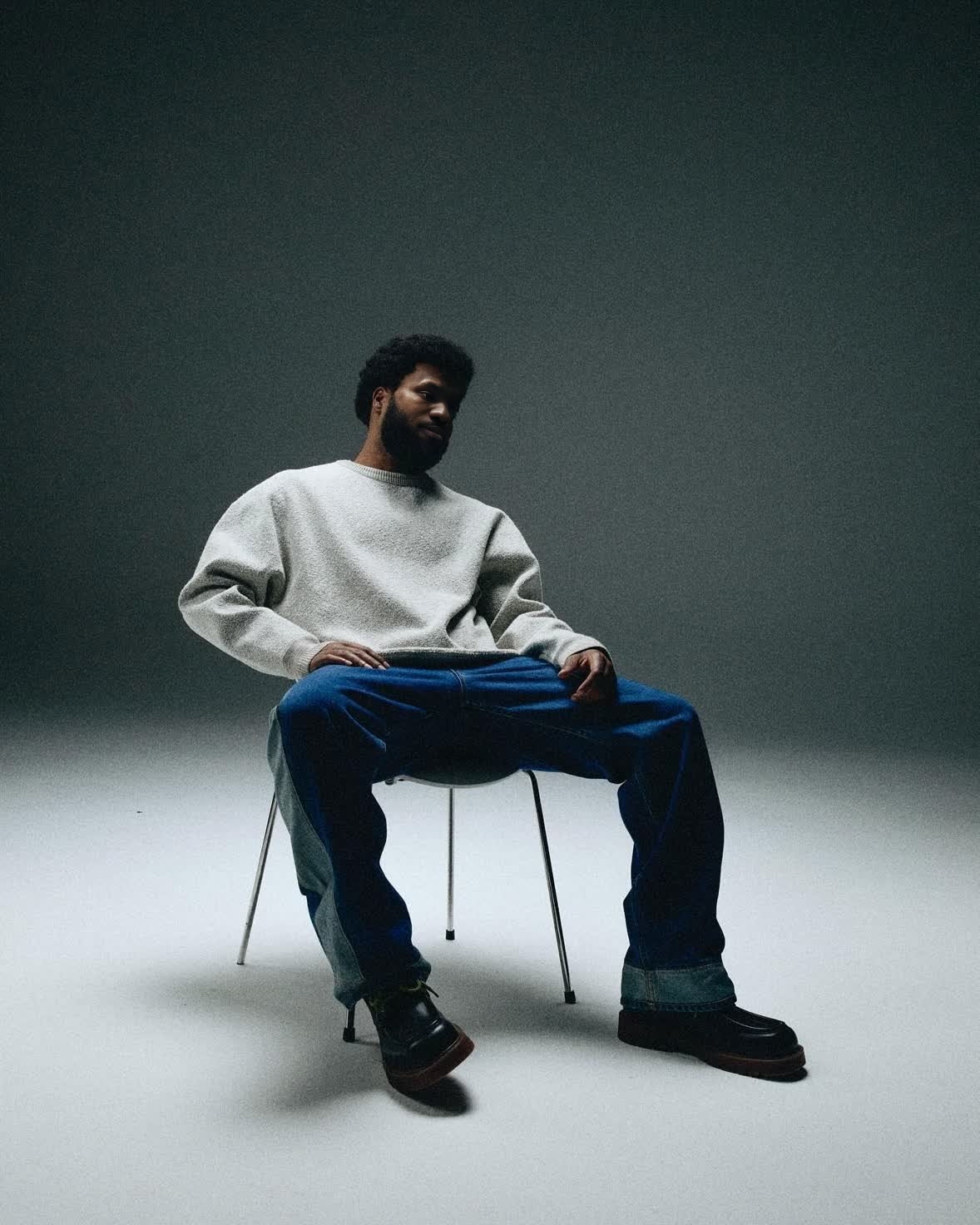
Khalid H&M Campaign Portrait
- Image
- 1178 × 1472 px
Any aspect ratio
Overview
The Khalid H&M Campaign Portrait template is designed for Video Face Swap enthusiasts who want to create dynamic video content by swapping faces in the famous Khalid H&M campaign imagery. The process is built for ease and delivers quality results that capture attention. Perfect for marketers, content creators, and social media influencers looking to enhance their visual toolkit.
What It Does
This template lets you switch faces in a video while preserving the essence and artistic style of the Khalid H&M campaign. It's an effective way to produce original content using familiar visuals. The output works well for engaging promotions or adding variety to your existing campaigns.
Explore enhancements further with our AI Image Editor for additional customization options like color tuning and fine detail adjustments.
Who It's For
This template is tailored for digital marketers, advertising agencies, and social media managers who are tasked with creating compelling and share-worthy media. Artists and content creators can also leverage this tool to quickly mock up concepts or drafts for their projects, saving both time and resources.
Learn more about the potential uses in social media ads where engaging visuals can make a significant impact.
Summary
Utilize the Khalid H&M Campaign Portrait for seamless video face swaps that maintain professional quality, ready to captivate your audience. Whether for a single campaign or part of a broader creative strategy, this tool offers flexibility and creativity in a user-friendly package.
Augment your toolkit with the AI GIF Generator to convert your video swaps into shareable GIFs.
How To
Choose

Customize

Generate

Use Cases
Social Media Engagement
- Instagram boosted posts
- TikTok face swap challenges
Marketing Campaigns
- Creative ad mockups
- Interactive video ads
Content Creation
- Storyboarding for films
- Innovative art projects
Best Practices
High-Quality Source Material
Start with high-resolution video clips for optimal results in the face swap process.Consistent Lighting
Ensure that the lighting conditions are similar in both the source and target videos to make the swap less noticeable.Test Different Faces
Experiment with various face images to find the best match, especially in terms of angle and expression.